1. د خوندیتوب معلومات
Read all instructions carefully before using the device. Keep this manual for future reference. Follow all warnings and instructions marked on the product.
- مانیټر په بې ثباته ګاډۍ، سټینډ یا میز مه کېږدئ.
- د هوا د خلاصیدو مخنیوی مه کوئ.
- نږدې اوبه مه کاروئ.
- د بریښنا تار کې درانه شیان مه پریږدئ.
- یوازې د تولید کونکي لخوا چمتو شوي بریښنا اډاپټر وکاروئ.
- د بریښنا د طوفانونو په وخت کې یا کله چې د اوږدې مودې لپاره نه کارول کیږي، مانیټر خلاص کړئ.
- ټول خدمتونه وړ خدمت پرسونل ته راجع کړئ.
۲. په بکس کې څه دي؟
د تنظیم کولو دمخه ډاډ ترلاسه کړئ چې ټولې برخې شتون لري.
- څارنه
- د بریښنا کیبل
- HDMI 2.1 کیبل
- دسپورتپورټ کیبل
3. ترتیب کول
۱.۲ د سټینډ راټولول
The monitor stand is designed for tool-free assembly. Follow these steps:
- د سټینډ بیس د سټینډ غاړه سره وصل کړئ.
- Secure the monitor panel to the assembled stand.

3.2 د کیبلونو نښلول
Connect the necessary cables to the monitor and your computer/console.
- ځواک: د بریښنا کیبل د مانیټر او بریښنا سایټ سره وصل کړئ.
- د ویډیو انټرنېټ Use the provided HDMI 2.1 cable or DisplayPort cable to connect the monitor to your graphics card or console.
- د USB مرکز: Connect a USB upstream cable from your PC to the monitor to enable the integrated USB hub.
- آډیو: Connect headphones to the 4-pole headphone jack for audio output.

4. عملیات
۸ پاور آن/بند
Press the joystick button located on the bottom of the monitor to power it on or off.
۵.۲ د پردې پرده ښودنه (OSD) مینو نیویګیشن
Use the joystick button to navigate the OSD menu. Push the joystick in to select, and move it up/down/left/right to browse options.
- د لوبې تنظیم: Configure game-specific settings like Game Mode, Adaptive-Sync, Black Stabilizer, Response Time, and Crosshair.
- د انځور سمون: روښانتیا، برعکس، ګړندیتوب، ګاما، او د رنګ تودوخه تنظیم کړئ.
- غږ: Control audio settings.
- داخلول: Select the input source (HDMI 1, HDMI 2, DisplayPort).
- عمومي: Access general monitor settings.

۴.۲ دوه ګونی حالت فعالیت
The monitor supports a unique Dual Mode, allowing you to switch between high-resolution and high-refresh-rate settings:
- 4K UHD (3840 x 2160) at 180Hz: Ideal for graphically intensive games and detailed content.
- Full HD (1920 x 1080) at 360Hz: Optimized for competitive gaming where ultra-responsive gameplay is critical.
Switch between modes using the dedicated hotkey or through the OSD menu.
5. کلیدي ځانګړتیاوې
- ۱۷.۳ انچه ۴K UHD IPS ډسپلې: Delivers crisp 3840 x 2160 resolution with wide viewزاویې او دقیق رنګونه.
- دوه ګونی حالت: Seamlessly switch between 4K UHD at 180Hz and Full HD at 360Hz for optimized gaming experiences.
- 1ms (GtG) د غبرګون وخت: Minimizes motion blur and ghosting for sharp, clear visuals during fast-paced action.
- د NVIDIA G-SYNC مطابقت لرونکی او AMD FreeSync پریمیم: Ensures tear-free and stutter-free gameplay by synchronizing the monitor's refresh rate with your GPU's frame rate.
- د VESA DisplayHDR 400: Provides enhanced contrast and vibrant colors for a more immersive visual experience.
- د متحرک عمل همغږي (DAS): Reduces input lag for real-time action and quick responses.
- تور استحکام: Enhances visibility in dark scenes, allowing you to spot enemies more easily.
- د کراسشیر ځانګړتیا: Provides an on-screen crosshair for improved aiming precision in first-person shooter games.
- 4-Pole Headphone Jack & DTS HP:X: Offers immersive 3D audio and combines stereo audio with mic input for clear communication.
- ارګونومیک موقف: Features adjustable height, tilt, swivel, and pivot for personalized viewراحت.


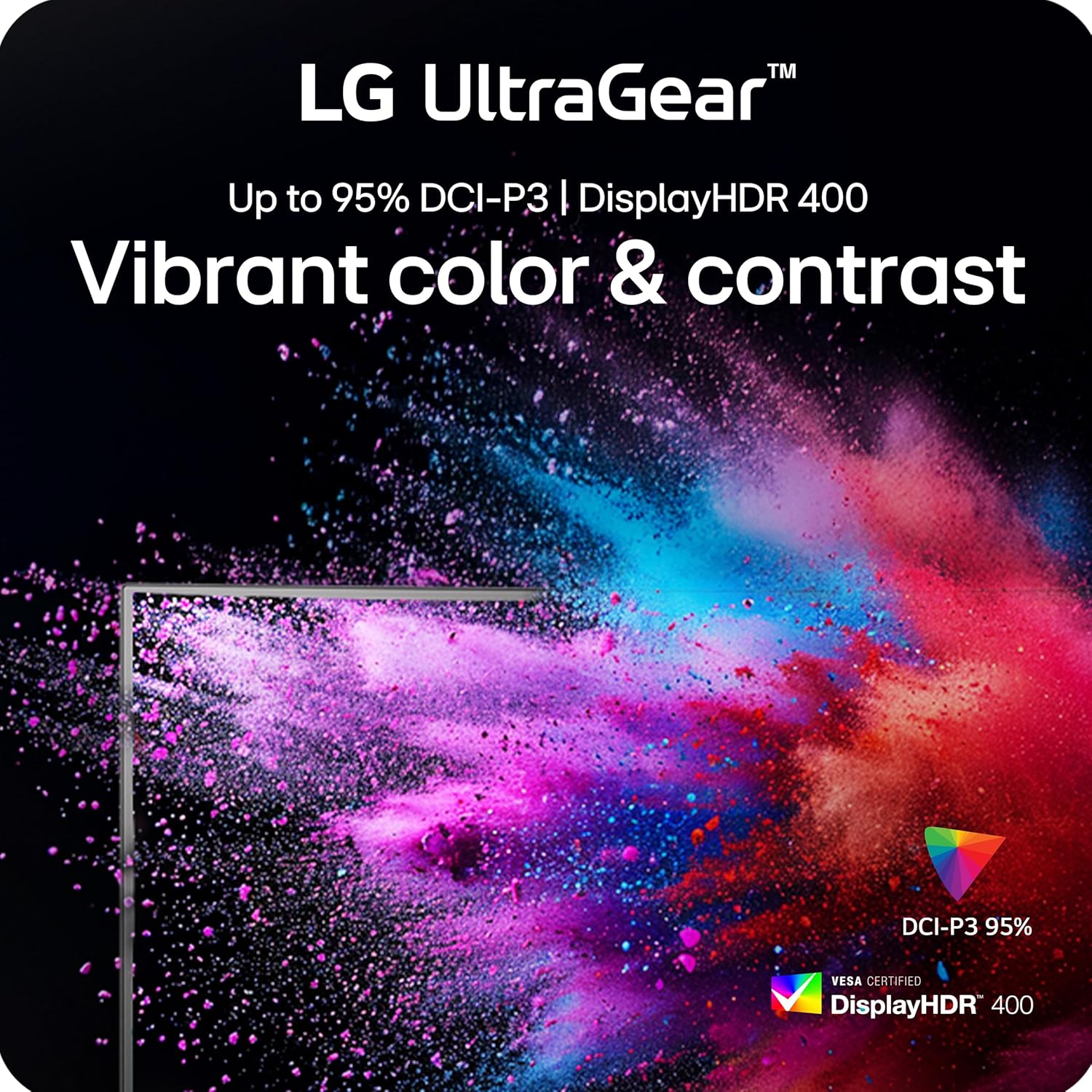


۱۰.۲ د محصول رسمي ویډیوګانې
LG UltraGear Gaming Monitors Feature - FreeSync Premium
Video: This video from LG Electronics explains the benefits of AMD FreeSync Premium technology in LG UltraGear gaming monitors, demonstrating how it eliminates screen tearing and stuttering for smoother gameplay.
LG UltraGear Gaming Monitors Feature - DisplayHDR 400
Video: This video from LG Electronics highlights the VESA DisplayHDR 400 feature in LG UltraGear gaming monitors, showcasing how it enhances contrast and color vibrancy for a more dynamic visual experience.
LG UltraGear - Gaming UI
Video: This video from LG Electronics demonstrates the Gaming UI features of LG UltraGear monitors, including Crosshair, Black Stabilizer, and Dynamic Action Sync, designed to enhance gameplay.
6. ساتنه
6.1 د مانیټر پاکول
- تل د پاکولو دمخه مانیټور انپلګ کړئ.
- د نرم، لینټ پاک ټوکر څخه په روښانه توګه کار واخلئampد اوبو یا یو نرم، غیر خارښونکي پاکونکي سره مینځل شوی.
- کلینر په مستقیم ډول په سکرین مه سپری کوئ.
- د الکولو، امونیا، یا د کثافاتو پاکوونکو کارولو څخه ډډه وکړئ، ځکه چې دوی ممکن د سکرین سطح ته زیان ورسوي.
6.2 ذخیره کول
- مانیټر په یخ او وچ ځای کې د مستقیم لمر وړانګو او سختې تودوخې څخه لرې وساتئ.
- If storing for an extended period, use the original packaging to protect the monitor from dust and physical damage.
7. ستونزه حل کول
| ستونزه | احتمالي لامل | د حل لاره |
|---|---|---|
| هیڅ ځواک نشته | د برېښنا کیبل نه دی وصل شوی یا د برېښنا د وتلو ستونزه. | ډاډ ترلاسه کړئ چې د بریښنا کیبل په خوندي ډول د مانیټر او د بریښنا د کار کولو سایټ سره وصل دی. د بریښنا اډاپټر وګورئ. |
| په پرده هیڅ عکس نشته | د ننوتلو ناسمه سرچینه غوره شوې یا د ویډیو کیبل وصل شوی نه دی. | Select the correct input source via the OSD menu. Verify the HDMI or DisplayPort cable is securely connected to both the monitor and the source device. |
| د سکرین ځلیدل یا څیریدل | Adaptive Sync (G-Sync/FreeSync) is not enabled or incompatible settings. | Ensure NVIDIA G-SYNC or AMD FreeSync Premium is enabled in both the monitor's OSD settings and your graphics card control panel. Update graphics drivers. |
| Blurry text or image | Incorrect resolution or sharpness settings. | Set the display resolution to its native 3840 x 2160. Adjust the sharpness setting in the OSD menu (recommended between 50-75). |
| غږ نشته | Headphones not connected or audio settings incorrect. | Ensure headphones are properly connected to the 4-pole jack. Check audio output settings on your computer/console and the monitor's OSD. |
8. مشخصات
| فیچر | تفصیل |
|---|---|
| د سکرین اندازه | ۷۸۷ انچه |
| د پینل ډول | IPS |
| اصلي حل | 3840 x 2160 (4K UHD) |
| Max Refresh Rate (UHD) | 180Hz |
| د تازه کولو اعظمي کچه (FHD) | 360Hz |
| د غبرګون وخت | 1ms (GtG) |
| د تطبیق وړ همغږي | د NVIDIA G-SYNC مطابقت لرونکی، AMD FreeSync پریمیم |
| د HDR ملاتړ | VESA DisplayHDR 400 |
| رنګ Gamut | تر ۹۸.۵٪ پورې DCI-P3 |
| ارتباط | 2x HDMI 2.1, 1x DisplayPort 1.4, USB Upstream, 2x USB Downstream, 4-pole Headphone Jack |
| ارګونومیک | لوړوالی، خښته، څرخیدونکی، محور د تنظیم وړ |
| ابعاد (LxWxH) | 8.7 x 24.2 x 21 انچه |
| وزن | ۲.۴۵ پونډه |
9. تضمین او ملاتړ
For detailed warranty information and technical support, please refer to the official LG webسایټ یا د LG پیرودونکي خدماتو سره اړیکه ونیسئ.
- آنلاین ملاتړ: لیدنه وکړئ د LG رسمي Webسایټ for product registration, manuals, software downloads, and FAQs.
- د پیرودونکو خدمت: Contact LG customer support for assistance with product issues or inquiries.
Additional protection plans may be available for purchase. Please check with your retailer for options.