1. پیژندنه
د پیرودلو لپاره مننهasing the LG 50UA75006LA 4K UHD AI Television. This manual provides essential information for the safe and efficient use of your new TV. Please read it thoroughly before operating the device and keep it for future reference.
The LG UA75 UHD TV offers an immersive entertainment experience with its 4K LCD screen featuring LED Edge technology and the powerful α7 Gen8 4K AI processor. This combination ensures optimal picture and sound quality. Enjoy cinematic content with Filmmaker Mode™ and navigate effortlessly using webOS 25, which includes a 4-year upgrade guarantee, and the intuitive AI Magic Remote. The TV also supports HGiG for realistic HDR representation in gaming.
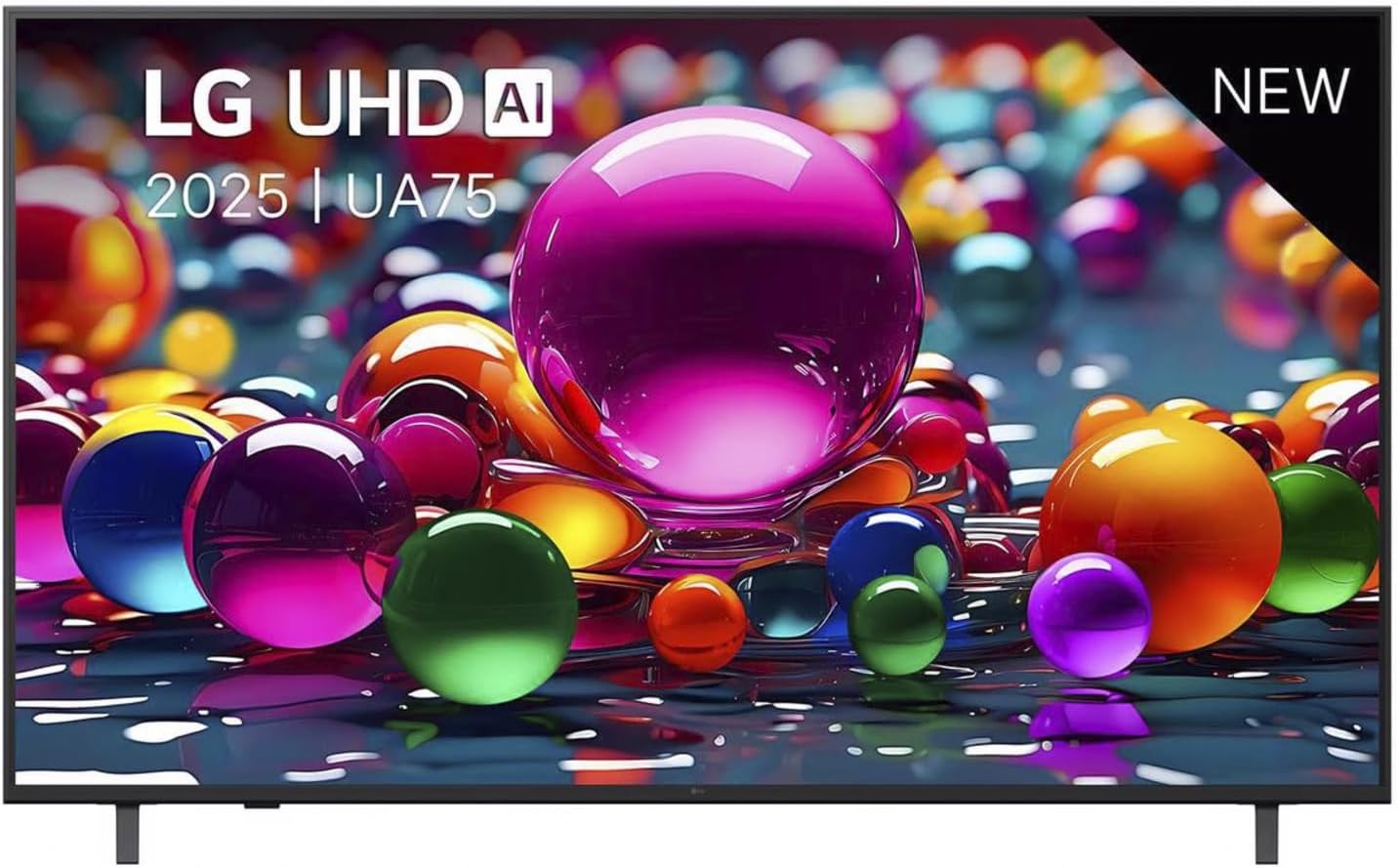
شکل 1.1: مخکی view of the LG 50UA75006LA Television, showcasinد هغې ښکلی ډیزاین او متحرک نندارتون.
2. ترتیب کول
2.1 پیک کول او تفتیش کول
Carefully remove the TV and all accessories from the packaging. Ensure all included components are present:
- LG 50UA75006LA Television
- Standard remote control (with 2 AAA batteries)
- د بریښنا کیبل
- د تلویزیون سټینډ اجزا
Inspect the TV for any damage. If any damage is found, do not proceed with installation and contact your retailer.
2.2 د سټینډ نصب کول
د تلویزیون سټینډ نصبولو لپاره:
- د تلویزیون سکرین په نرم او فلیټ سطح کې کیږدئ ترڅو د سکریچونو مخه ونیول شي.
- د سټینډ اجزا د تلویزیون په ښکته برخه کې د نصب شوي سوري سره سم کړئ.
- د ورکړل شویو پیچونو په کارولو سره سټینډ خوندي کړئ. ډاډ ترلاسه کړئ چې سټینډ په کلکه سره وصل دی.
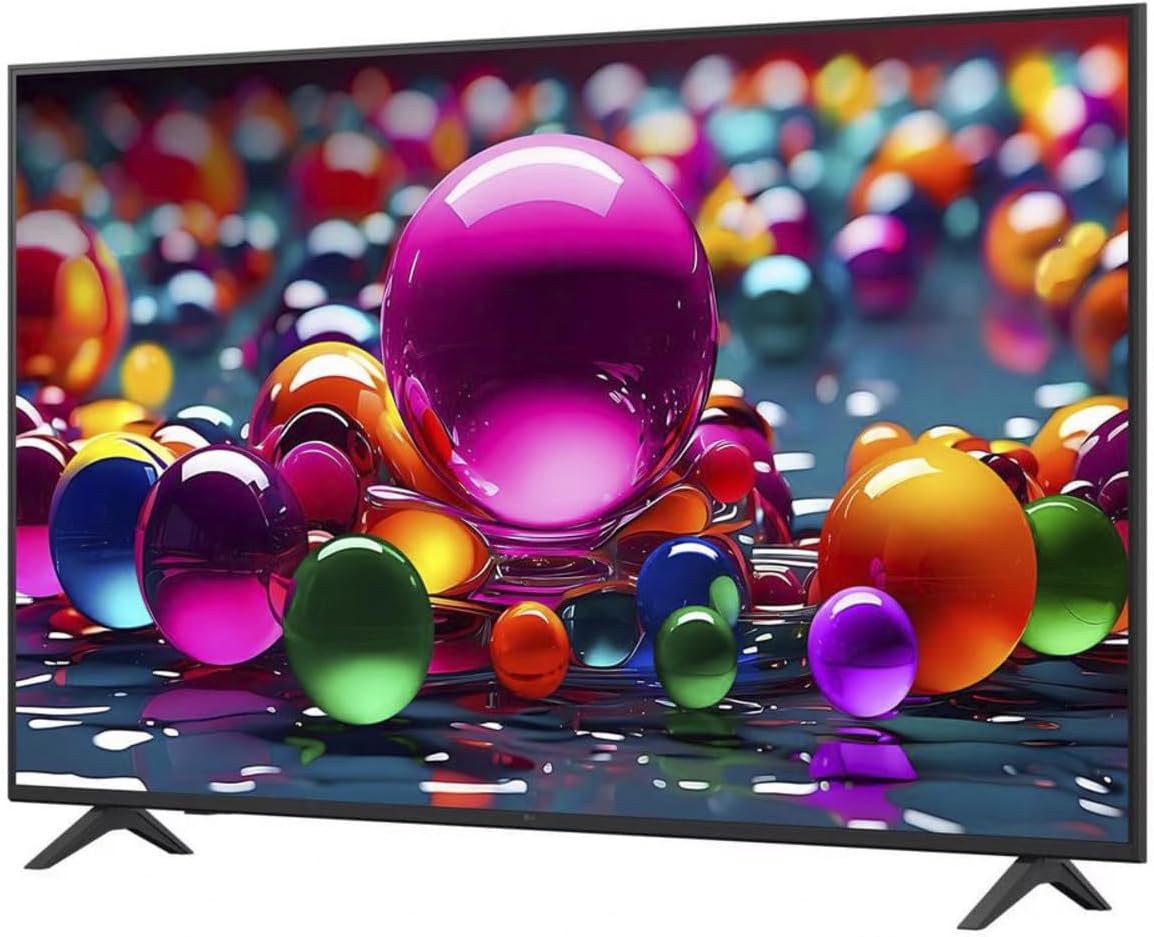
شکل ۳: زاویه لرونکی view of the LG 50UA75006LA Television, showing the attached stand for stable placement.
۲.۳ د بهرنیو وسایلو نښلول
Connect your external devices (e.g., Blu-ray player, game console, soundbar) to the appropriate ports on the back of the TV. The LG 50UA75006LA supports HDMI, USB, and Ethernet connections.
- HDMI: د لوړ تعریف آډیو او ویډیو لپاره.
- USB: د USB ذخیره کولو وسیلو سره د نښلولو لپاره.
- ایترنیټ: د تار لرونکي انټرنیټ اتصال لپاره.

شکل 2.2: شاته view of the LG 50UA75006LA Television, highlighting the various input and output ports for external device connections.
۲.۴ د بریښنا اتصال او ابتدايي تنظیم
- د بریښنا کیبل د تلویزیون سره وصل کړئ او بیا د دیوال آوټ لیټ سره.
- د ریموټ کنټرول یا تلویزیون د فعالولو لپاره د بریښنا تڼۍ فشار ورکړئ.
- د لومړني تنظیم بشپړولو لپاره په سکرین کې لارښوونې تعقیب کړئ، پشمول د ژبې انتخاب، د شبکې اتصال (وای فای یا ایترنیټ)، او د چینل سکین کول.
۴. د تلویزیون چلول
3.1 بنسټیز کنټرولونه
Use the AI Magic Remote to control your TV. Insert the two AAA batteries into the remote control, ensuring correct polarity.
- د بریښنا تڼۍ: تلویزیون چالان یا بند کړئ.
- د حجم تڼۍ: د غږ کچه تنظیموي.
- د چینل تڼۍ: د تلویزیون چینلونه بدلوي.
- د نیویګیشن پیډ: Moves the cursor or selection on screen.
- د OK/Enter تڼۍ: انتخابونه تاییدوي.
- د کور تڼۍ: ته لاسرسی لري webOS 25 Home screen.
3.2 webد OS 25 سمارټ ځانګړتیاوې
ستاسو د LG تلویزیون چلیږي webOS 25, providing a user-friendly interface for accessing smart features:
- د اپلیکیشن لانچر: Quickly access your favorite streaming services and applications.
- AI Recommendations: Get personalized content suggestions based on your viewعادتونه
- د غږ کنټرول: Use the AI Magic Remote's voice function to search for content, change settings, and more.
۳.۴ د انځور او غږ حالتونه
The TV offers various picture and sound modes to optimize your viewتجربه:
- د فلم جوړونکي حالت™: Preserves the original aspect ratios, colors, and frame rates of content, delivering the director's intended vision.
- HGiG Support: Ensures realistic HDR gaming experiences by accurately displaying HDR game graphics.
- Explore other picture modes (e.g., Standard, Vivid, Eco) and sound modes (e.g., AI Sound, Cinema, Clear Voice) through the TV settings menu.
4. ساتنه
۴.۱ د تلویزیون پاکول
د خپل تلویزیون بڼه او فعالیت ساتلو لپاره:
- سکرین: په نرمۍ سره سکرین د نرم، وچ مایکرو فایبر ټوکر سره پاک کړئ. د سختو نښو لپاره، په نرمۍ سرهampټوکر د اوبو یا ځانګړي سکرین کلینر سره ومینځئ (د سختو کیمیاوي موادو څخه ډډه وکړئ).
- بدن: د تلویزیون چوکاټ پاک کړئ او د نرم، وچ ټوکر سره یې ودریږئ.
- تل د پاکولو دمخه تلویزیون د بریښنا له ساکټ څخه خلاص کړئ.
4.2 د سافټویر تازه معلومات
ستاسو webOS 25 TV includes a 4-year upgrade guarantee, ensuring you receive software updates for an extended period. Regularly check for and install software updates to enhance performance, add new features, and improve security. You can usually find this option in the TV's settings menu under 'Support' or 'Software Update'.
5. ستونزه حل کول
که تاسو په خپل تلویزیون کې ستونزې سره مخ شئ، لاندې عامې ستونزې او حل لارې وګورئ:
| ستونزه | احتمالي لامل | د حل لاره |
|---|---|---|
| هیڅ ځواک نشته | د برېښنا کیبل قطع شوی؛ د برېښنا د رسولو ستونزه | د بریښنا کیبل اتصال وګورئ؛ یو بل سوري هڅه وکړئ. |
| انځور نشته، خو غږ شته | د ننوتلو ناسمه سرچینه؛ د بهرني وسیلې ستونزه | د ننوتلو سرچینه تایید کړئ؛ د بهرنیو وسیلو اړیکې وګورئ. |
| غږ نشته، خو انځور شته | غږ خاموش یا ډیر ټیټ دی؛ د بهرني آډیو سیسټم ستونزه | Unmute or increase volume; check external audio connections. |
| ریموټ کنټرول کار نه کوي | Dead batteries; obstruction | بیټرۍ بدل کړئ؛ د ریموټ او تلویزیون ترمنځ خنډونه لرې کړئ. |
| د وائی فای سره وصل نشو | غلط پټنوم؛ د روټر ستونزه؛ تلویزیون د روټر څخه ډیر لرې دی | پټنوم بیا دننه کړئ؛ روټر بیا پیل کړئ؛ تلویزیون نږدې کړئ یا ایترنیټ وکاروئ. |
که چیرې د دې حل لارو هڅه کولو وروسته هم ستونزه دوام ومومي، مهرباني وکړئ د نورو مرستو لپاره د تضمین او ملاتړ برخې ته مراجعه وکړئ.
6. مشخصات
Below are the technical specifications for the LG 50UA75006LA Television:
| فیچر | مشخصات |
|---|---|
| برانډ | LG |
| د ماډل شمیره | د 50UA75006LA معرفي کول |
| د سکرین اندازه | 50 انچونه (127 سانتي متره) |
| ټیکنالوژي ښکاره کول | د LED-LCD |
| قرارداد | 4K UHD |
| د تازه کولو نرخ | 60 Hz |
| پروسیسر | AI α7 Gen8 4K Processor |
| عملیاتي سیسټم | webOS 25 |
| د ارتباط ټیکنالوژي | ایترنیټ، HDMI، وای فای |
| ټول USB پورټونه | 1 |
| د اړخ نسبت | 16:9 |
| رنګ | تور |
| د محصول ابعاد (د x څلویښتم x څلویښتم) | 6.8 x 112.2 x 65.4 سانتي متره |
| شاملې برخې | Standard remote control (with 2 AAA batteries), power cable, stand |
7. تضمین او ملاتړ
7.1 Software Upgrade Guarantee
Your LG 50UA75006LA Television with webOS 25 comes with a 4-year software upgrade guarantee, ensuring your TV's smart features remain up-to-date.
7.2 د پیرودونکي ملاتړ
For detailed warranty information, technical assistance, or service requests, please contact LG Customer Support. You can find contact details on the official LG webسایټ یا ستاسو د محصول سره شامل شوي تضمین کارت کې.
When contacting support, please have your TV model number (50UA75006LA) and serial number ready.