پیژندنه
Welcome to the user manual for your boAt Airdopes 408 Wireless Earbuds. This guide provides essential information to help you set up, operate, maintain, and troubleshoot your earbuds, ensuring an optimal audio experience. Please read these instructions carefully before using the product.
په بکس کې څه دي
- په ایرډوپس 408 ایربډز کې
- د چارج کولو قضیه
- د USB چارج کیبل
- د غوږ اضافي لارښوونې (مختلف اندازې)
- د کارن لارښود
- د تضمین کارت
محصول پای ته ورسیدview
The boAt Airdopes 408 are true wireless stereo (TWS) earbuds designed for a seamless audio experience. They feature a lightweight, in-ear design with advanced touch controls and an integrated microphone for calls and voice assistant activation.

Image: The boAt Airdopes 408 wireless earbuds shown with their charging case.
چمتو کول
۴.۱. د غوږۍ او کیس چارج کول
Before first use, fully charge the earbuds and the charging case. Connect the USB charging cable to the charging case and a power source. The indicator lights on the case will show the charging status.

Image: This image illustrates the 20 hours of total playback time and the ASAP Charge technology, providing 40 minutes of playback from a 5-minute charge.
2. د وسیلې سره جوړه کول
- د چارج کولو قضیه پرانیزئ. د غوږ بډونه به په اتوماتيک ډول د جوړې کولو حالت ته ننوځي.
- په خپل وسیله (سمارټ فون، ټابلیټ، او نور) کې، بلوتوث فعال کړئ.
- لټون available Bluetooth devices and select "Airdopes 408".
- یوځل چې وصل شو، تاسو به د آډیو غږ واورئ، او د غوږونو د شاخص څراغونه به بدل شي.
The earbuds feature Bluetooth V5.0 for instant and stable wireless connectivity.
عملیاتي لارښوونې
ټچ کنټرولونه
The Airdopes 408 features advanced capacitive touch controls for easy management of your audio and calls:
- پلی کول / ودرول: په دواړو غوږونو کې یو ځل کلیک وکړئ.
- بله لار: په ښي غوږۍ کې دوه ځله ټایپ کړئ.
- مخکینی لار په چپ غوږۍ کې دوه ځله ټایپ کړئ.
- ځواب / پای کال: د راتلوونکي زنګ په جریان کې په دواړو ایربډونو یو ځل کلیک وکړئ.
- زنګ رد کړئ: د راتلوونکي زنګ په جریان کې د 2 ثانیو لپاره د هر غوږ بډ فشار ورکړئ او ونیسئ.
- د غږ همکار فعاله کړئ: په دواړو غوږونو درې ځله ټایپ کړئ.
د غږ کیفیت
Equipped with premium 10mm audio drivers, the Airdopes 408 delivers an immersive sound experience.
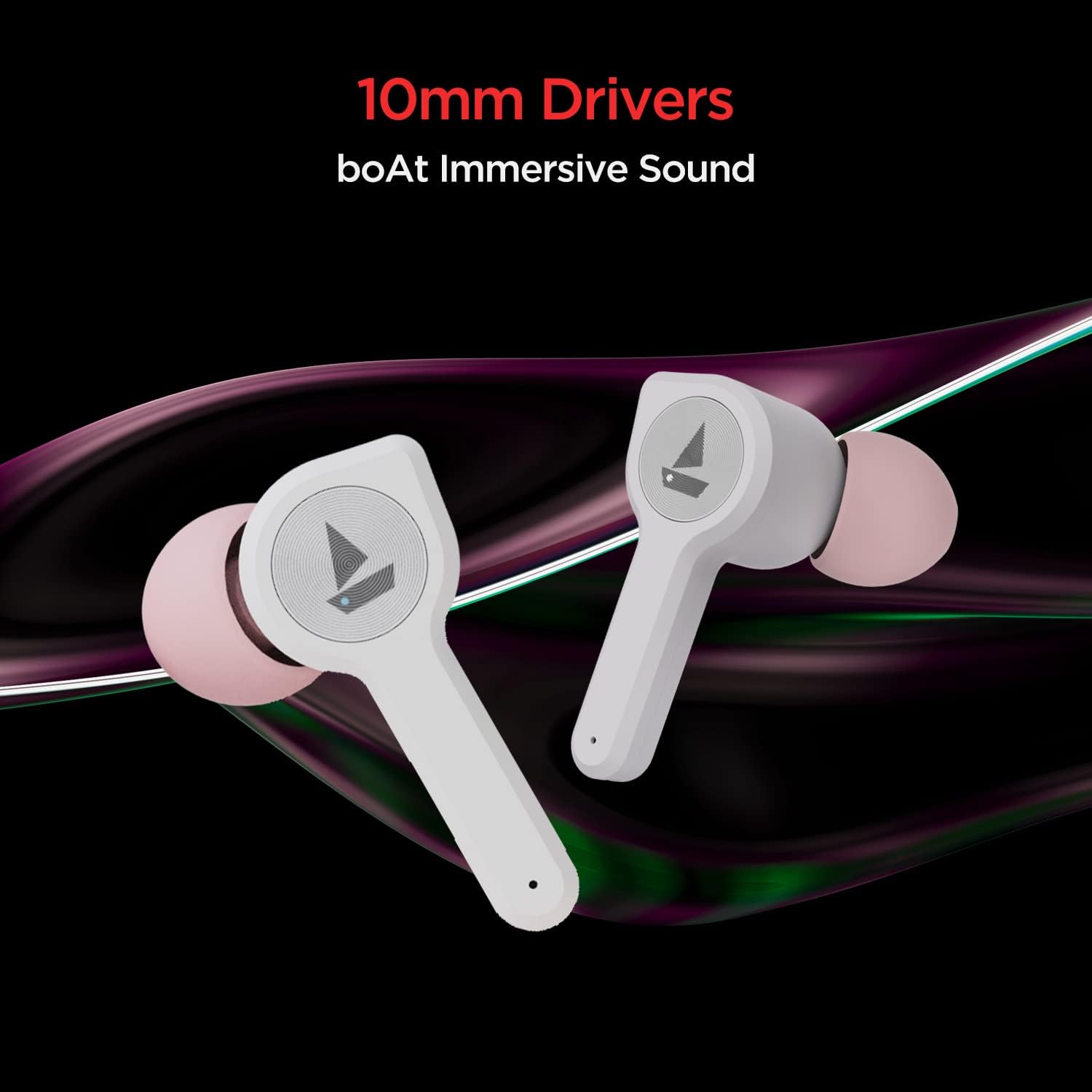
Image: The boAt Airdopes 408 earbuds highlighting the 10mm drivers for immersive sound.
ساتنه
پاکول
Regularly clean your earbuds and charging case with a soft, dry cloth. Avoid using harsh chemicals or abrasive materials.
د اوبو او خولې مقاومت
The Airdopes 408 earbuds are IPX4 rated, making them resistant to splashes of water and sweat. This makes them suitable for workouts and outdoor activities. However, they are not designed for submersion in water.

Image: The boAt Airdopes 408 earbuds demonstrating IPX4 water and sweat resistance.
د ستونزو حل کول
- د غوږونو نه جوړېږي: ډاډ ترلاسه کړئ چې دواړه ایربډونه چارج شوي دي. بیرته یې په کیس کې کېږدئ، وتړئ، بیا یې بیا خلاص کړئ ترڅو د جوړې کولو حالت ته بیرته ننوځئ. د خپل وسیله بلوتوث ترتیبات وګورئ او بیا وصل کولو هڅه وکړئ.
- یوازې یو غوږۍ کار کوي: Try resetting the earbuds. Place both earbuds in the charging case, then remove them. If the issue persists, try re-pairing them with your device.
- ټیټ حجم: Adjust the volume on both your connected device and through the earbud controls. Ensure ear tips are properly sealed in your ear canal.
- د چارج کولو مسلې: Ensure the charging cable is securely connected to both the case and the power source. Clean the charging contacts on the earbuds and inside the case.
مشخصات
| د ماډل نوم | ایرډوپس 408 |
| د ارتباط ټیکنالوژي | بلوتوث V5.0 |
| د غوږ ځای پرځای کول | په غوږ کې |
| د کنټرول طریقه | لمس |
| د IP درجه بندي | IPX4 (Water & Sweat Resistant) |
| Playback Time (per charge) | تر 4 ساعتونو پورې |
| د پلې بیک ټول وخت (د قضیې سره) | تر 20 ساعتونو پورې |
| ASAP چارج | 5 mins charge = 40 mins playback |
| د موټر چلوونکي اندازه | 10mm |
| مواد | پلاستیک |
| د توکي وزن | 45 ګرامه |
| د محصول ابعاد | 7 x 6 x 3 سانتي متره |
تضمین او ملاتړ
Your boAt Airdopes 408 comes with a یو کلن تضمین from the date of purchase. For warranty claims, technical support, or any product-related inquiries, please refer to the contact information provided on your warranty card or visit the official boAt support webسایټ
مهرباني وکړئ د تضمین تصدیق لپاره د پیرود ثبوت وساتئ.


