1. پیژندنه
د پیرودلو لپاره مننهasing the Yifeng Wireless Keyboard. This keyboard offers versatile connectivity options, supporting both 2.4 GHz USB wireless and Bluetooth connections. It is designed for multi-device use, allowing simultaneous pairing with up to four devices and quick switching between them. Featuring a comfortable scissor-switch mechanism and an integrated stand, it enhances productivity across various platforms including Windows, iOS, and Android devices.
2. د خوندیتوب معلومات
- کیبورډ د مایعاتو یا سختو تودوخې سره مه مخ کوئ.
- Avoid disassembling or attempting to repair the device yourself.
- د ماشومانو د لاسرسي څخه لرې وساتئ.
- د چارج کولو لپاره یوازې چمتو شوي USB کیبل وکاروئ.
3. د بسته محتويات
مهرباني وکړئ وګورئ چې ټول توکي شتون لري:
- Yifeng Wireless Keyboard
- د USB چارج کیبل
- 2.4 GHz USB Receiver (may be stored in the keyboard's battery compartment)
- د کارونکي لارښود (دا لاسوند)
4. ترتیب کول
4.1. 2.4 GHz USB Wireless Connection
- Locate the 2.4 GHz USB receiver. It is often stored in a dedicated slot on the keyboard.
- د USB ریسیور په خپل کمپیوټر یا وسیله کې موجود USB پورټ کې ولګوئ.
- Turn on the keyboard using the power switch (usually located on the side or back).
- The keyboard should automatically connect to your device. If not, press the dedicated 2.4GHz connection key (often labeled with a '4' or '2.4G' icon) to activate pairing mode.
4.2. د بلوتوث پیوستون
- ډاډ ترلاسه کړئ چې کیبورډ چارج شوی او فعال دی.
- Press and hold one of the Bluetooth channel keys (e.g., بلوتوث 1, بلوتوث 2، یا بلوتوث 3) for 3-5 seconds until the indicator light flashes, indicating pairing mode.
- On your device (tablet, smartphone, PC), go to Bluetooth settings and enable Bluetooth.
- لټون available devices. The keyboard should appear as "Yifeng Keyboard" or similar.
- د جوړې کولو لپاره کیبورډ غوره کړئ. د پردې پر مخ هر ډول لارښوونې تعقیب کړئ، لکه د جوړې کوډ داخلول.
- یوځل چې جوړه شي، د شاخص څراغ به ځلیدل ودروي او د څو ثانیو لپاره به ټینګ پاتې شي.
۴. د څو وسیلو جوړه کول
This keyboard supports connecting up to 4 devices simultaneously: one via 2.4 GHz USB and three via Bluetooth. Follow the steps above to pair each device to a different channel (2.4GHz, Bluetooth 1, Bluetooth 2, Bluetooth 3).
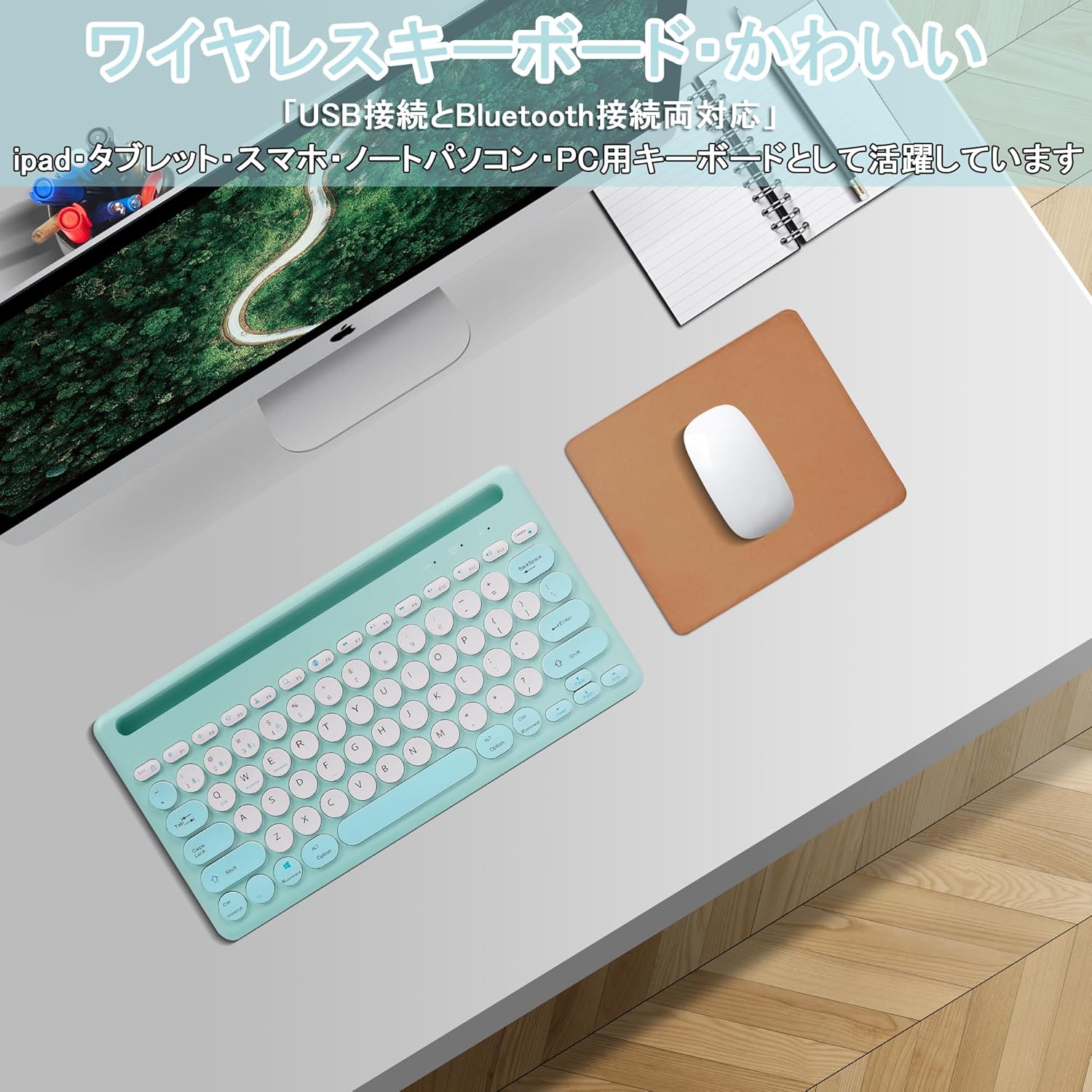
Image: The Yifeng Wireless Keyboard connected to a tablet, smartphone, and laptop, demonstrating its multi-device pairing capability.
5. عملیاتي لارښوونې
۱. د وصل شویو وسیلو ترمنځ بدلول
To switch between your paired devices, simply press the corresponding connection key:
- مطبوعاتي بلوتوث 1 to switch to the first Bluetooth device.
- مطبوعاتي بلوتوث 2 to switch to the second Bluetooth device.
- مطبوعاتي بلوتوث 3 to switch to the third Bluetooth device.
- فشار ورکړئ 2.4GHz key (often labeled with a '4' or '2.4G' icon) to switch to the USB wireless device.
5.2. System Compatibility Switching
The keyboard supports Windows, iOS, and Android operating systems. Use the dedicated system keys to optimize key functions for your current device:
- مطبوعاتي Fn + Q د iOS لپاره.
- مطبوعاتي Fn + W د Android لپاره.
- مطبوعاتي Fn + E د وینډوز لپاره.
5.3. د کیبورډ چارج کول
The keyboard features a built-in rechargeable lithium-ion battery. A single full charge provides approximately 30 days of continuous use.
- Connect the included USB charging cable to the charging port on the keyboard.
- د USB کیبل بله پای د USB بریښنا سرچینې سره وصل کړئ (د مثال په توګه، د کمپیوټر USB پورټ، د USB دیوال اډاپټر).
- د چارج کولو شاخص څراغ به د چارج کولو پرمهال روښانه شي او کله چې په بشپړ ډول چارج شي نو بند شي.

Image: The Yifeng Wireless Keyboard connected to a power strip via its USB charging cable, indicating the rechargeable feature.
۳. د مدغم شوي سټینډ کارول
The keyboard includes an integrated stand slot at the top, designed to hold your tablet or smartphone upright. This allows for comfortable viewing and typing, making it ideal for document creation, chatting, or watching media while commenting.
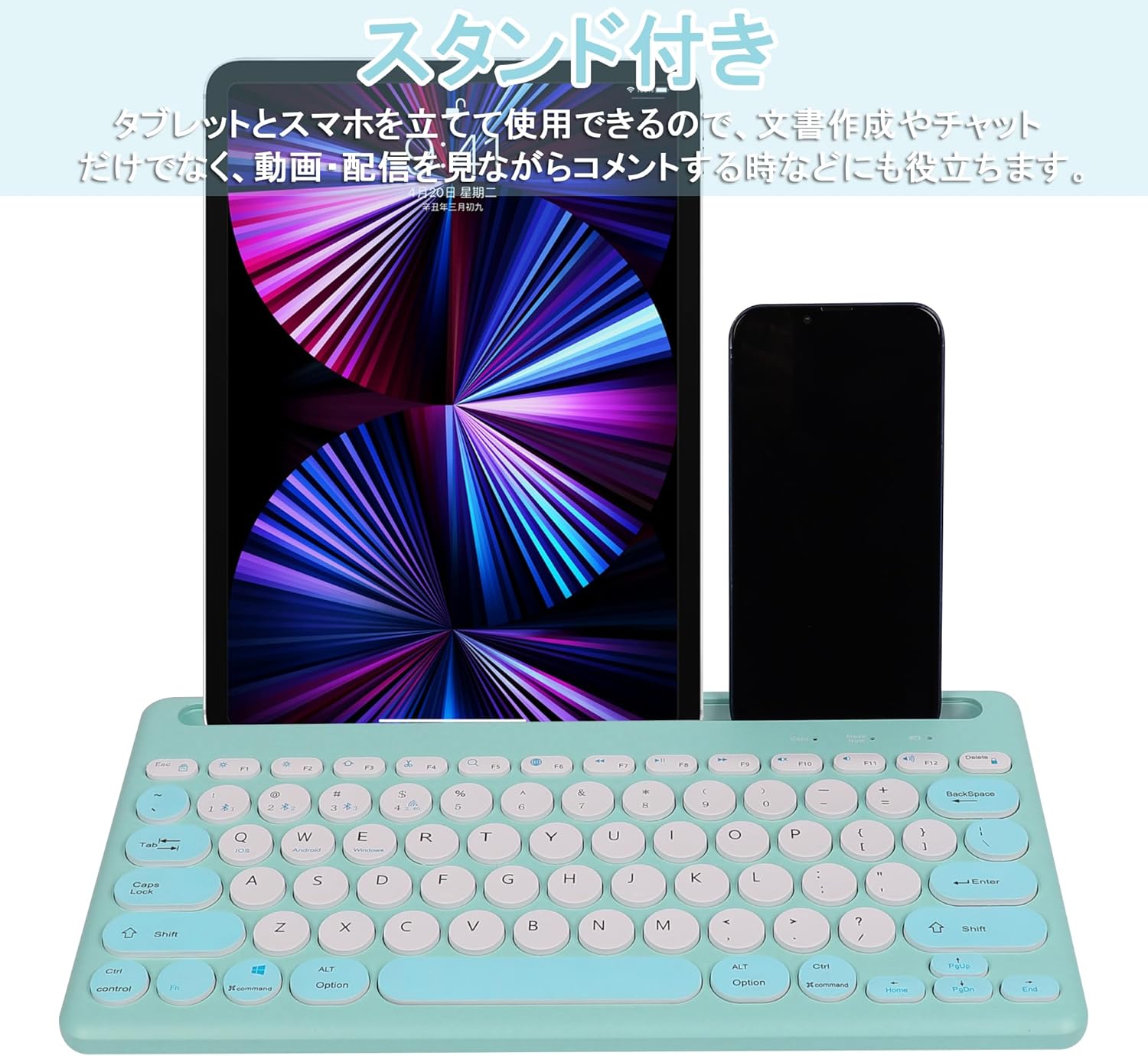
Image: The Yifeng Wireless Keyboard with a tablet and smartphone securely positioned in its integrated stand, demonstrating its utility for multi-device setups.
6. ساتنه
- کیبورډ په منظم ډول د نرم او وچ ټوکر سره پاک کړئ. د سختې خاورې لپاره، یو څه damp ټوکر کارول کیدی شي، ډاډ ترلاسه شي چې کیبورډ ته رطوبت نه ننوځي.
- د سختو کیمیاوي موادو یا خړوبولو پاکونکو کارولو څخه ډډه وکړئ.
- کله چې کارول نه وي، کیبورډ په یخ او وچ ځای کې وساتئ.
- The keyboard features anti-slip pads on the back for stable use. Ensure these pads are clean and intact for optimal stability.

Image: The underside of the Yifeng Wireless Keyboard, highlighting the four anti-slip pads designed for stable placement on various surfaces.
7. ستونزه حل کول
۷.۱. کیبورډ نه نښلي
- ځواک چیک کړئ: ډاډ ترلاسه کړئ چې کیبورډ فعال دی او کافي بیټرۍ چارج لري.
- بیا جوړه: For Bluetooth, delete the keyboard from your device's Bluetooth list and attempt to pair again. For 2.4 GHz USB, try plugging the receiver into a different USB port.
- د چینلونو بدلول: Ensure you have selected the correct channel (Bluetooth 1/2/3 or 2.4GHz) for your device.
- د وسیلې بلوتوث: Verify that Bluetooth is enabled on your device and that it is discoverable.
۷.۲. هغه کیلي چې ځواب نه ورکوي
- د بیټرۍ کچه: که بیټرۍ ټیټه وي نو کیبورډ چارج کړئ.
- د سیسټم حالت: Ensure the keyboard is set to the correct operating system mode (Windows, iOS, Android) using فېن + قوس/وقت/وروستی.
- لاسوهنه: کیبورډ خپل وسیله ته نږدې او د نورو بېسیم وسیلو څخه لرې کړئ چې ممکن د مداخلې لامل شي.
۷.۳. د چارج کولو مسلې
- د کیبل چک: Ensure the USB charging cable is securely connected to both the keyboard and the power source.
- د بریښنا سرچینه: یو بل USB پورټ یا دیوال اډاپټر هڅه وکړئ.
- د رڼا شاخص: If the charging indicator light does not turn on, the cable or power source may be faulty.
8. مشخصات
| برانډ | Yifeng |
| د ماډل شمیره | AMWS0584A-L |
| د ارتباط ټیکنالوژي | Bluetooth, 2.4 GHz Wireless (USB) |
| مطابقت لرونکې وسیلې | Tablets, Smartphones, PCs, Laptops (Windows, iOS, Android) |
| د کیبورډ ترتیب | QWERTY (د امریکا ترتیب) |
| کلیدي میکانیزم | د کینچی سویچ |
| ځانګړی ځانګړنه | Rechargeable, Integrated Stand, Multi-Pairing (4 devices) |
| د بیټرۍ ډول | ۱ لیتیم آیون بیټرۍ (شامله ده) |
| د بیټرۍ ژوند | Approx. 30 days (per charge) |
| ابعاد | 33.7 x 16.7 x 2.9 سانتي متره |
| وزن | 820 ګرامه |
| شاملې برخې | USB کیبل |
9. تضمین او ملاتړ
دا محصول د الف سره راځي د 1 کلن کیفیت تضمین from the date of purchase. In case of initial defects or malfunctions occurring within the warranty period, we offer return or exchange services.
Should you encounter any issues or require assistance, please contact us directly through your purchase platform:
- خپل ته لاړ شئ د ترتیب تاریخ.
- Select the order for this product.
- کلیک وکړئ د پلورونکي سره اړیکه ونیسئ.
Our support team will be happy to assist you.