1. پیژندنه
This manual provides essential information for the safe and efficient operation of your Nokia 43-inch QLED 4K UHD Smart Android TV, Model QNA43GV210. Please read this manual thoroughly before using the television and retain it for future reference.
2. د خوندیتوب معلومات
د بریښنا شاک، اور، یا ټپي کیدو مخنیوي لپاره تل لاندې خوندیتوب احتیاطي تدابیر په پام کې ونیسئ:
- تلویزیون باران یا رطوبت ته مه ښکاره کوئ.
- تلویزیون مه خلاصوه casinز؛ ټولې خدمتونه وړ پرسونل ته راجع کړئ.
- ډاډ ترلاسه کړئ چې د تلویزیون شاوخوا مناسب هوا ورکول.
- یوازې د تلویزیون سره ورکړل شوي بریښنا تار وکاروئ.
- بیټرۍ د ماشومانو له لاسرسي لرې وساتئ.
3. د بسته محتويات
ډاډ ترلاسه کړئ چې ټول توکي په بسته بندۍ کې شتون لري:
- Nokia 43-inch QLED 4K UHD Smart Android TV
- Remote control with voice via Bluetooth
- 2x AAA بیټرۍ
- د تلویزیون پښې (ودانۍ)
- د چټک پیل لارښود
4. ترتیب کول
۱. د تلویزیون سټینډ سره نښلول
Carefully place the TV face down on a soft, clean surface. Attach the TV feet to the designated slots on the bottom of the TV using the provided screws. Ensure the stand is securely fastened before placing the TV upright.

انځور: مخکینۍ برخه view of the Nokia 43-inch QLED 4K UHD Smart Android TV with a desert landscape on screen and app icons for Netflix, Prime Video, Disney+, YouTube, Spotify, and Apple TV.
4.2. د پردیو نښلول
Connect your external devices (e.g., cable box, Blu-ray player, gaming console) to the appropriate ports on the back of the TV. The TV features multiple HDMI ports, USB ports, and antenna/satellite inputs.

انځور: شاته view of the Nokia TV illustrating the available input ports including LAN, 3x HDMI, Satellite, Antenna, Digital Optical Audio Out, Headphone Jack, 2x USB, and Common Interface slot.
۱. د بریښنا پیل او د شبکې ترتیب
- د بریښنا کنډک تلویزیون او د بریښنا سایټ سره وصل کړئ.
- په ریموټ کنټرول یا تلویزیون کې د بریښنا تڼۍ فشار ورکړئ.
- Follow the on-screen instructions to select your language, country, and connect to your Wi-Fi network or via Ethernet.
- Sign in with your Google account to access Android TV features and the Google Play Store.
5. ستاسو د تلویزیون چلول
5.1. د ریموټ کنټرول افعالونه
The included remote control allows you to navigate the TV's interface, adjust settings, and access smart features. It features a backlit design for ease of use in low light conditions and supports voice commands via Bluetooth.
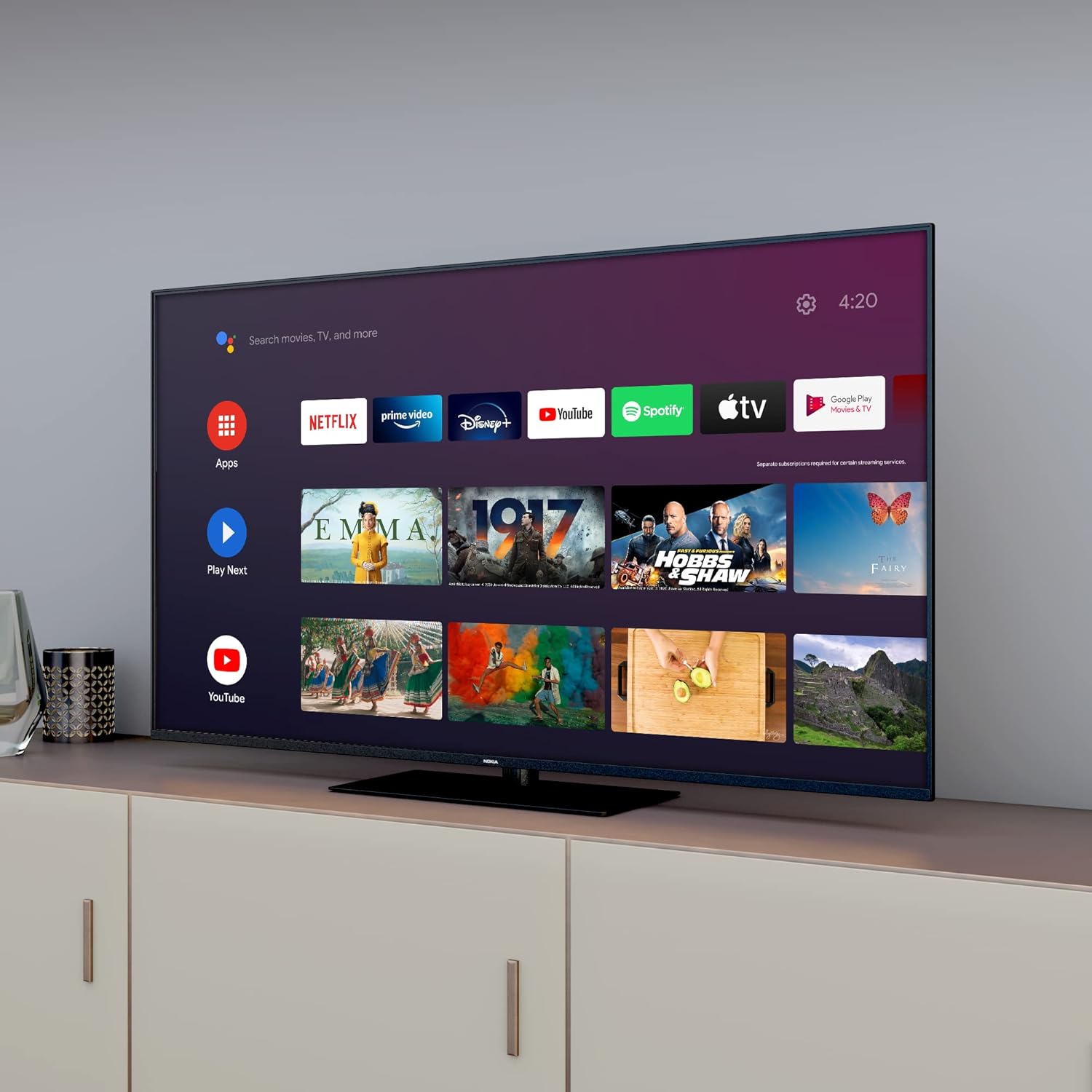
Image: The Nokia Smart TV remote control, featuring dedicated buttons for popular streaming services and a microphone button for voice commands.

Image: A hand holding the Nokia remote control, demonstrating its backlit feature in a dimly lit room, with the TV displaying the Android TV interface.
۴.۲. د انډرایډ تلویزیون انٹرفیس
Your Nokia Smart TV runs on Android TV, providing access to a wide range of applications and services. The home screen displays recommended content, installed apps, and settings.

Image: The Android TV home screen interface, showing rows of applications such as Netflix, Prime Video, Disney+, YouTube, Spotify, and Apple TV, along with recommended content.
۶. د ګوګل اسسټنټ سره د غږ کنټرول
Press the Google Assistant button on your remote control and speak into the microphone to search for content, control smart home devices, or get information.

Image: A person using the voice control feature on the Nokia TV remote, with speech bubbles indicating a command like "Play Top Hits on YouTube!" and the Google Assistant logo.
5.4. QLED and 4K UHD Display
The QLED technology enhances color vibrancy and contrast, while 4K UHD resolution provides exceptional detail and clarity for an immersive viewتجربه

Image: A diagram illustrating the QLED display technology, showing how a blue LED backlight passes through quantum dots to produce a wider range of colors.
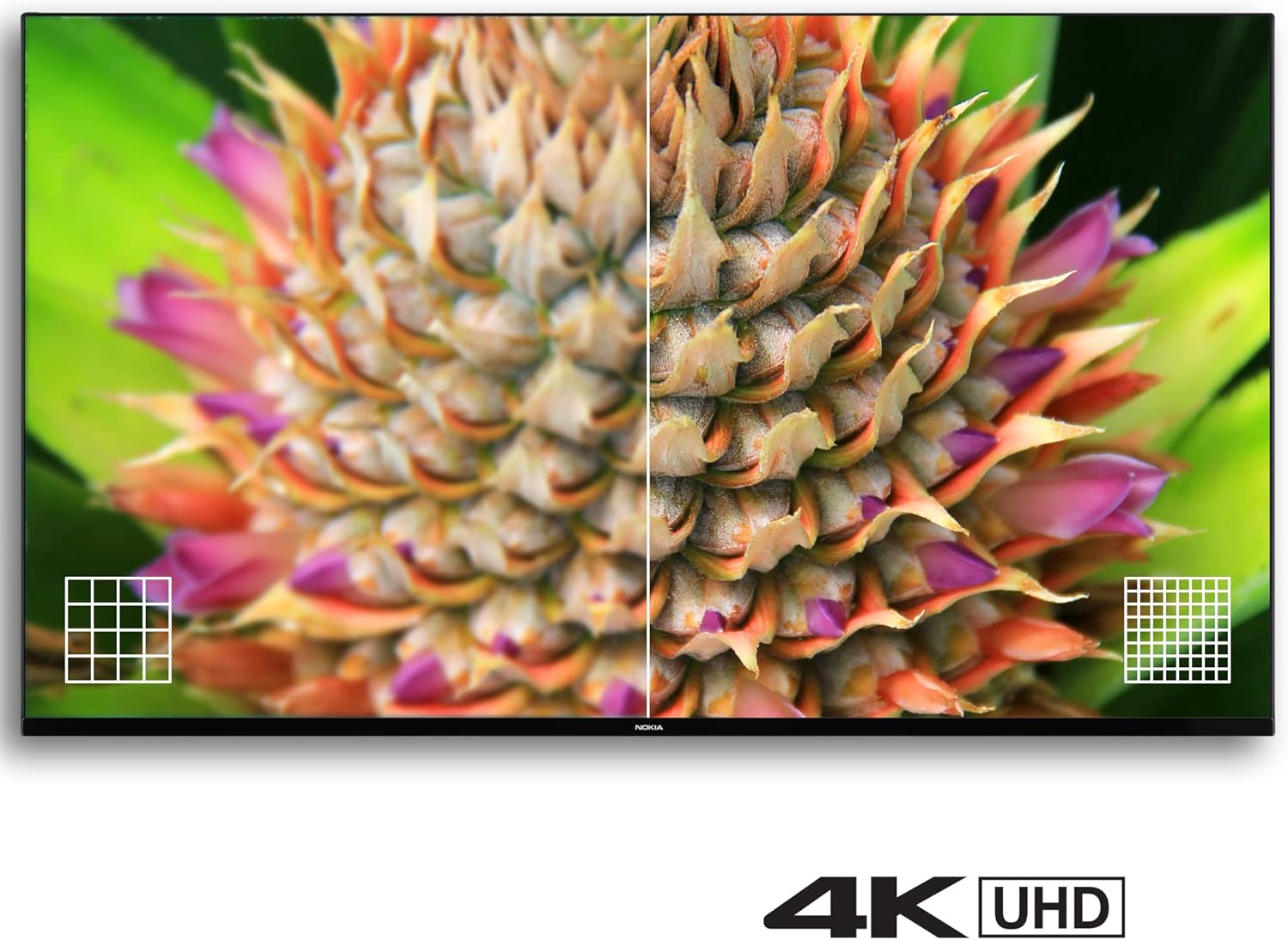
Image: A split-screen comparison on a TV, demonstrating the enhanced detail and clarity of 4K UHD resolution compared to a lower resolution image, focusing on a pineapple.
5.5. Dynamic Sound
The TV features dynamic sound capabilities, compatible with Dolby Digital 5.1, to deliver rich audio quality.

Image: A TV displaying a concert scene, with sound wave graphics emanating from the TV to illustrate its dynamic sound capabilities.
6. ساتنه
۱. د تلویزیون پاکول
To clean the screen, gently wipe it with a soft, lint-free cloth. For the TV body, use a soft, dry cloth. Do not use abrasive cleaners, waxes, or solvents.
6.2. د سافټویر تازه معلومات
Your Android TV may receive automatic software updates. Ensure your TV is connected to the internet to receive the latest features and security patches. You can also manually check for updates in the TV settings.
7. ستونزه حل کول
که تاسو په خپل تلویزیون کې ستونزې سره مخ شئ، لاندې عام حلونو ته مراجعه وکړئ:
- ځواک نشته: Check if the power cord is securely connected and the power outlet is functioning.
- انځور/غږ نشته: Verify that the correct input source is selected. Check all cable connections.
- ریموټ کنټرول کار نه کوي: Ensure batteries are correctly inserted and not depleted. Point the remote directly at the TV. For Bluetooth remote, ensure it is paired.
- د شبکې د اتصال ستونزې: Restart your router and modem. Reconnect the TV to the Wi-Fi network in settings.
- د انځور کیفیت مسایل: د تلویزیون مینو کې د انځور ترتیبات (روښانتیا، برعکس، رنګ) تنظیم کړئ. ډاډ ترلاسه کړئ چې د منځپانګې سرچینه لوړ کیفیت لري.
If problems persist, consider performing a factory reset via the TV settings (Settings > Device Preferences > About > Factory reset). Note that a factory reset will erase all personal data and settings.
8. مشخصات

Image: Technical drawing providing precise dimensions of the Nokia 43-inch TV, including width, height, and depth with and without the stand.
| فیچر | تفصیل |
|---|---|
| د ماډل شمیره | QNA43GV210 |
| د سکرین اندازه | 43 انچه (108 سانتي متره) |
| ټیکنالوژي ښکاره کول | QLED |
| قرارداد | 4K UHD (3840 x 2160) |
| د تازه کولو نرخ | 60 Hz |
| عملیاتي سیسټم | د Android تلویزیون |
| ځانګړي ځانګړتیاوې | WLAN, Internet, Bluetooth, Voice Control |
| ارتباط | 3x HDMI, 2x USB, LAN, Satellite, Antenna, Digital Optical Audio Out, Headphone Jack |
| ابعاد (د موقف سره) | 96.4 cm (W) x 61.1 cm (H) x 23.5 cm (D) |
| وزن | 8 کیلو ګرامه |
| Power Consumption (SDR/HDR) | 54.0 W |
| د سټینډ بای بریښنا مصرف | 0.5 W |
9. تضمین او ملاتړ
Your Nokia Smart TV is covered by a manufacturer's warranty. Please refer to the warranty card included in your package for specific terms and conditions. For technical support or service inquiries, please contact your retailer or the official Nokia support channels.


