پیژندنه
The Amazon Echo Dot (5th Generation) is a compact smart speaker designed to deliver enhanced audio and seamless integration with Alexa. This device allows you to control your smart home, play music, get information, and much more, all through voice commands. Its improved speaker offers clearer vocals and deeper bass, providing a richer audio experience for its size. The Echo Dot also incorporates privacy features and is built with sustainability in mind.
چمتو کول
Setting up your Echo Dot (5th Generation) is a straightforward process. The device is designed for easy connection to your Wi-Fi network using Amazon's simple setup technology.
په بکس کې څه دي:
- اکو ډاټ (څلورم نسل)
- White power adapter (15 W)
- د چټک پیل لارښود
د تنظیم کولو لومړني ګامونه:
- وسیله خلاص کړئ: Carefully remove the Echo Dot and its accessories from the packaging.
- بریښنا وصل کړئ: Plug the included power adapter into the Echo Dot and then into a wall outlet. The light ring on the Echo Dot will turn blue, then orange, indicating it's ready for setup.
- د الیکسا اپلیکیشن ډاونلوډ کړئ: On your smartphone or tablet, download the Amazon Alexa app. It is compatible with Fire OS, iOS, and Android devices. You can also access it via a web ستاسو په کمپیوټر کې براوزر.
- د اپلیکیشن دننه لارښوونې تعقیب کړئ: Open the Alexa app and follow the on-screen prompts to connect your Echo Dot to your Wi-Fi network and link it to your Amazon account.
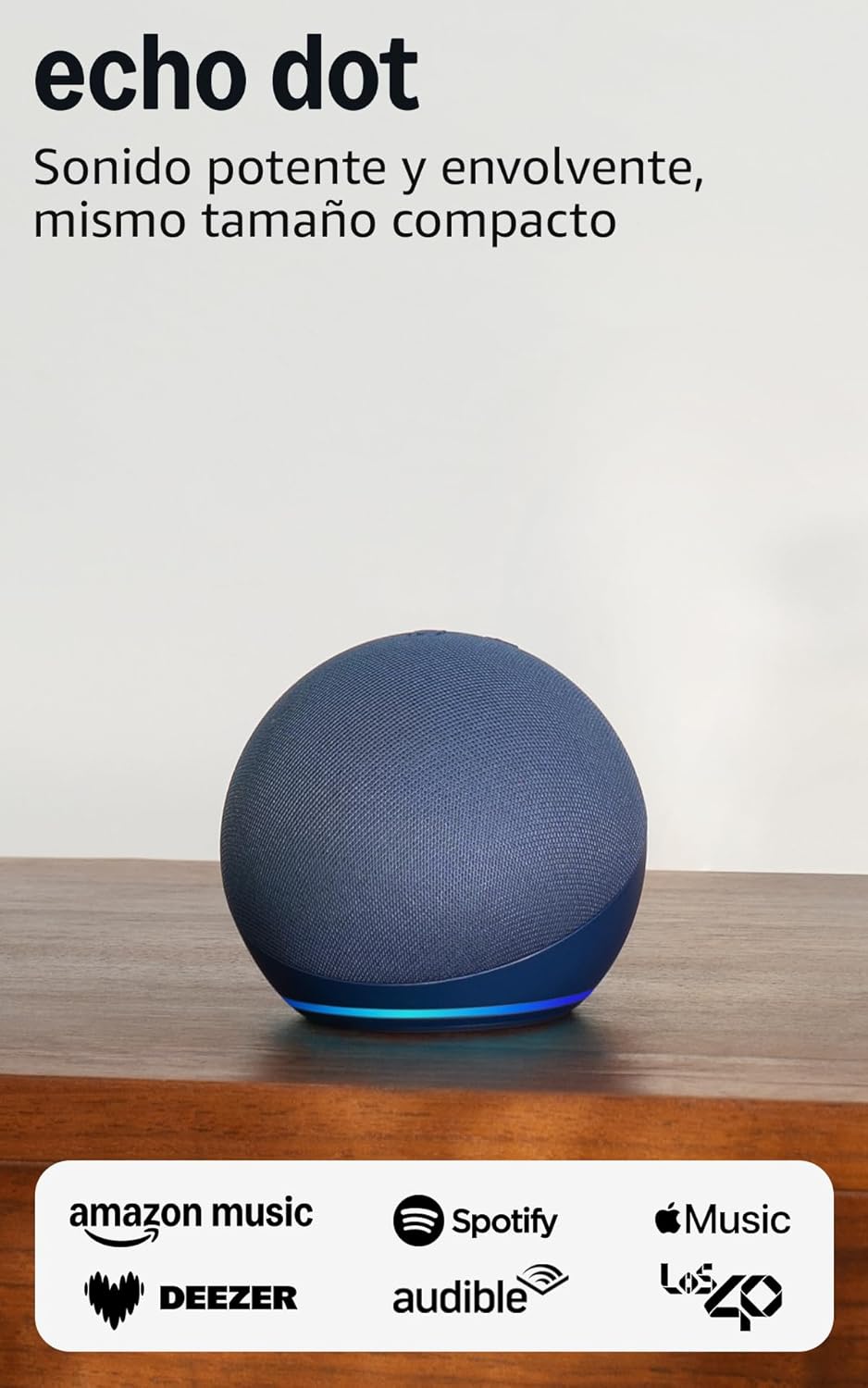
Image: The Echo Dot (5th Generation) in blue, showcasing its compact design and illuminated base, ready for setup.
ستاسو د ایکو ډاټ چلول
The Echo Dot (5th Generation) is primarily controlled using your voice with Alexa. It also features physical buttons and touch controls for convenience.
Voice Commands with Alexa:
Simply say "Alexa" followed by your command or question. Alexa can assist with a wide range of tasks:
- موسیقي او پوډکاسټونه: Play music, audiobooks, and podcasts from services like Amazon Music, Audible, Apple Music, and Spotify. You can also stream via Bluetooth or Wi-Fi.
- معلومات: Ask about the weather, news, set timers, ask questions, and more.
- د سمارټ کور کنټرول: Control compatible smart home devices with your voice or set up routines based on temperature sensors.
- اړیکه: Make calls to other Echo devices or contacts who have enabled the communication option.
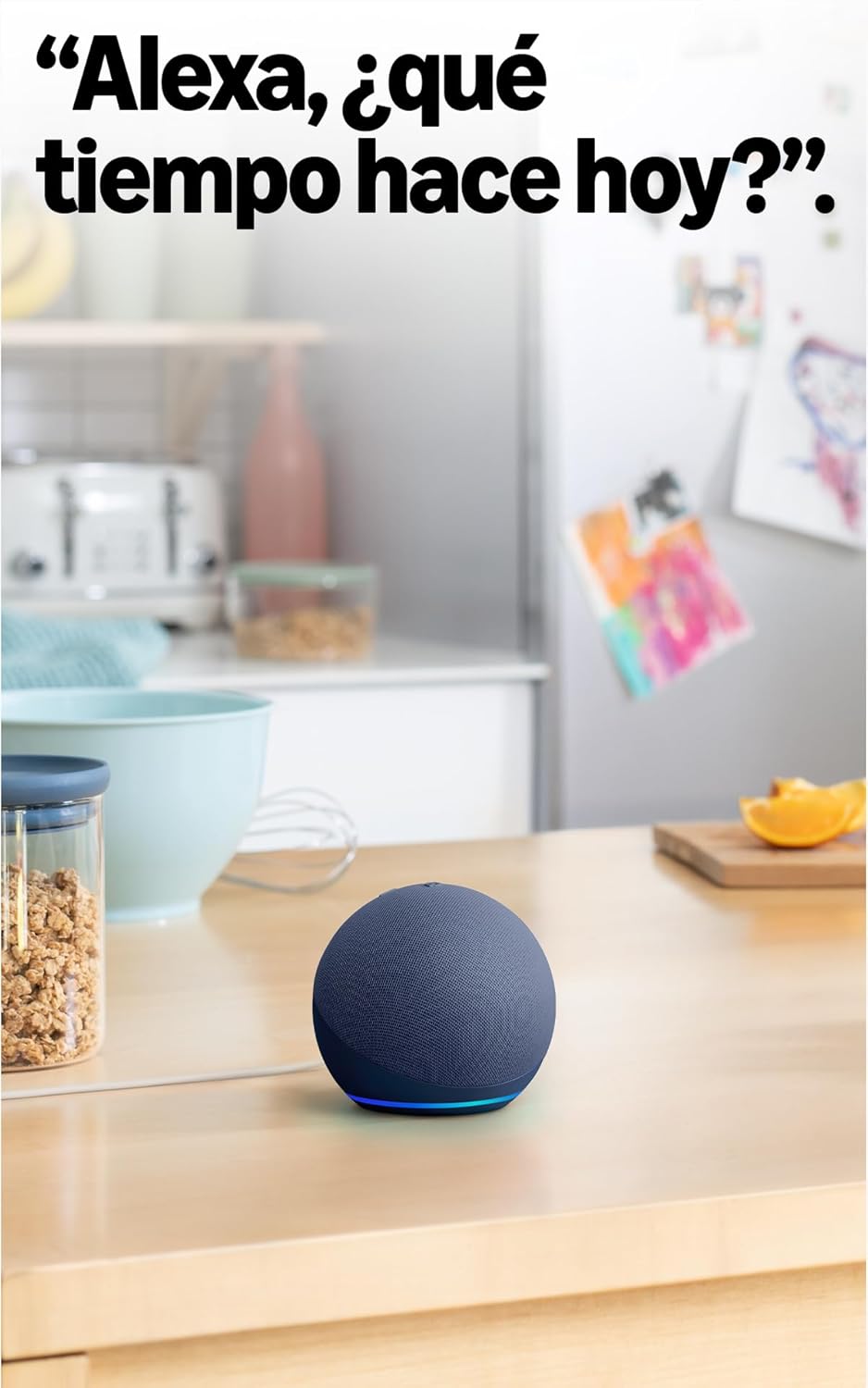
Image: The Echo Dot (5th Generation) in a kitchen, demonstrating its use for asking Alexa about the weather.
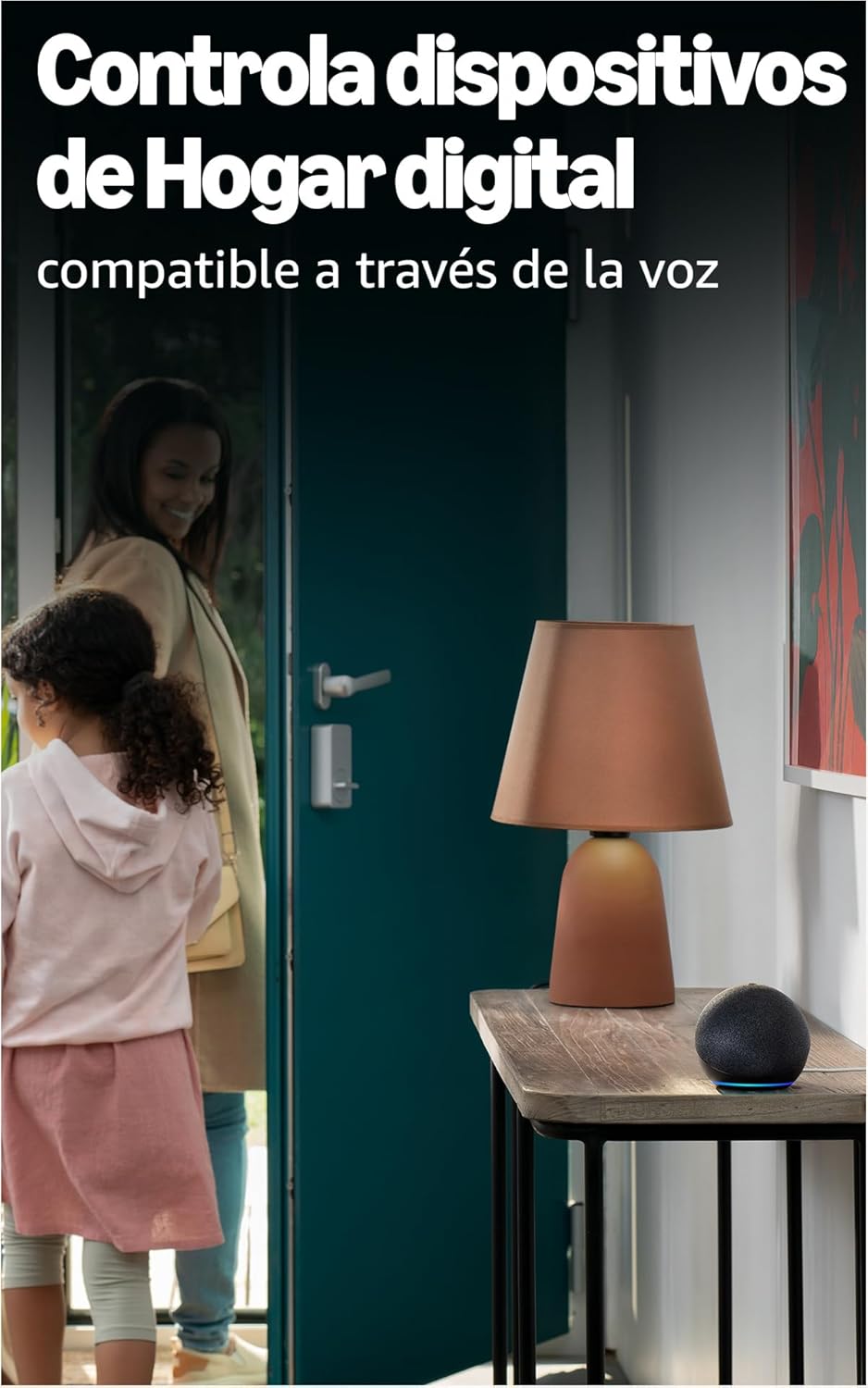
Image: The Echo Dot (5th Generation) positioned to control smart home devices, such as a lamp, via voice commands.
فزیکي کنټرولونه:
The top of your Echo Dot features several buttons:
- د مایکروفون د فعالولو/بندولو تڼۍ: Press this button to electronically disconnect the microphones, indicated by a red light ring. This ensures your privacy.
- حجم پورته / ښکته تtۍ: د سپیکر حجم تنظیم کړئ.
- د عمل تtonۍ: Activates Alexa without using the wake word, or can be used to dismiss alarms.

Image: The Echo Dot (5th Generation) with its microphone mute button activated, showing the red indicator for privacy.
د ټچ کنټرولونه:
The Echo Dot (5th Generation) also supports simple touch gestures:
- Tap to Pause/Snooze: A simple tap on the top of the device can pause music or snooze an alarm.
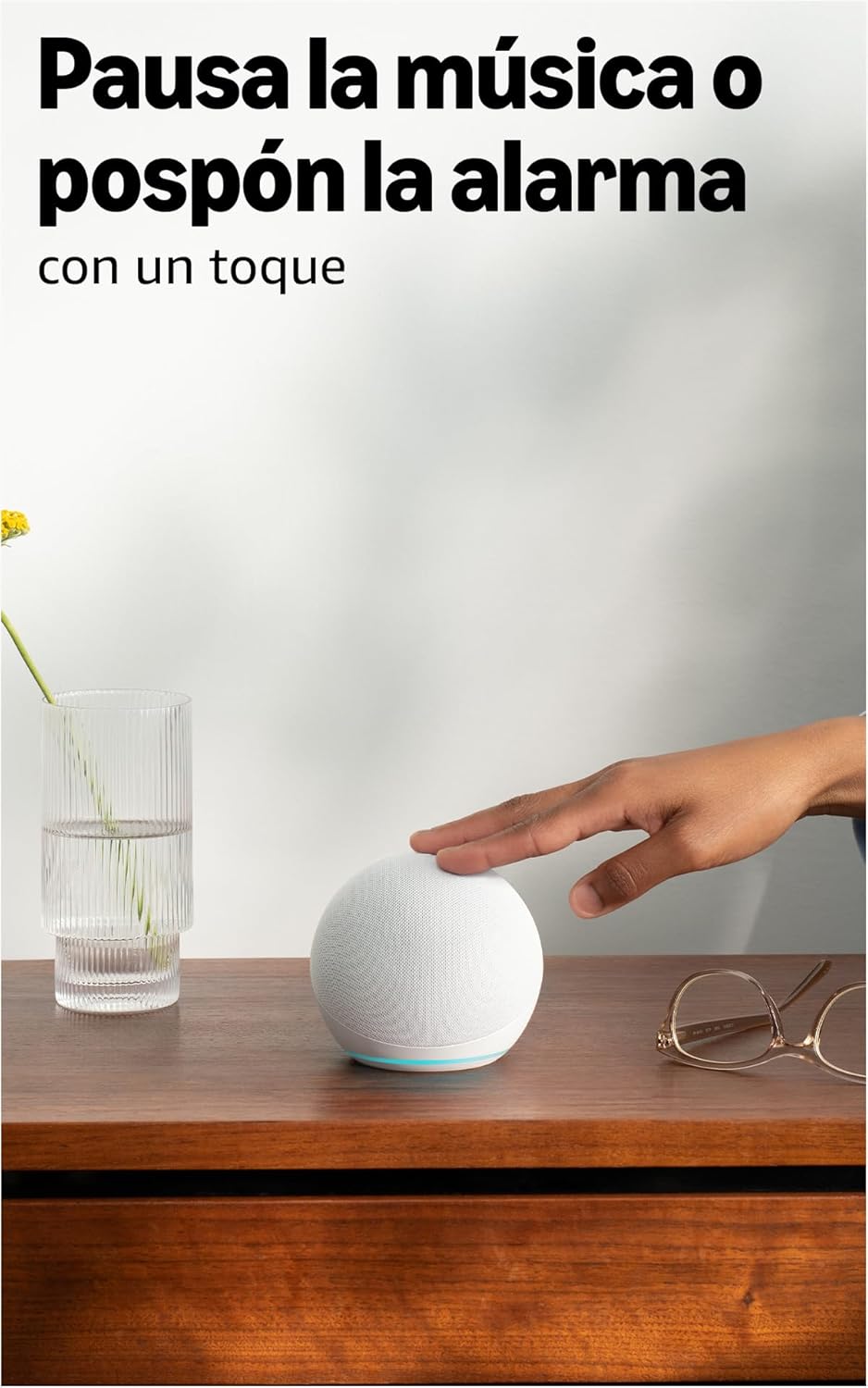
Image: A user interacting with the Echo Dot (5th Generation) by tapping its top surface to pause music or snooze an alarm.
پرمختللي آډیو:
The 5th Generation Echo Dot features a 44 mm (1.73") front-firing speaker, providing a more powerful and immersive sound experience with clearer vocals and deeper bass compared to previous generations.

انځور: یو داخلي view of the Echo Dot (5th Generation) highlighting its speaker, illustrating the enhanced audio design.
ساتنه
د خپل ایکو ډاټ د اوږد عمر او غوره فعالیت ډاډمن کولو لپاره، د ساتنې دا ساده لارښوونې تعقیب کړئ:
- پاکول: Gently wipe the exterior of the device with a soft, dry, lint-free cloth. Avoid using abrasive cleaners, solvents, or aerosol sprays.
- ځای په ځای کول: Place your Echo Dot on a stable, flat surface away from direct sunlight, heat sources, and moisture. Ensure it has adequate ventilation.
- د سافټویر تازه معلومات: Your Echo Dot receives automatic software updates to improve performance and add new features. Ensure your device is connected to Wi-Fi for these updates to occur.
د ستونزو حل کول
If you encounter issues with your Echo Dot, refer to the following common solutions:
هیڅ بریښنا / وسیله ځواب نه ورکوي:
- Ensure the power adapter is securely plugged into both the Echo Dot and a working wall outlet. The Echo Dot requires continuous power and does not have an internal battery.
- هڅه وکړئ اډاپټر په بل ځای کې ولګوئ.
د وای فای اتصال نشته:
- Verify your Wi-Fi network is active and working.
- خپل وای فای روټر او موډیم بیا پیل کړئ.
- ډاډ ترلاسه کړئ چې ستاسو اکو ډاټ ستاسو د وای فای روټر په حد کې دی.
- Use the Alexa app to reconfigure Wi-Fi settings if necessary.
- Note: The Echo Dot requires Wi-Fi for most functions, including providing time and alarms. It does not support wired internet connections.
Alexa Not Responding to Voice Commands:
- Check if the microphone is muted (red light ring). Press the microphone on/off button to unmute.
- Ensure you are speaking clearly and are within range of the device.
- Try saying "Alexa, are you there?" to check if the device is active.
ضعیف غږ کیفیت:
- Adjust the volume using voice commands or the physical buttons.
- Ensure the device is not obstructed and is placed on a stable surface.
- If connecting to external speakers or a TV: You can connect via Bluetooth if your TV is compatible, or using a 3.5mm audio cable (if available on your model, though the 5th Gen primarily uses Bluetooth for external audio).
مشخصات
| فیچر | تفصیل |
|---|---|
| ابعاد | 100 x 100 x 89 mm |
| وزن | ۴۵۶ ګرامه (اصلي اندازه او وزن ممکن د تولید پروسې سره سم توپیر ولري) |
| آډیو | 44 mm (1.73") front-firing speaker |
| د وائی فای ارتباط | Dual-band Wi-Fi supports 802.11a/b/g/n/ac (2.4 and 5 GHz). Not compatible with ad-hoc (peer-to-peer) Wi-Fi networks. |
| د سمارټ کور مطابقت | Wi-Fi, Bluetooth Low Energy Mesh, and Matter |
| د بلوتوټ ارتباط | د پرمختللي آډیو توزیع پروfile (A2DP) for audio streaming from your mobile device to Echo Dot and from Echo Dot to your Bluetooth speakers. Audio/Video Remote Control Profile (AVRCP) for voice control of connected mobile devices. Hands-free voice control is not supported for Mac OS X devices. Not compatible with Bluetooth speakers requiring PIN codes. |
| د سیسټم اړتیاوې | Echo Dot is ready to connect to your Wi-Fi network. The Alexa app is compatible with Fire OS, iOS, and Android devices. Also available via your computer's web browser. Certain services and Skills may require additional subscriptions or fees. |
| د تنظیم کولو ټیکنالوژي | Amazon's simple setup Wi-Fi standard allows you to connect your smart devices to the Wi-Fi network in just a few steps. |
| د لاسرسي ځانګړتیاوې | The Alexa app and Alexa-enabled devices include various functionalities for users with accessibility needs related to sight, hearing, mobility, and speech. |
| نسل | Echo Dot (5th Generation, 2022 model) |
| د محرمیت ځانګړتیاوې | Wake word technology, voice transfer indicators, microphone off button, option to review او د غږ ثبتونه حذف کړئ، او نور ډیر څه. |
| ژبه | Alexa speaks Spanish, English, French, Italian, and German. |
| د سافټویر امنیت تازه معلومات | Software security updates for this device are guaranteed for at least four years after new units are no longer available for purchase on our webسایټونه. |
تضمین او ملاتړ
محدود تضمین:
The Amazon Echo Dot (5th Generation) comes with a one-year limited warranty provided by the manufacturer. This limited warranty is supplementary to your consumer rights and does not prejudice them. This means you may have additional rights under applicable law even after the limited warranty has expired.
د کارونې شرایط:
The use of the Echo Dot is subject to the terms described in the official documentation provided by Amazon. Please refer to the Amazon webد تفصیلي شرایطو او شرایطو لپاره سایټ.
د پیرودونکي ملاتړ:
د نورو مرستو، تخنیکي ملاتړ، یا تضمین ادعاوو لپاره، مهرباني وکړئ د ایمیزون رسمي ملاتړ ته مراجعه وکړئ. website or contact Amazon customer service directly. You can find more information regarding your consumer rights and device-specific details by managing your content and devices on your Amazon account.


