1. محصول ختم شوview
The YQSAVIOR 10.1" Android Tablet (Model ZB30) is designed for versatile use, offering a powerful octa-core processor, ample memory, and expandable storage. It features a vibrant IPS display, dual cameras, and robust connectivity options including 5G WiFi6 and Bluetooth 5.0, making it suitable for entertainment, browsing, and productivity tasks.

Figure 1: YQSAVIOR 10.1" Android Tablet (Model ZB30)
۲. په بکس کې څه دي؟
Upon unboxing your YQSAVIOR Tablet, please ensure all the following items are present:
- YQSAVIOR 10.1" Android Tablet (Model ZB30)
- د USB ډول - سي چارج کیبل
- د کارونکي لارښود (دا لاسوند)
3. ترتیب کول
3.1 ابتدايي چارج کول
Before first use, fully charge your tablet using the provided USB Type-C cable and a compatible power adapter (not included). The 6000mAh battery provides 8-10 hours of mixed use.
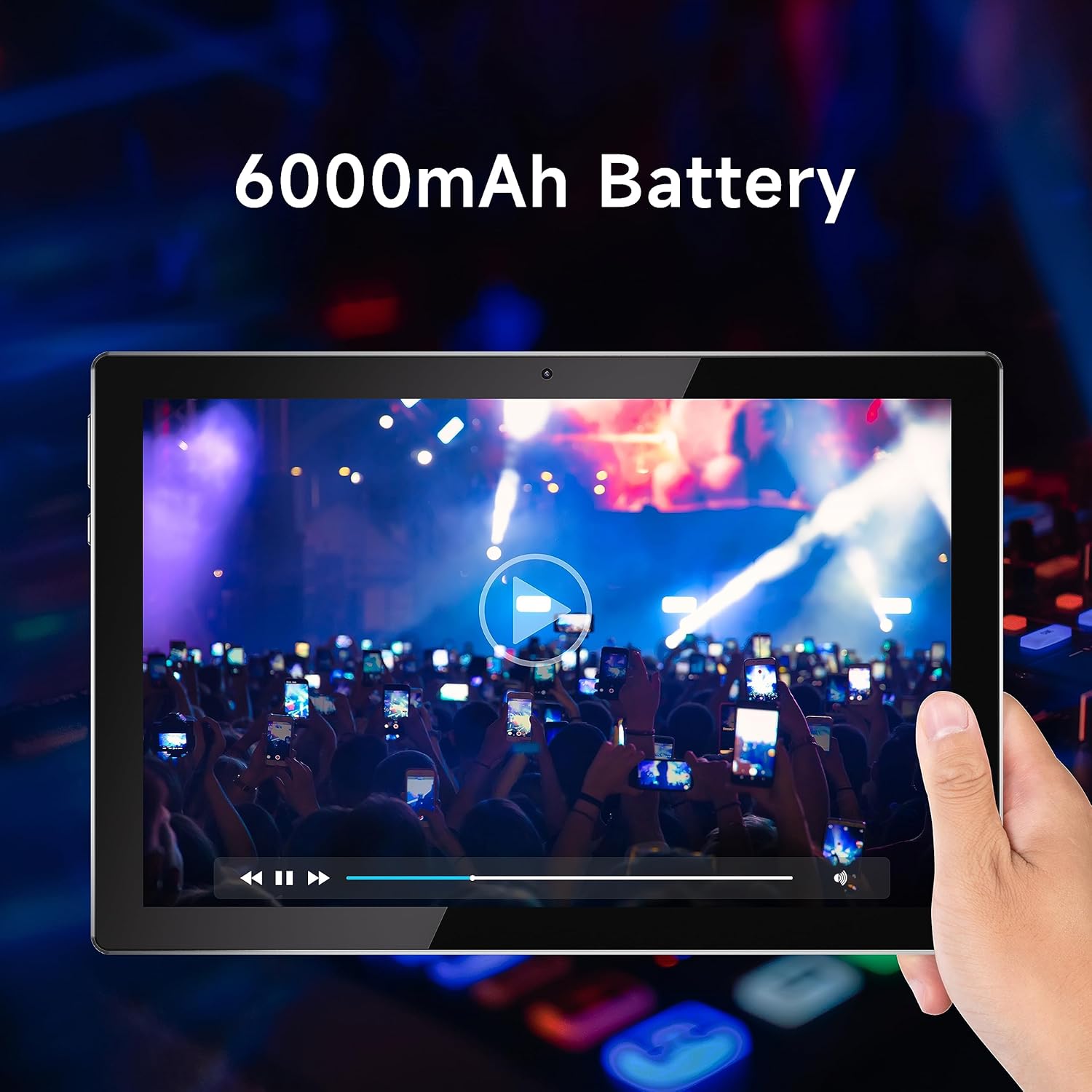
Figure 2: Tablet display emphasizing battery life.
۸ پاور آن/بند
To power on, press and hold the power button located on the side of the tablet until the YQSAVIOR logo appears. To power off, press and hold the power button, then select "Power off" from the on-screen options.
3.3 ابتدايي ترتیب
Follow the on-screen prompts to complete the initial setup. This includes selecting your language, connecting to a Wi-Fi network, and signing in with your Google account. A Google account is required to download applications from the Google Play Store.

Figure 3: Accessing Google Play Store for applications.
۵.۴ د پراخېدو وړ ذخیره
The tablet supports expandable storage up to 1TB via a microSD card (not included). Locate the microSD card slot on the side of the tablet and gently insert the card until it clicks into place. You may need to format the card through the tablet's settings before use.
4. عملیاتي لارښوونې
۳.۱ نیویګیشن او انٹرفیس
The YQSAVIOR Tablet runs on the Android operating system. Navigate the interface using touch gestures: tap to select, swipe to scroll, pinch to zoom, and long-press for additional options. The home screen provides quick access to frequently used applications and widgets.
۵.۱ د وای فای اتصال
د وای فای سره وصل کیدو لپاره، لاړ شئ ترتیبات > شبکه او انټرنیټ > وای فای. Turn Wi-Fi on and select your desired network from the list. Enter the password if prompted. The tablet supports 5G WiFi6 for high-speed and stable connections.
4.3 د بلوتوت ارتباط
To pair with Bluetooth devices, go to ترتیبات> وصل شوي وسایل> بلوتوث. Turn Bluetooth on and select "Pair new device." Choose your device from the list and follow any on-screen instructions. Bluetooth 5.0 provides faster transfer speeds and communication distances.
۳.۱ د ښودنې کیفیت
The tablet is equipped with a 10.1" IPS display with a resolution of 1280x800 pixels, offering vivid colors and wide viewing angles for an optimal viewing experience when watching movies or playing games.

Figure 4: Tablet display quality for media consumption.
۴.۴ د کیمرې کارول
The tablet is equipped with a 2.0 MP front camera and an 8.0 MP rear camera. Open the Camera application to capture photos and videos. You can switch between front and rear cameras within the app interface.
4.6 د آډیو تولید
The tablet features dual speakers for enhanced audio experience. Adjust volume using the physical volume buttons on the side of the device or through the on-screen volume controls.
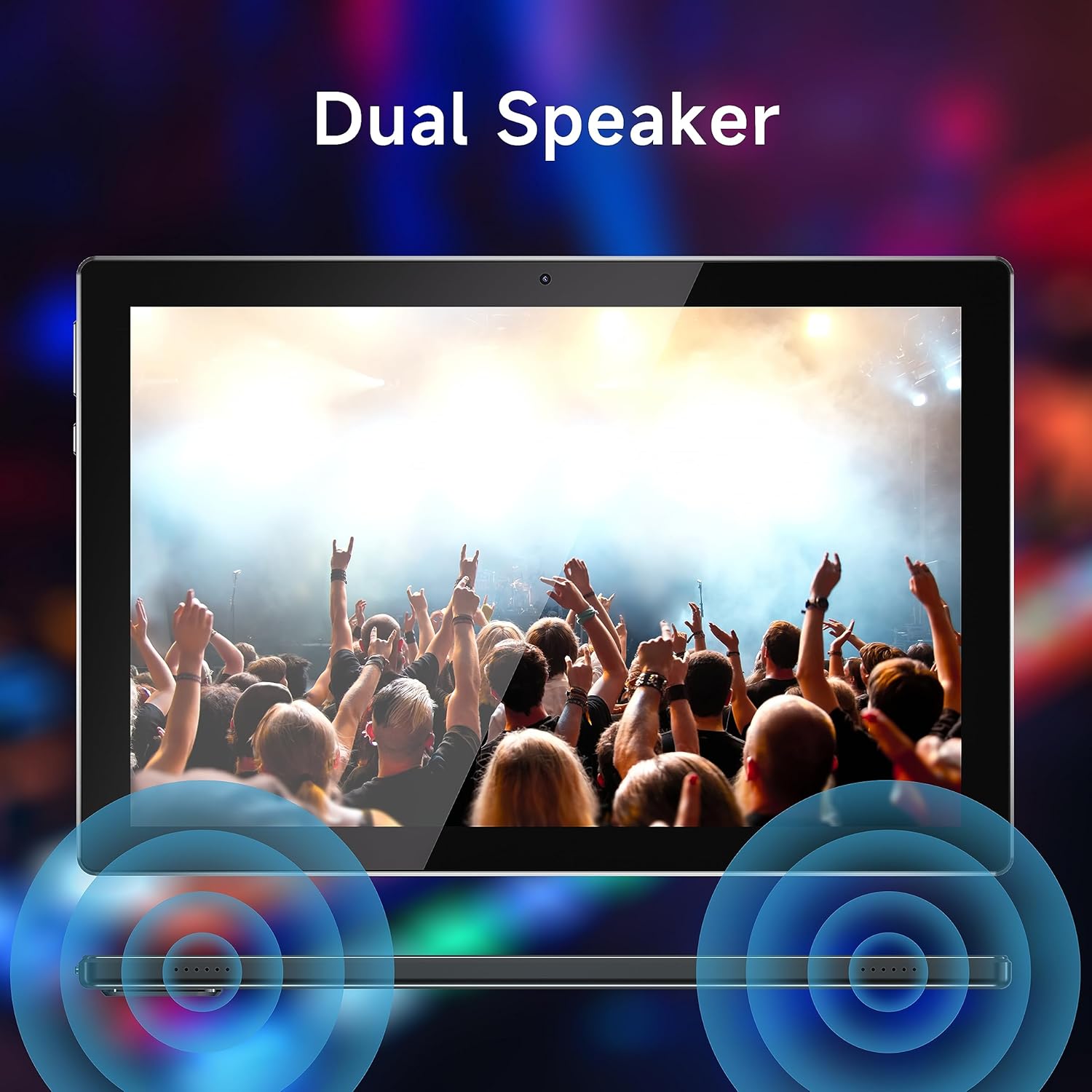
Figure 5: Dual speaker system for immersive sound.
5. ساتنه
5.1 د بیټرۍ پاملرنه
To maximize battery life, avoid extreme temperatures. Charge the tablet regularly and avoid completely draining the battery frequently.
5.2 پاکول
Use a soft, lint-free cloth to clean the screen and body of the tablet. Do not use abrasive cleaners or solvents, as these can damage the surfaces.
5.3 د سافټویر تازه معلومات
د غوره فعالیت او امنیت ډاډمن کولو لپاره په دوره یي ډول د سیسټم تازه معلومات وګورئ. لاړ شئ ترتیبات> سیسټم> د سیسټم تازه کول د شته تازه معلوماتو د کتلو او نصبولو لپاره.
5.4 د ذخیرې مدیریت
Regularly manage your tablet's storage by deleting unnecessary files, uninstalling unused applications, and moving large media files to external storage (microSD card) if applicable. This helps maintain device speed and responsiveness.
6. ستونزه حل کول
| ستونزه | احتمالي لامل / حل |
|---|---|
| ټابلیټ نه چالانېږي | Ensure the battery is charged. Connect the tablet to a power source and allow it to charge for at least 30 minutes before attempting to power on again. |
| ورو فعالیت / د ایپسونو خرابیدل | Close unused applications. Clear app caches (Settings > Apps > [App Name] > Storage > Clear cache). Free up storage space. Restart the tablet. |
| د وائی فای اتصال مسلې | Ensure Wi-Fi is enabled. Restart your Wi-Fi router. Forget the network and reconnect. Check if other devices can connect to the same network. |
| د ټچ سکرین بې ځوابه | ټابلیټ بیا پیل کړئ. که ستونزه دوام وکړي، نو ممکن د فابریکې بیا تنظیم کول اړین وي (لومړی د معلوماتو بیک اپ واخلئ). |
| Tablet stuck in Fastboot mode | This can occur due to software issues. Try holding the power button for an extended period (10-15 seconds) to force a restart. If it remains stuck, professional assistance or a factory reset may be required. |
| ورو چارج کول | Ensure you are using the original charging cable. Try a different power adapter. Avoid using the tablet while it is charging, as this can slow down the process. |
If problems persist after attempting these solutions, please contact YQSAVIOR customer support for further assistance.
7. مشخصات
| فیچر | تفصیل |
|---|---|
| برانډ | YQSAVIOR |
| د ماډل نوم | ZB30 |
| عملیاتي سیسټم | Android |
| د سکرین اندازه | ۷۸۷ انچه |
| د سکرین ریزولوشن | ۱۲۸۰ x ۸۰۰ پېکسل (IPS) |
| پروسیسر | MTK Octa-core (2.2 GHz) |
| RAM | 10GB (4GB+6GB Expand) LPDDR3_SDRAM |
| داخلي ذخیره | 64 GB فلش حافظه |
| د پراخیدو وړ ذخیره | تر ۱ ټې بې (مایکرو ایس ډي) پورې |
| شاته کیمره | 8.0 MP |
| مخکینۍ کیمره | 2.0 MP |
| د بیټرۍ ظرفیت | ۱۰۰۵۰mAh (لیتیم پولیمر) |
| د اوسط بیټرۍ ژوند | 10 ساعته |
| بې سیم ډول | 802.11ac (5G WiFi6) |
| بلوتوث | بلوتوث 5.0 |
| د توکي وزن | ۲.۴۵ پونډه |
| د محصول ابعاد | 10 x 5 x 0.3 انچه |
8. تضمین او ملاتړ
Your YQSAVIOR Tablet is covered by a manufacturer's warranty. Please refer to the warranty information provided with your purchase for specific terms and conditions. For technical support, troubleshooting assistance beyond this manual, or warranty claims, please contact YQSAVIOR customer service.
Additionally, protection plans may be available for extended coverage. For details on purchasing a 2-Year Protection Plan, please refer to your retailer or product page.


