Nadview

The Beats Powerbeats Fit are high-performance wireless earbuds designed for active lifestyles. They feature secure-fit wingtips for stability, Active Noise Cancelling (ANC) for immersive sound, and Transparency mode to stay aware of your surroundings. With up to 30 hours of battery life (with the charging case) and sweat & water resistance, these earbuds are built to support intense workouts and daily use. They are compatible with both Apple and Android devices.
Główne cechy obejmują:
- Flexible, secure-fit wingtips for exceptional stability and comfort.
- Custom acoustic platform delivering powerful, balanced sound.
- Active Noise Cancelling (ANC) to block external sounds.
- Transparency mode to hear your surroundings.
- IPX4 sweat and water resistance for both earbuds and charging case.
- Do 30 godzin całkowitej żywotności baterii z etui ładującym.
- Personalized Spatial Audio with dynamic head tracking.
- Compatibility with Apple (H1 chip features) and Android (Beats app).
- Exceptional call quality with dual beam-forming microphones.
Co jest w pudełku

Your Powerbeats Fit package includes the following items:
- Powerbeats Fit earbuds
- USB-C charging case
- Four ear tip sizes (extra-small, small, medium, and large)
- Szybki przewodnik
- Karta gwarancyjna
Note: Power adapter and USB-C charging cable are sold separately.
Video: Unboxing the Powerbeats Fit earbuds and reviewing the contents of the package.
Organizować coś
Ładowanie
Before first use, ensure your Powerbeats Fit earbuds and charging case are fully charged. Connect the USB-C charging case to a power source using a compatible USB-C cable and power adapter (sold separately). The LED indicator on the case will show charging status.
A 5-minute Fast Fuel charge provides up to 1 hour of playback when the battery is low.
Łączenie w pary
To pair your Powerbeats Fit with a device:
- Open the charging case with the earbuds inside and hold it near your unlocked Apple or Android device.
- Follow the on-screen instructions to connect.
- For Android devices, download the Beats app from the Google Play Store for one-touch pairing and additional features.
Dopasowanie i wygoda
Achieving the correct fit is crucial for optimal sound quality, noise cancellation, and comfort. Powerbeats Fit come with four ear tip sizes (XS, S, M, L) to ensure a personalized fit.
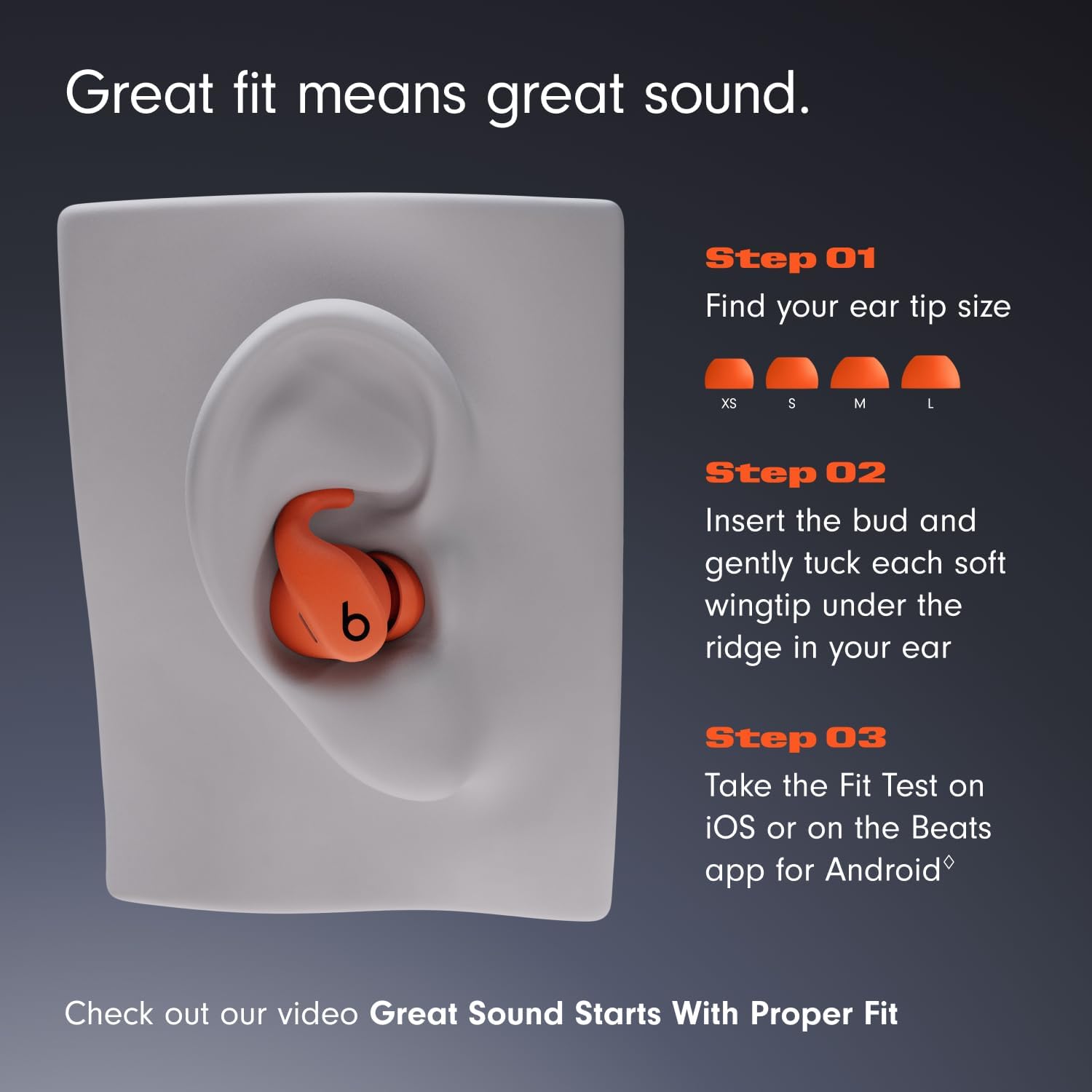
Image: Visual guide for selecting ear tip size and proper earbud insertion.
- Choose your ear tip size: Experiment with the different ear tip sizes to find the pair that creates a comfortable and secure seal in your ear canal.
- Insert the earbud: Delikatnie włóż słuchawkę do ucha.
- Tuck the wingtip: Gently tuck the soft, flexible wingtip under the ridge of your upper ear to secure the earbud in place.
- Perform a Fit Test: Use the Ear Tip Fit Test on iOS (iOS 26 or later) or the Beats app for Android (Android 13 or later) to ensure an optimal acoustic seal for the best audio performance and noise cancellation.
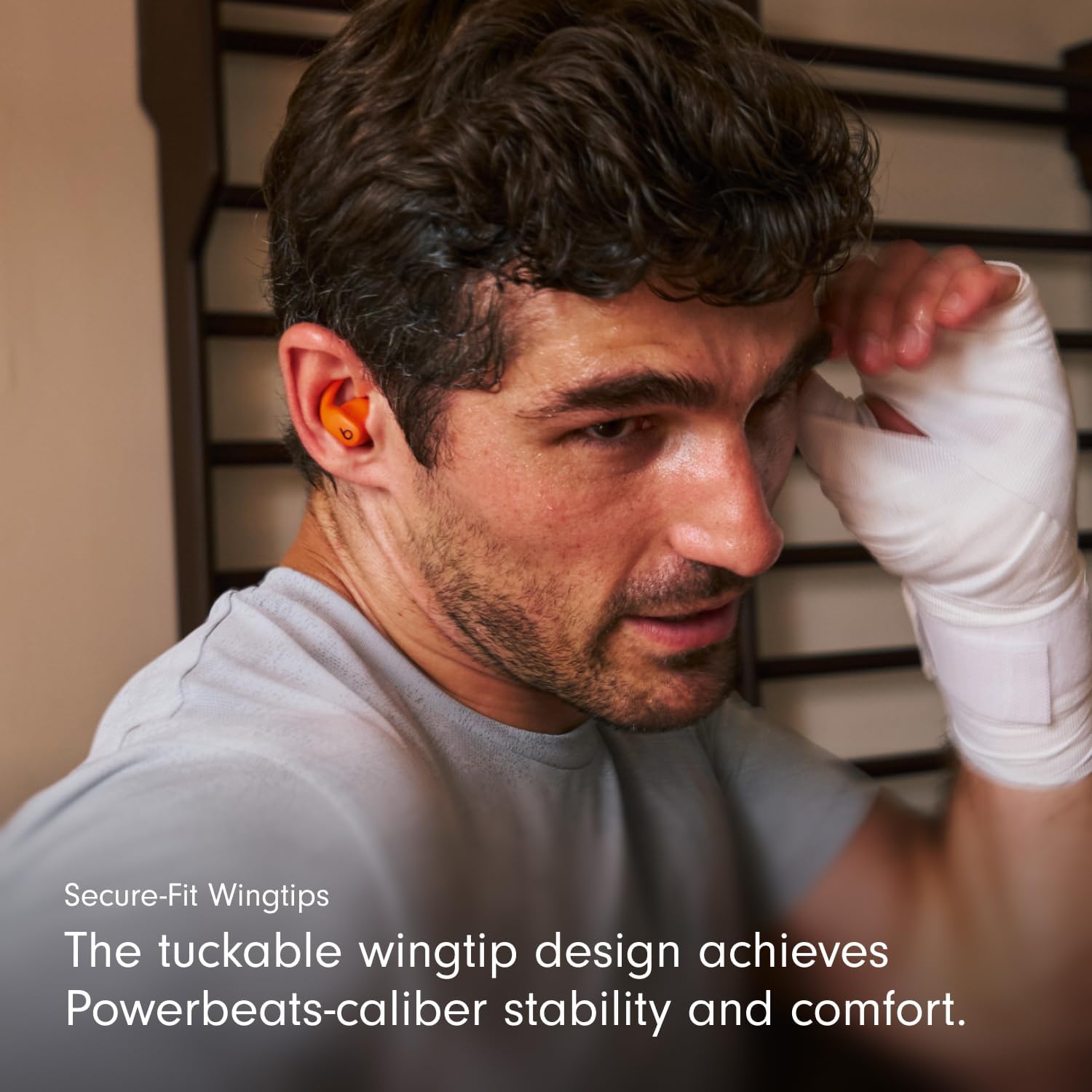
Image: Close-up of the secure-fit wingtip in use, providing stability.
Video: Demonstrates how to properly wear Powerbeats Fit earbuds and utilize the secure-fit wingtips for optimal comfort and stability.
Instrukcja obsługi
Sterownica
Each earbud features a multi-function 'b' button for controlling music, calls, and listening modes. Controls are customizable via the Beats app for Android or iOS settings.
- Sterowanie muzyką: Naciśnij raz, aby odtworzyć/wstrzymać, dwa razy, aby przejść do przodu, trzy razy, aby przejść do tyłu.
- Kontrola połączeń: Naciśnij raz, aby odebrać/zakończyć połączenie.
- Tryby słuchania: Press and hold the 'b' button to switch between Active Noise Cancelling and Transparency mode.
- Asystent głosowy: Activate Siri hands-free on Apple devices. Voice assistant functionality may vary on Android devices.
Auto-Play/Pause sensors detect when earbuds are inserted or removed from your ears, automatically playing or pausing audio.
Aktywna redukcja szumów (ANC) i tryb przezroczystości
Powerbeats Fit offer two distinct listening modes:
- Aktywna redukcja szumów (ANC): Blocks external sounds for an immersive listening experience, allowing you to focus on your audio.
- Tryb przezroczystości: Umożliwia słyszenie otoczenia i jednoczesne korzystanie z dźwięku, co jest przydatne do zachowania świadomości w zatłoczonych miejscach.
Switch between these modes by pressing and holding the 'b' button on either earbud.
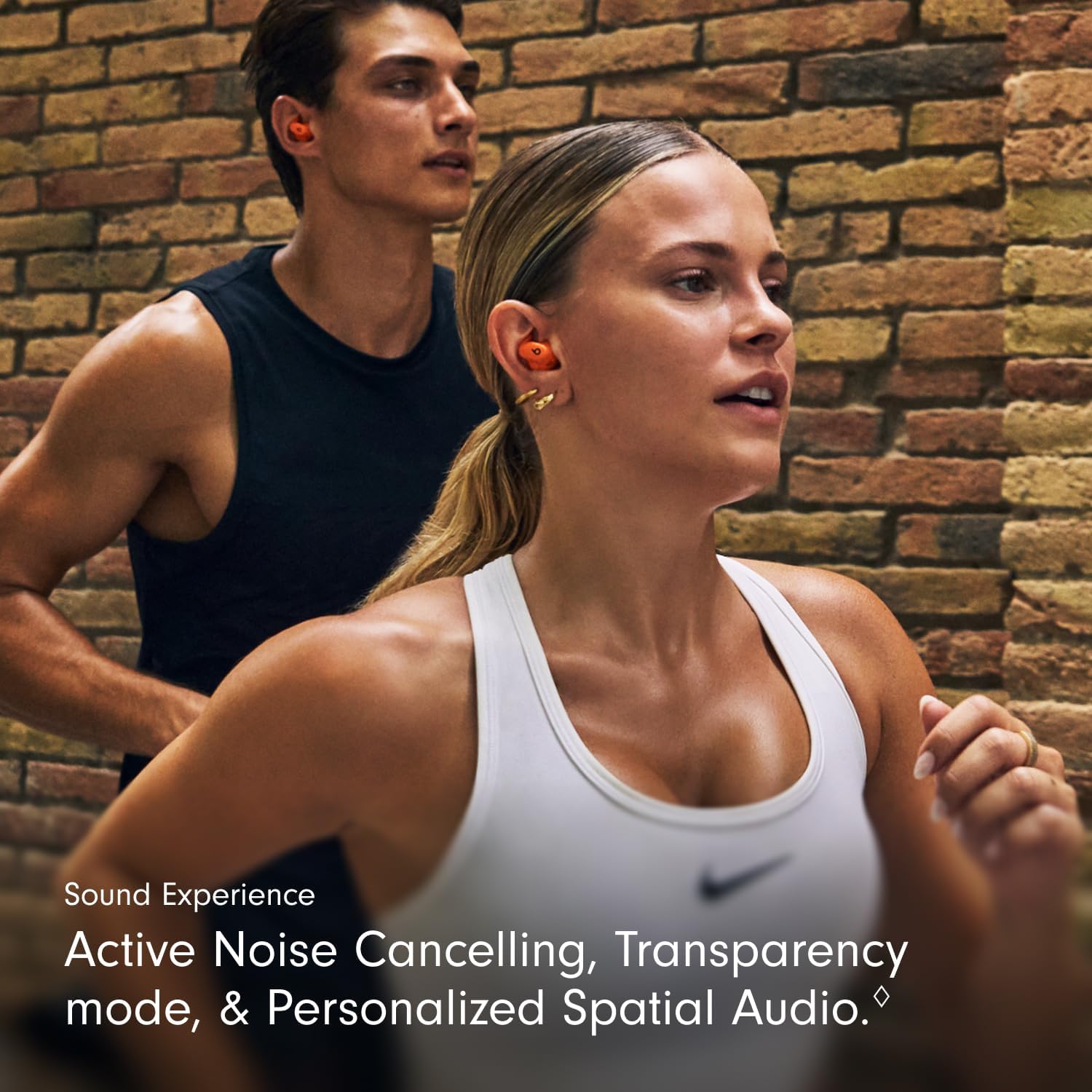
Image: Illustrates the sound experience with ANC and Transparency mode.
Personalized Spatial Audio
Experience immersive sound with Personalized Spatial Audio and dynamic head tracking. This feature adapts the audio to your head movements, creating a theater-like experience for compatible content. Adaptive EQ further tailors the sound to your earbud's personal fit and seal.
Video: Showcases the Powerbeats Fit in various workout scenarios, highlighting their secure fit and audio features.
Konserwacja
Czyszczenie
Regular cleaning helps maintain optimal performance and hygiene. Use a soft, dry, lint-free cloth to wipe down the earbuds and charging case. Do not use abrasive materials or submerge the devices in liquid. Remove ear tips and clean them with water and mild soap, then dry thoroughly before reattaching.
Odporność na wodę i pot

Image: Powerbeats Fit earbuds and case are IPX4 rated for sweat and water resistance.
Both Powerbeats Fit earbuds and the charging case are IPX4 rated, meaning they are resistant to sweat and splashes of water. This makes them suitable for intense workouts and use in light rain. However, they are not waterproof and should not be submerged in water. Always ensure the earbuds and case are dry before charging to prevent damage.
Rozwiązywanie problemów
If you encounter issues with your Powerbeats Fit, try the following solutions:
- Brak dźwięku/słaba jakość dźwięku:
- Sprawdź, czy słuchawki są naładowane.
- Sprawdź połączenie Bluetooth i w razie potrzeby ponownie przeprowadź parowanie.
- Verify ear tip fit using the Ear Tip Fit Test in the Beats app or iOS settings.
- Clean ear tips and speaker mesh for any debris.
- Słuchawki douszne nie ładują się:
- Sprawdź, czy etui ładujące jest naładowane.
- Sprawdź, czy kabel USB-C i zasilacz nie są uszkodzone.
- Sprawdź, czy słuchawki są prawidłowo umieszczone w etui ładującym.
- Wyczyść styki ładowania w obu słuchawkach i etui.
- Problemy z łącznością:
- Wyłącz i ponownie włącz Bluetooth w swoim urządzeniu.
- Zapomnij urządzenie w ustawieniach Bluetooth i sparuj je ponownie.
- Upewnij się, że słuchawki douszne znajdują się w zasięgu urządzenia.
- Active Noise Cancelling/Transparency Not Working:
- Ensure earbuds have a proper seal in your ears.
- Check settings in the Beats app or iOS to confirm the desired mode is active.
For further assistance, refer to the Digital Quick Start Guide or visit the official Beats support webstrona.
Specyfikacje
| Funkcja | Szczegół |
|---|---|
| Nazwa modelu | Powerbeats Fit |
| Numer modelu przedmiotu | ME2M4LL/A |
| Kontrola hałasu | Aktywna redukcja szumów, izolacja dźwięku |
| Technologia łączności | Bezprzewodowy (Bluetooth, Wi-Fi) |
| Czas pracy baterii (z etui ładującym) | Do 30 godzin |
| Szybkie ładowanie paliwa | 5-minute charge provides up to 1 hour of playback |
| Poziom wodoodporności | IPX4 (odporność na pot i wodę) |
| Umieszczenie ucha | W uchu |
| Współczynnik kształtu | In Ear, True Wireless |
| Typ sterowania | Volume Control, App Control, Button Control, Siri, Touch Control, Voice Control |
| Kompatybilne urządzenia | Cellphones, Desktops, Laptops, Smart Watch, Tablets (Apple & Android) |
| Waga przedmiotu (łącznie) | 61.3 gram |
| Waga słuchawek | 5.78 grama (każdy) |
| Waga etui ładującego | 49.75 gram |
| Producent | Uderzenia |
| UPC | 195950384697, 195950384840 |
Video: Explores the design philosophy and engineering behind the Powerbeats Fit, focusing on the wingtip and acoustic drivers.
Gwarancja i wsparcie
Your Powerbeats Fit earbuds come with a standard manufacturer's warranty. For detailed warranty information, please refer to the warranty card included in your package or visit the official Beats support webstrona.
AppleCare+: For extended coverage, including battery service and accidental damage protection, you may purchase AppleCare+. Scan the QR code on the included AppleCare+ card to learn more and purchase.
Apple Music Trial: Powerbeats Fit includes a free trial of Apple Music for new subscribers. Scan the QR code on the Apple Music card to activate your trial and enjoy great music.
For the most up-to-date information, digital quick start guides, and support resources, please visit the official Beats support webstrona.


