Wstęp
This manual provides essential information for setting up, operating, maintaining, and troubleshooting your TECNO Spark GO 2 smartphone. Please read this guide carefully to ensure optimal performance and longevity of your device.
Organizować coś
1. Rozpakowanie i wstępna inspekcja
Ostrożnie wyjmij wszystkie elementy z opakowania. Sprawdź, czy wszystkie elementy wymienione w sekcji „Zawartość opakowania” są obecne i nieuszkodzone.
2. Wkładanie karty SIM i karty pamięci
- Znajdź tackę na kartę SIM znajdującą się z boku urządzenia.
- Włóż dołączone narzędzie do wyjmowania tacki karty SIM do małego otworu obok tacki i delikatnie naciśnij, aż tacka wyskoczy.
- Umieść kartę(y) Nano-SIM i/lub kartę microSD (jeśli dotyczy) w przeznaczonych do tego gniazdach na tacce, zwracając uwagę na prawidłową orientację.
- Ostrożnie wsuń tackę z powrotem do urządzenia, aż zatrzaśnie się na swoim miejscu.
3. Ładowanie urządzenia
Before first use, fully charge your TECNO Spark GO 2. Connect the provided USB cable to the phone's charging port and the power adapter. Plug the adapter into a wall outlet. The device supports 15W fast charging.

Nadview of TECNO Spark GO 2 features, including AI, durability, display, and battery.
4. Włączanie i konfiguracja początkowa
Press and hold the Power button until the TECNO logo appears. Follow the on-screen instructions to select your language, connect to Wi-Fi, and set up your Google account.
Obsługa urządzenia
1. Podstawowa nawigacja
The TECNO Spark GO 2 features a responsive touchscreen. Use gestures such as tap, swipe, pinch-to-zoom, and long-press to navigate the interface, open apps, and interact with content.
2. Funkcje wyświetlacza
Experience smooth visuals on the 6.67-inch Punch-Hole Display with a 120Hz refresh rate. This high refresh rate provides a fluid scrolling and viewzdobywania doświadczenia.

The 120Hz Dynamic Punch-hole Display offers smooth visuals.
3. Ella AI with Indian Language Support
Your device includes Ella, an AI assistant that supports voice commands in various Indian regional languages. Utilize Ella for productivity tasks and smart interactions.

Ella AI provides support for multiple Indian languages.
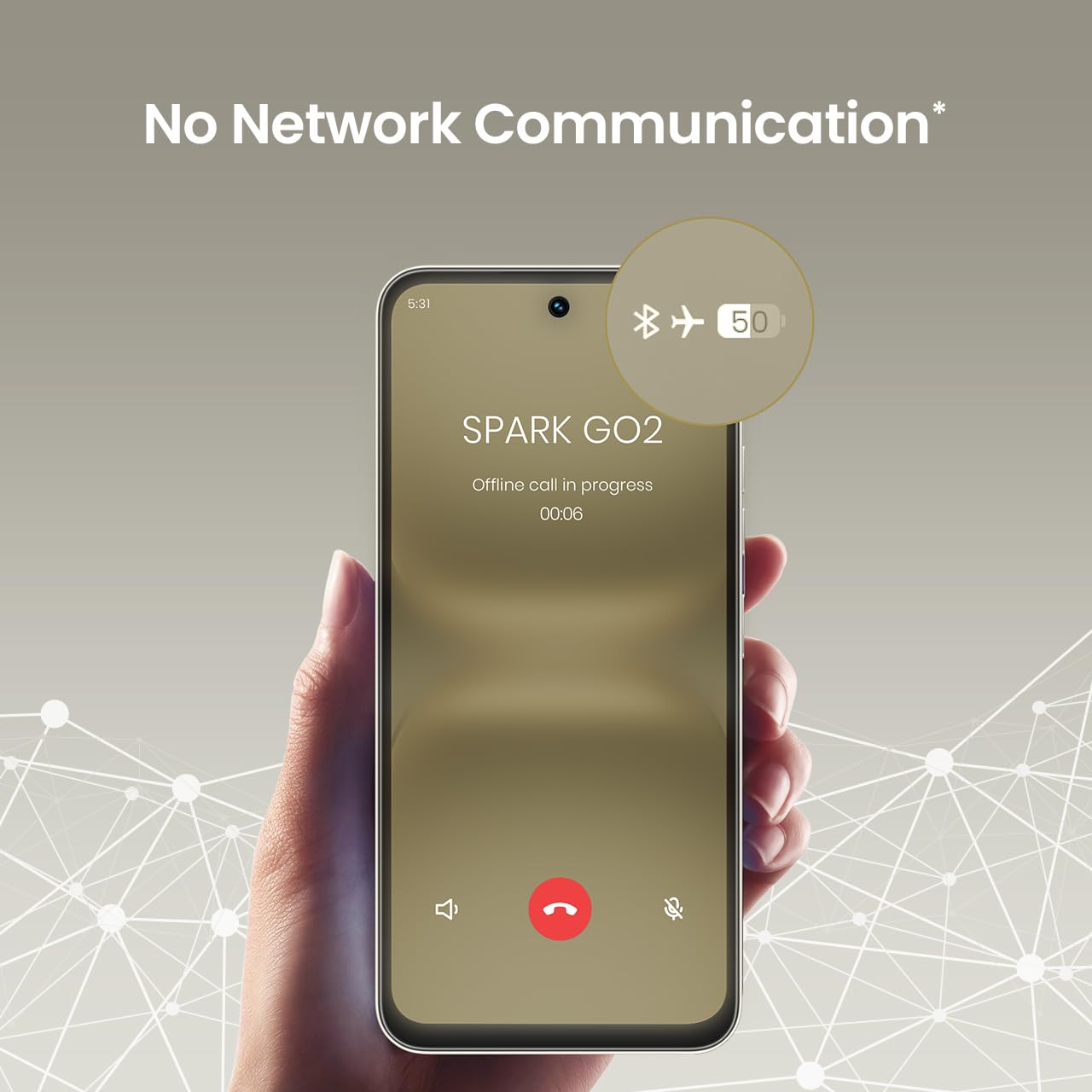
4. No Network Communication Feature
The TECNO Spark GO 2 features a unique 'No Network Communication' capability, allowing certain functions even in areas without cellular signal. Refer to the device's settings for details on how to utilize this feature.

The 'No Network Communication' feature allows limited functionality without cellular service.
5. Korzystanie z aparatu
Your device is equipped with a 13MP main camera and an 8MP front camera. Open the Camera application to capture photos and videos. Explore various modes and settings for different photographic effects.
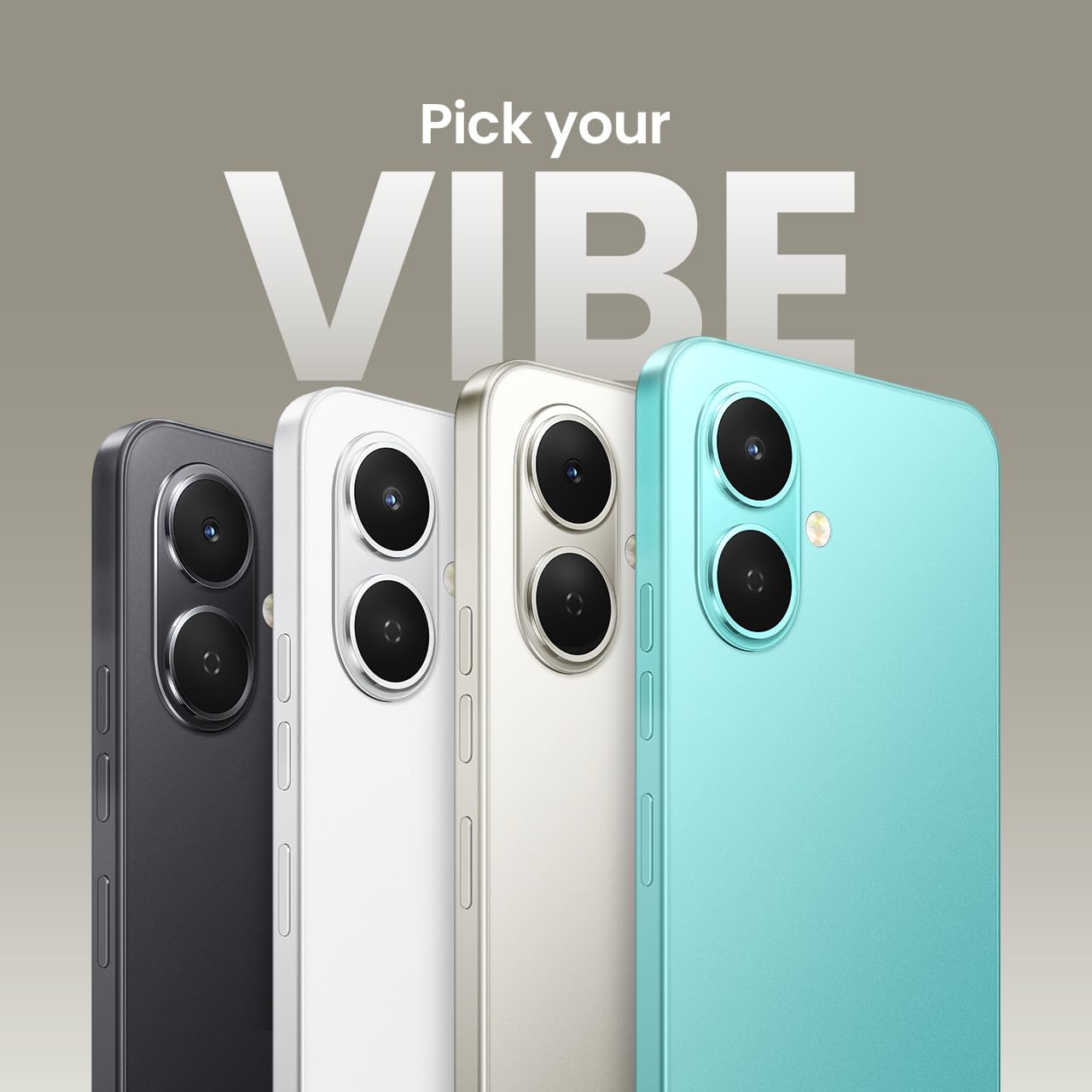
The TECNO Spark GO 2 features a 13MP main camera and an 8MP front camera.
6. AI Active Noise Cancellation
Benefit from AI Active Noise Cancellation during calls to ensure clearer audio by reducing background noise.

AI Active Noise Cancellation enhances call clarity.
Konserwacja
1. Trwałość i ochrona
The TECNO Spark GO 2 is IP64 rated and SGS certified, offering protection against dust and splashes. While durable, avoid submerging the device in water or exposing it to excessive dust.

The TECNO Spark GO 2 is IP64 rated for dust and splash resistance.
2. Pielęgnacja baterii
To maximize battery life, avoid extreme temperatures. Use only the provided charger and cable. For optimal performance, keep the battery charge between 20% and 80% when possible.
The 5000mAh battery supports 15W fast charging.
3. Aktualizacje oprogramowania
Regularly check for and install software updates to ensure your device has the latest features, security patches, and performance enhancements. This contributes to the promised 4 years of lag-free performance.
4. Czyszczenie
Do czyszczenia ekranu i obudowy telefonu używaj miękkiej, niepozostawiającej włókien ściereczki. Unikaj stosowania silnych środków chemicznych i materiałów ściernych.
Rozwiązywanie problemów
1. Urządzenie nie odpowiada
Jeśli urządzenie przestanie reagować, naciśnij i przytrzymaj przycisk zasilania przez około 10–15 sekund, aby wymusić ponowne uruchomienie.
2. Szybkie rozładowywanie się baterii
Check for background apps consuming power. Adjust screen brightness, disable unnecessary features like GPS or Bluetooth when not in use, and ensure your software is up to date.
3. Problemy z łącznością sieciową
If you experience issues with cellular or Wi-Fi connectivity, try restarting your device. Verify that your SIM card is correctly inserted and that you are within network coverage. For Wi-Fi, ensure the router is functioning correctly.
4. Opóźnienie wydajności
Close unused applications, clear cache, and ensure sufficient storage space. The device is designed for lag-free performance for up to 4 years, supported by its UNISOC T7250 processor and up to 8GB RAM (including virtual RAM).

The TECNO Spark GO 2 is engineered for 4 years of lag-free performance.

The device offers up to 8GB RAM for smooth multitasking.
Specyfikacje
| Funkcja | Szczegół |
|---|---|
| System operacyjny | Android 15 |
| BARAN | 4 GB (do 8 GB z wirtualną pamięcią RAM) |
| Pamięć wewnętrzna | 64 GB |
| Numer modelu | KM4 |
| Wymiary produktu | Wymiary 16.6 x 7.7 x 0.8 cm |
| Waga przedmiotu | 186 gramów |
| Moc znamionowa akumulatora | 5000 mAh |
| Wsparcie ładowania | Szybkie ładowanie 15 W |
| Wyświetlacz | 6.67" Punch-Hole Display, 120Hz Refresh Rate, 720 x 1600 Resolution |
| Główna kamera | 13 MP |
| Przednia kamera | 8 MP |
| Łączność | Bluetooth, podczerwień, USB, Wi-Fi, agregacja nośnych 4G 2.0 |
| Gniazdo audio | 3.5 mm |
| Cechy specjalne | Ella AI with Indian Language Support, IP64 SGS Certified, No Network Communications, AI Active Noise Cancellation |
| Kolor | Szary tytanowy |
Co jest w pudełku
The TECNO Spark GO 2 package typically includes the following items:
- Smartfon TECNO Spark GO 2
- Etui na telefon
- Zasilacz
- Wysuwacz tacy na kartę SIM
- Kabel USB
Gwarancja i wsparcie
For warranty information and customer support, please refer to the warranty card included with your product or visit the official TECNO Mobile India website. The manufacturer is G Mobiles India.
For technical assistance or service inquiries, please contact TECNO customer service through their official channels.


