1. Wprowadzenie
This user manual provides essential information for the safe and efficient operation of your TCL 50T6C 50-inch QLED 4K HDR Fire TV. Please read this manual thoroughly before using your television and retain it for future reference.
2. Informacje dotyczące bezpieczeństwa
Always follow basic safety precautions when using this product to reduce the risk of fire, electric shock, and injury. Keep the television away from moisture, direct sunlight, and heat sources. Ensure proper ventilation and do not block ventilation openings. Use only attachments/accessories specified by the manufacturer. Disconnect the power cord during lightning storms or when unused for long periods.
3. Co znajduje się w pudełku
Sprawdź, czy wszystkie komponenty są obecne:
- Kabel zasilający
- Zdalne sterowanie
- Podstawka
- Instrukcja obsługi (ten dokument)
4. Koniec produktuview i wymiary
The TCL 50T6C is a 50-inch QLED 4K HDR Fire TV designed for an immersive viewing experience. Below are the key dimensions of the television.

5. Konfiguracja
5.1 Instalacja stojaka
Aby zamontować stojak pod telewizor:
- Ostrożnie połóż telewizor ekranem do dołu na miękkiej, płaskiej powierzchni, aby zapobiec uszkodzeniu ekranu.
- Dopasuj nogi stojaka do odpowiednich otworów na spodzie telewizora.
- Przymocuj nogi stojaka za pomocą dołączonych śrub. Upewnij się, że są mocno dokręcone.
5.2 Montaż na ścianie
For wall mounting, use a VESA-compatible mount (200x200mm for this model). Consult a professional for wall mounting to ensure safety and proper installation. Refer to the wall mount's instructions for specific details.
5.3 Podłączanie urządzeń
Your TCL 50T6C TV offers various connectivity options:
- HDMI: Connect up to three HDMI devices (e.g., Blu-ray player, game console, soundbar) for high-definition audio and video.
- USB: Podłącz dysk USB w celu odtwarzania multimediów.
- Cable/Satellite: Connect your antenna or satellite cable for broadcast TV.
- Ethernet: Podłącz kabel Ethernet, aby uzyskać przewodowe połączenie z Internetem.
- Wi-Fi: Połącz się bezprzewodowo ze swoją siecią domową.
- Bluetooth: Podłącz zgodne urządzenia Bluetooth, takie jak słuchawki lub głośniki.
5.4 Włączanie i konfiguracja początkowa
- Podłącz kabel zasilający do telewizora i gniazdka elektrycznego.
- Naciśnij przycisk zasilania na telewizorze lub pilocie, aby go włączyć.
- Follow the on-screen instructions to complete the initial Fire TV setup, including network connection, language selection, and Amazon account login.
6. Obsługa telewizora
6.1 Pilot zdalnego sterowania
The included remote control provides full functionality for navigating your Fire TV and controlling your television.

6.2 Interfejs Fire TV
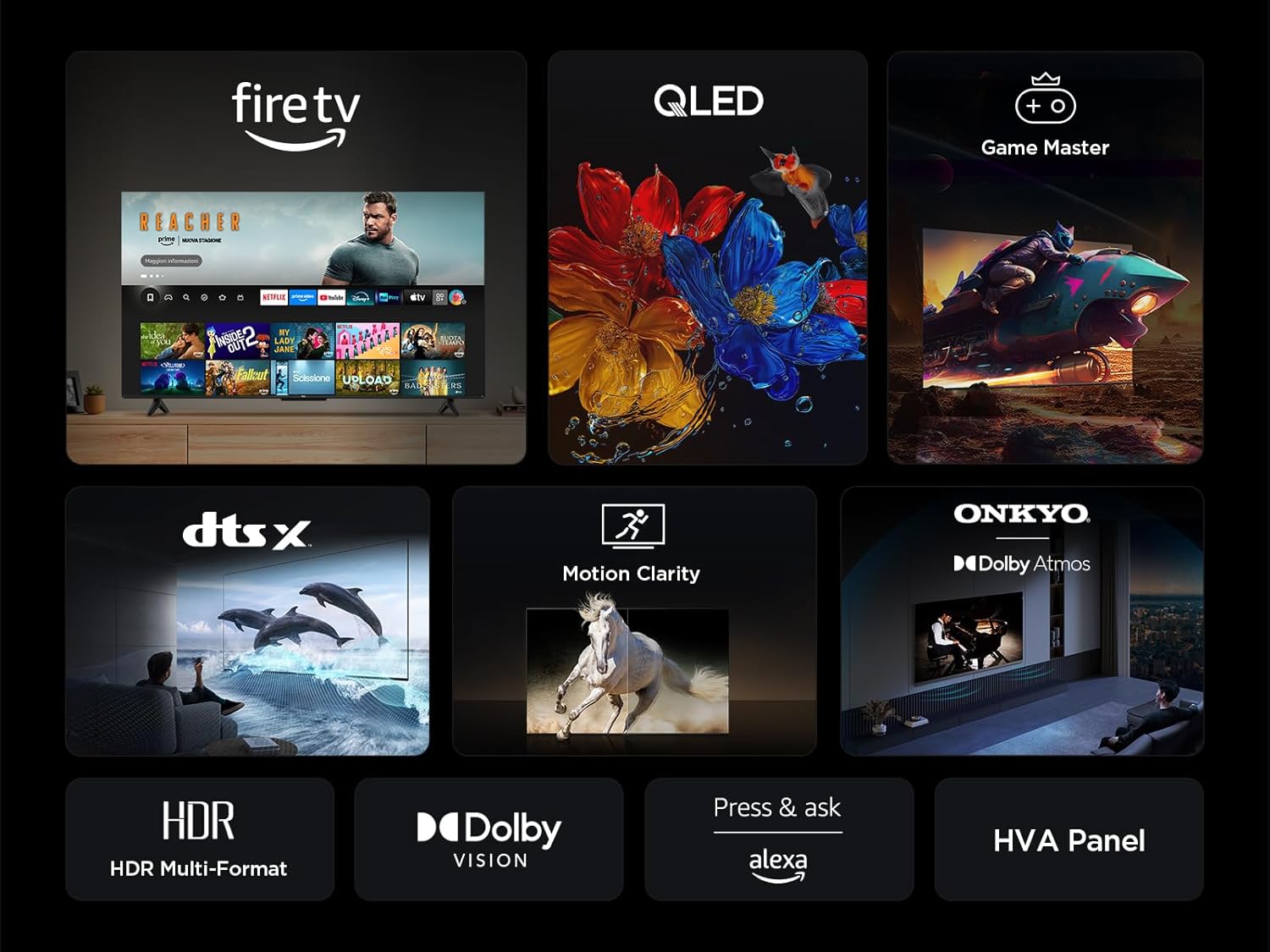
Your TV features an integrated Fire TV experience, providing access to a wide range of streaming content, live TV, and apps from a single home screen.

6.3 QLED Display Technology
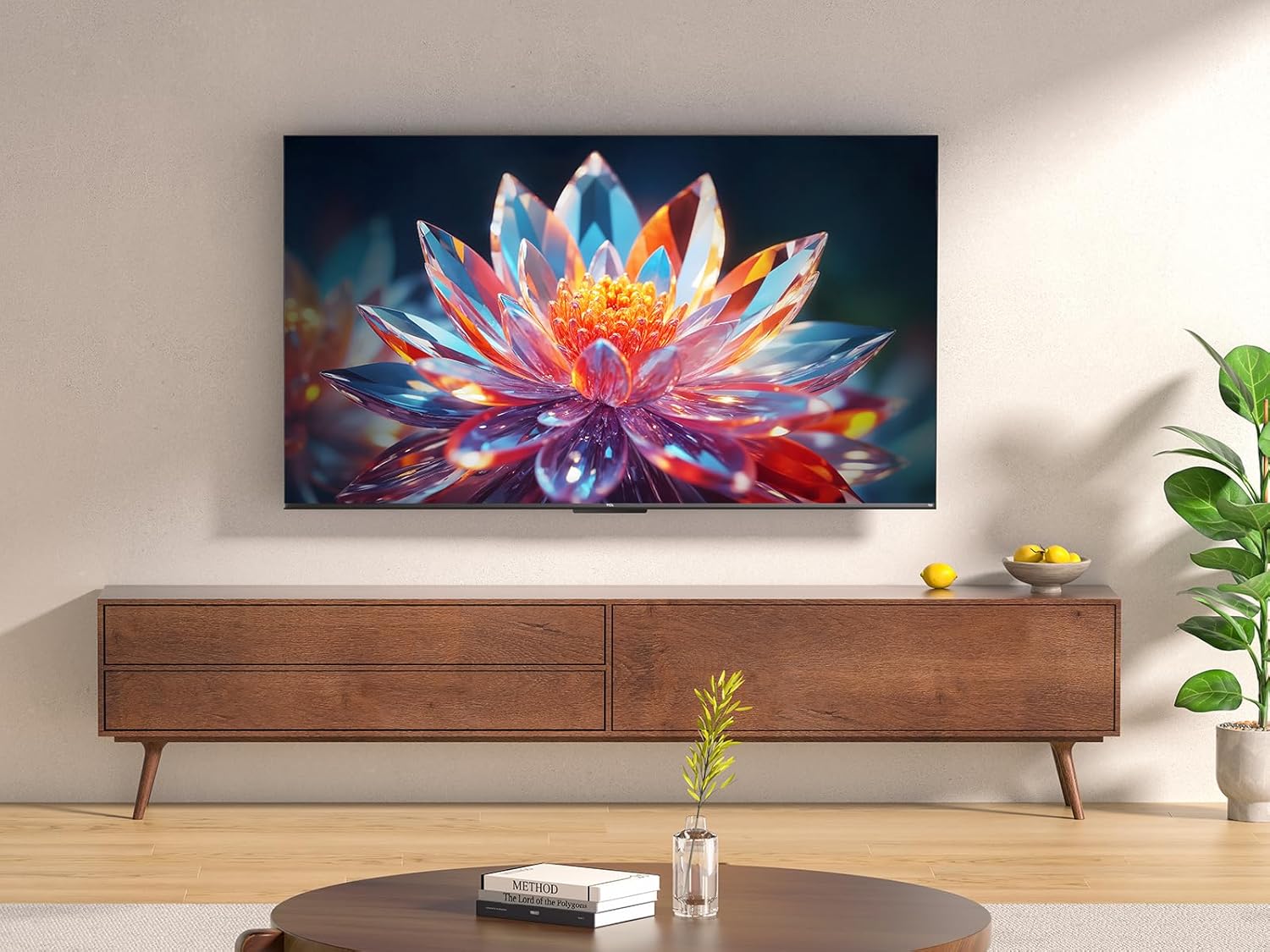
Experience vibrant and accurate colors with QLED technology. This TV utilizes Quantum Dot technology to produce over a billion shades of color, offering a realistic and wide color gamut with striking contrast.

6.4 HDR Multi-Format Support
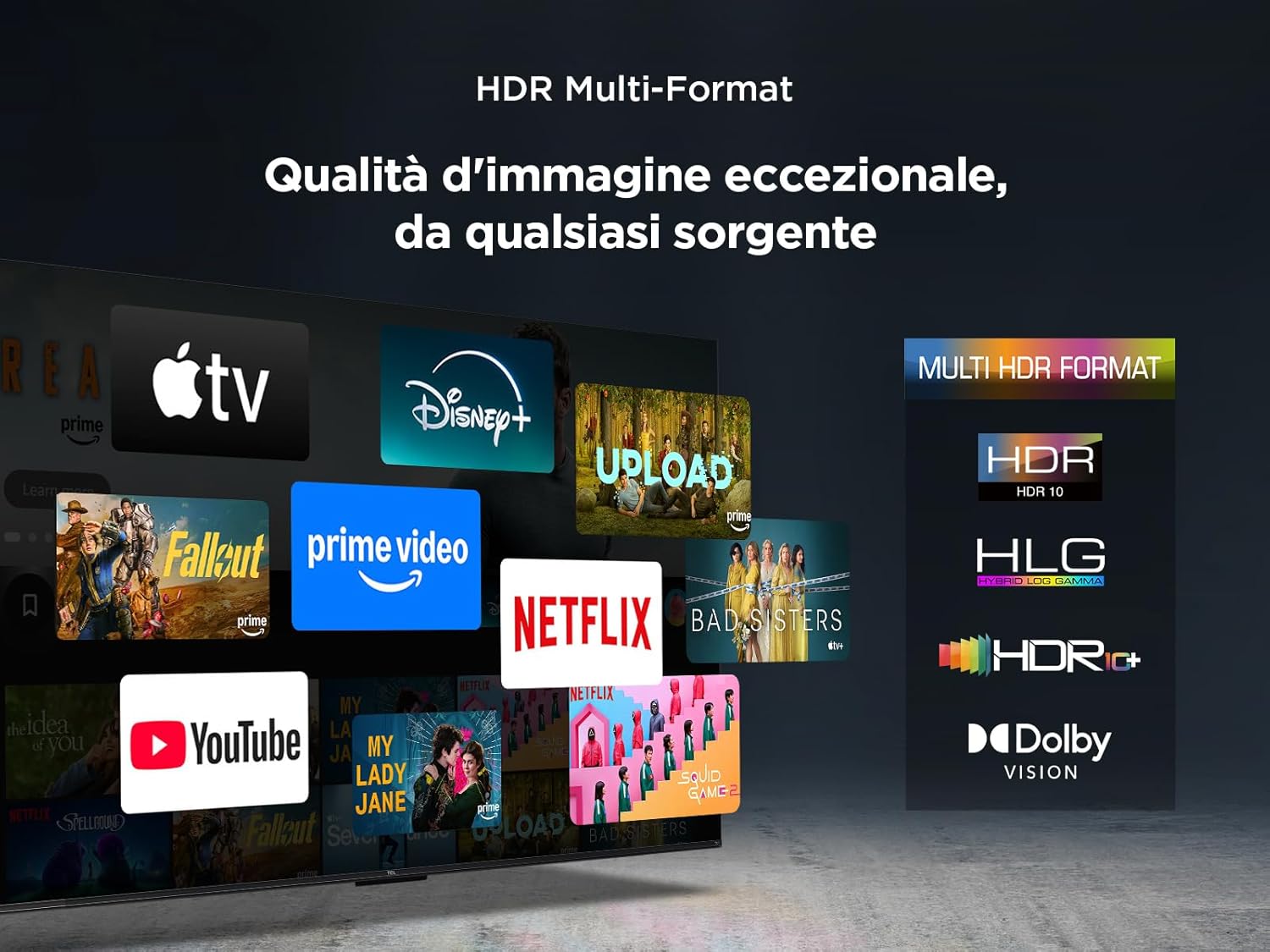
The TV supports multiple HDR formats, including HDR10, HLG, HDR10+, and Dolby Vision, ensuring exceptional image quality from various sources. This allows you to view content in the best possible format.
6.5 Audio Features (Dolby Atmos & DTS:X)
Immerse yourself in a captivating audio experience with Dolby Atmos and DTS:X technologies. These features provide rich, clear, and powerful sound, enhancing your viewsprawia mi przyjemność.

6.6 Motion Clarity
Motion Clarity (MEMC) technology ensures smooth and harmonious images, reducing blur and judder in fast-moving scenes, ideal for sports and action films.

6.7 Funkcje gier
For gamers, the TCL 50T6C offers an optimized gaming experience with features like HDMI 2.1, ALLM (Auto Low Latency Mode), and VRR (Variable Refresh Rate) for smoother gameplay and reduced input lag.

6.8 Sterowanie głosowe Alexa
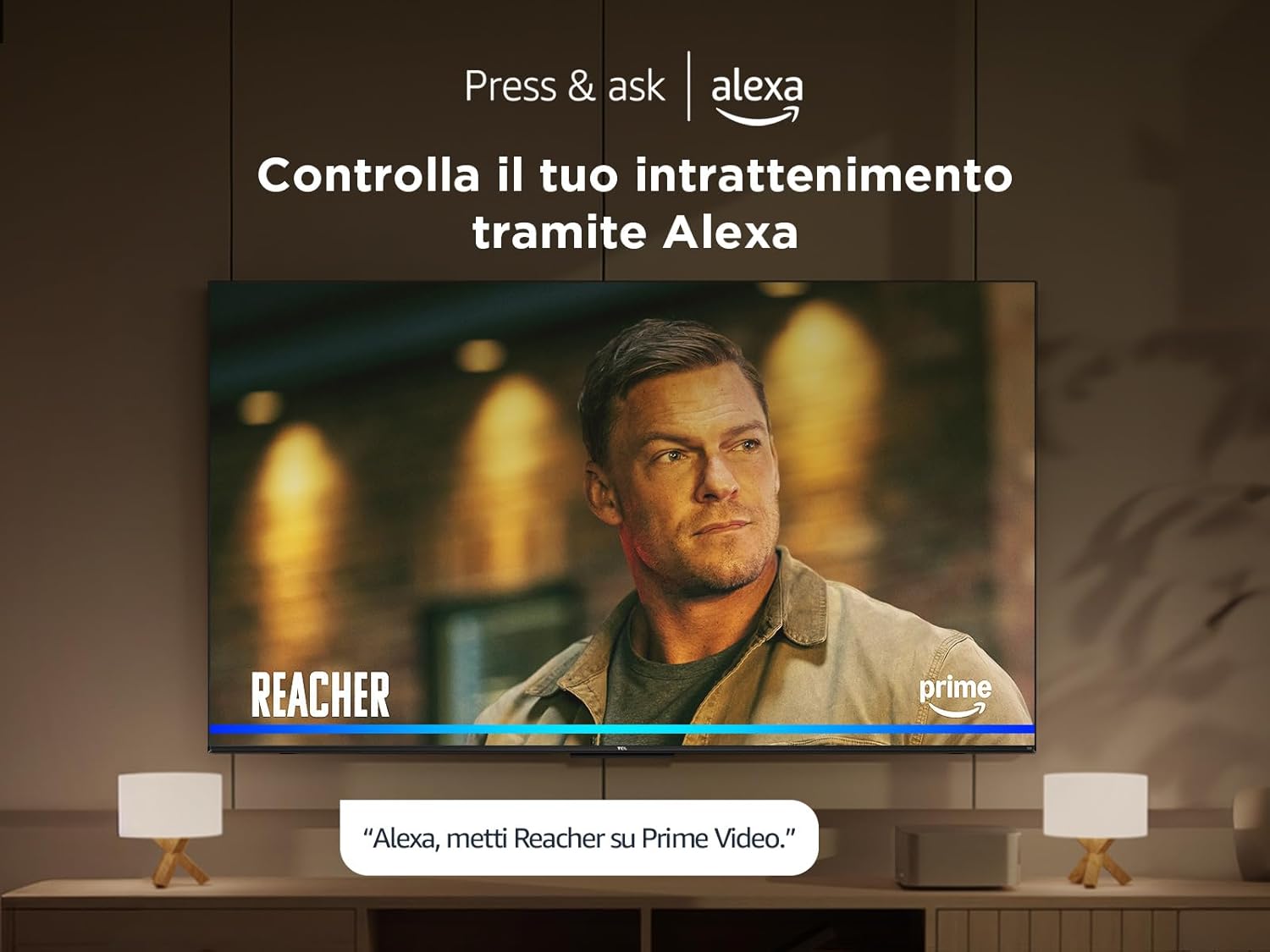
Control your TV and smart home devices using your voice with integrated Alexa. Simply press the microphone button on your remote and speak your command.
7. Konserwacja
To ensure the longevity and performance of your TV:
- Czyszczenie ekranu: Delikatnie przetrzyj ekran miękką, niepozostawiającą włókien ściereczką. W przypadku uporczywych zabrudzeń użyj środka do czyszczenia ekranów przeznaczonego specjalnie do telewizorów, nakładając go na ściereczkę, a nie bezpośrednio na ekran.
- Czyszczenie ramy: Do przecierania ramy i podstawy telewizora używaj miękkiej, suchej ściereczki.
- Unikaj silnych środków chemicznych: Do not use alcohol, benzene, thinners, or other volatile substances, as they may damage the TV.
- Wentylacja: Aby zapobiec przegrzaniu, sprawdź, czy otwory wentylacyjne z tyłu telewizora nie są zablokowane.
8. Rozwiązywanie Problemów
Jeśli masz problemy z telewizorem, wypróbuj następujące rozwiązania:
- Brak zasilania: Sprawdź, czy kabel zasilający jest prawidłowo podłączony i czy gniazdko elektryczne działa. Spróbuj użyć innego gniazdka.
- Brak obrazu/dźwięku: Upewnij się, że wybrano prawidłowe źródło sygnału. Sprawdź wszystkie połączenia kablowe (HDMI, antena).
- Pilot nie działa: Wymień baterie. Upewnij się, że między pilotem a telewizorem nie ma żadnych przeszkód.
- Słaba jakość obrazu: Check antenna/cable connections. Adjust picture settings in the TV menu. For streaming content, check your internet connection speed.
- Problemy z połączeniem internetowym: Restart your router and modem. Reconnect to the Wi-Fi network or try a wired Ethernet connection.
If problems persist, consult the online support resources or contact customer service.
9. Specyfikacje techniczne
| Funkcja | Specyfikacja |
|---|---|
| Producent | TCL |
| Numer modelu | 50T6C |
| Rozmiar ekranu | 50 cali |
| Technologia ekranowa | QLED |
| Rezolucja | 4K |
| Częstotliwość odświeżania | 60 Hz |
| Cechy specjalne | 60 Hz VRR & MEMC, Dolby Audio, Fire OS Alexa, Quantum Dot |
| Technologia łączności | Bluetooth, Ethernet, HDMI, USB, Wi-Fi |
| Proporcje obrazu | 16:9 |
| Wymiary produktu (SxGxW) | Wymiary 111.1 x 25.7 x 68.4 cm |
| Waga | 10.6 kilogramów |
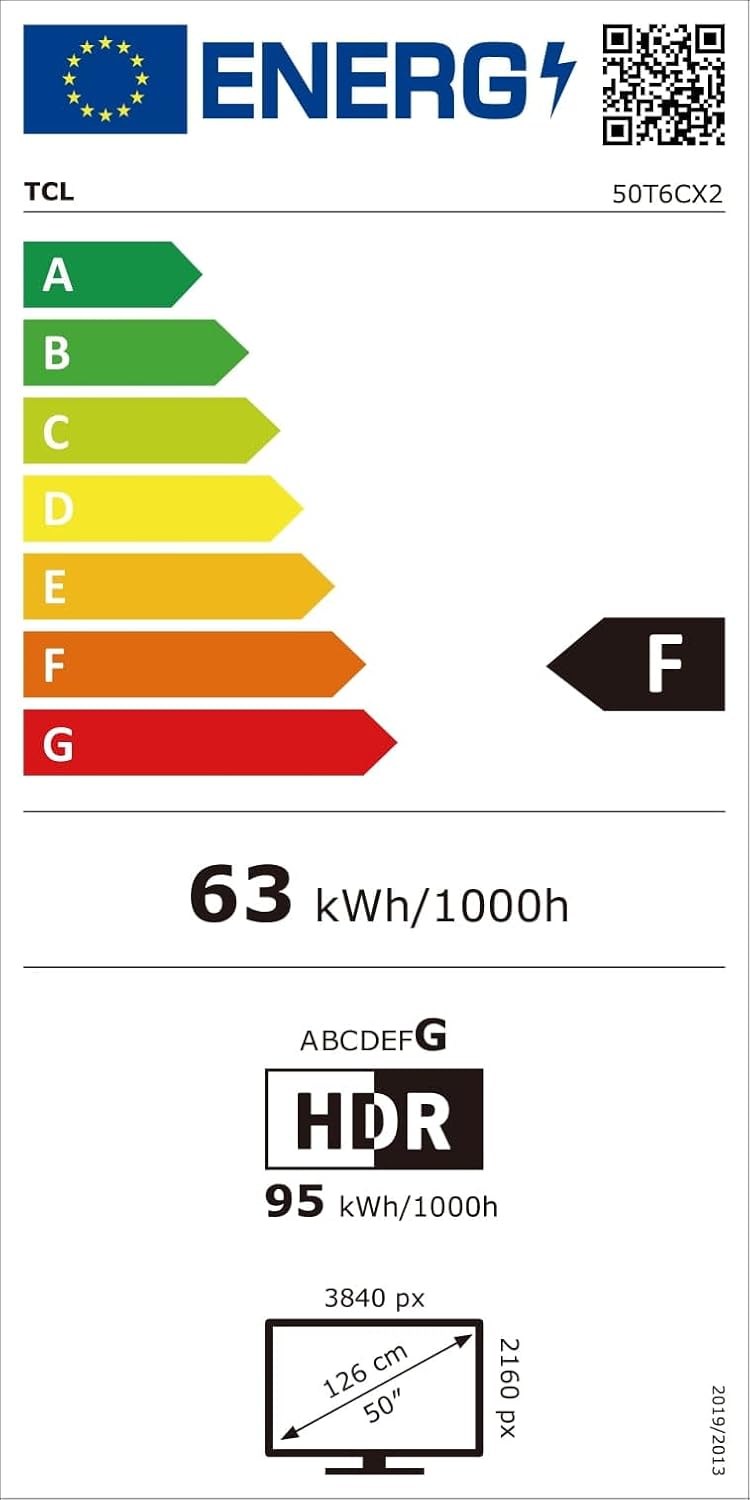
9.1 Efektywność energetyczna
10. Gwarancja i wsparcie
For warranty information and customer support, please refer to the warranty card included with your product or visit the official TCL support webZachowaj paragon jako dowód zakupu.


