1. Wprowadzenie
This manual provides essential information for setting up, operating, maintaining, and troubleshooting your LG gram 17 inch laptop. Please read this manual thoroughly before using your device to ensure proper functionality and longevity.
2. Konfiguracja
2.1 Pierwsze włączenie zasilania
- Rozpakuj laptopa: Carefully remove the LG gram 17 laptop and all accessories from its packaging.
- Podłącz zasilanie: Plug the AC adapter into the laptop's power port (USB Type-C Thunderbolt 4 port) and then into a wall outlet.
- Włączanie: Otwórz pokrywę laptopa i naciśnij przycisk zasilania, który zazwyczaj znajduje się w prawym górnym rogu klawiatury.
- Początkowa konfiguracja systemu Windows 11 Pro: Postępuj zgodnie z instrukcjami wyświetlanymi na ekranie, aby dokończyć konfigurację systemu Windows 11 Pro, co obejmuje wybór języka, nawiązanie połączenia sieciowego i utworzenie konta użytkownika.
2.2 Podłączanie urządzeń peryferyjnych
The LG gram 17 offers various ports for connecting external devices:
- Urządzenia USB: Use the 2x USB 3.2 Gen 2 Type-A ports for mice, keyboards, or external storage.
- Urządzenia USB-C / Thunderbolt: Use the 2x Thunderbolt 4 USB 4.0 Gen 3 Type-C ports for high-speed data transfer, external displays, or charging.
- Wyświetlacz zewnętrzny: Connect an external monitor via the HDMI port or a Thunderbolt 4 port (with appropriate adapter, if needed).
- Audio: Use the 3.5mm headphone-out jack for headphones or external speakers.
- Karta micro sd: Insert a Micro SD card into the dedicated slot for additional storage or data transfer.

Obraz: Ponadview of the LG gram 17 laptop's connectivity ports, including USB Type-A, USB Type-C Thunderbolt 4, HDMI, headphone-out, and Micro SD slot.
3. Funkcje
3.1 Wyświetlacz
The LG gram 17 features a large 17-inch WQXGA (2560 x 1600) IPS touchscreen display with DCI-P3 99% color gamut support, providing vibrant colors and sharp details.

Image: The LG gram 17's 17-inch WQXGA IPS display, highlighting its 16:10 aspect ratio and DCI-P3 99% color accuracy.
3.2 Wydajność
Powered by the Intel Core Ultra 7 processor with 47 NPU TOPS, 32GB DDR5 RAM, and a 2TB PCIe SSD, the laptop delivers responsive performance for multitasking, productivity, and demanding applications.

Image: The LG gram 17 laptop, emphasizing its Intel Core Ultra processor and AI capabilities with up to 47 TOPS NPU.
3.3 Design and Input
The LG gram 17 is designed to be ultra-thin and lightweight, making it highly portable. It features a backlit keyboard for comfortable typing in various lighting conditions and a precision touchpad with scroll and gesture functions.

Obraz: szczegółowy view of the LG gram's backlit keyboard, illustrating the illumination of the keys for use in low-light environments.
3.4 Żywotność baterii
Equipped with a 77WHr Lithium Ion battery, the laptop offers up to 23.5 hours of video playback, ensuring extended usage on a single charge.

Image: The LG gram laptop screen showing "23.5 hrs" to represent its long battery life, with a visual of the laptop in use.
3.5 Operating System and AI Features
The LG gram 17 comes with Windows 11 Pro pre-installed, featuring AI-driven tools for enhanced productivity, creativity, and accessibility, including Copilot+PC functionalities.
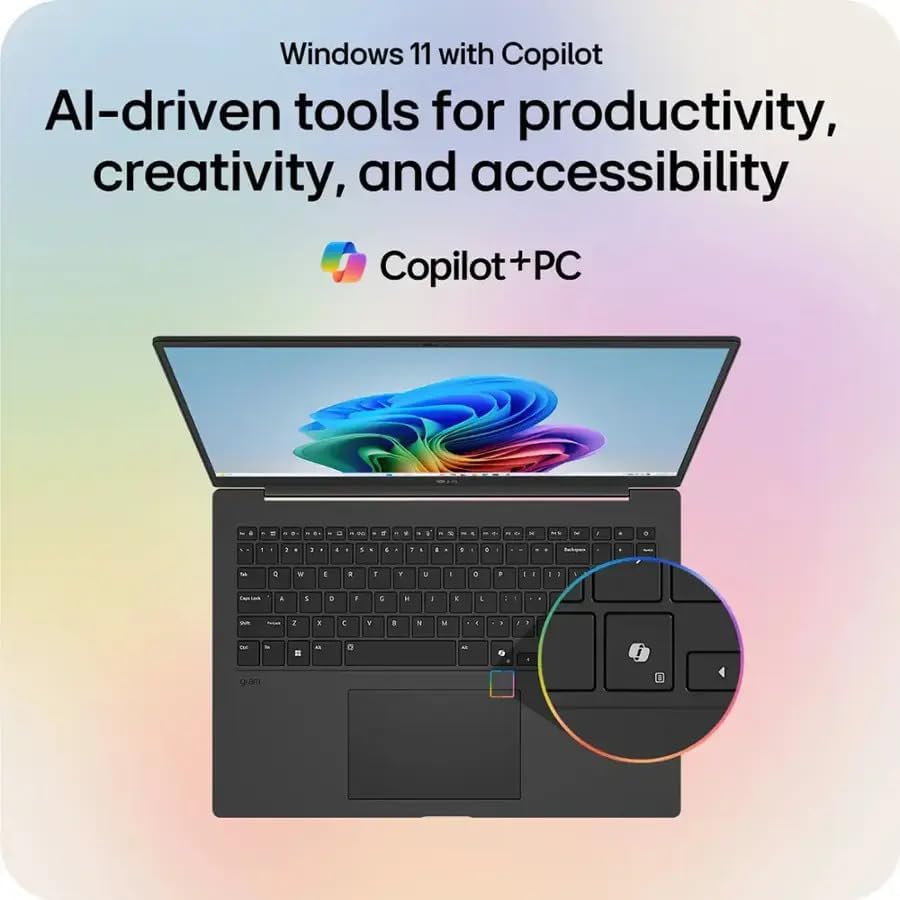
Image: The LG gram laptop showcasing the Windows 11 interface with Copilot, emphasizing its AI-driven tools for productivity and creativity.
3.6 Funkcjonalność ekranu dotykowego
The 17-inch WQXGA display is a touchscreen, allowing for intuitive interaction using your fingers or a compatible stylus.
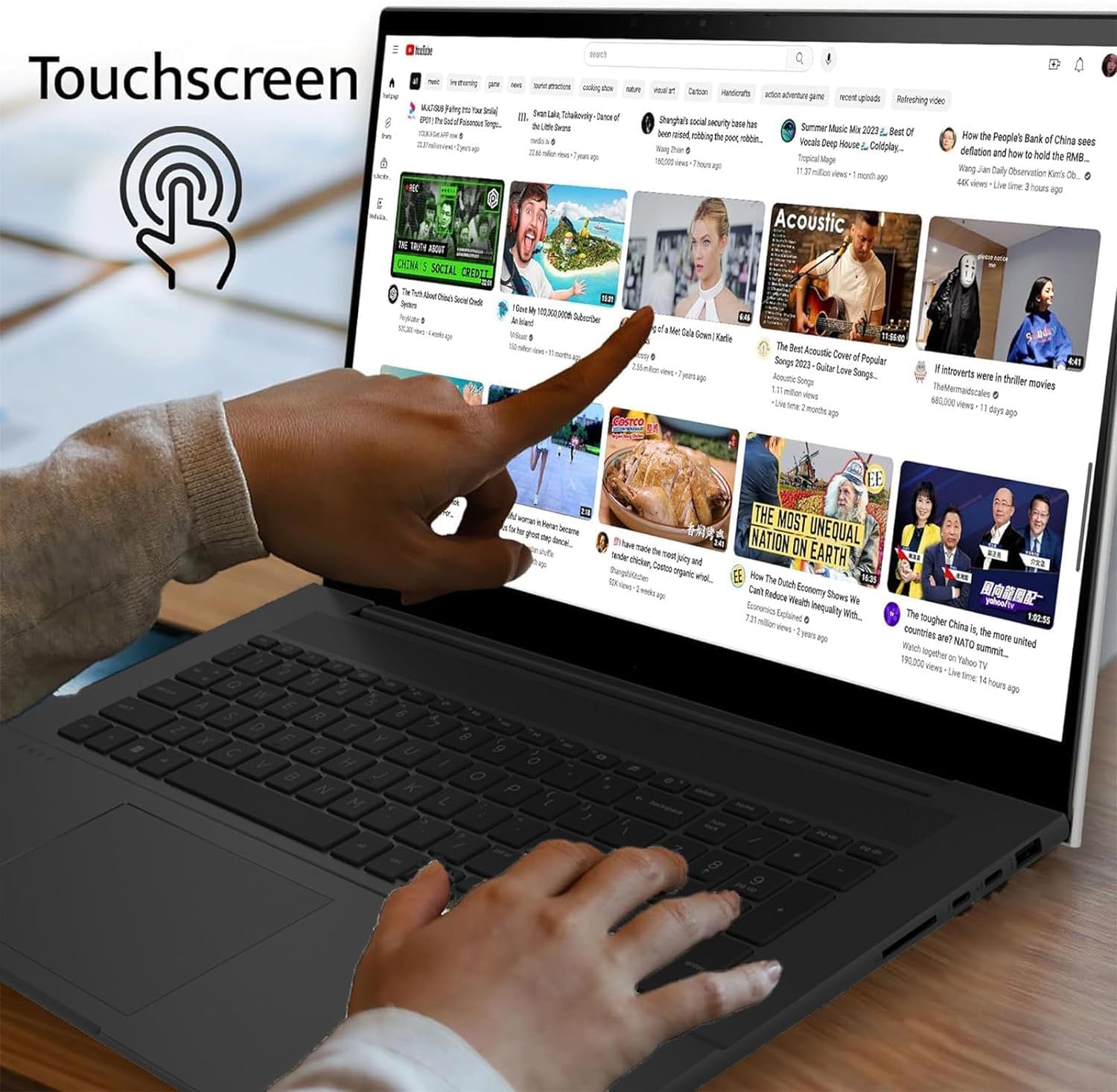
Image: A user's hand touching the screen of the LG gram laptop, illustrating its touchscreen capability.
4. Instrukcja obsługi
4.1 Podstawowe użytkowanie
- Klawiatura: Use the full-size backlit keyboard for typing. Function keys (F1-F12) often have secondary actions (e.g., volume, brightness) accessible by pressing the Fn key.
- Panel dotykowy: The precision touchpad supports multi-touch gestures for navigation, scrolling, and zooming.
- Ekran dotykowy: Interact directly with the display using touch gestures. Swipe, tap, pinch-to-zoom, and other gestures are supported.
4.2 Zarządzanie energią
- Ładowanie: Connect the AC adapter to any Thunderbolt 4 (USB-C) port for charging. The battery indicator light will show charging status.
- Tryb uśpienia: Zamknij pokrywę lub naciśnij krótko przycisk zasilania, aby przełączyć laptopa w tryb uśpienia.
- Zamknięcie: To turn off the laptop, go to Start > Power > Shut down.
4.3 Łączność sieciowa
- Wi-Fi: The laptop supports Intel Wi-Fi 7. To connect, click the Wi-Fi icon in the taskbar, select your network, and enter the password.
- Bluetooth: Enable Bluetooth in Windows settings to pair with wireless accessories like headphones or mice.
5. Konserwacja
5.1 Czyszczenie
- Ekran: Użyj miękkiej, niestrzępiącej się ściereczki, lekko wyczyśćampPrzemyj wodą lub płynem do czyszczenia ekranów. Unikaj silnych środków chemicznych.
- Klawiatura i obudowa: Użyj miękkiej, suchej ściereczki. W przypadku uporczywych zabrudzeń, delikatnie przetrzyj.amp Można użyć ściereczki, upewniając się, że do otworów nie dostanie się żaden płyn.
5.2 Pielęgnacja baterii
- Unikaj ekstremalnych temperatur.
- Nie należy zbyt często całkowicie rozładowywać akumulatora.
- W przypadku długotrwałego przechowywania naładuj akumulator do poziomu ok. 50–60%.
5.3 Aktualizacje oprogramowania
Regularly check for and install Windows updates and LG driver updates to ensure optimal performance and security. Go to Start > Settings > Windows Update.
6. Rozwiązywanie Problemów
- Laptop się nie włącza:
- Ensure the AC adapter is securely connected and the outlet is functional.
- Spróbuj użyć innego gniazdka elektrycznego.
- If the battery is completely drained, it may take a few minutes of charging before it can power on.
- Problemy z wyświetlaniem:
- If the screen is blank, try pressing Fn + F10 (or the appropriate function key for display output) to cycle through display modes.
- Upewnij się, że sterowniki wyświetlacza są aktualne.
- Brak połączenia Wi-Fi:
- Sprawdź, czy w ustawieniach systemu Windows włączona jest funkcja Wi-Fi.
- Uruchom ponownie router i modem.
- Uruchom narzędzie do rozwiązywania problemów z siecią systemu Windows.
- Niska wydajność:
- Zamknij niepotrzebne aplikacje.
- Sprawdź, czy w tle działają procesy zużywające dużo zasobów (Menedżer zadań).
- Upewnij się, że na dysku SSD jest wystarczająca ilość wolnego miejsca.
- Uruchom skanowanie antywirusowe.
7. Specyfikacje
| Funkcja | Szczegół |
|---|---|
| Nazwa modelu | LG gram 17 |
| System operacyjny | Windows 11 Pro |
| Edytor | Intel Core Ultra 7 258V (3.7 GHz) |
| Grafika | Karta graficzna Intel Arc (zintegrowana) |
| BARAN | 32 GB pamięci RAM DDR5 |
| Składowanie | Dysk SSD PCIe 2TB |
| Wyświetlacz | 17.3-inch WQXGA (2560 x 1600) IPS Touchscreen, DCI-P3 99% |
| Technologia bezprzewodowa | Intel Wi-Fi 7 + Bluetooth |
| Porty | 2x Thunderbolt 4 USB 4.0 Gen 3 Type-C, 2x USB 3.2 Gen 2 Type-A, 1x HDMI, 1x Headphone-out, 1x Micro SD Slot |
| Klawiatura | Podświetlana klawiatura |
| Bateria | 77WHr Lithium Ion, up to 23.5 hours (video playback) |
| Wymiary (dł. x szer. x wys.) | 14 x 11 x 0.7 cala |
| Waga | 3.19 funtów |
8. Gwarancja i wsparcie
The LG gram 17 laptop comes with a standard warranty. Specifically, a 1-year standard warranty is provided on the upgraded SSD. For detailed warranty terms and conditions, please refer to the documentation included with your product or visit the official LG support webstrona.
For technical assistance, troubleshooting, or service inquiries, please contact LG customer support.