Wstęp
Dziękujemy za zakupasing the Muse M-1520 SBT Soundbar. This device is designed to enhance your audio experience with 50W of power and versatile connectivity options including Bluetooth, AUX-IN, RCA, and Optical inputs. Please read this manual carefully before use to ensure proper setup and operation.

The Muse M-1520 SBT Soundbar integrated into a home entertainment setup.
Instrukcje bezpieczeństwa
- Nie wystawiać urządzenia na działanie deszczu i wilgoci.
- Nie otwierać casing; wszelkie prace serwisowe należy zlecać wykwalifikowanemu personelowi.
- Zapewnij odpowiednią wentylację wokół urządzenia.
- Trzymaj urządzenie z dala od bezpośredniego światła słonecznego, źródeł ciepła i silnych pól magnetycznych.
- Używaj wyłącznie dołączonego zasilacza.
- Do not place heavy objects on the soundbar.
- Utylizuj baterie w odpowiedzialny sposób.
Zawartość opakowania
Sprawdź, czy w przesyłce znajdują się wszystkie wymienione poniżej elementy:
- Muse M-1520 SBT Soundbar
- Zasilacz sieciowy
- Kabel RCA
- 3.5 mm Aux-In Cable
- Zdalne sterowanie
- 2 baterie AA (do pilota)

All accessories included with the Muse M-1520 SBT Soundbar.
Sterowanie i połączenia
Połączenia na tylnym panelu

Szczegółowy view of the soundbar's rear input ports.
- AUX 1 (3.5mm): Podłącz zewnętrzne urządzenia audio za pomocą kabla audio 3.5 mm.
- AUX 2 (RCA L/R): Connect external audio devices using an RCA stereo cable.
- OPTYCZNY: Connect to a TV or other device with an optical digital audio output.
- 12V DC: Podłącz dołączony zasilacz sieciowy.
Top Panel Controls and Indicators
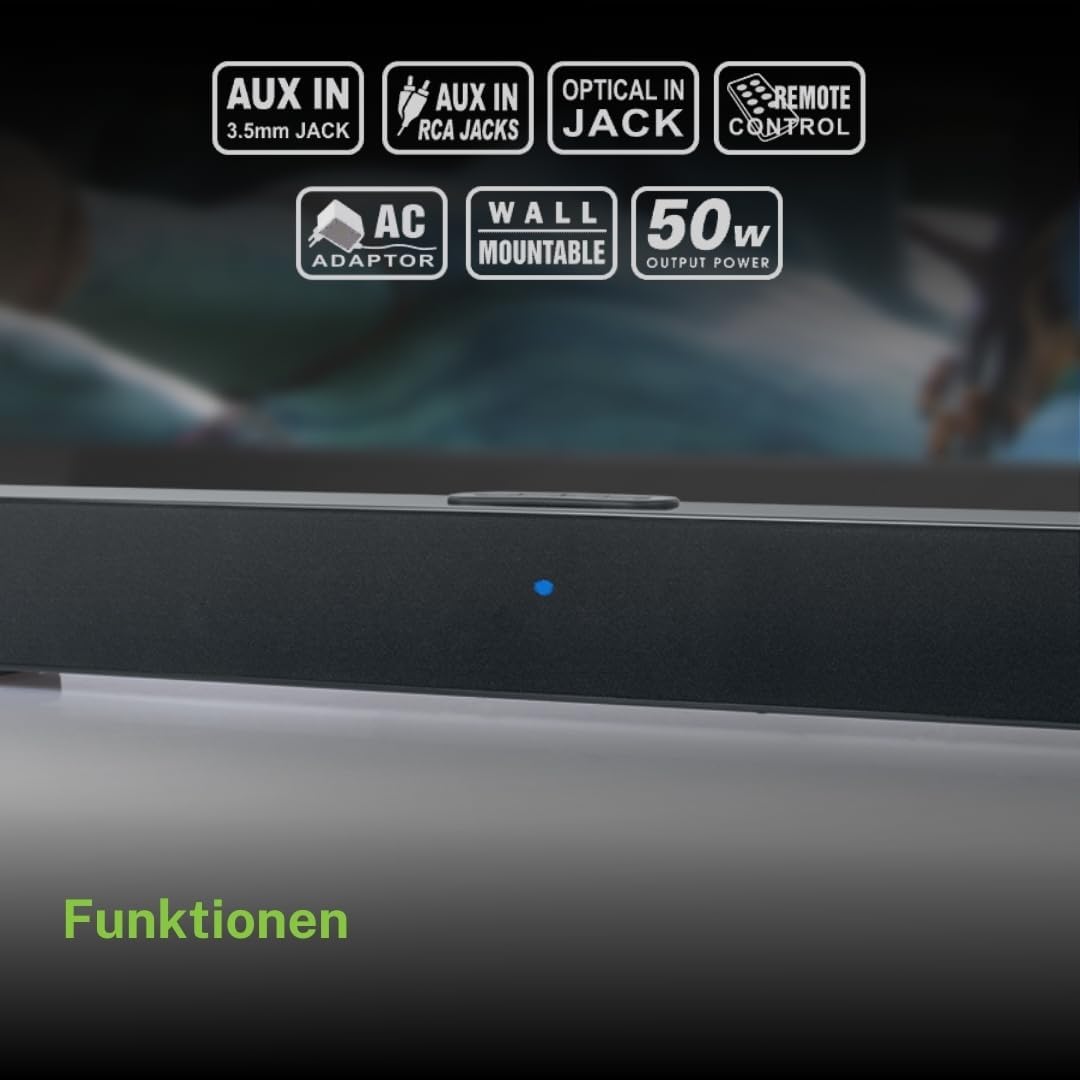
Top panel controls and LED indicator for the soundbar.
The top panel features buttons for power, volume control, and source selection. A blue LED indicator shows the current status or selected input.
Organizować coś
1. Umieszczenie
Place the soundbar on a stable, flat surface in front of your television, or mount it on the wall below your TV. Ensure there are no obstructions blocking the sound.
2. Podłączenie zasilania
- Connect the AC power adapter to the DC 12V input on the rear of the soundbar.
- Podłącz zasilacz sieciowy do gniazdka ściennego.
3. Połączenie audio
Wybierz jedną z poniższych metod, aby podłączyć soundbar do źródła dźwięku (np. telewizora, odtwarzacza DVD):
- Połączenie optyczne: For best audio quality, connect an optical cable (not included) from your TV's optical output to the OPTICAL input on the soundbar.
- Połączenie RCA: Connect the supplied RCA cable from your audio source's RCA L/R output to the AUX 2 (RCA) input on the soundbar.
- 3.5mm AUX-IN Connection: Connect the supplied 3.5mm Aux-In cable from your audio source's headphone jack or AUX output to the AUX 1 (3.5mm) input on the soundbar.
Instrukcja obsługi
Włączanie/wyłączanie zasilania
- Naciśnij MOC button on the remote control or the soundbar's top panel to turn the unit on or off.
Wybór źródła
- Naciśnij ŹRÓDŁO button on the remote control or the soundbar's top panel repeatedly to cycle through input sources: Bluetooth, AUX 1, AUX 2, Optical.
- The LED indicator will change color or pattern to indicate the selected source.
Kontrola głośności
- Naciśnij Objętość + or TOM- buttons on the remote control or the soundbar's top panel to adjust the volume.
Parowanie Bluetooth
- Turn on the soundbar and select the Bluetooth input source. The LED indicator will flash, indicating it is in pairing mode.
- Włącz Bluetooth w swoim urządzeniu mobilnym (smartfonie, tablecie itp.).
- Szukaj available Bluetooth devices. The soundbar will appear as "M-1520 SBT".
- Select "M-1520 SBT" to pair. Once connected, the LED indicator will stop flashing and remain solid.
- Możesz teraz odtwarzać dźwięk ze swojego urządzenia poprzez soundbar.
Notatka: Jeśli zostaniesz poproszony o podanie hasła, wpisz „0000”.
Montaż na ścianie
The Muse M-1520 SBT Soundbar is designed to be wall-mountable. Mounting hardware (screws, anchors) is not typically included and must be purchased separately based on your wall type.
Ważny: Ensure the wall can support the weight of the soundbar (approximately 1.2 kg). Consult a professional if you are unsure about wall mounting.
Konserwacja
- Czyszczenie: Do czyszczenia powierzchni soundbara używaj miękkiej, suchej ściereczki. Nie używaj płynnych środków czyszczących ani materiałów ściernych.
- Składowanie: Jeśli urządzenie będzie przechowywane przez dłuższy czas, należy odłączyć je od gniazdka elektrycznego i przechowywać w chłodnym, suchym miejscu.
Rozwiązywanie problemów
| Problem | Możliwa przyczyna | Rozwiązanie |
|---|---|---|
| Brak zasilania | Power adapter not connected or wall outlet not active. | Sprawdź, czy zasilacz jest prawidłowo podłączony do soundbara i do działającego gniazdka ściennego. |
| Brak dźwięku | Incorrect input source selected, volume too low, or audio cable not connected properly. | Select the correct input source. Increase the volume. Check all audio cable connections. Ensure the TV/source audio output is enabled. |
| Parowanie Bluetooth nie powiodło się | Soundbar nie jest w trybie parowania, urządzenie znajduje się za daleko lub występują zakłócenia. | Ensure the soundbar is in Bluetooth pairing mode (flashing LED). Move your device closer to the soundbar. Turn off other Bluetooth devices to reduce interference. |
| Pilot nie działa | Batteries are dead or inserted incorrectly, or line of sight is blocked. | Replace the batteries (2 x AA). Ensure batteries are inserted with correct polarity. Remove any obstructions between the remote and the soundbar. |
Specyfikacje
| Nazwa modelu | M-1520 SBT |
| Moc wyjściowa | 50 watów |
| Łączność | Bluetooth, AUX-IN (3.5mm), RCA, Optical |
| Technologia bezprzewodowa | Bluetooth |
| Kompatybilne urządzenia | TV, smartphone, PC, tablet |
| Wymiary (dł. x szer. x wys.) | 66 x 6 x 5.9 cm (25.98 x 2.36 x 2.32 cala) |
| Waga | 1.2 kg (2.65 funta) |
| Metoda kontroli | Zdalne sterowanie |
| Źródło zasilania | AC Adapter (12V DC) |
| Kolor | Czarny |

Dimensional diagram of the Muse M-1520 SBT Soundbar.
Gwarancja i wsparcie
Specific warranty information for the Muse M-1520 SBT Soundbar is not available in the provided product details. Please refer to the warranty card included in your product packaging or contact your retailer for details regarding warranty coverage and customer support.


