1. Introduksjon
1.1 Om denne håndboken
This manual provides essential information for setting up, operating, maintaining, and troubleshooting your Fujitsu LIFEBOOK E546 laptop. Please read it carefully before using your device to ensure proper function and longevity.
1.2 Produkt overview
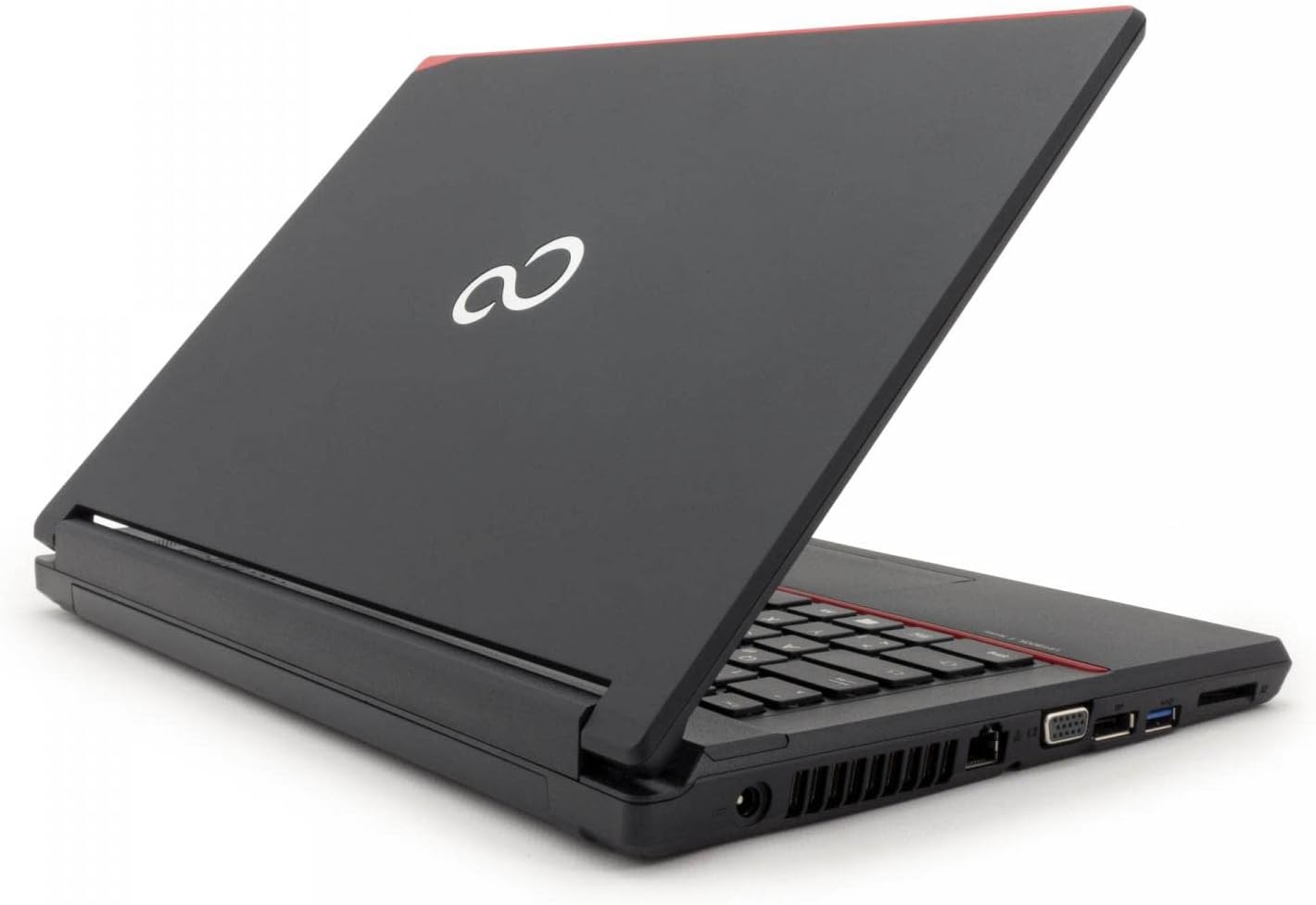
The Fujitsu LIFEBOOK E546 is a business-class laptop designed for productivity and reliability. This particular unit is a refurbished model, professionally tested and renewed to function like new. It features an Intel Core i5-6200U processor, 8GB of RAM, a 256GB SSD, and a 14-inch Full HD (1920x1080) display. It comes pre-installed with Windows 10 Pro.

Image: Fujitsu LIFEBOOK E546 laptop, closed, showing the top lid with the Fujitsu logo.
2. Oppsett
2.1 Utpakking
Ta forsiktig alle komponentene ut av emballasjen. Sørg for at følgende er til stede:
- Fujitsu LIFEBOOK E546 bærbar PC
- AC-adapter
- Strømkabel
Hvis noen varer mangler eller er skadet, vennligst kontakt kundestøtte umiddelbart.
2.2 Første gangs strøm på
Connect the AC adapter to the laptop's power input port and then to a functional power outlet. Open the laptop lid and press the power button, typically located near the keyboard. The system will guide you through the initial Windows 10 setup process, including language selection, network connection, and user account creation.

Image: Fujitsu LIFEBOOK E546 laptop open, viewed from an angle, showing the keyboard and screen. The power button is typically located near the keyboard.
3. Drift
3.1 Strømstyring
- Slik slår du på: Trykk på strømknappen.
- Slik slår du av: In Windows, click the Start button, then select Power > Shut down.
- Sove modus: Lukk lokket på den bærbare datamaskinen eller klikk på Start-knappen, og velg deretter Av/på > Hvilemodus.
3.2 Koble til eksterne enheter
The LIFEBOOK E546 offers various ports for connecting external devices:
- USB-porter: Connect USB devices such as mice, keyboards, external storage drives, or printers to the three USB-A 3.0 ports.
- Videoutgang: Use the VGA or DisplayPort for connecting external monitors or projectors.
- Nettverk: Connect to a wired network using the Gigabit LAN (Gb LAN) port for stable internet access.
- Lyd: Utilize the audio in/out ports for headphones, external speakers, or microphones.
- Kortleser: Insert compatible memory cards into the card reader slot for data transfer.
- Dokkingstasjon: A dedicated connector allows for integration with a compatible docking station (sold separately) for expanded connectivity.

Bilde: Venstre side view of the Fujitsu LIFEBOOK E546, showing audio jacks and USB ports.
Bilde: Høyre side view of the Fujitsu LIFEBOOK E546, showing VGA, DisplayPort, LAN, and other ports.
3.3 Bruk av tastaturet og berøringsplaten
The laptop features a full-sized keyboard for comfortable typing. The integrated touchpad allows for precise cursor control and supports multi-touch gestures such as scrolling and zooming. Refer to Windows settings for touchpad customization options.
4. Vedlikehold
4.1 Rengjøring
Slik opprettholder du den bærbare datamaskinens utseende og funksjonalitet:
- Bruk en myk, lofri klut, litt dampened with water or a screen cleaner, to clean the display.
- Wipe exterior surfaces with a soft, dry cloth.
- Unngå å bruke sterke kjemikalier, slipende rengjøringsmidler eller løsemidler, da disse kan skade overflatene.
- Sørg for at den bærbare datamaskinen er slått av og koblet fra strømnettet før rengjøring.
4.2 Programvareoppdateringer
Oppdater Windows-operativsystemet og enhetsdriverne regelmessig for å sikre optimal ytelse, sikkerhet og kompatibilitet. Du får tilgang til Windows Update via Innstillinger-menyen.
4.3 Batteristell
To prolong the lifespan of your laptop's battery:
- Avoid exposing the laptop to extreme temperatures (very hot or very cold).
- Do not frequently fully discharge the battery. It is generally better to keep the charge between 20% and 80%.
- Hvis du oppbevarer den bærbare datamaskinen over lengre tid, må du sørge for at batteriet er ladet til omtrent 50 %.
5. Feilsøking
5.1 Vanlige problemer og løsninger
- Den bærbare datamaskinen slår seg ikke på:
- Check power connection: Ensure the AC adapter is securely connected to the laptop and a working power outlet.
- Battery charge: If running on battery, ensure it is sufficiently charged.
- Screen is blank or no display:
- Check brightness settings: Increase screen brightness using the function keys.
- External monitor test: Connect an external monitor to the laptop to verify if the issue is with the laptop's internal display or the graphics output.
- Treg ytelse:
- Close unnecessary applications: Reduce the number of programs running simultaneously.
- Check for background processes: Use Task Manager (Ctrl+Shift+Esc) to identify and close resource-intensive background processes.
- Ensure sufficient free space: Verify that your 256GB SSD has adequate free space for optimal operation.
- Periferiutstyr ikke gjenkjent:
- Reconnect the device: Unplug and re-plug the peripheral.
- Try a different port: Test the device in another USB or relevant port.
- Update or reinstall drivers: Ensure the latest drivers for the peripheral are installed.
For more complex issues or persistent problems, refer to the official Fujitsu support webnettstedet eller kontakt deres tekniske støtte for ytterligere hjelp.
6. Spesifikasjoner
| Trekk | Detalj |
|---|---|
| Modell | Fujitsu LIFEBOOK E546 |
| Prosessor | Intel Core i5-6200U (6th Generation) |
| VÆR | 8 GB |
| Lagring | 256 GB SSD |
| Utstilling | 14 inches, 1920 x 1080 pixels (Full HD) |
| Operativsystem | Windows 10 Pro |
| Grafikk | Intel HD Graphics 520 |
| Vekt | 1.9 kilo |
| Havner | 3x USB-A 3.0, Gb LAN, VGA, DisplayPort, Audio in/out, Card Reader, Docking Station connector |
| Human Interface Input | Mikrofon |
| Batterisammensetning | Litium-ion |
*Note: Specifications may vary slightly based on specific configuration or regional models.
7. Garanti og støtte
7.1 Garantiinformasjon
This Fujitsu LIFEBOOK E546 comes with a 1-year warranty. Please retain your proof of purchase for any warranty claims. The warranty covers manufacturing defects and ensures the product functions as described. It does not cover damage caused by misuse, accidents, unauthorized modifications, or normal wear and tear.
7.2 Teknisk støtte
For technical assistance, troubleshooting beyond this manual, or service requests, please visit the official Fujitsu support website or contact their customer service department. A "Recovery" shortcut is pre-installed on the desktop for system recovery options, which can help resolve software issues.


