Invoering
Thank you for choosing the JBL Flip 3 Splashproof Portable Bluetooth Speaker. This manual provides essential information for setting up, operating, and maintaining your speaker to ensure optimal performance and longevity. Please read this manual thoroughly before using your device.
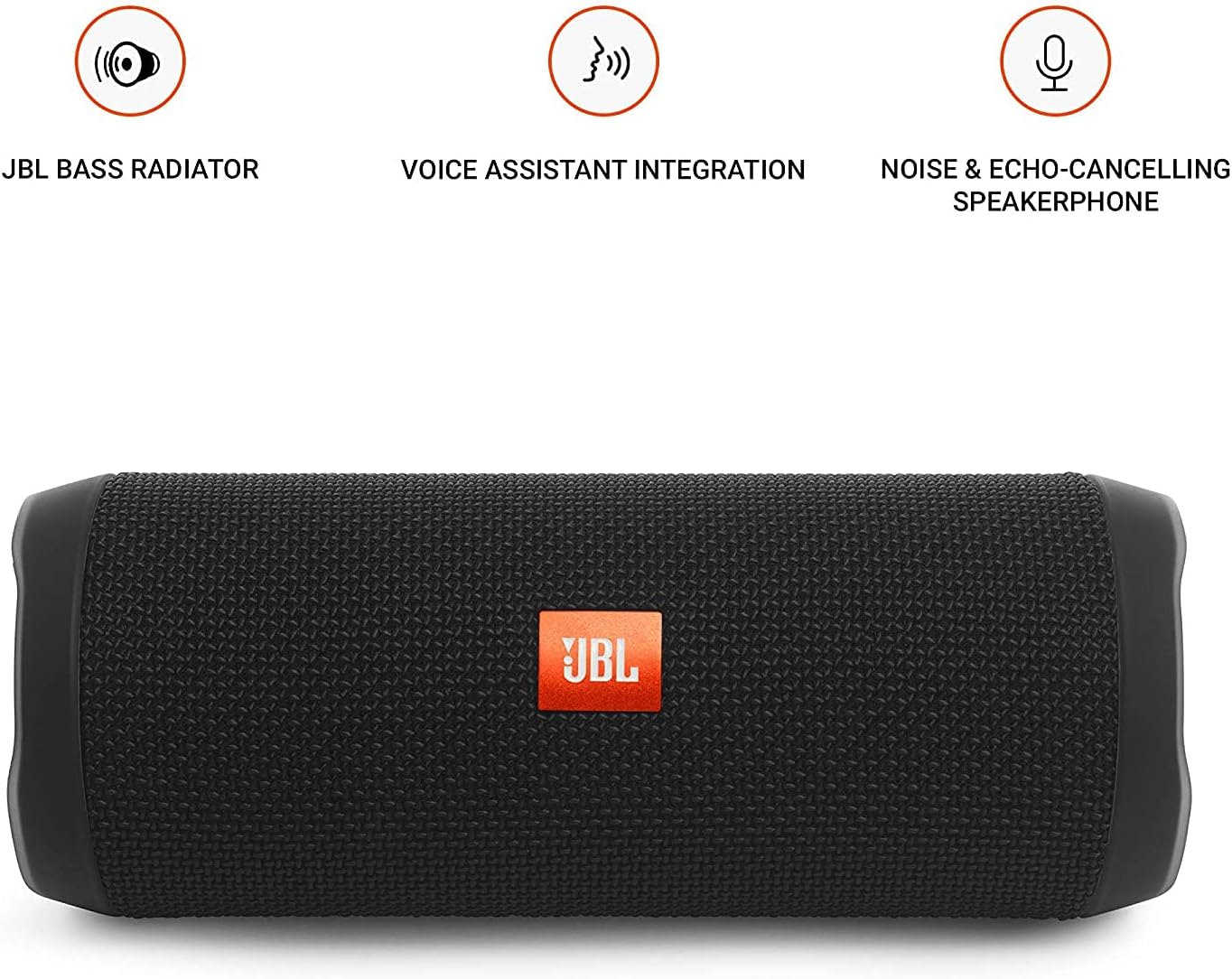
Image: JBL Flip 3 highlighting key features like the bass radiator, voice assistant integration, and noise & echo-cancelling speakerphone.
Wat zit er in de doos?
- JBL Flip 3 Splashproof Portable Speaker
- USB Charging Cable (orange)
- Snelstartgids (niet inbegrepen in deze handleiding)
- Safety Sheet (not included in this manual)
- Garantiekaart (niet bij deze handleiding inbegrepen)
Instellen
1. De batterij opladen
Before first use, fully charge your JBL Flip 3 speaker. The built-in 3000mAh Li-ion battery supports up to 10 hours of playtime and takes approximately 3.5 hours to fully charge.
- Locate the charging port on the side of the speaker, usually protected by a rubber flap.
- Connect the orange USB charging cable to the speaker's charging port.
- Sluit het andere uiteinde van de USB-kabel aan op een compatibele USB-stroomadapter (niet meegeleverd) of op een USB-poort van een computer.
- The LED indicators on the speaker will illuminate to show the charging status. All five LEDs will be solid white when fully charged.

Image: The JBL Flip 3 speaker connected to a charging cable, with its battery indicator LEDs lit.
2. In-/uitschakelen
- Druk op om in te schakelen Aan/uit-knop (usually indicated by a circle with a vertical line). The power indicator light will illuminate.
- Om uit te schakelen, houdt u de . ingedrukt Aan/uit-knop totdat het indicatielampje uitgaat.
Gebruiksaanwijzing
1. Bluetooth-koppeling
The JBL Flip 3 can wirelessly connect up to 3 smartphones or tablets simultaneously.
- Schakel de JBL Flip 3-luidspreker in.
- Druk op de Bluetooth-knop (usually indicated by the Bluetooth logo) on the speaker. The Bluetooth indicator light will flash, indicating it's in pairing mode.
- On your smartphone or tablet, go to the Bluetooth settings and select "JBL Flip 3" from the list of available devices.
- Zodra de verbinding tot stand is gebracht, brandt het Bluetooth-indicatielampje continu.
- To connect additional devices, repeat steps 2-3. The speaker will automatically switch between connected devices when music is played.
2. Muziek afspelen
- Afspelen/Pauzeren: Druk op de Afspelen/Pauze-knop (usually indicated by a triangle or two vertical bars).
- Volumeregeling: Gebruik de Volume omhoog (+) En Volume verminderen (-) buttons on the speaker or your connected device.
- Track overslaan: Dubbelklik op de Afspelen/Pauze-knop om naar het volgende nummer te gaan.
3. Speakerphone Function
The JBL Flip 3 features a noise and echo-cancelling speakerphone for clear calls.
- Oproep beantwoorden/beëindigen: Druk op de Telefoonknop (usually indicated by a phone icon) to answer an incoming call or end an ongoing call.
- Oproep afwijzen: Houd de Telefoonknop om een inkomende oproep te weigeren.
4. JBL Connect
Amplify your listening experience by wirelessly connecting multiple JBL Connect enabled speakers together.
- Zorg ervoor dat beide JBL Connect-luidsprekers zijn ingeschakeld.
- Druk op de JBL Connect-knop (usually indicated by an hourglass or infinity symbol) on both speakers.
- The speakers will automatically connect to each other. Once connected, they will play audio in sync.

Image: The JBL Flip 3 speaker shown vertically, highlighting its compact and portable design.
Onderhoud
Schoonmaak
The JBL Flip 3 is splashproof, meaning it can withstand splashes and light rain. You can clean it with running tap water. Important: Do not submerge the speaker in water. Ensure the rubber flap covering the ports is securely closed before cleaning or exposing to water.
Batterijverzorging
- To prolong battery life, fully charge the speaker at least once every 3 months.
- Avoid exposing the speaker to extreme temperatures (hot or cold) as this can affect battery performance.
Probleemoplossing
| Probleem | Mogelijke oplossing |
|---|---|
| De luidspreker gaat niet aan. | Zorg ervoor dat de batterij is opgeladen. Sluit de luidspreker aan op een stroombron met behulp van de USB-kabel. |
| Geen geluid uit de luidspreker. | Controleer het volumeniveau op zowel de luidspreker als uw aangesloten apparaat. Zorg ervoor dat de luidspreker correct is gekoppeld via Bluetooth. |
| Bluetooth-verbinding mislukt of is instabiel. | Move the speaker closer to your device. Ensure no other devices are interfering with the Bluetooth signal. Try unpairing and re-pairing the speaker. |
| JBL Connect werkt niet. | Ensure both speakers are JBL Connect enabled and are within range. Press the JBL Connect button on both speakers simultaneously. |
If you encounter issues not listed here, please refer to the official JBL support webwebsite of neem contact op met de klantenservice voor verdere hulp.
Specificaties
- Modelnaam: JBLFLIP3BLK
- Merk: JBL
- Afmetingen (H x B x D): 7.5 x 4.5 x 3.9 inch
- Artikelgewicht: 16 ons (1 pond)
- Materiaal: Stof
- Luidsprekertype: Openlucht
- Connectiviteitstechnologie: Bluetooth, draadloos
- Draadloze communicatietechnologie: Bluetooth
- Bluetooth bereik: 10 meter
- Energiebron: Op batterijen
- Batterijtype: 1 lithium-polymeerbatterij vereist
- Batterijcapaciteit: 3000mAh
- Speeltijd: Tot 10 uur
- Oplaadtijd: 3.5 uur
- Luidspreker Maximaal uitgangsvermogen: 16 Watt
- Frequentiebereik: 20 KHz (Note: This is likely the upper limit, typical range is broader)
- Signaal - ruis verhouding: 80dB
- Impedantie: 4 Ohm
- Audio-uitgangsmodus: Stereo
- Speciale eigenschap: Built-in Microphone, Echo-certified
- Waterbestendigheidsniveau: Water Resistant (Splashproof, do not submerge)
- Compatibele apparaten: Smartphone, tablet
- Aanbevolen toepassingen: For Smartphones or Tablets, outdoor activities, parties, travel, portable usage
Garantie en ondersteuning
The JBL Flip 3 comes with a Beperkte garantie. For detailed warranty information, please refer to the warranty card included with your product or visit the official JBL webplaats.
Voor technische ondersteuning, probleemoplossing of servicevragen kunt u terecht op de volgende website: JBL-ondersteuning Webplaats of neem rechtstreeks contact op met hun klantenservice.


