1. परिचय र अधिकview
The G-Homa 24-Hour Indoor Mechanical Timer (Model T1002F) is designed to automate the on/off cycles of your indoor electrical appliances. This mechanical timer offers convenient scheduling for various devices, helping to conserve energy and enhance home management. Its simple, reliable design makes it suitable for everyday use.
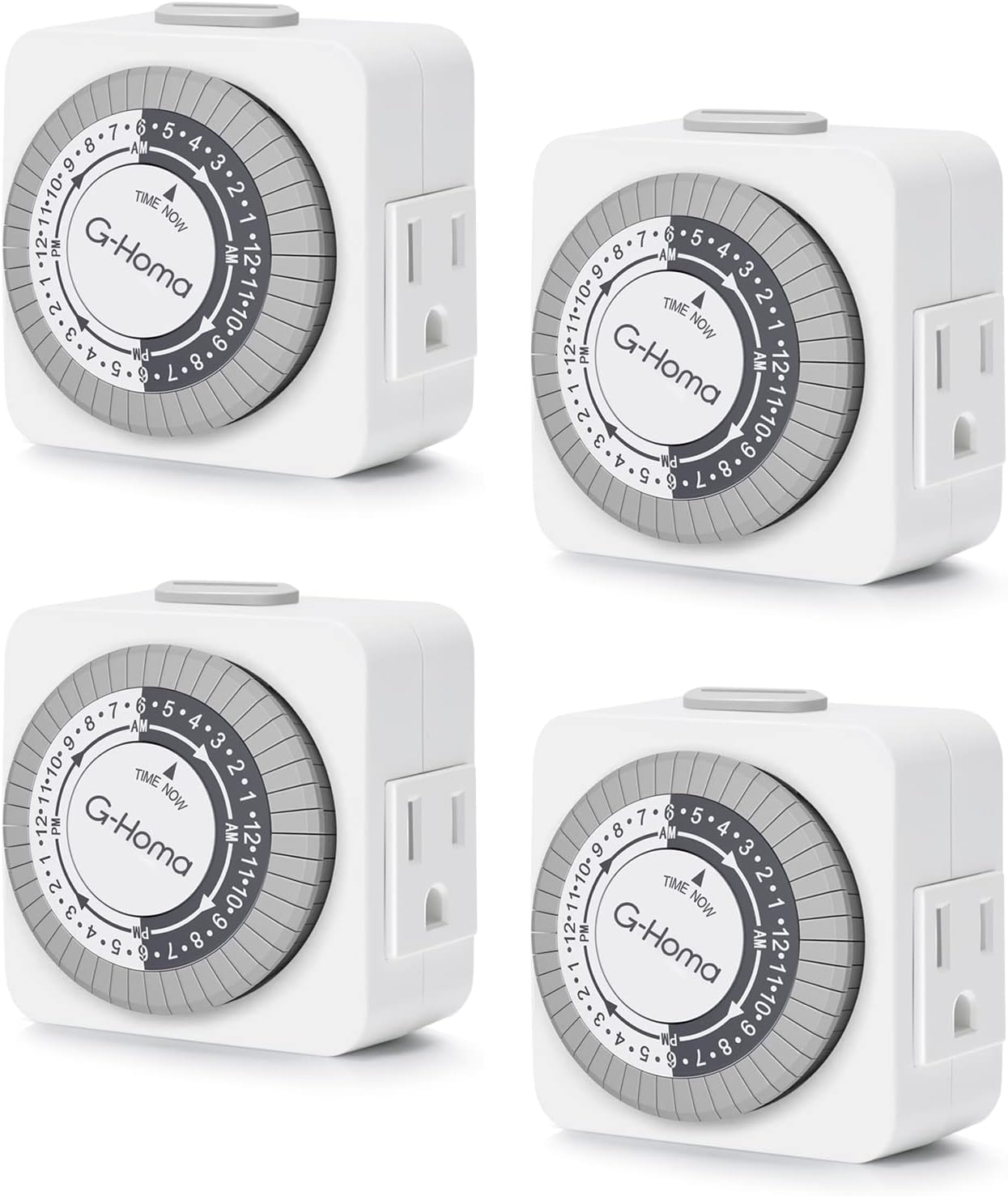
Image 1: Four G-Homa 24-Hour Indoor Mechanical Timers. These timers are compact, white, and feature a circular gray dial for setting times. Each timer has a standard 3-prong plug on the back and an outlet on the side.
Product. उत्पाद सुविधाहरू
- 24-Hour Programmable Schedule: Offers 48 on/off options with 30-minute intervals for flexible daily programming.
- प्रयोग गर्न सजिलो: Simple dial and pin-setting mechanism for straightforward time configuration.
- बहुमुखी अनुकूलता: Suitable for various indoor appliances including LED lights, Christmas tree lights, lamps, plant lights, coffee machines, and fans (15A rating).
- ऊर्जा बचत: Automates device operation to reduce energy consumption.
- सुरक्षित र भरपर्दो: ETL approved, features fireproof ABS material and durable construction. Rated 125V/15A.

छवि ३.२: विस्तृत view of the G-Homa mechanical timer, pointing out its key features: a convenient override switch, the ability to set the timer in 30-minute intervals using push pins on the clock dial, and a grounded outlet for connecting appliances. It also highlights its programmable daily cycle.
3. सुरक्षा जानकारी
यो उत्पादन प्रयोग गर्नु अघि कृपया सबै सुरक्षा निर्देशनहरू पढ्नुहोस् र बुझ्नुहोस्। यी निर्देशनहरू पालना गर्न असफल भएमा बिजुलीको झट्का, आगो वा गम्भीर चोटपटक लाग्न सक्छ।
- भित्री प्रयोगको लागि मात्र। वर्षा वा ओसिलोपनको सम्पर्कमा नआउनुहोस्।
- Do not exceed electrical ratings: 125V/15A, 1875W, 8A Tungsten. Overloading may cause overheating and fire.
- Ensure proper grounding for 3-prong models. Do not remove the ground pin.
- पानीबाट टाढा रहनुहोस् र घamp वातावरणहरू।
- Do not disassemble or attempt to repair the device. Contact customer service if the unit is damaged.
- Always ensure the appliance plugged into the timer is in good working condition.
4. सेटअप निर्देशनहरू
Follow these steps to set up your G-Homa mechanical timer:
- Pull Up All Pins: Before programming, ensure all the small black pins around the edge of the timer dial are in the 'up' position. This sets all intervals to OFF initially.
- हालको समय सेट गर्नुहोस्: Rotate the entire dial clockwise until the 'TIME NOW' arrow on the inner white circle aligns with the current time of day. The dial is marked with AM/PM indicators (e.g., 1-12 AM, 1-12 PM).
- कार्यक्रम चालू/बन्द समय: Push down the pins corresponding to the desired ON periods. Each pin represents a 30-minute interval. Pins pushed down = ON, pins pulled up = OFF. For example, to turn on an appliance from 6 PM to 11 PM, push down all pins between 6 PM and 11 PM.
- Set Operating Mode: Locate the manual override switch on the side of the timer. Slide it to the 'TIMER ON' (clock symbol) position for automatic operation based on your programmed schedule. If you want the connected appliance to be continuously on, slide the switch to the 'ON' position.
- प्लग इन: Insert the timer into a grounded electrical outlet.
- उपकरण जडान: Plug your appliance into the timer's outlet. Ensure the appliance's power switch is in the 'ON' position so the timer can control its power.

Image 3: Visual guide for setting the timer. It illustrates pushing down the pins for 'ON' periods and rotating the dial to set the current time.
Video 1: A G-Homa seller video demonstrating the setup and programming of the 24-hour mechanical timer, including setting the current time, pushing down pins for desired ON/OFF intervals, and plugging in an appliance.
5. सञ्चालन निर्देशनहरू
Once your G-Homa mechanical timer is set up, it will operate automatically:
- स्वचालित सञ्चालन: With the manual override switch set to 'TIMER ON' (clock symbol), the timer will automatically activate and deactivate the connected appliance according to the pins you have pushed down.
- म्यानुअल ओभरराइड: To temporarily override the programmed schedule, slide the manual override switch:
- To 'ON' for continuous power to the connected appliance.
- To 'OFF' (if available, or simply pull up all pins) to keep the connected appliance off.
- दैनिक चक्र: The timer operates on a 24-hour cycle, repeating your programmed schedule daily.

Image 4: The G-Homa timer in use, controlling a lamp in a home setting. This illustrates its application for automating everyday indoor lighting.
Video 2: A G-Homa seller video showcasing the timer's functionality and various applications for indoor electrical outlets, including lamps and other appliances.
6. मर्मतसम्भार
Proper maintenance ensures the longevity and optimal performance of your timer:
- सरसफाई: Wipe the timer clean with a dry, soft cloth. Do not use liquid cleaners, abrasive cleaning agents, or solvents, as these may damage the unit.
- भण्डारण: When not in use, store the timer in a cool, dry place, away from direct sunlight and extreme temperatures.
- निरीक्षण: Periodically inspect the timer and its connected cords for any signs of damage, such as frayed wires or loose connections. Discontinue use if any damage is found.
T. समस्या निवारण
If you encounter issues with your G-Homa mechanical timer, refer to the following common problems and solutions:
- Appliance not turning ON/OFF as scheduled:
- Ensure the timer is securely plugged into a live electrical outlet.
- Verify that the appliance's power switch is in the 'ON' position.
- Check that the pins corresponding to the desired ON/OFF times are correctly pushed down (ON) or pulled up (OFF).
- Confirm the manual override switch is set to the 'TIMER ON' (clock symbol) position.
- Make sure the current time on the dial is accurately aligned with the 'TIME NOW' arrow.
- Timer is making a clicking noise:
- A faint clicking or humming sound is normal for mechanical timers as the internal gears rotate to keep time. This does not indicate a malfunction.
- Timer is not keeping accurate time:
- Ensure the timer is continuously powered. A power interruption may cause the timer to lose accuracy.
8. निर्दिष्टीकरणहरू
| ब्रान्ड | जी-होमा |
| मोडेल नम्बर | T1002F |
| सामग्री | Acrylonitrile Butadiene Styrene |
| रङ | सेतो |
| उत्पादन आयामहरू | 1.38"D x 2.55"W x 2.55"H |
| सेटिङहरूको संख्या | ४८ (३०-मिनेट अन्तराल) |
| विद्युतीय मूल्याङ्कन | 125V/15A, 1875W, 8A Tungsten |
| प्रमाणपत्रहरू | ETL सूचीबद्ध |

Image 5: The G-Homa timer with its physical dimensions and electrical ratings clearly displayed, along with its ETL certification mark.
9. वारेन्टी र समर्थन
G-Homa is committed to providing quality products and customer satisfaction.
- वारेन्टी: This G-Homa mechanical timer comes with a 1-year warranty from the date of purchase.
- ग्राहक सेवा: For professional customer service, technical support, or warranty claims, please refer to the contact information provided with your product packaging or visit the official G-Homa webसाइट।


