Introduzzjoni
This manual provides comprehensive instructions for the setup, operation, and maintenance of your Roxicosly Super Strong Vibrating Alarm Clock. Designed for heavy sleepers, individuals with hearing loss, or those who prefer a silent wake-up, this device offers adjustable vibration intensity and multiple alarm modes. Please read this manual thoroughly before use to ensure proper functionality and longevity of your device.
Kontenut tal-Pakkett
- 1x Roxicosly Vibrating Alarm Clock
- 1x USB-C Iċċarġjar Cable
- Ċinga tal-polz 1x
- 1x Manwal tal-Utent (dan id-dokument)

Image: The Roxicosly Vibrating Alarm Clock, its USB-C charging cable, and wrist strap, alongside its packaging.
Karatteristiċi tal-Prodott
- Strong Vibrating Alarm: Designed to effectively wake heavy sleepers, hard sleepers, and individuals with hearing loss through powerful vibration.
- Modi ta' Allarm Multipli: Choose from "Vibration Only", "Buzzer Only", or "Vibration + Buzzer" to suit personal preference.
- Adjustable Vibration Intensity: Three levels of vibration intensity (High, Medium, Low) are available.
- Volum ta' Allarm Aġġustabbli: Five levels of alarm volume for the buzzer mode.
- Disinn kompatt u portabbli: Measuring approximately 3.35 x 3.35 x 1 inch and weighing 0.3 lbs (135g), its small, round, cordless design makes it ideal for travel and discreet use under a pillow.
- Batterija Riċarikabbli USB-C: Equipped with a 3000mAh built-in rechargeable battery, offering extended usage (up to 160 days on lowest settings) on a single charge. Includes a battery indicator on the screen.
- Allarmi Doppju: Set two independent alarms for different wake-up times.
- Weekday/Weekend Modes: Customize alarms for all 7 days, Monday-Friday, or Saturday-Sunday.
- Faċli biex Issettja: Intuitive button layout with a prominent Snooze button for ease of use.
- Lock tat-tfal: A sliding switch on the back prevents accidental button presses.
- Time Format & DST: Supports 12-hour and 24-hour time formats and Daylight Saving Time (DST) adjustment.

Image: Illustration of the three available alarm modes: Vibration Only, Buzzer Only, and a combination of Vibration + Buzzer.

Image: Depicts the three adjustable vibration intensity levels: Low, Medium, and High, along with the compact dimensions of the clock (3.35 inches wide, 0.98 inches thick).

Image: Shows the dual alarm functionality with options to set alarms for Mon-Sun, Mon-Fri, or Sat-Sun, allowing for customized weekly schedules.
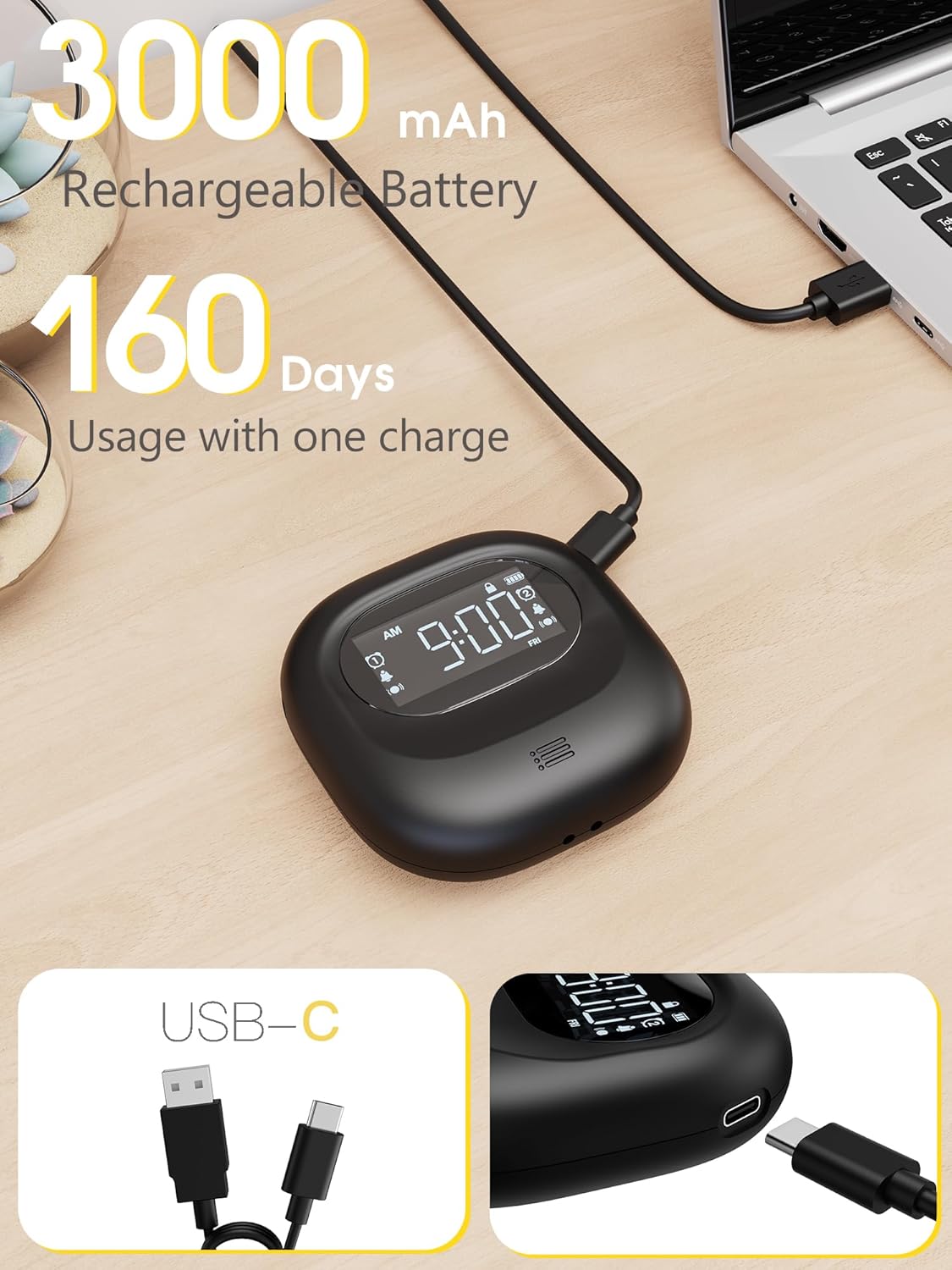
Image: Highlights the 3000mAh rechargeable battery and USB-C charging port, indicating up to 160 days of usage on a single charge.
Setup
1. Iċċarġjar Inizjali
Before first use, fully charge the alarm clock using the provided USB-C cable. Connect the USB-C end to the clock and the USB-A end to a compatible power adapter (not included) or computer USB port. The battery indicator on the screen will show charging status.
2. Power On/Off & Lock Function
Locate the power switch on the back of the alarm clock. Slide the switch to the "ON" position to power on the device. To lock the device and prevent accidental changes, slide the lock switch to the "LOCK" position. This will disable button functionality while keeping the alarm active. To unlock, slide the switch back to the "OFF" position (which is the unlocked state, not actual power off).
3. Issettjar tal-Ħin
- Agħfas u żomm il- TIME/SNOOZE button for 2 seconds to enter time setting mode. The "WEEK" icon will begin blinking.
- Uża l- +" or -" buttons to select the desired day of the week. Press TIME/SNOOZE mill-ġdid biex tikkonferma.
- The hour display will begin to blink. Use the +" or -" buttuni biex taġġusta s-siegħa. Agħfas TIME/SNOOZE biex tikkonferma.
- The minute display will begin to blink. Use the +" or -" buttons to adjust the minutes. Press TIME/SNOOZE again to complete the time setting process.
- To switch between 12-hour and 24-hour time formats, short press the +" button on the alarm clock. The AM/PM icon will appear for 12-hour format.
- To enable Daylight Saving Time (DST), press the +" button. The time will automatically advance by one hour, and the DST icon will light up on the screen. To disable DST, press the +" button again. The alarm clock will revert to the standard time by subtracting one hour, and the DST icon on the screen will disappear.
4. Issettjar tal-Allarm
- Agħfas il- ALLARM 1 button to activate Alarm 1. To set Alarm 1, press the ALLARM 1 button again. The hour display will start blinking.
- Uża l- +" or -" buttons to adjust the hour until you've selected the desired hour.
- Agħfas ALLARM 1 again to confirm your chosen hour, the minutes will begin to blink. Use the +" or -" buttons to adjust the minutes. Press ALLARM 1 to complete the alarm setting process.
- Irrepeti l-passi għal ALLARM 2 if a second alarm is desired.
- Alarm Day Selection: Use the sliding switch on the back of the alarm clock to select the desired alarm days:
- MON-SUN: Alarm active every day.
- MIT-TNEJN SAL-ĠIMGĦA: Alarm active on weekdays only.
- SAT-SUN: Alarm active on weekends only.
- Vibration Intensity Selection: Use the sliding switch on the back of the alarm clock to select the desired vibration intensity:
- L: Baxx
- M: Medju
- H: Għoli
Istruzzjonijiet Operattivi
Funzjoni Snooze
When the alarm activates, press the SNOOZE button on the top of the alarm clock. The alarm will enter snooze mode, and the snooze icon will flash. Enjoy a snooze for 9 minutes, up to 9 times. Afterward, the alarm will automatically turn off and ring again 24 hours later.
Waqqaf l-Allarm
When the alarm activates, press the corresponding ALLARM 1 or ALLARM 2 button to turn off the alarm for the current day. The alarm will ring again 24 hours later. Note: If you don't operate the alarm, it will automatically stop after ringing for 3 minutes (or vibrating for 3 minutes), and ring again after 24 hours.
Cancelling the Alarm Permanently
If you want to cancel an alarm permanently, just long press the corresponding ALLARM 1 or ALLARM 2 button. The icon on the screen will disappear, indicating that the selected alarm has been turned off.
Funzjoni Backlight
- Automatic Screen Power-Saving Mode: The alarm clock is designed to save power by automatically turning off the screen if there are no actions within 30 seconds.
- Attivazzjoni tad-Dawl ta' Wara: To illuminate the screen, press any button on the alarm clock. Please note that it won't trigger any specific function at this stage.
Manutenzjoni
- Naddaf l-apparat b'ċarruta ratba u niexfa. Evita li tuża prodotti tat-tindif jew solventi li joborxu.
- Żomm l-apparat 'il bogħod mill-ilma u l-umdità eċċessiva.
- Aħżen f'post frisk u niexef meta ma tkunx qed tintuża għal perjodi twal.
Issolvi l-problemi
Irrisettja t-Toqba
If your alarm clock shows abnormal display or issues, you can insert a toothpick, needle, or similar object into the reset hole on the back of the device. Gently press the internal button to restore the factory settings, so that the machine can be used normally.
Speċifikazzjonijiet
| Brand | Roxicosly |
| Numru tal-Mudell | CR1027 |
| Kulur | Iswed |
| Tip ta 'Wiri | LCD |
| Dimensjonijiet tal-Prodott | 3.35"W x 1.06"Għ |
| Piż tal-oġġett | 0.3 Lira (4.8 uqija) |
| Sors tal-Enerġija | Battery Operated, Rechargeable Battery |
| Tip ta 'batterija | 1 batterija tal-polimer tal-litju (inkluża) |
| Kapaċità tal-batterija | 3000mAh |
| Karatteristiċi Speċjali | Adjustable Volume, Cordless, Dual Alarms, Snooze, Travel, Vibration |
| Manifattur | Wuhan Luekefang E-commerce Co., Ltd |
Garanzija u Appoġġ
The Roxicosly Super Strong Vibrating Alarm Clock comes with an 18-month warranty from the date of purchase. For any product inquiries, technical support, or warranty claims, please contact our expert support team:
- Email: support@wismco.com
- Websit: https://www.wismco.com
Please have your model number (CR1027) and purchase details ready when contacting support.


