pengenalan
The LeapFrog Preschool Game and Go is a handheld video game toy designed to introduce young children to fundamental concepts such as numbers, letters, and shapes through engaging mini-games and music. This device offers a portable and interactive learning experience for children aged 2 years and older.
Apa yang ada dalam Kotak
- LeapFrog Preschool Game and Go Handheld Toy
- Panduan Mula Pantas
Note: 3 AAA batteries are included for demo purposes only. New batteries are recommended for regular use.
Persediaan
Pemasangan Bateri
- Cari petak bateri di bahagian belakang peranti.
- Menggunakan pemutar skru, buka penutup petak bateri.
- Masukkan 3 bateri AAA baharu, pastikan kekutuban yang betul (+/-).
- Gantikan penutup petak bateri dan kencangkannya dengan skru.
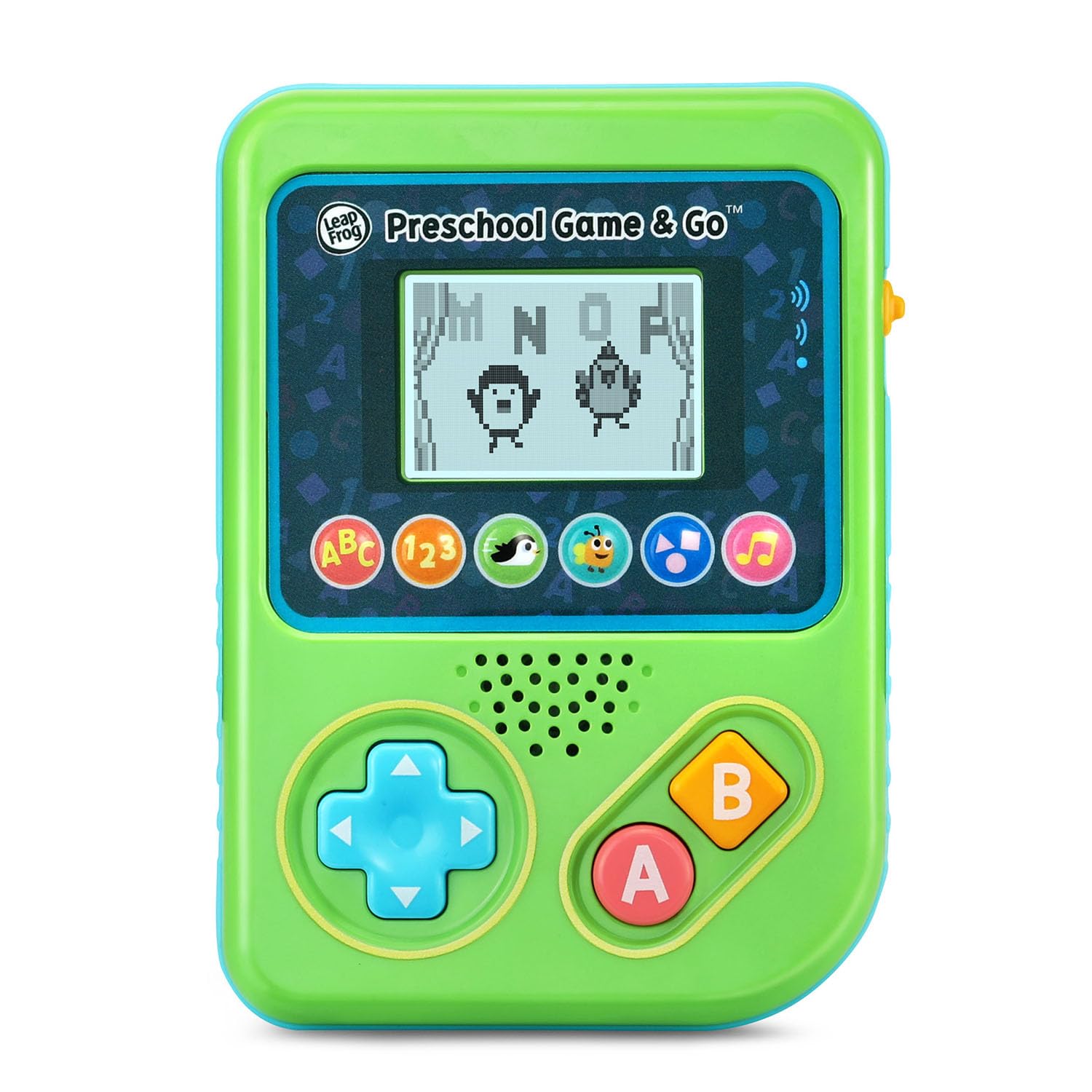
Rajah 1: Depan view of the LeapFrog Preschool Game and Go.
Hidupkan/Mati Kuasa
- To power on the device, slide the orange power switch located on the right side of the unit upwards.
- To power off the device, slide the orange power switch downwards.
Kawalan Kelantangan
- The device features two volume settings.
- Adjust the volume using the dedicated switch or button, typically located near the power switch, to select between a lower or higher sound output.
Arahan Operasi
Kawalan
- Pad Arah (D-Pad): Located on the left side, use this to navigate menus and control characters within games.
- Butang: Typically used for selection or action within games.
- Butang B: Typically used for secondary actions or going back in menus.
Pemilihan Permainan
The device features six distinct game icons below the screen. Press the corresponding icon to select a game:
- ABC Icon: Activates the ABC Swim game.
- 123 Icon: Activates the 123 Treasure game.
- Penguin Icon: Activates the Letter Slide game.
- Bug Icon: Activates the Snack Track game.
- Shapes Icon: Activates the Shape Ape game.
- Music Note Icon: Activates the Song Shuffle feature.
Personalizing Game Play
You can personalize the experience by adding a child's name (up to 10 characters). The child's name will appear in certain games, such as the Letter Slide game, where they collect letters to spell their name.
Permainan Pembelajaran
The LeapFrog Preschool Game and Go includes six exciting learning games:
- ABC Swim: Pop bubbles to explore letter sounds.
- 123 Treasure: Collect coins and count hearts to introduce numbers.
- Letter Slide: Help a penguin slide and jump to collect letters, including those in the child's personalized name.
- Snack Track: Feed a hungry bug by eating and counting snacks.
- Shape Ape: Catch various shapes as they fall from trees.
- Song Shuffle: Dance along to three engaging learning songs.
Video 1: Tayangan video produk rasmicasing the LeapFrog Preschool Game & Go features and gameplay.
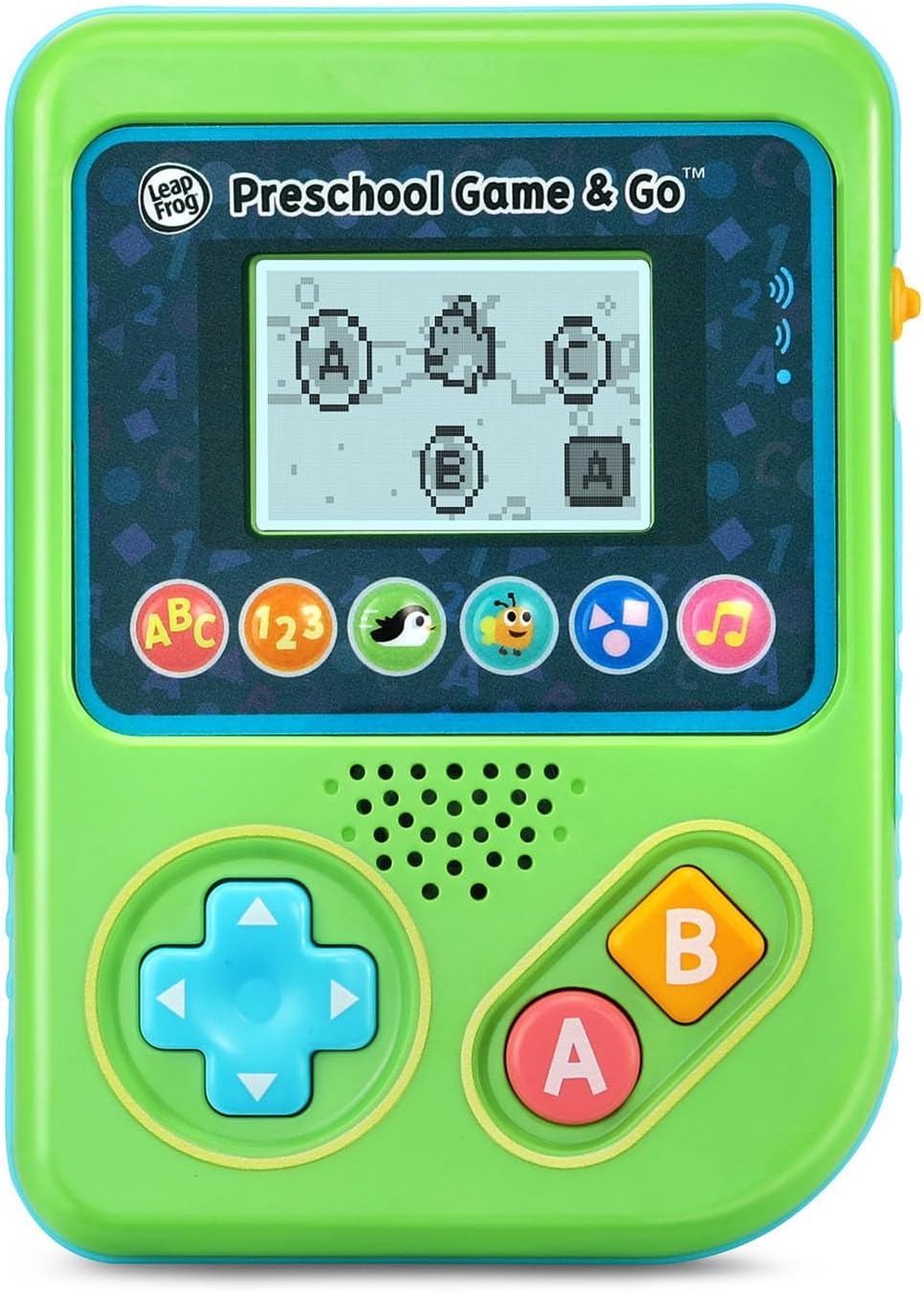
Figure 2: The ABC Swim game interface on the device screen.
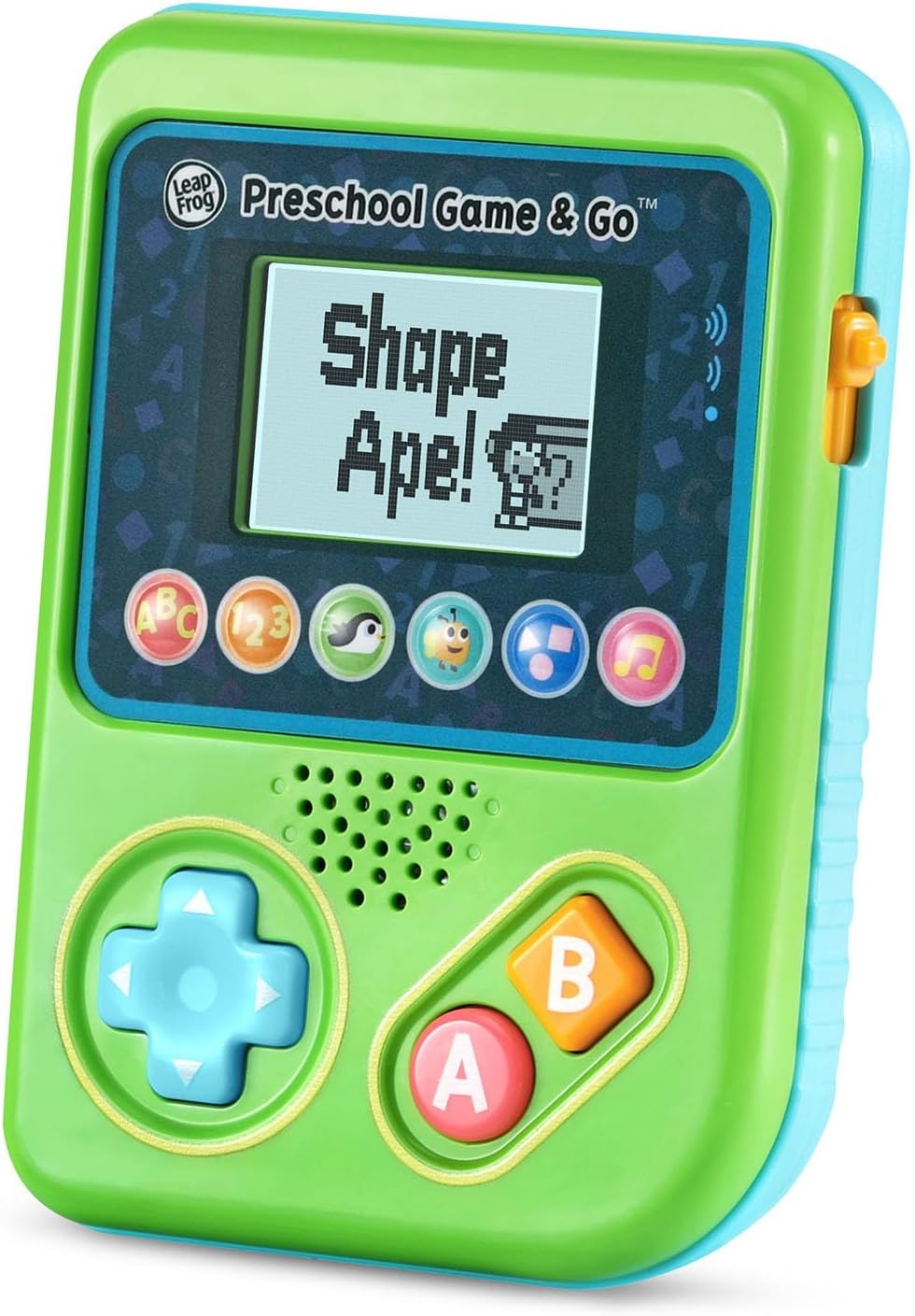
Figure 3: The Shape Ape game interface on the device screen.
Penyelenggaraan
- Untuk membersihkan peranti, lap dengan sedikitamp kain. Jangan rendam dalam air.
- Elakkan daripada mendedahkan peranti kepada suhu yang melampau atau cahaya matahari langsung.
- Tanggalkan bateri jika peranti tidak akan digunakan untuk tempoh yang lama untuk mengelakkan kebocoran.
Menyelesaikan masalah
- Peranti tidak dihidupkan: Ensure fresh batteries are correctly installed. Check the power switch position.
- Tiada bunyi atau bunyi rendah: Adjust the volume switch. Replace batteries if sound is distorted or very low.
- Isu skrin: If the screen is blank or flickering, try turning the device off and on again. Replace batteries if the issue persists.
- Butang tidak responsif: Ensure the device is powered on. If a specific button is unresponsive, try cleaning around it. If the issue continues, replace batteries.
Spesifikasi
| Ciri | Perincian |
|---|---|
| Nombor Model | 80-621200 |
| Julat Umur | 2+ Tahun |
| Sumber Kuasa | Dikuasakan Bateri |
| Bateri Diperlukan | 3 bateri AAA (termasuk untuk demonstrasi) |
| Jenis Pengawal | Kawalan Butang |
| Jenis Paparan | digital |
| bahan | plastik |
| Dimensi Produk | 1.3 x 4.1 x 5.6 inci |
| Berat Barang | 6.4 auns |
Waranti dan Sokongan
For warranty information, product registration, or additional support, please refer to the contact information provided in the Quick Start Guide included with your product or visit the official LeapFrog webtapak. Simpan resit pembelian anda untuk tuntutan waranti.


