1. Persediaan Awal
This section guides you through the initial steps to set up your TCL 65C69K Smart TV, from unpacking to the first power-on.
1.1 Membongkar TV
Carefully remove the TV and all accessories from the packaging. Retain the packaging materials for future transport or service needs. Ensure all components listed in the packing list are present.
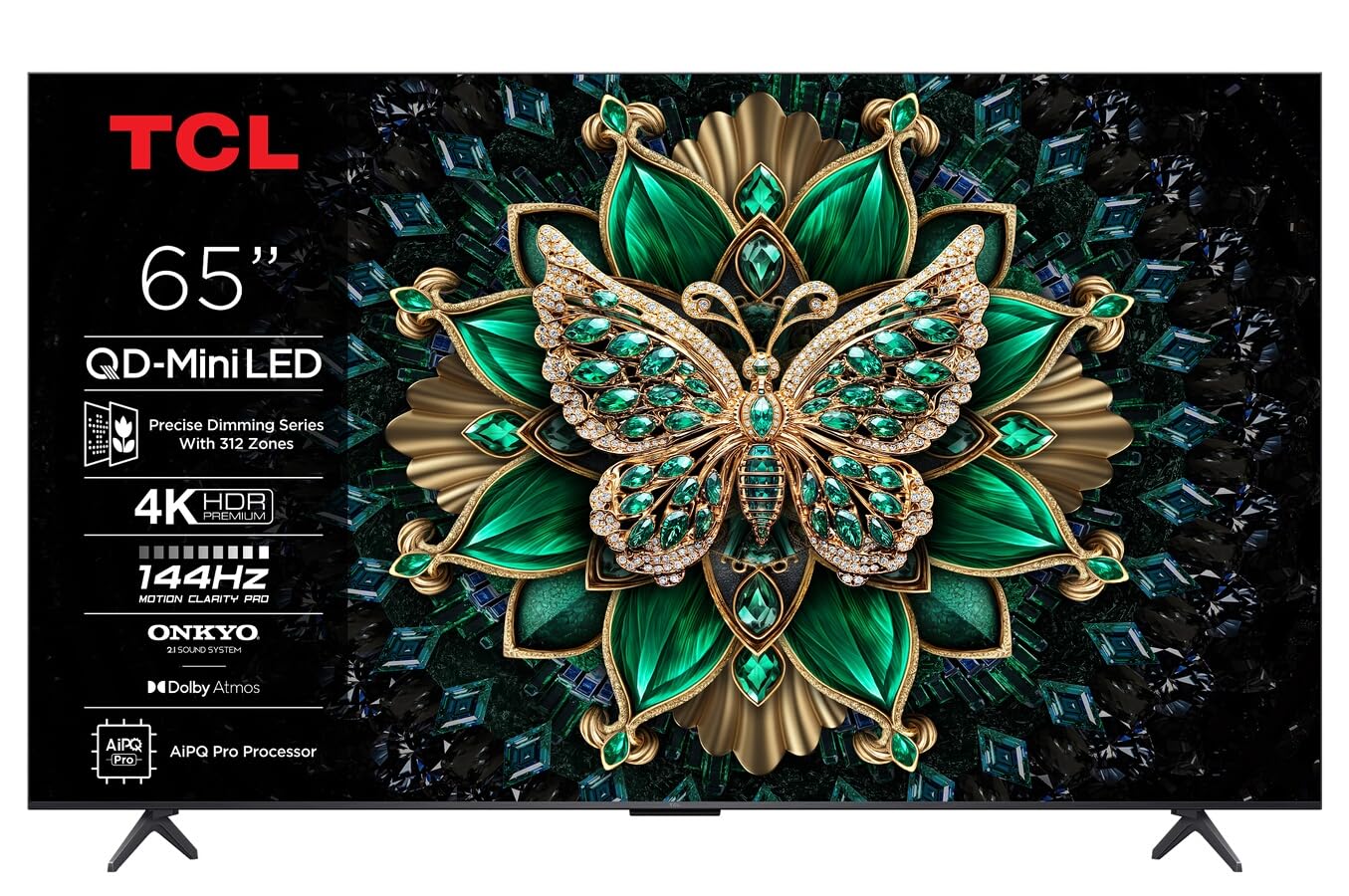
Imej: Depan view of the TCL 65C69K QD-MiniLED 4K Smart TV. The TV features a slim bezel and a central stand, showcasing its display and design.
1.2 Pemasangan Stand atau Pemasangan Dinding
Untuk Pemasangan Stand: Place the TV screen-down on a soft, flat surface. Align the stand with the designated slots on the bottom of the TV and secure it using the provided screws. Ensure the stand is firmly attached before placing the TV upright.
Untuk Pemasangan Dinding: Refer to the wall mount kit instructions (sold separately) for proper installation. Ensure the wall mount is compatible with VESA standards for your TV model. Always seek professional assistance for wall mounting to prevent damage or injury.
1.3 Menyambung Peranti
- Kabel kuasa: Sambungkan kabel kuasa ke input kuasa TV dan kemudian ke saluran keluar dinding.
- Peranti HDMI: Connect external devices such as Blu-ray players, game consoles, or set-top boxes to the HDMI ports. This TV supports 4K resolution via HDMI.
- Antena/Kabel: Connect an antenna or cable TV coaxial cable to the "ANT/CABLE IN" port for broadcast television.
- Sambungan Rangkaian: For internet access, connect an Ethernet cable to the LAN port or use the built-in Wi-Fi connectivity.
- Peranti Audio: For external audio systems, use the optical digital audio output or HDMI ARC/eARC port. The TV features Onkyo 2.1 audio.
1.4 First Power On and Initial Configuration
After connecting all necessary cables, press the power button on the TV or remote control. The TV will guide you through the initial setup process, which includes:
- Pemilihan Bahasa: Pilih bahasa pilihan anda.
- Persediaan Rangkaian: Connect to your Wi-Fi network or confirm the Ethernet connection.
- Google TV Account: Sign in with your Google account to access smart features, apps, and personalized recommendations.
- Imbasan Saluran: Imbas untuk saluran siaran yang tersedia jika antena atau kabel disambungkan.
- Tetapan Privasi: Review dan laraskan tetapan privasi seperti yang dikehendaki.
2. Mengendalikan TV
This section details the basic operation of your TCL 65C69K Smart TV, including remote control functions and smart features.
2.1 Alat Kawalan Jauh Lebihview
The remote control allows you to navigate the TV's interface, adjust settings, and access smart features. Familiarize yourself with buttons for power, volume, channel, input selection, home, back, and dedicated app buttons (if present).
2.2 Fungsi Asas
- Hidupkan/Mati Kuasa: Tekan ke kuasa button on the remote or TV.
- Pelarasan Kelantangan: Gunakan Kelantangan Naik/Turun butang.
- Pemilihan Saluran: Gunakan Saluran Atas/Bawah buttons or the number pad.
- Pemilihan Input: Tekan ke Input button to switch between connected devices (HDMI 1, HDMI 2, TV, etc.).
2.3 Ciri TV Pintar (TV Google)
Your TCL 65C69K runs on Google TV, providing access to a vast library of apps and streaming services. Press the Rumah button to access the Google TV interface. From here, you can:
- Browse and launch pre-installed apps like Netflix, Amazon Prime Video, and Hulu.
- Download new apps from the Google Play Store.
- Access personalized content recommendations.
- Use Google Assistant for voice commands (if supported by your remote).
2.4 Tetapan Gambar dan Bunyi
Akses menu tetapan TV untuk menyesuaikan anda viewing and listening experience. Navigate to Settings > Display & Sound.
- Mod Gambar: Select from various picture modes (e.g., Standard, Movie, Game, Vivid) or customize settings like brightness, contrast, color, and sharpness. The QD-MiniLED panel and 4K resolution deliver exceptional clarity.
- Tetapan Gambar Lanjutan: Adjust settings related to Dolby Vision IQ for optimized picture quality based on ambient light. The TV supports a 120Hz refresh rate for smooth motion.
- Mod Bunyi: Choose sound modes (e.g., Standard, Music, Movie) or adjust equalizer settings. The integrated Onkyo 2.1 audio system with Dolby Atmos provides immersive sound.
3. Penyelenggaraan
Proper maintenance ensures the longevity and optimal performance of your TCL 65C69K Smart TV.
3.1 Membersihkan Skrin dan Bingkai
- Sentiasa cabut plag TV sebelum membersihkan.
- Use a soft, lint-free cloth (e.g., microfiber) to gently wipe the screen. For stubborn marks, lightly dampen kain dengan air atau pembersih skrin khusus. Jangan sekali-kali menyembur pembersih terus ke skrin.
- Wipe the TV frame and stand with a dry, soft cloth. Avoid abrasive cleaners or solvents.
3.2 Kemas Kini Perisian
Regular software updates provide new features, performance improvements, and security enhancements. To check for updates, navigate to Tetapan > Sistem > Perihal > Kemas kini sistem. Follow the on-screen prompts to download and install any available updates. Ensure your TV is connected to the internet during this process.
4. Penyelesaian masalah
This section addresses common issues you might encounter with your TCL 65C69K Smart TV and provides solutions.
- Tiada Kuasa:
- Ensure the power cable is securely connected to both the TV and a working wall outlet.
- Periksa sama ada alur keluar dinding berfungsi dengan memasang peranti lain.
- Cuba tekan butang kuasa pada TV itu sendiri, bukan hanya alat kawalan jauh.
- Tiada Gambar, Tetapi Bunyi Hadir:
- Sahkan sumber input yang betul dipilih (cth, HDMI 1, TV).
- Check the HDMI cable connection to both the TV and the external device. Try a different HDMI port or cable.
- Restart the connected external device.
- Tiada Bunyi, Tetapi Gambar Hadir:
- Increase the volume on the TV and ensure it is not muted.
- Semak tetapan output audio dalam menu TV (cth., pembesar suara dalaman, sistem audio luaran).
- Jika menggunakan pembesar suara luaran, pastikan ia dihidupkan dan disambungkan dengan betul.
- Isu Sambungan Rangkaian:
- Mulakan semula penghala dan modem Wi-Fi anda.
- Pergi ke Tetapan> Rangkaian & Internet and re-establish the connection.
- Jika menggunakan Wi-Fi, cuba dekatkan TV dengan penghala atau gunakan kabel Ethernet untuk sambungan yang lebih stabil.
- Alat Kawalan Jauh Tidak Menjawab:
- Gantikan bateri dalam alat kawalan jauh.
- Pastikan tiada halangan antara alat kawalan jauh dan penderia IR TV.
- If it's a Bluetooth remote, try re-pairing it with the TV (refer to the TV's on-screen help for pairing instructions).
If problems persist after trying these solutions, please contact TCL customer support for further assistance.
5. Spesifikasi Teknikal
Below are the key technical specifications for the TCL 65C69K Smart TV.
| Nama Model | 65C69K |
| Jenama | TCL |
| Saiz Skrin | 65 Inci |
| Teknologi Paparan | LED mini |
| Resolusi | 4K UHD (3840 x 2160) |
| Kadar Segar Semula | 120Hz (Natif) |
| Ciri Khas | Mini LED, 4K UHD, Premium Design, Smart Functions, Dolby Vision IQ |
| Teknologi Ketersambungan | Wi-Fi, HDMI, USB, Ethernet |
| Nisbah Aspek | 16:9 |
| Perkhidmatan Internet yang Disokong | Netflix, Amazon Prime Video, Hulu, Google TV ecosystem |
| Sistem Audio | Onkyo 2.1, Dolby Atmos |


