pengenalan
This manual provides instructions for the safe and efficient operation and maintenance of your Electrolux EP31CB21GP 900 402 400 Cordless Stick Vacuum Cleaner. Please read this manual thoroughly before using the appliance and keep it for future reference.
Maklumat Keselamatan Penting
Sentiasa ikuti langkah berjaga-jaga keselamatan asas apabila menggunakan peralatan elektrik untuk mengurangkan risiko kebakaran, renjatan elektrik atau kecederaan.
- Jangan kendalikan pembersih vakum dengan kord atau palam yang rosak.
- Jangan gunakan pembersih vakum untuk mengambil cecair mudah terbakar atau mudah terbakar, seperti petrol, atau gunakan di kawasan yang mungkin terdapat.
- Jangan ambil apa-apa yang terbakar atau berasap, seperti rokok, mancis, atau abu panas.
- Jauhkan rambut, pakaian longgar, jari dan semua bahagian badan daripada bukaan dan bahagian yang bergerak.
- Gunakan hanya seperti yang diterangkan dalam manual ini. Gunakan hanya lampiran yang disyorkan pengilang.
- Matikan semua kawalan sebelum mencabut plag.
- Berhati-hati semasa membersihkan tangga.
- Jangan gunakan tanpa cawan habuk dan/atau penapis di tempatnya.
- Simpan perkakas di dalam rumah di kawasan yang sejuk dan kering.
Produk Selesaiview
The Electrolux EP31CB21GP 900 402 400 is a cordless stick vacuum cleaner designed for efficient cleaning of various surfaces.

Image: The Electrolux EP31CB21GP cordless stick vacuum cleaner, shown fully assembled.
Ciri-ciri utama termasuk:
- Uninterrupted Suction: The removable battery provides up to 40 minutes of continuous suction performance.
- High Dust Pickup: Achieves up to 99% dust pickup on hard floors for effective and thorough cleaning.
- Ringan dan Boleh Digerakkan: Its compact and lightweight design ensures easy handling for effortless cleaning.
- Cyclonic Dust Separation: The cyclonic system separates dirt from the air, maintaining optimal performance and suction during cleaning.
- Penyelenggaraan mudah: Two-step washable filters and a 0.5L easy-to-clean dustbin simplify vacuum maintenance.
Persediaan dan Perhimpunan
1. Membongkar
Carefully remove all components from the packaging. Ensure all parts listed in the 'Included Components' section of the specifications are present.
2. Perhimpunan
- Connect the main body of the vacuum to the extension wand. Ensure it clicks securely into place.
- Attach the floor nozzle to the other end of the extension wand.
- For handheld use, detach the extension wand and attach desired accessories directly to the main body.
3. Mengecas Bateri
The vacuum cleaner is powered by a removable Lithium-ion battery. Before first use, fully charge the battery.
- Locate the charging port on the battery or the charging dock.
- Connect the charger to the battery and plug it into a power outlet.
- The charging indicator light will show the charging status. Refer to the indicator guide for details.
- Cas penuh memberikan masa penggunaan kira-kira 40 minit.

Image: The removable battery pack being handled, ready for charging or insertion.
4. Storage and Docking
The vacuum can be stored on its wall-mounted docking station (if included) for convenient storage and charging.

Image: The Electrolux cordless vacuum cleaner stored vertically on a wall-mounted charging dock.
Arahan Operasi
1. Menghidupkan/Mematikan
Press the power button located on the main handle to turn the vacuum cleaner on. Press it again to turn off.
2. Melaraskan Kuasa Sedutan
The vacuum cleaner features 2 speed settings. Use the control button to switch between the different power modes for various cleaning tasks.
3. Membersihkan Permukaan Berbeza
This vacuum is suitable for both hard floors and carpets. Adjust the suction power as needed for optimal cleaning results.
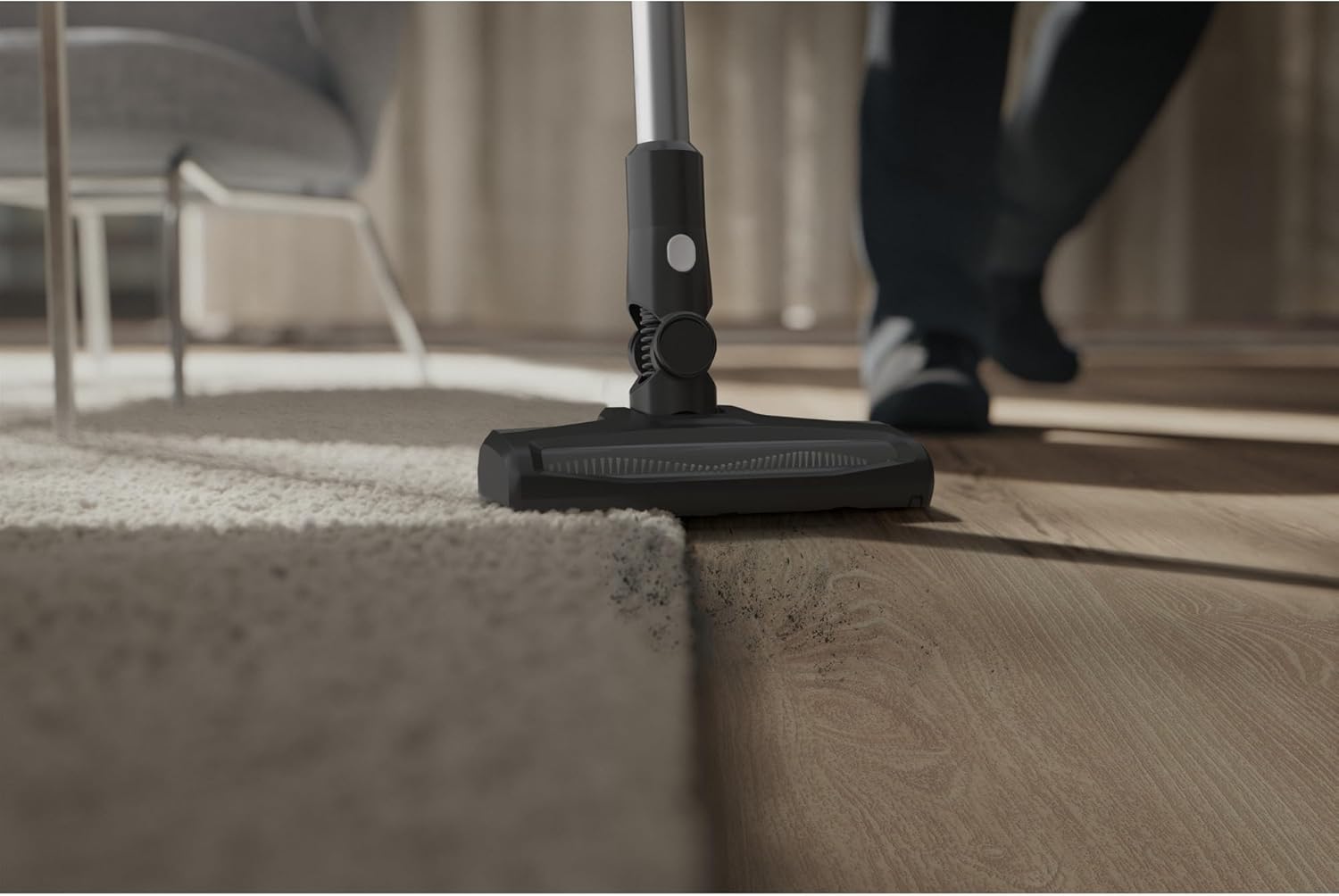
Image: The vacuum cleaner head cleaning a floor, demonstrating its capability on both carpet and hard surfaces.
4. Menggunakan Aksesori
Attach the appropriate accessory for specialized cleaning tasks. For example, use the crevice tool for tight spaces or the brush tool for upholstery.

Image: The vacuum cleaner in handheld configuration, extended to clean high-up areas like curtains.

Image: A crevice tool attached to the vacuum, cleaning debris from between sofa cushions.
Penyelenggaraan dan Penjagaan
1. Mengosongkan Tong Sampah
Empty the 0.5L dustbin regularly to maintain optimal suction performance. The cyclonic system separates dirt effectively.
- Ensure the vacuum is turned off and disconnected from any charging source.
- Locate the dustbin release button and detach the dustbin from the main unit.
- Buka penutup tong sampah dan buang isinya ke dalam tong sampah.
- Close the lid and reattach the dustbin to the vacuum cleaner.
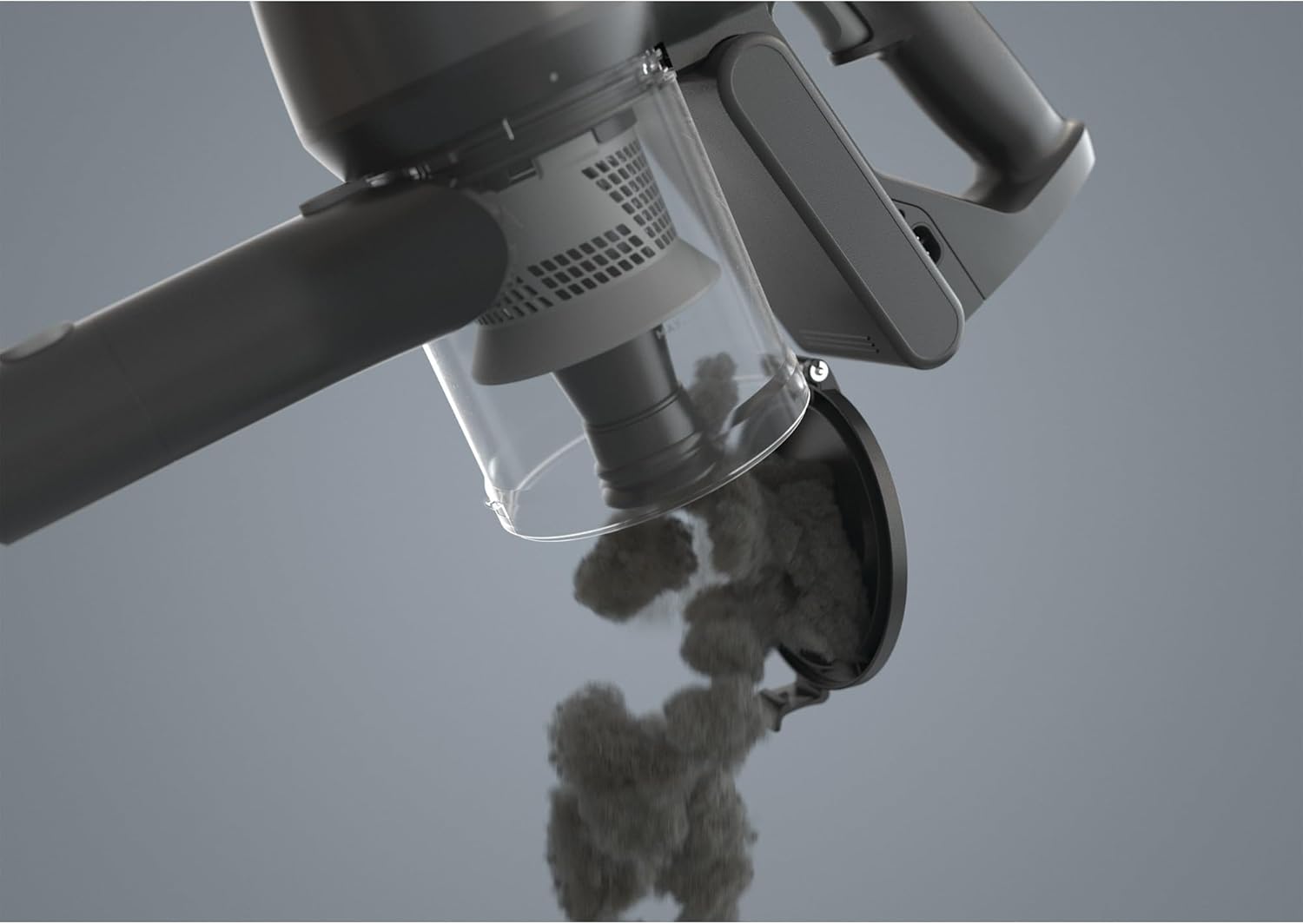
Image: The transparent dustbin of the Electrolux vacuum cleaner being opened to release collected dust and debris.
2. Membersihkan Penapis
The vacuum features two-step washable fabric filters. Regular cleaning is essential for maintaining suction power and air quality.
- Remove the filters from the dustbin assembly.
- Tap off loose dirt over a waste bin.
- Bilas penapis di bawah air yang mengalir sehingga airnya jernih.
- Allow the filters to air dry completely for at least 24 hours before reinserting them into the vacuum. Do not use a dryer or other heating elements.
3. Pembersihan Am
Lap bahagian luar pembersih vakum dengan lembut, damp kain. Jangan gunakan bahan kimia yang keras atau pembersih yang kasar.
Menyelesaikan masalah
If you encounter issues with your Electrolux vacuum cleaner, refer to the following common problems and solutions:
| Masalah | Kemungkinan Punca | Penyelesaian |
|---|---|---|
| Vakum tidak dihidupkan. | Bateri tidak dicas atau tidak dimasukkan dengan betul. | Ensure the battery is fully charged and correctly seated in the vacuum. |
| Kehilangan sedutan. | Dustbin is full, filters are clogged, or there is a blockage. | Empty the dustbin. Clean or replace filters. Check for and remove any blockages in the nozzle, wand, or hose. |
| Masa jangka pendek. | Bateri tidak dicas sepenuhnya atau kemerosotan bateri. | Ensure the battery is fully charged before use. If the issue persists, the battery may need replacement. |
| Bunyi yang tidak biasa. | Blockage in the air path or foreign object in the brush roll. | Turn off and unplug the vacuum. Inspect the brush roll and air paths for obstructions. |
Jika masalah berterusan selepas mencuba penyelesaian ini, sila hubungi sokongan pelanggan.
Spesifikasi Produk
| Jenama | Electrolux |
| Nombor Model | 900 402 400 |
| warna | Kelabu |
| Dimensi Produk (L x W x H) | 25 x 112.8 x 22.2 cm |
| Berat badan | 5.38 Kilogram |
| Voltage | 30 Volt |
| bahan | plastik |
| Bilangan Kelajuan | 2 |
| Masa Larian | 40 minit |
| Ciri Khas | Tanpa wayar |
| Jenis Penapis | Fabrik |
| Syor Permukaan | Carpet, Hard floor |
| Sumber Kuasa | Dikuasakan Bateri |
| Komponen yang Disertakan | Vacuum cleaner, Filter, User Manual |
| Sedutan maksimum | 17.5 thousandths of an inch |
| Penggunaan yang Disyorkan | Effortless cleaning, hard floors |
| Jenis Bateri | 1 Litium-ion (termasuk) |
Waranti dan Sokongan
Maklumat Waranti
Untuk maklumat jaminan terperinci, sila rujuk kad jaminan yang disertakan dengan produk anda atau lawati Electrolux rasmi webtapak. Simpan resit pembelian anda sebagai bukti pembelian untuk tuntutan waranti.
Sokongan Pelanggan
If you have any questions, require technical assistance, or need to order replacement parts, please contact Electrolux customer support. Contact details can typically be found on the Electrolux webtapak atau dalam pembungkusan produk.
Nota: Information regarding the availability of spare parts is not provided in the product specifications.


