1. Pengenalan
The AUSDOM Airkey84 is a compact 75% mechanical keyboard designed for versatility and comfort. It features an 84-key layout, retaining essential arrow and function keys while saving desktop space. This keyboard offers triple connectivity modes: USB-C wired, Bluetooth 3.0/5.0, and 2.4GHz wireless, allowing connection to up to four devices. Equipped with low-profile brown switches, it provides a tactile typing experience suitable for both office work and gaming. The keyboard also includes 14 white LED backlight modes and is compatible with both Mac OS and Windows operating systems.
2. Apa yang ada di dalam Kotak
- 1 x Rendah-profile Papan Kekunci Mekanikal
- 1 x Kabel USB
- 1 x Penerima USB
- 1 x Manual Pengguna
- 3 x Extra Keycaps for Windows
3. Persediaan
3.1 Mod Kesambungan
The AUSDOM Airkey84 supports three connection methods: Bluetooth, 2.4GHz wireless, and USB-C wired. It can connect to up to four devices simultaneously and switch between them.

Image: The keyboard supports 2.4G, Bluetooth, and Wired connections, enabling multi-device pairing.
3.1.1 Bluetooth Connection Mode
- Turn the power button on the keyboard to ON.
- Tekan dan tahan butang Fn + BT1 keycaps for 3-5 seconds. The keyboard will enter pairing mode, and the keys' backlight indicator will flash rapidly.
- On your device (e.g., computer, tablet, smartphone), turn on its Bluetooth function. Cari untuk and select "AUSDOM Airkey84" to pair.
- Repeat steps 2 and 3 for BT2 and BT3 to connect up to three Bluetooth devices.
3.1.2 2.4GHz USB Connection Mode
- Turn the power button on the keyboard to ON.
- Tekan ke fn+4 key once to switch to 2.4GHz USB connection mode.
- Plug the USB receiver into your device's USB port. The keyboard should connect automatically.
3.1.3 Mod Berwayar USB-C
- Turn the power button on the keyboard to DIMATIKAN.
- Connect the keyboard to your device using the provided USB-C cable. The keyboard will automatically switch to wired mode.

Image: The keyboard connected via USB-C cable, also showing its rechargeable capability.
3.2 Keserasian
The keyboard is compatible with both Mac OS and Windows operating systems. Three extra keycaps are provided for Windows users to customize their layout.
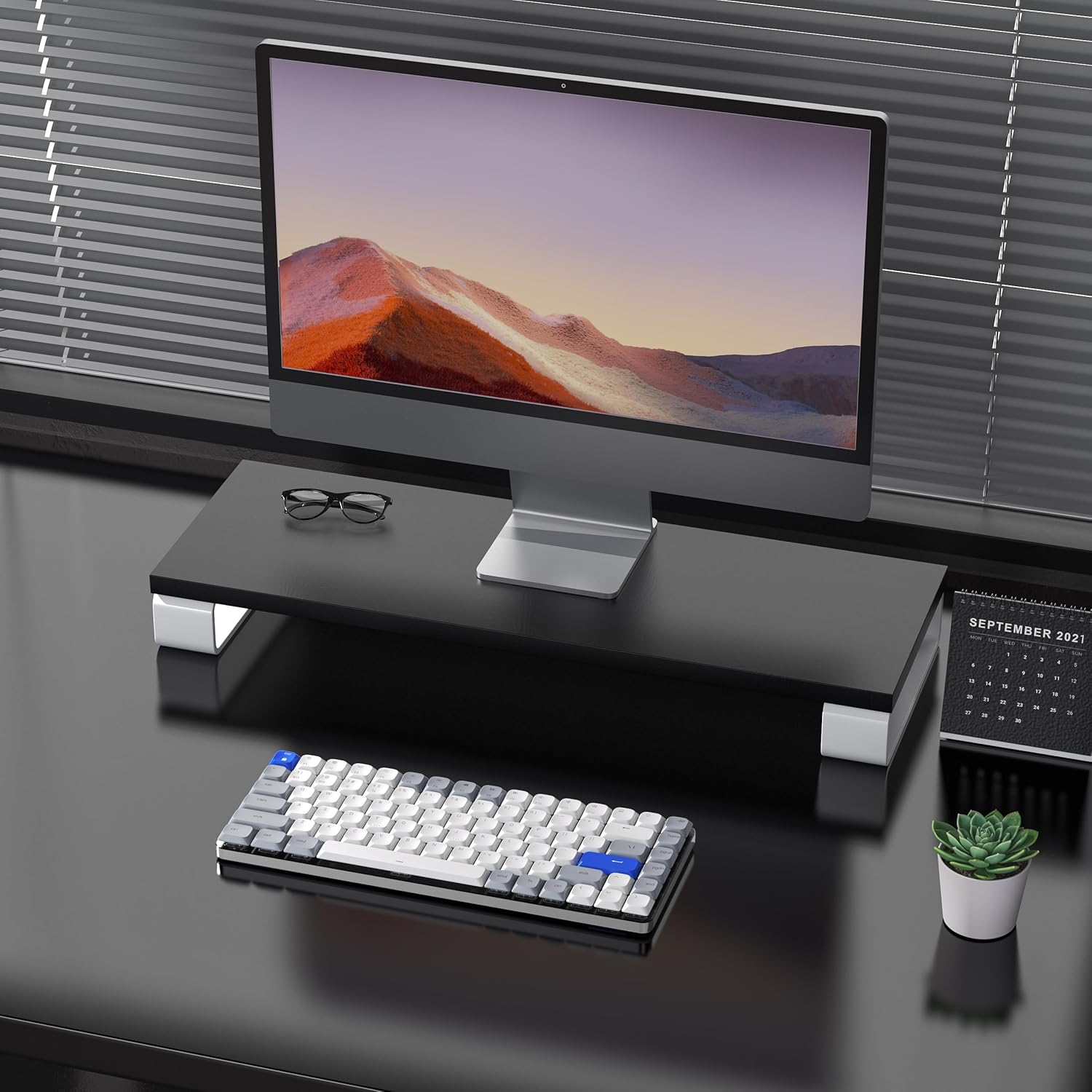
Image: The keyboard is compatible with both Mac and Windows systems, and includes extra keycaps for Windows users.
4. Arahan Operasi
4.1 Kawalan Lampu Latar
The keyboard features 14 different white LED backlight modes. To cycle through these modes, press the dedicated lightbulb button located in the top right corner of the keyboard. The keycaps are laser-engraved to ensure clear visibility of characters with the backlight on.

Image: The keyboard displaying its white backlight with 14 different lighting options.
4.2 Pendirian Boleh Laras
The keyboard is equipped with two adjustable stands on the back. These stands allow you to set the keyboard at a comfortable typing angle (e.g., 3 or 6 degrees) to reduce wrist strain during extended use.

Image: The keyboard's ultra-slim aluminum frame and ergonomic design with adjustable feet.
4.3 Rendah-Profile Brown Switches
The keyboard utilizes low-profile brown switches, which offer a tactile bump without a loud click. This design provides a comfortable and responsive typing experience, ideal for both fast typing and gaming.

Image: A close-up of the low-profile brown switches, highlighting their design for comfortable and effortless typing.
5. Penyelenggaraan
5.1 Pembersihan
- To clean the keyboard, power it off and disconnect any cables.
- Gunakan kain lembut dan tidak berbulu sedikit dampdisapu dengan air atau larutan pembersih lembut untuk mengelap penutup kekunci dan permukaan.
- Untuk habuk dan serpihan di antara kunci, gunakan udara termampat.
- Avoid using harsh chemicals or abrasive materials, as these can damage the keyboard's finish or keycap legends.
5.2 Penjagaan Bateri
- The keyboard has a built-in 2000 mAh rechargeable battery.
- Cas papan kekunci menggunakan kabel USB-C yang disediakan.
- Untuk memanjangkan hayat bateri, elakkan daripada menyahcas sepenuhnya bateri dengan kerap.
- Jika menyimpan papan kekunci untuk tempoh yang lama, caskannya sehingga kira-kira 50% sebelum penyimpanan.
6. Penyelesaian masalah
6.1 Isu Sambungan
- Papan kekunci tidak bersambung melalui Bluetooth: Ensure the keyboard is in Bluetooth pairing mode (flashing backlight). Check your device's Bluetooth settings and ensure it's discoverable. Try forgetting the device and re-pairing.
- 2.4GHz wireless not working: Ensure the USB receiver is securely plugged into a working USB port. Confirm the keyboard is switched to 2.4GHz mode (Fn + 4). Try a different USB port.
- Wired connection issues: Ensure the USB-C cable is fully inserted into both the keyboard and the device. Try a different USB-C cable or port. Ensure the keyboard's power switch is in the OFF position for wired mode.
6.2 Lampu Latar Tidak Berfungsi
- Ensure the keyboard battery has sufficient charge.
- Press the backlight control button (lightbulb icon) to cycle through modes or turn the backlight on/off.
6.3 Kunci Tidak Bertindak Balas
- Check the connection mode and ensure it's properly established.
- Recharge the keyboard if the battery is low.
- Try connecting the keyboard via USB-C wired mode to rule out wireless interference or battery issues.
- If specific keys are not responding, gently remove the keycap and check for any obstructions or debris around the switch.
7. Spesifikasi
| Ciri | Perincian |
|---|---|
| Nombor Model | Airkey84 |
| Dimensi Produk | 12.13 x 183070.97 x 0.94 inci |
| Berat Barang | 1.03 paun |
| Pengeluar | AUSDOM |
| Bateri | 1 Bateri Litium Polimer diperlukan (termasuk) |
| Peranti Serasi | Komputer riba, PC, Telefon Pintar, Tablet |
| Teknologi Ketersambungan | Bluetooth, Wayarles 2.4GHz, Berwayar USB-C |
| Penerangan Papan Kekunci | Mekanikal, Rendah Profile, 75% Layout |
| Ciri Khas | Backlit, Low-Profile Kunci, Boleh dicas semula |
| Backlighting papan kekunci | White LED, Single Color, 14 Modes |
| bahan | Akrilonitril Butadiena Stirena, Aluminium, Silikon |
8. Waranti dan Sokongan
For warranty information, technical support, or any product-related inquiries, please contact AUSDOM customer service through the official AUSDOM store or the platform where the product was purchased. Please refer to your purchase documentation for specific warranty terms and conditions.
You can visit the official AUSDOM store for more information: AUSDOM Store


