pengenalan
Thank you for choosing the Baseus 2 in 1 Bluetooth 5.0 FM Transmitter Car Charger. This device combines a car charger with an FM transmitter, allowing you to stream audio wirelessly from your mobile device to your car's FM radio and charge your devices simultaneously. Please read this manual carefully before use to ensure proper operation and to maximize the product's lifespan.
Produk Selesaiview

Image: The Baseus 2 in 1 Bluetooth 5.0 FM Transmitter Car Charger, showing its compact design with dual USB ports and a digital display.
The Baseus Car Wireless MP3 Charger (Model CCNLZ-C0G) features Bluetooth 5.0 for stable audio transmission, dual USB ports for quick charging, and an FM transmitter function. It is designed for ease of use with a single-key operation and includes an intelligent digital display for voltage pemantauan.
Ciri-ciri Utama:
- Bluetooth 5.0 for stable and fast audio transmission.
- Dual USB ports for charging, supporting 18W Quick Charge 3.0, AFC, and FCP.
- FM frequency transmission for audio playback through car radio.
- Single-key operation for volume, track, frequency adjustment, and call management.
- Lossless audio decoding for high-quality sound.
- Intelligent digital display for real-time voltage pemantauan.
- Music playback from a USB flash drive.
- Automatic reconnection and power-off memory playback.
Arahan Persediaan
- Masukkan ke dalam Soket Kereta: Insert the Baseus FM Transmitter into your car's cigarette lighter socket. The device will power on automatically, and the digital display will show the current car battery voltage selama beberapa saat, kemudian tukar kepada frekuensi FM.

Image: The Baseus device securely plugged into a car's 12V power outlet.
- Tetapkan Frekuensi FM:
- Tune your car's FM radio to an empty frequency (one with no strong broadcast signal).
- On the Baseus device, press and hold the multi-function knob until the frequency display starts flashing.
- Rotate the knob left or right to adjust the FM frequency of the transmitter to match your car's radio frequency.
- Once matched, wait a few seconds for the display to stop flashing, or press the knob briefly to confirm.

Image: Close-up of the digital display on the Baseus device, showing the current FM frequency.
- Berpasangan melalui Bluetooth:
- Dayakan Bluetooth pada peranti mudah alih anda.
- Cari untuk available Bluetooth devices and select "Baseus" (or similar name) from the list.
- Once paired, a voice prompt will confirm the connection.
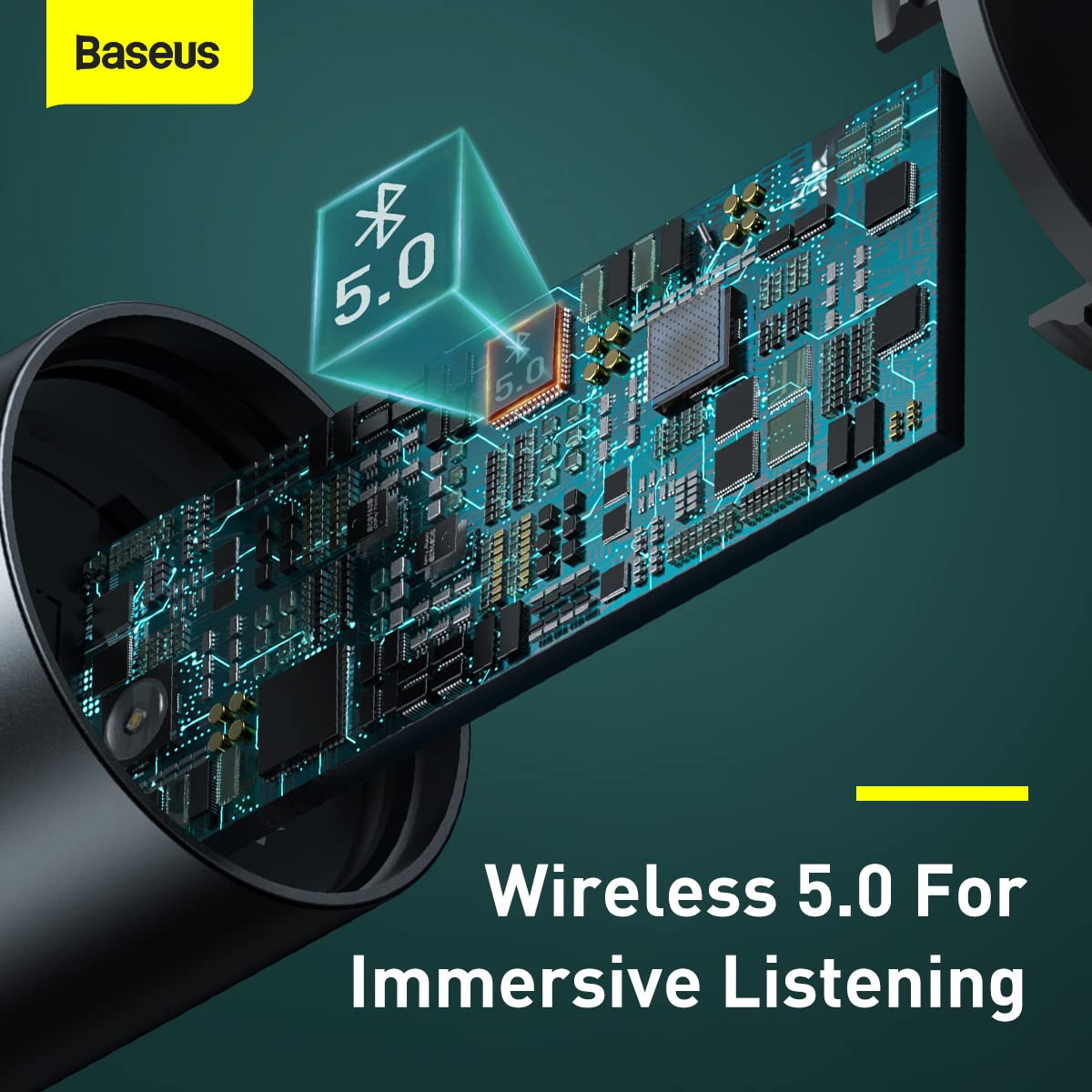
Imej: Satu dalaman view highlighting the Bluetooth 5.0 chip, representing the wireless connection capability.
Arahan Operasi
Main Balik Muzik:
- Audio Bluetooth: Once paired, play music on your mobile device. The audio will be transmitted to your car's FM radio.
- Main balik Pemacu Kilat USB: Insert a USB flash drive containing MP3/WAV/FLAC/APE/WMA audio files into the designated USB port (marked with a music note icon). The device will automatically detect and play music from the drive.

Image: A USB flash drive plugged into the Baseus device, illustrating its music playback capability.
Pengendalian Panggilan:
- Jawab/Tamatkan Panggilan: Briefly press the multi-function knob to answer an incoming call or end an ongoing call.
- Tolak Panggilan: Tekan dan tahan tombol berbilang fungsi untuk menolak panggilan masuk.
- Panggil semula: Double-press the multi-function knob to redial the last number.
Kawalan:
- Pelarasan Kelantangan: Rotate the multi-function knob left or right to adjust the volume.
- Penukaran Trek: During music playback, briefly press the multi-function knob and then rotate it left (previous track) or right (next track).
- Pelarasan Kekerapan: As described in the Setup section, press and hold the knob until the frequency flashes, then rotate to adjust.

Image: A finger interacting with the multi-function knob, demonstrating its single-key operation.
Mengecas Peranti:
- Connect your device's charging cable to either of the two USB ports on the transmitter.
- The device supports 18W Quick Charge 3.0, AFC, and FCP for fast charging compatible devices.

Image: The Baseus device showing its two USB ports, ready for charging mobile devices.
Penyelenggaraan
- Pembersihan: Gunakan kain lembut dan kering untuk membersihkan peranti. Jangan gunakan pembersih cecair atau aerosol.
- Storan: Apabila tidak digunakan untuk tempoh yang lama, simpan peranti di tempat yang sejuk dan kering jauh dari cahaya matahari langsung dan suhu yang melampau.
- Pengendalian: Elakkan daripada menjatuhkan peranti atau terkena impak yang kuat.
- Matikan: Always ensure the device is properly seated in the car socket to maintain a stable connection.
Menyelesaikan masalah
| Masalah | Kemungkinan Punca | Penyelesaian |
|---|---|---|
| Tiada kuasa/Peranti tidak dapat dihidupkan. | Loose connection in car socket; car socket not providing power. | Ensure the device is firmly inserted into the car's cigarette lighter socket. Check if the car's socket is functional (e.g., by testing with another device). |
| Poor FM signal/Static noise. | FM frequency interference; car radio not tuned correctly. | Find a clearer, unused FM frequency on your car radio and match the transmitter's frequency to it. Avoid frequencies used by strong local radio stations. |
| Bluetooth tidak bersambung. | Bluetooth not enabled on phone; device not in pairing mode; incorrect device selected. | Ensure Bluetooth is enabled on your phone. Restart both the phone and the FM transmitter. Forget the device in your phone's Bluetooth settings and re-pair. |
| Pengecasan perlahan atau tiada pengecasan. | Cable issue; device not compatible with fast charging; multiple devices drawing too much power. | Try a different USB cable. Ensure your device supports the fast charging protocols (QC3.0, AFC, FCP). If charging multiple devices, total output may be limited. |
Spesifikasi
| Ciri | Perincian |
|---|---|
| Jenama | Baseus |
| Nombor Model | CCNLZ-C0G |
| Dimensi Produk | 8 x 6 x 1.5 cm |
| Berat Barang | 100 g |
| Antara Muka Perkakasan | Bluetooth 5, USB |
| Peranti Serasi | MP3 Player, Smartphones, Tablets |
| Ciri Khas | 18W quick charge, FM frequency transmission, Intelligent digital display, Support playback from flash disk |
| Mod Keluaran Audio | FM transmission, A2DP |
| Wattage | 18 Watt |
| Jenis Wayarles | Bluetooth |
| Jumlah Port USB | 2 |
| Jenis Penyambung | Bluetooth |
| Jenis Media yang Serasi | Bluetooth 5.0, FM, USB Flash Drive |
| bahan | logam |
Maklumat Waranti
This Baseus product comes with a Waranti 1 tahun from the date of purchase. The warranty covers manufacturing defects and malfunctions under normal use. It does not cover damage caused by misuse, accidents, unauthorized modifications, or normal wear and tear. Please retain your proof of purchase for warranty claims.
Sokongan Pelanggan
For further assistance, technical support, or warranty claims, please contact Baseus customer service through their official website or the retailer where you purchased the product. Please have your model number (CCNLZ-C0G) and proof of purchase ready when contacting support.
You can find more information and support resources on the official Baseus webtapak: www.baseus.com