1. Pengenalan
This manual provides essential information for the installation, operation, and maintenance of your Lorex 4K Metal Bullet Camera, Model E841CAB. This camera is designed to enhance your security system with high-resolution video surveillance capabilities for both indoor and outdoor environments.
2. Produk Lebihview
The Lorex 4K Metal Bullet Camera offers advanced features for reliable surveillance:
- Ultra HD Clarity: Captures video in stunning 4K resolution with a wide 105-degree field of view, providing detailed footage.
- Penglihatan Malam Warna: Delivers full-color video in well-lit conditions and automatically transitions to crisp black and white video using powerful infrared LEDs in low-light, extending night vision up to 130 feet.
- Ketahanan Cuaca: Features a rugged IP65-rated metal housing, ensuring resistance to harsh weather conditions, from -22°F (-30°C) to 140°F (60°C).
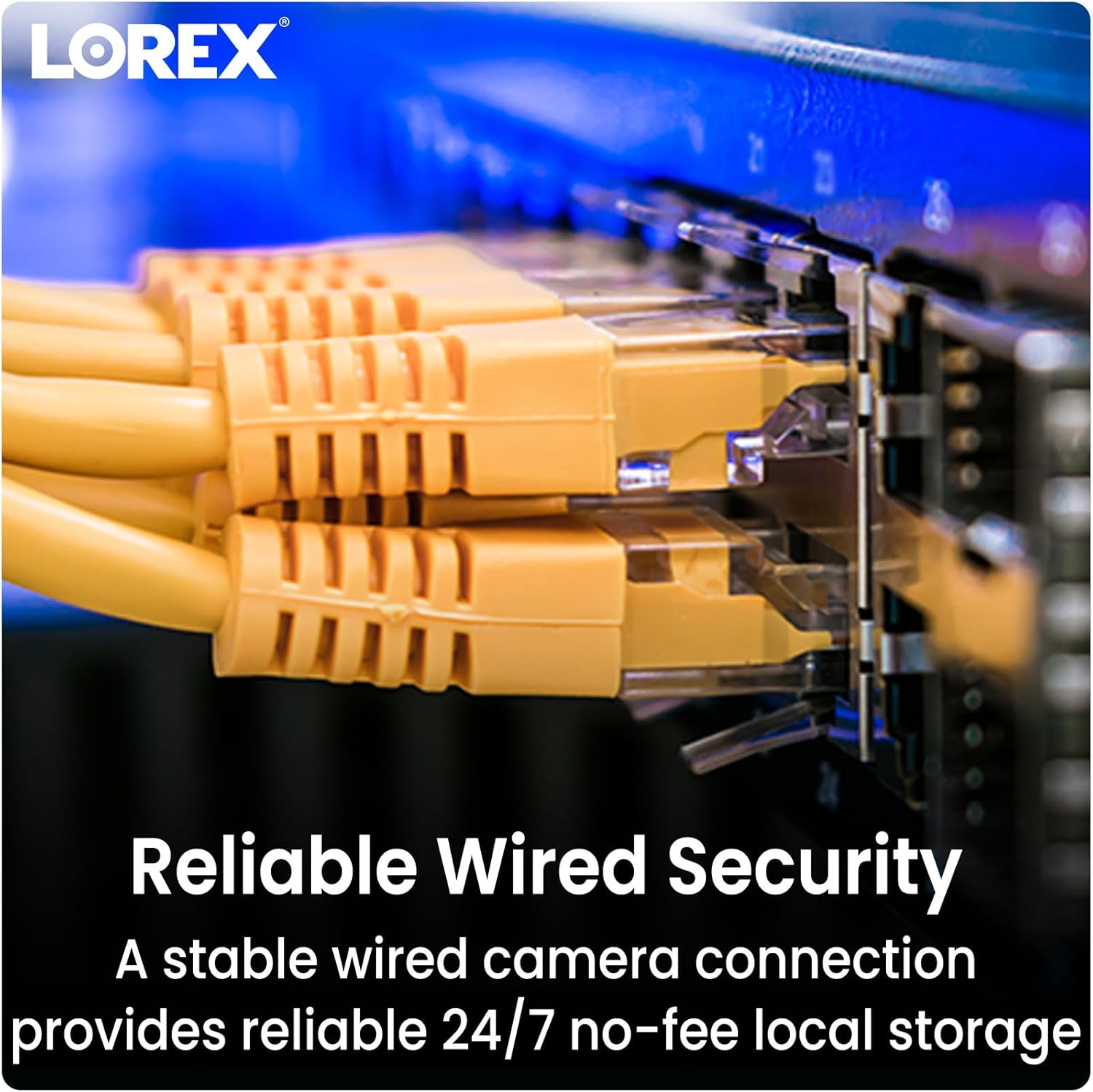
- Effortless PoE Installation: Utilizes Power over Ethernet (PoE) technology, allowing a single Ethernet cable to provide both power and video transmission, simplifying installation up to 300 feet.
- Keserasian NVR: Designed to work seamlessly with compatible Lorex NVRs, including N841, N842, N861B, N862B, N881B, LNR600X, LNR6100, LNR6100X, NR900X, N843, N844, N845, N846, N863B, and NR810 series recorders.
3. Apa yang ada di dalam Kotak
Your Lorex 4K Metal Bullet Camera package includes the following components:
- 1 x IP Bullet Camera
- 1 x Kabel Ethernet
- 1 x Mounting Kit (screws and anchors)
- 1 x Templat Pemasangan
- 1 x Kunci Allen
4. Persediaan
4.1 Lokasi Pemasangan
Choose a suitable location for your camera, considering the desired field of view and proximity to your NVR or PoE switch. The camera is rated for both indoor and outdoor use.
4.2 Memasang Kamera
- Use the provided mounting template to mark the drill holes on your chosen surface.
- Gerudi lubang pandu dan masukkan sauh dinding jika dipasang pada papan gipsum atau batu.
- Lindungi tapak pelekap kamera ke permukaan menggunakan skru yang disediakan.
- Laraskan sudut kamera untuk mencapai liputan yang diingini.
4.3 PoE Connection
Connect one end of the Ethernet cable to the camera's PoE port and the other end to an available PoE port on your compatible Lorex NVR or a PoE switch. The camera will receive power and transmit video data through this single connection.
4.4 Keserasian NVR
Ensure your NVR is one of the compatible models listed in the Product Overview section for seamless integration and functionality.
5. Arahan Operasi
5.1 Mengakses Langsung View
Once connected to your NVR, access the live video feed through your NVR's interface or the Lorex Home app on your smartphone or tablet. Refer to your NVR's manual for specific instructions on adding and viewing cameras.
5.2 Mod Penglihatan Malam
The camera automatically switches between day and night vision modes. In low light, the infrared LEDs activate for black and white night vision. In sufficiently lit conditions, Color Night Vision provides full-color detail.

5.3 Pengesanan Pergerakan
The camera is equipped with motion detection capabilities. Configure motion detection zones and sensitivity settings via your NVR or the Lorex Home app to receive alerts for activity in specific areas. This model provides motion-only alerts.
5.4 Kualiti Video
The camera records in 4K Ultra HD, providing superior clarity and digital zoom capabilities. Ensure your NVR is configured to record at the highest resolution supported by the camera.

6. Penyelenggaraan
To ensure optimal performance and longevity of your Lorex 4K Metal Bullet Camera, follow these maintenance guidelines:
- Pembersihan tetap: Bersihkan kanta kamera secara berkala dengan kain lembutamp kain untuk menanggalkan habuk, kotoran atau bintik air yang boleh menghalang view. Elakkan pembersih yang kasar.
- Pemeriksaan Kabel: Inspect the Ethernet cable for any signs of wear, damage, or loose connections, especially in outdoor installations.
- Kemas kini Firmware: Semak Lorex website or your NVR's settings for available firmware updates to ensure your camera has the latest features and security enhancements.
- Perlindungan Cuaca: While the camera is weatherproof (IP65 rated), ensure it is installed securely to prevent movement or damage during extreme weather events.

7. Penyelesaian masalah
If you encounter issues with your Lorex 4K Metal Bullet Camera, consider the following:
- No Video/Power: Verify that the Ethernet cable is securely connected to both the camera and the NVR/PoE switch. Ensure the NVR/PoE switch is powered on.
- Kualiti Video Lemah: Check the camera lens for obstructions or dirt. Ensure the camera is configured for 4K resolution in your NVR settings. Verify network cable integrity.
- Pengesanan Pergerakan Tidak Berfungsi: Review motion detection settings in your NVR or Lorex Home app. Adjust sensitivity and detection zones as needed.
- Keserasian NVR: Confirm that your NVR model is listed as compatible. Incompatible NVRs may not fully support all camera features or may not detect the camera at all.
- Isu Rangkaian: If experiencing connectivity problems, restart your NVR and network router. Ensure there are no network conflicts or bandwidth limitations.
8. Spesifikasi
| Ciri | Spesifikasi |
|---|---|
| Nama Model | E841CAB |
| Penggunaan Dalaman/Luar | Dalaman, Luaran |
| Peranti Serasi | NVR (N841, N842, N861B, N862B, N881B, LNR600X, LNR6100, LNR6100X, NR900X, N843, N844, N845, N846, N863B, NR810 series) |
| Sumber Kuasa | Elektrik Bertali arus (PoE) |
| Protokol Ketersambungan | Ethernet |
| Jenis Pengawal | Permohonan |
| Jenis Pemasangan | Pemasangan Siling |
| Resolusi Tangkapan Video | 4K (Resolusi Pegun Berkesan 8 MP) |
| warna | Hitam |
| Bilangan Item | 1 |
| Komponen yang Disertakan | IP Bullet Camera, Ethernet Cable, Mounting Kit, Mounting Template, Allen Key |
| Teknologi Komunikasi Tanpa Wayar | Wi-Fi (for app control, not primary video transmission) |
| Faktor Bentuk | peluru |
| Viewsudut | 105 Darjah |
| Julat Penglihatan Malam | 130 Kaki |
| Kadar Bingkai | 15 fps |
| bahan | logam |
| Wattage | 3.7 watt |
| Bateri Diperlukan? | Tidak |
| Berat Barang | 2.77 paun (1.26 Kilogram) |
| Teknologi cahaya rendah | Warna Malam |
| Jenis Makluman | Gerak Sahaja |
| Penilaian Perlindungan Antarabangsa | IP65 |
| UPC | 695529028538 |
9. Waranti dan Sokongan
Your Lorex 4K Metal Bullet Camera is covered by a manufacturer's warranty. For detailed warranty information, product support, or technical assistance, please visit the official Lorex webtapak atau hubungi perkhidmatan pelanggan mereka. Simpan resit pembelian anda untuk tuntutan waranti.


