pengenalan
This manual provides essential instructions for the safe operation, assembly, maintenance, and troubleshooting of your AIPER 330CFM 20V Cordless Leaf Blower. Please read this manual thoroughly before using the product and retain it for future reference. Proper use and care will ensure optimal performance and extend the lifespan of your device.
Arahan Keselamatan Penting
AMARAN: Baca semua amaran dan arahan keselamatan. Kegagalan mematuhi amaran dan arahan boleh mengakibatkan renjatan elektrik, kebakaran dan/atau kecederaan serius.
- Sentiasa pakai pelindung mata dan pelindung pendengaran semasa mengendalikan alat peniup daun.
- Jangan kendalikan blower dalam keadaan basah atau hujan.
- Pastikan kanak-kanak, orang ramai dan haiwan peliharaan berada pada jarak selamat (sekurang-kurangnya 15 meter) dari kawasan operasi.
- Ensure the battery is fully charged before use. Only use the charger provided by AIPER.
- Jangan sekali-kali menghalakan muncung blower kepada orang atau haiwan.
- Inspect the blower for damaged parts before each use. Do not use if any part is damaged.
- Remove the battery pack before cleaning, servicing, or storing the unit.
- Simpan blower di tempat yang kering dan selamat, jauh daripada kanak-kanak.
Kandungan Pakej
Sahkan bahawa semua item yang disenaraikan di bawah disertakan dalam pakej anda:
- 1 x AIPER Leaf Blower Unit
- 2 x 2.0Ah Rechargeable Lithium Batteries
- 1 x Pengecas Pantas
- 1 x Manual Pengguna

Image: The AIPER Leaf Blower unit, two 2.0Ah lithium batteries, and the quick charger included in the package.
Produk Selesaiview
Familiarize yourself with the components of your AIPER Leaf Blower:
- Muncung Peniup: Mengarahkan aliran udara.
- pemegang: Cengkaman ergonomik untuk operasi yang selesa.
- Suis Pencetus: Mengaktifkan peniup.
- Butang Kawalan Kelajuan: Adjusts airflow speed (two settings).
- Petak Bateri: Holds the rechargeable battery.
- Butang Pelepas Bateri: Untuk mengeluarkan bateri.

Image: A person holding the AIPER Leaf Blower, illustrating its compact and lightweight design for ease of use.
Persediaan
1. Mengecas Bateri
Before first use, fully charge both batteries. The quick charger provides a full recharge in approximately 1 hour.
- Connect the quick charger to a standard power outlet.
- Luncurkan pek bateri pada pengecas sehingga ia berbunyi klik pada tempatnya.
- The charger indicator light will show the charging status (refer to charger manual for specific light patterns).
- Setelah dicas sepenuhnya, keluarkan bateri daripada pengecas.
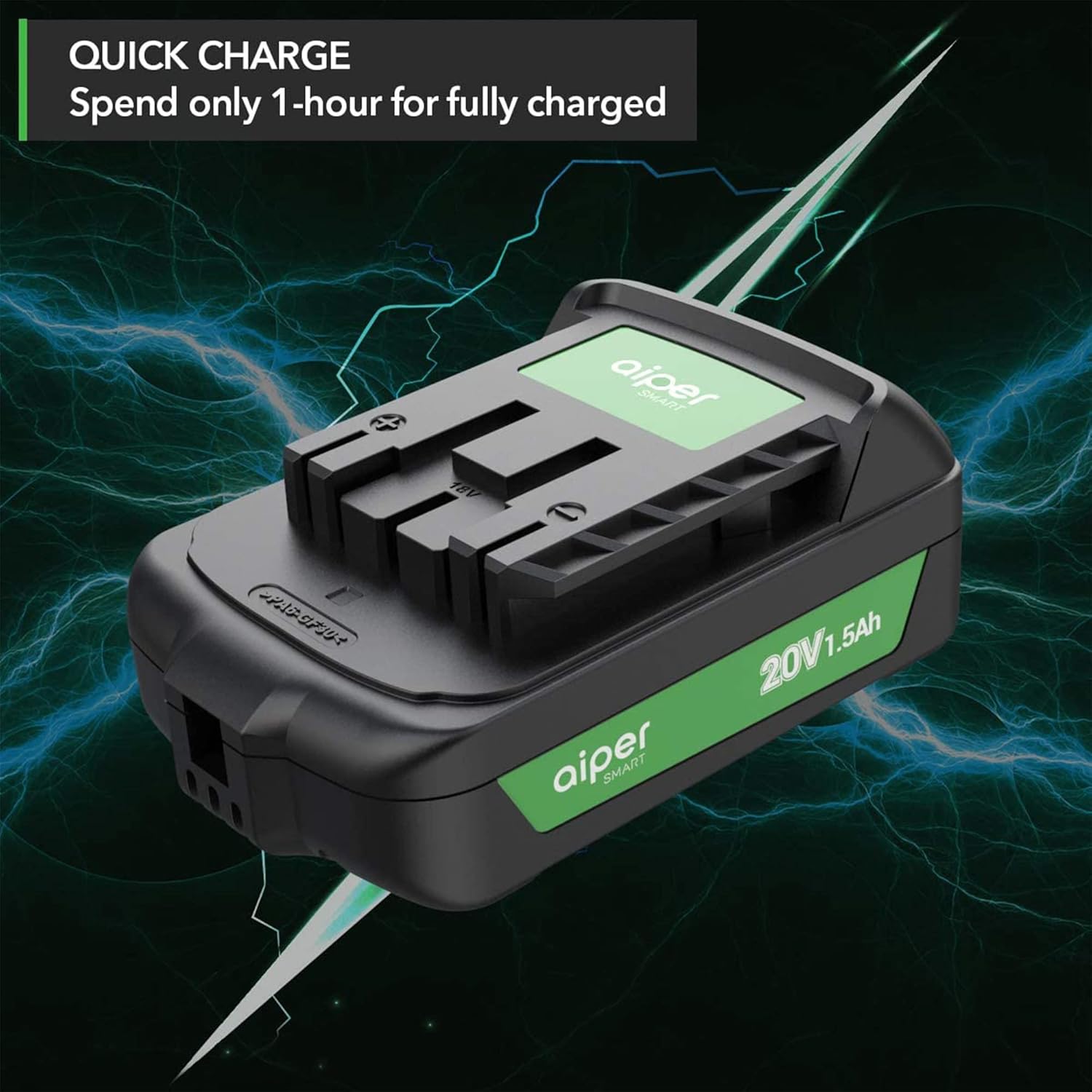
Image: An AIPER 20V 1.5Ah lithium-ion battery connected to its quick charger, illustrating the fast charging capability.
2. Memasang Bateri
- Pastikan blower dimatikan.
- Align the charged battery pack with the battery compartment on the blower.
- Luncurkan bateri ke dalam petak sehingga ia mengklik dengan selamat ke tempatnya.
- Untuk mengeluarkan, tekan butang pelepas bateri dan luncurkan bateri keluar.
Arahan Operasi
1. Starting and Stopping the Blower
- To start: Press and hold the trigger switch.
- Untuk berhenti: Lepaskan suis pencetus.
2. Adjusting Airflow Speed
The AIPER Leaf Blower features two speed control settings:
- Kelajuan 1: Standard airflow for lighter debris and general clearing (up to 268 CFM).
- Kelajuan Turbo: Maximum airflow for tougher debris and larger areas (up to 335 CFM).
Press the speed control button located on the handle to toggle between Speed 1 and Turbo Speed.

Imej: Dari dekat view of the leaf blower's handle, highlighting the two-speed control buttons for adjusting airflow.
3. Petua Operasi Am
- Hold the blower firmly with both hands for better control.
- Sweep from side to side, moving debris away from you.
- For stubborn debris, use the Turbo Speed setting.
- Battery runtime is approximately 26 minutes with two 2.0Ah batteries.

Image: A person operating the AIPER Leaf Blower to clear a pile of leaves, showcasing its high air volume of up to 330 CFM.

Image: A user operating the AIPER Leaf Blower, with an overlay indicating the inclusion of two batteries for a total working time of up to 26 minutes.
Penyelenggaraan
Regular maintenance ensures the longevity and efficiency of your leaf blower.
- Pembersihan: After each use, remove the battery and clean the exterior of the blower with a damp cloth. Ensure air vents are free from debris. Do not use harsh chemicals or abrasive cleaners.
- Storan: Store the leaf blower and batteries in a cool, dry place, away from direct sunlight and extreme temperatures. Ensure batteries are partially charged (around 50%) for long-term storage to preserve battery health.
- Penjagaan Bateri: Do not store batteries in a discharged state. Recharge them periodically if not used for extended periods.
Menyelesaikan masalah
| Masalah | Kemungkinan Punca | Penyelesaian |
|---|---|---|
| Blower tidak bermula. | Bateri tidak dipasang dengan betul atau dinyahcas. | Pastikan bateri dimasukkan dan dicas sepenuhnya. |
| Pengurangan aliran udara. | Air intake or nozzle blocked. | Remove battery, then clear any obstructions from the air intake or nozzle. |
| Masa jalan bateri pendek. | Bateri tidak dicas sepenuhnya atau bateri penuaan. | Ensure battery is fully charged. Consider purchasing new batteries if runtime significantly decreases over time (search for "B08L4LSZ65"). |
| Charger indicator not working. | Charger not plugged in or faulty battery/charger. | Check power connection. Try a different outlet. If problem persists, contact customer support. |
Spesifikasi
| Ciri | Perincian |
|---|---|
| Nama Model | Leaf Blower-001 |
| Jenama | AIPER |
| Voltage | 20 Volt |
| Isipadu Udara (Maks) | 335 CFM |
| Kawalan Kelajuan | 2-speed (Standard, Turbo) |
| Jenis Bateri | Litium-Ion |
| Kapasiti Bateri | 2 x 2.0Ah (termasuk) |
| Masa Mengecas | Approx. 1 hour (with quick charger) |
| Masa Larian (Maks) | Up to 26 minutes (with two 2.0Ah batteries) |
| Berat Barang | 3.18 kg (6.7 lbs) |
| Dimensi Produk | 20.32 x 38.1 x 38.1 cm |
| Ciri Khas | Tanpa wayar, Ringan |
Waranti dan Sokongan Pelanggan
Your AIPER Leaf Blower is backed by a 1.5-year worry-free warranty.
For any questions, concerns, or assistance with your product, please do not hesitate to contact AIPER customer support via email or phone. Refer to the contact information provided in your original purchase documentation or on the official AIPER webtapak.


