Танилцуулга
Thank you for choosing the Astrum ET200 Earphone. This in-ear Bluetooth 4.0 earphone is designed to provide clear sound for both voice calls and music playback. Featuring dual pairing capability and a comfortable hook design, it offers up to 5 hours of talk time. Its high-performance speakers deliver rich bass and precise treble, ensuring a premium audio experience.
Бүтээгдэхүүн дууссанview

Зураг 1: Урд view of the Astrum ET200 Earphone in white, showcasing its compact design and ear hook.
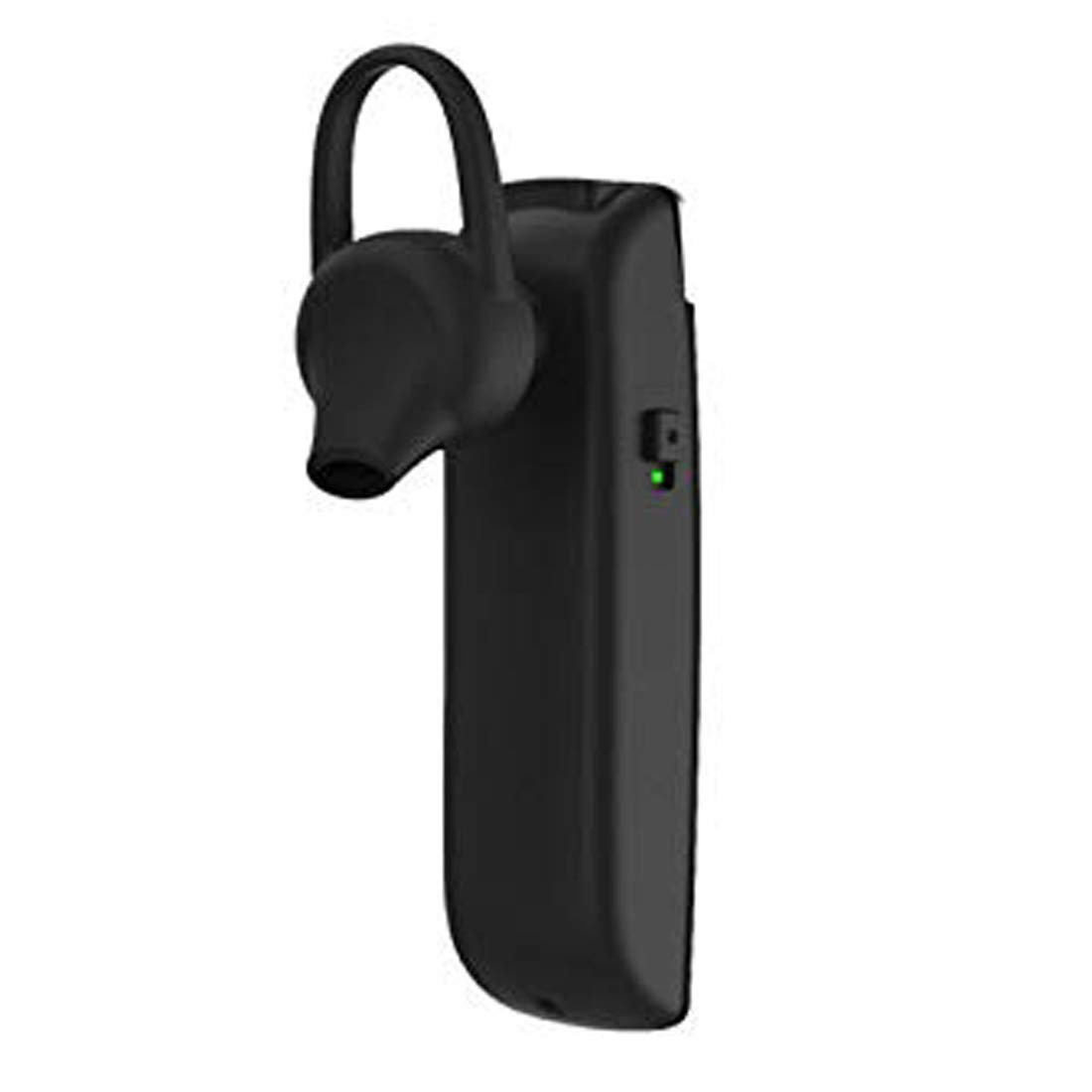
Зураг 2: Хажуу тал view of the Astrum ET200 Earphone, highlighting the indicator light and control button area.

Figure 3: Both white and black versions of the Astrum ET200 Earphone, illustrating the overall form factor.
Тохиргоо
1. Чихэвч цэнэглэх
Before first use, fully charge the earphone. Connect the charging cable (not specified, assuming standard micro-USB) to the charging port on the earphone and the other end to a USB power source (e.g., computer USB port, wall adapter). The indicator light will typically show red during charging and turn blue or off when fully charged.
2. Bluetooth хослол
- Асаах: Press and hold the Multi-function Button (MFB) until the indicator light flashes blue and red alternately. This indicates the earphone is in pairing mode.
- Bluetooth-г идэвхжүүлэх: On your mobile device or computer, enable Bluetooth.
- хайх Төхөөрөмжүүд: Scan for available Bluetooth devices. You should see "Astrum ET200" or a similar name appear in the list.
- Холбох: Select "Astrum ET200" from the list to connect. Once successfully paired, the indicator light will typically flash blue slowly or turn off.
- Хос хослуулах: To pair a second device, disconnect the earphone from the first device, put it back into pairing mode, and connect to the second device. Then, reconnect to the first device from its Bluetooth settings. The earphone will now be connected to both devices simultaneously.
Ашиглалтын заавар
- Асаах: Press and hold the MFB for approximately 3 seconds until the blue indicator light flashes.
- Унтраах: Press and hold the MFB for approximately 5 seconds until the red indicator light flashes and then turns off.
- Дуудлагад хариулах/дуусах: Press the MFB once to answer an incoming call. Press the MFB once again to end an active call.
- Дуудлагаас татгалзах: Ирж буй дуудлагыг татгалзахын тулд MFB товчийг ойролцоогоор 2 секундын турш дарна уу.
- Сүүлийн дугаарыг дахин залгах: Double-press the MFB to redial the last dialed number.
- Хөгжим тоглуулах/түр зогсоох: Хөгжим тоглуулах эсвэл түр зогсоохын тулд MFB товчийг нэг удаа дарна уу.
- Дууны хяналт: (Assuming volume buttons are present, as is common for BT earphones) Use the volume up (+) and volume down (-) buttons on the earphone to adjust the volume. If no dedicated buttons, adjust volume from your connected device.
- Дараагийн / Өмнөх бичлэг: (Assuming track control buttons are present) Use the next track (>>) and previous track (<<) buttons on the earphone to skip tracks. If no dedicated buttons, control from your connected device.
Засвар үйлчилгээ
- Цэвэрлэгээ: Use a soft, dry cloth to clean the earphone. Do not use abrasive cleaners or solvents.
- Хадгалах: Чихэвчийг сэрүүн, хуурай газар, нарны шууд тусгал болон хэт өндөр температураас хол хадгална уу.
- Батерейны арчилгаа: To prolong battery life, avoid fully discharging the battery frequently. Charge the earphone regularly, even if not in use for extended periods.
- Усны эсэргүүцэл: This earphone is not waterproof. Avoid exposure to water or excessive moisture.
Алдааг олж засварлах
| Асуудал | Боломжит шалтгаан | Шийдэл |
|---|---|---|
| Чихэвч асахгүй байна. | Батерей бага. | Чихэвчийг бүрэн цэнэглэ. |
| Төхөөрөмжтэй хослуулах боломжгүй. | Earphone not in pairing mode; Bluetooth off on device; too far from device. | Ensure earphone is in pairing mode (flashing blue/red). Turn on Bluetooth on your device. Move earphone closer to device (within 10 meters). |
| Дуу байхгүй эсвэл дуу багатай. | Volume too low on earphone or device; earphone not connected properly. | Increase volume on both the earphone and your connected device. Reconnect the earphone to your device. |
| Тасралтгүй холболт. | Хөндлөнгийн оролцоо; төхөөрөмжөөс хэт хол; батерей бага байна. | Move closer to your device. Avoid strong electromagnetic interference. Charge the earphone. |
Үзүүлэлтүүд
| Загварын дугаар | 1046 |
| Bluetooth хувилбар | 4.0 |
| Form Factor | In-Ear with Hook |
| Ярилцах цаг | 5 цаг хүртэл |
| Онцлогууд | Voice + Music, Dual Pairing, Clear Sound, Rich Bass, Precise Treble |
| Хэмжээ (LxWxH) | 3.5 x 3.5 x 12.8 см |
| Зүйлийн жин | 10 гр |
| Өнгө | Цагаан |
| Үйлдвэрлэгч | Astrum Electronics India Pvt. Ltd. |
Баталгаат болон дэмжлэг
Баталгаат хугацааны мэдээлэл
The Astrum ET200 Earphone comes with a 1 жилийн баталгаат хугацаа худалдан авсан өдрөөс. Энэхүү баталгаа нь үйлдвэрлэлийн согогийг хамарна. Баталгаат заргад зориулж худалдан авалтаа нотлох баримтаа үлдээнэ үү.
Хэрэглэгчийн дэмжлэг
For any technical assistance, troubleshooting, or warranty claims, please contact Astrum customer support through their official website or the retailer from whom you purchased the product. Please have your product model number (1046) and proof of purchase ready when contacting support.


