
1. ആമുഖം
The GAN i Carry 4 is a Bluetooth-enabled 3x3 magnetic speed cube designed for enhanced solving experiences. It connects to the CubeStation app, offering real-time tracking, training, and online competition features. This manual provides essential information for setting up, operating, and maintaining your smart cube.
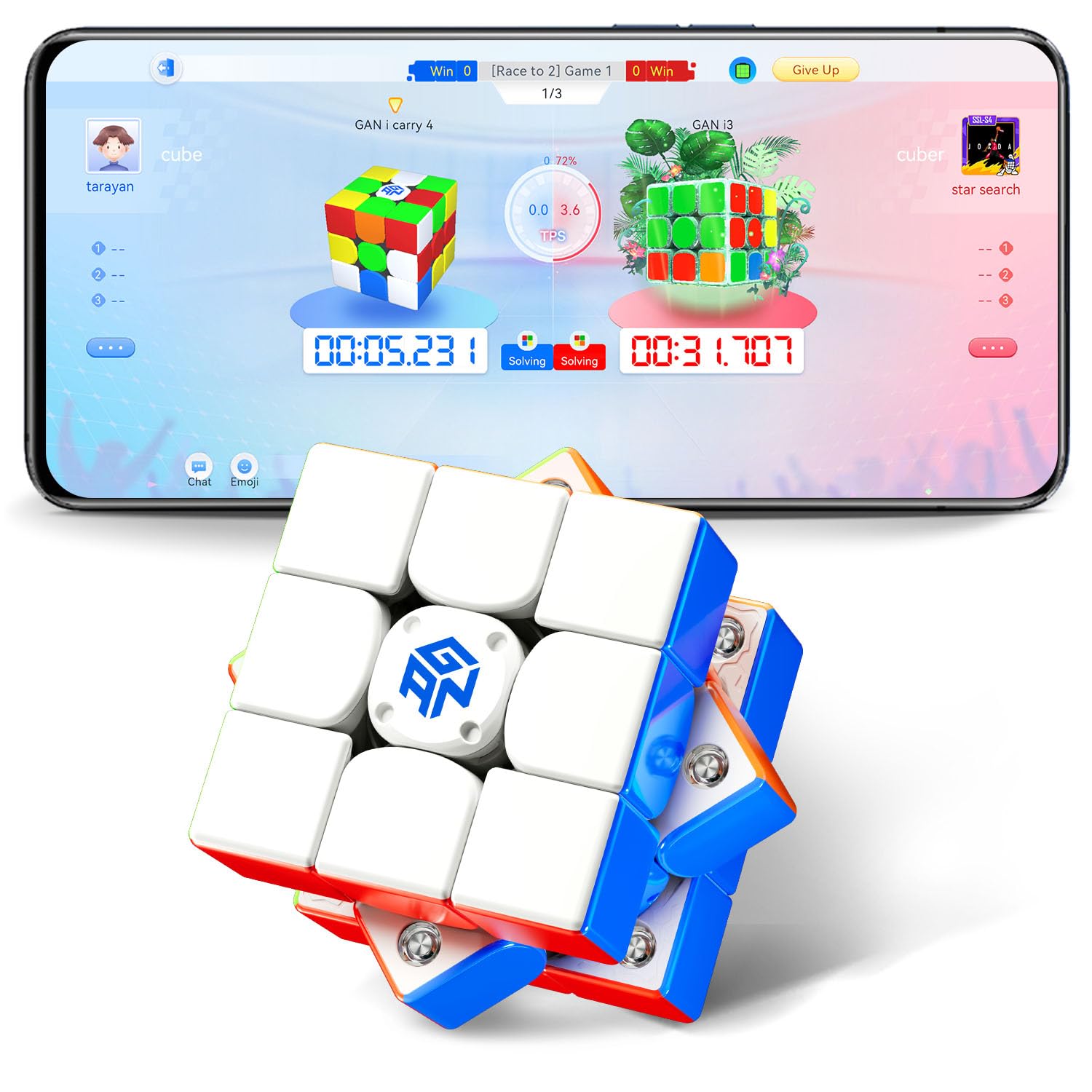
Image: The GAN i Carry 4 Smart Cube, a 3x3 puzzle with a frosted finish.
2. ബോക്സിൽ എന്താണുള്ളത്?
Carefully unpack your GAN i Carry 4 package and ensure all components are present:
- GAN 356 i Carry 4 Frosted Version Smart Cube
- GAN Box (storage case)
- മാനുവൽ (ഈ പ്രമാണം)
- Tuning Tool

Image: The GAN i Carry 4 cube, its storage box, tuning tool, and user manual.
3. സജ്ജീകരണം
3.1. ബാറ്ററി ഇൻസ്റ്റാളേഷൻ
The GAN i Carry 4 requires 2 nonstandard button cell batteries, which are included. The cube is designed for easy battery replacement to ensure long-lasting use.
3.2. ആപ്പ് ഡൗൺലോഡും ജോടിയാക്കലും
- ഡൗൺലോഡ് ചെയ്യുക CubeStation app from your device's app store (iOS or Android).
- നിങ്ങളുടെ സ്മാർട്ട്ഫോണിലോ ടാബ്ലെറ്റിലോ ബ്ലൂടൂത്ത് പ്രവർത്തനക്ഷമമാക്കിയിട്ടുണ്ടെന്ന് ഉറപ്പാക്കുക.
- Open the CubeStation app and follow the on-screen instructions to pair your GAN i Carry 4 cube. The app will guide you through the connection process.

Image: A user holding the GAN i Carry 4 cube and a smartphone displaying the CubeStation app interface, ready for connection.
3.3. Cube Tuning
The GAN i Carry 4 features a 72-gear numerical tension tuning system, allowing you to customize the cube's feel from tight to loose. Use the included tuning tool to adjust the tension to your preference. Refer to the visual guide below for the tuning mechanism.

ചിത്രം: പൊട്ടിത്തെറിച്ച ഒരു view of the GAN i Carry 4's core, highlighting the 72-gear numerical tuning system for tension adjustment.
3.4. Unboxing and Initial Overview വീഡിയോ
Video: An official unboxing video for the GAN i Carry 4, demonstrating its features and initial setup.
4. പ്രവർത്തന നിർദ്ദേശങ്ങൾ
4.1. Basic Solving
Use the GAN i Carry 4 like any standard 3x3 speed cube. Its racing-grade design, featuring 48 magnet capsules and an omni-support spherical orbit, provides smooth and responsive turns for optimal performance.

ചിത്രം: ഒരു ആന്തരികം view of the GAN i Carry 4 cube, illustrating the placement of 48 magnet capsules for enhanced stability and turning feel.
4.2. Using the CubeStation App
Once paired, the CubeStation app unlocks a range of interactive features:
- തത്സമയ ട്രാക്കിംഗ്: The cube tracks every move, providing precise analysis of your solving steps, turns per second (TPS), and algorithms used.
- Beginner Courses: Access guided tutorials to learn how to solve the cube, progressing from basic steps to advanced techniques.
- Solo Challenges: Engage in timed challenges, algorithm practice, and personal best (PB) attempts with instant feedback.
- Online Competitions: Participate in 1v1 duels, team battles, and global rankings against other cubers worldwide.

Image: Multiple screens from the CubeStation app, showcasing various solo challenge modes and performance tracking features.
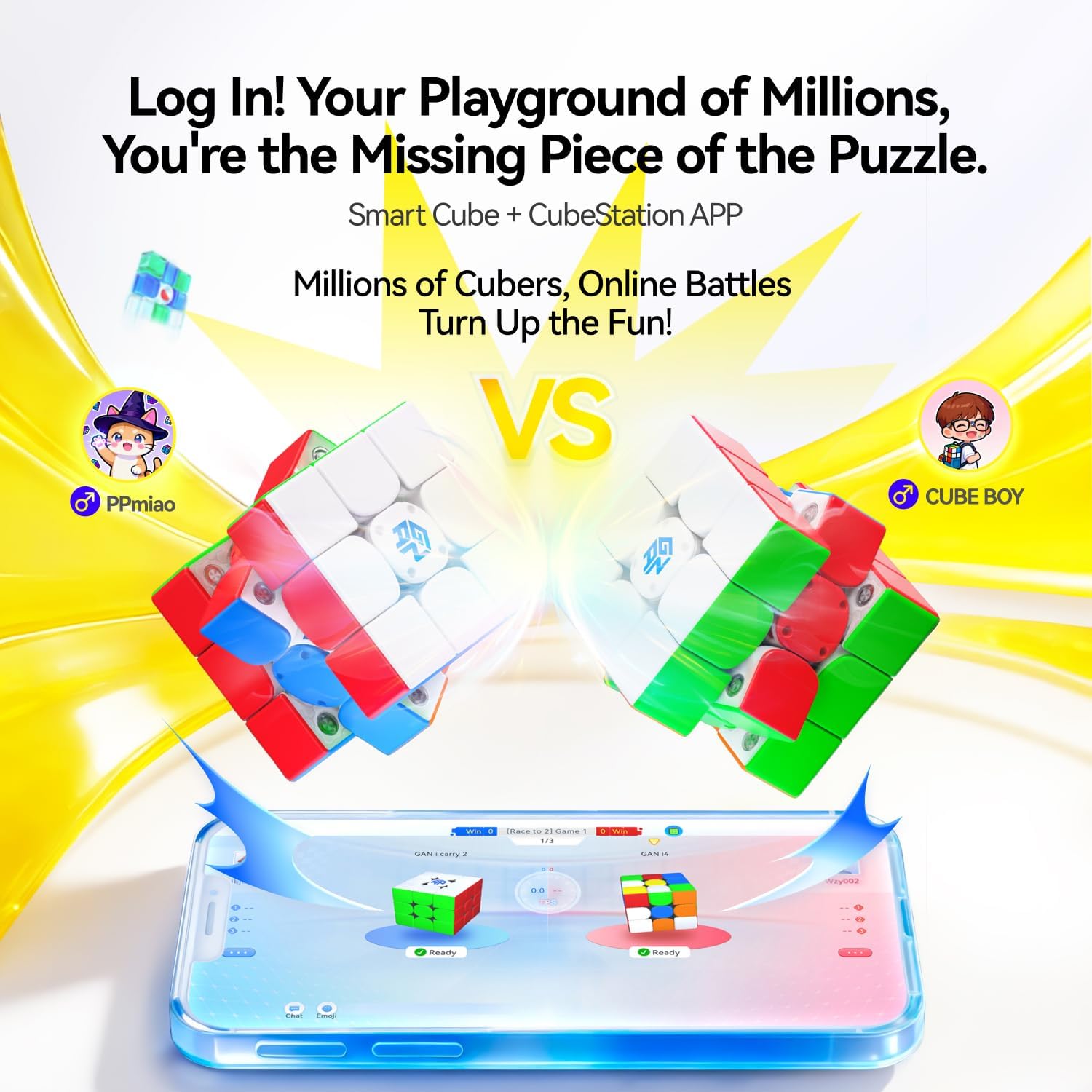
Image: The CubeStation app displaying an online competition interface with two cubes and player avatars, indicating a real-time battle.
5. പരിപാലനം
5.1. വൃത്തിയാക്കൽ
To maintain optimal performance, regularly wipe the cube's exterior with a soft, dry cloth. Avoid using harsh chemicals or abrasive materials that could damage the plastic or frosted finish.
5.2. ലൂബ്രിക്കേഷൻ
The GAN i Carry 4 features a Honeycomb Touch Face with tracks designed for long-lasting lubrication. If the cube's turning feel becomes less smooth over time, you may apply a small amount of speed cube lubricant specifically designed for plastic puzzles. Apply sparingly to the internal contact points and work it in by turning the cube.
5.3. ബാറ്ററി മാറ്റിസ്ഥാപിക്കൽ
The cube's button cell batteries provide approximately 150 hours of non-stop use. When the cube's smart features become unresponsive or connectivity issues arise, it may be time to replace the batteries. Refer to the cube's internal design for access to the battery compartment. Use the same type of nonstandard button cell batteries.
6. പ്രശ്നപരിഹാരം
- Cube not connecting to app:
- നിങ്ങളുടെ ഉപകരണത്തിൽ ബ്ലൂടൂത്ത് പ്രവർത്തനക്ഷമമാക്കിയിട്ടുണ്ടെന്ന് ഉറപ്പാക്കുക.
- Make sure the cube's batteries are not depleted.
- Restart the CubeStation app and try pairing again.
- Ensure the cube is within close proximity to your device. - Inaccurate tracking or missed moves:
- The cube features 'Zero-Loss Sensing' for accurate tracking. If issues occur, ensure the cube is clean and free from debris that might obstruct internal sensors.
- Check battery levels. Low battery can affect sensor performance. - Cube feels too tight/loose:
- Use the included tuning tool to adjust the 72-gear numerical tension system to your preferred feel. - ആപ്പ് ക്രാഷാകുകയോ മരവിക്കുകയോ ചെയ്താൽ:
- Ensure your CubeStation app is updated to the latest version.
- Clear the app's cache or reinstall the app if problems persist.
7 സ്പെസിഫിക്കേഷനുകൾ
| ഫീച്ചർ | വിശദാംശങ്ങൾ |
|---|---|
| ബ്രാൻഡ് | GAN |
| മോഡൽ നമ്പർ | GAN3x3 |
| മെറ്റീരിയൽ തരം | പ്ലാസ്റ്റിക് |
| ഇനത്തിന്റെ അളവുകൾ (L x W x H) | 2.2 x 2.2 x 0.04 ഇഞ്ച് |
| ഇനത്തിൻ്റെ ഭാരം | 71.2 ഗ്രാം |
| കഷണങ്ങളുടെ എണ്ണം | 1 |
| ബാറ്ററികൾ ആവശ്യമാണ് | 2 നിലവാരമില്ലാത്ത ബാറ്ററി (ഉൾപ്പെടുത്തിയിരിക്കുന്നു) |
| ഉൾപ്പെടുത്തിയ ഘടകങ്ങൾ | GAN 356 i Carry 4 Frosted Version, GAN Box, Manual, Tuning Tool |
സുരക്ഷാ മുന്നറിയിപ്പ്: 36 മാസത്തിൽ താഴെയുള്ള കുട്ടികൾക്ക് അനുയോജ്യമല്ല.
8. വാറൻ്റിയും പിന്തുണയും
For warranty information and customer support, please refer to the official GAN website or contact the manufacturer directly. The manufacturer's warranty description is generally 'Other', indicating specific terms and conditions apply.
You can visit the official GAN Store for additional resources and support: GAN Store on Amazon


