
ആമുഖം
The Broadlink RM MAX is a versatile smart home hub designed to integrate your existing IR (Infrared) and RF (Radio Frequency) controlled devices into a modern smart home ecosystem. Compatible with Matter, Apple Home, Alexa, Google Home, and SmartThings, this hub allows you to control various appliances such as TVs, air conditioners, fans, and blinds using a single application or voice commands. It supports both local and remote control, offering reliable automation even without an internet connection.

Image: The Broadlink RM MAX hub is now Matter-compatible, allowing integration with a wide range of smart home devices.

Image: The Broadlink RM MAX offers enhanced performance and smarter features, including remote control, preset scenes, local control, timer scheduling, voice control, and FastCon Link.
സജ്ജീകരണ നിർദ്ദേശങ്ങൾ
1. Initial Placement and Power
Place the Broadlink RM MAX hub in a central location within your home, ensuring it has a clear line of sight to IR-controlled devices and is within range of RF-controlled devices. Connect the hub to a power source using the included USB cable and power adapter.
2. App Installation and BLE Pairing
- ഡൗൺലോഡ് ചെയ്യുക BroadLink Magic Home നിങ്ങളുടെ സ്മാർട്ട്ഫോണിന്റെ ആപ്പ് സ്റ്റോറിൽ നിന്നുള്ള ആപ്പ്.
- Open the app. Thanks to BLE (Bluetooth Low Energy) technology, the hub will automatically pair with your phone for quick setup.
- Follow the on-screen prompts to authorize the device within the app.
3. വൈഫൈ കണക്ഷൻ
The Broadlink RM MAX connects exclusively to 2.4 GHz വൈഫൈ നെറ്റ്വർക്കുകൾ. 5 GHz Wi-Fi is not supported. During the app setup, you will be guided to connect the hub to your home's 2.4 GHz Wi-Fi network. Ensure your Wi-Fi password does not contain special characters that might cause connectivity issues.
4. Adding Devices (IR/RF Learning)
To control your existing IR and RF devices, you will need to add them to the BroadLink Magic Home app. The hub supports 38 kHz IR and 433 MHz RF frequencies.
- For IR Devices: The app often has a database of common IR devices (TVs, ACs). Select your device brand and model. If not found, use the Manual Learning Function to teach the hub commands from your original remote.
- For RF Devices: Similar to IR, the app may have pre-configured options. For custom RF devices, use the Manual Learning Function to replicate RF signals from your original remote.
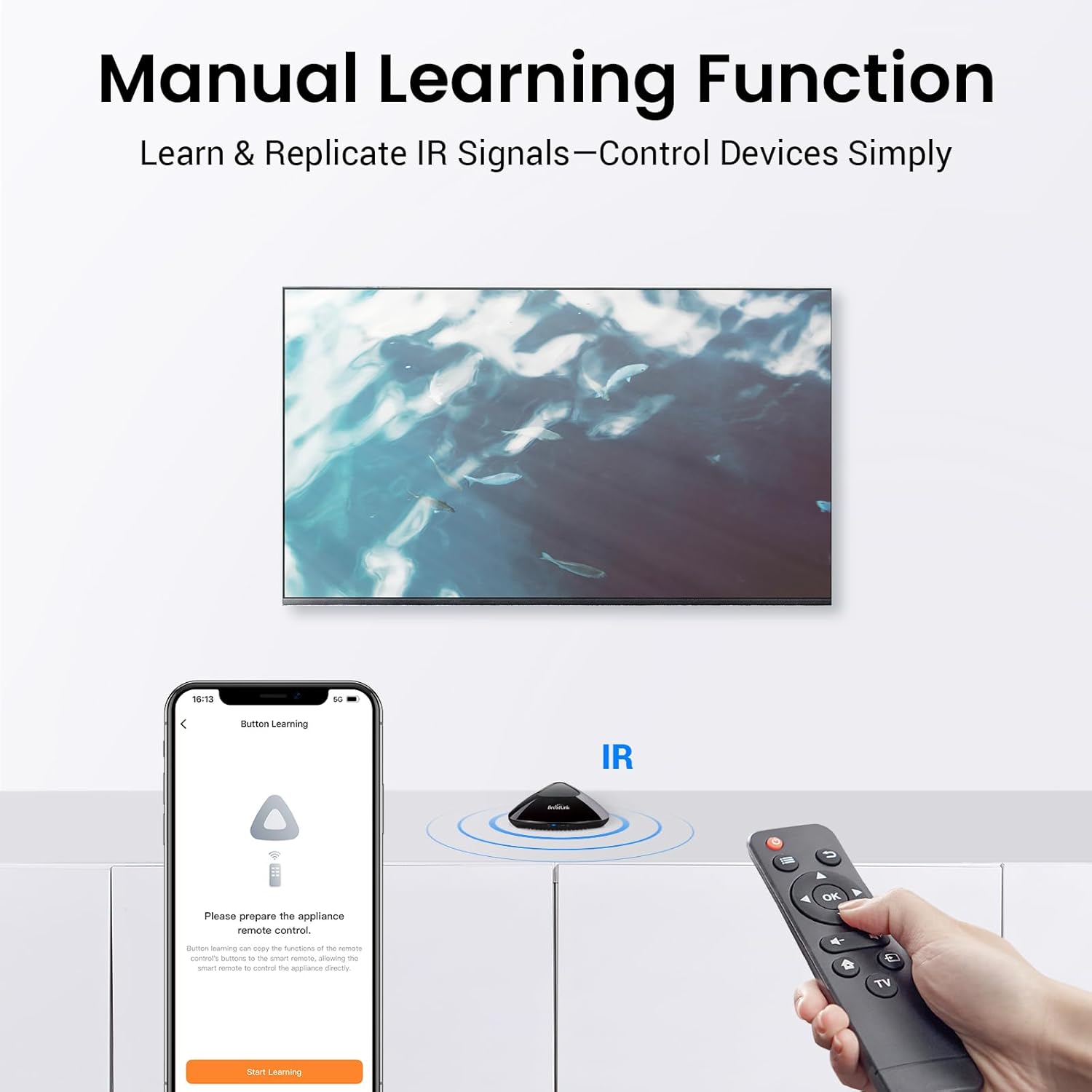
Image: The Manual Learning Function allows the hub to learn and replicate IR signals from your existing remote controls.
പ്രവർത്തന നിർദ്ദേശങ്ങൾ
1. ആപ്പ് വഴി റിമോട്ട് കൺട്രോൾ
Once your devices are added to the BroadLink Magic Home app, you can control them from anywhere with an internet connection. The app provides a virtual remote interface for each configured device.

Image: Control your home appliances anytime, anywhere using the Broadlink app, requiring a Wi-Fi connection for remote access.
2. ശബ്ദ നിയന്ത്രണ സംയോജനം
The RM MAX is compatible with Alexa and Google Assistant. To enable voice control:
- In the BroadLink Magic Home app, navigate to the settings or integration section.
- Tap 'Authorize Device' to link your BroadLink account with Alexa or Google Assistant.
- Once authorized, you can use voice commands (e.g., "Alexa, turn on the fan") to control your configured devices.

Image: Simplify your smart home experience with voice control by connecting to Wi-Fi and enabling voice assistant integration.
3. Local Control and Offline Operation
The RM MAX supports local control via Matter and BLE, meaning commands can be executed without an active internet connection. This ensures your routines and device controls remain functional even during internet outages. The IR/RF control range is up to 8 meters.
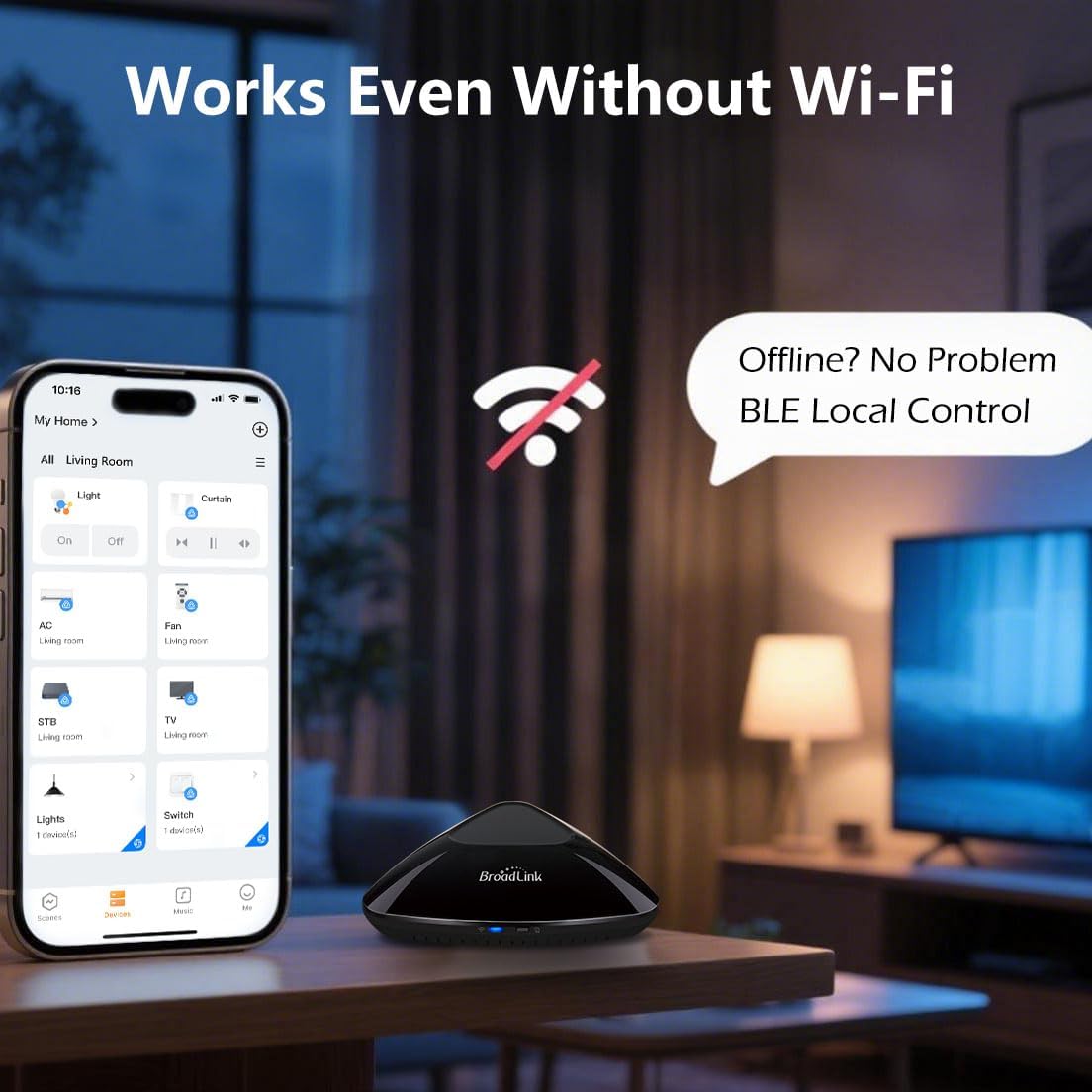
Image: The Broadlink RM MAX works even without Wi-Fi, offering local control via BLE for uninterrupted smart home functionality.
4. ടൈമർ, ഷെഡ്യൂൾ പ്രവർത്തനങ്ങൾ
Utilize the app to set daily schedules for your devices. This allows for automatic power on/off at specified times, enhancing convenience and energy efficiency.
- Open the BroadLink Magic Home app.
- Select the device you wish to schedule.
- Access the 'Timer' or 'Schedule' option and configure your desired on/off times.

Image: Set daily schedules to automatically turn on/off devices, such as air conditioners and televisions, at specific times.
മെയിൻ്റനൻസ്
The Broadlink RM MAX requires minimal maintenance. Keep the device clean and free from dust. Ensure it is placed in a location with good ventilation and away from direct sunlight or extreme temperatures. Regularly check for firmware updates through the BroadLink Magic Home app to ensure optimal performance and Matter compatibility.
ട്രബിൾഷൂട്ടിംഗ്
അനുയോജ്യത പ്രശ്നങ്ങൾ
The Broadlink RM MAX is designed to work with IR (38 kHz) and RF (433 MHz) devices. However, certain types of devices are not compatible:
- RF 868MHz devices
- FSK (Frequency Shift Keying) devices
- Rolling Code RF devices
- Remotes that require pairing (beyond simple signal learning)
- ഗാരേജ് വാതിലുകൾ
- പെല്ലറ്റ് അടുപ്പുകൾ
- Some motorized blinds/shades (check frequency and code type)

Image: Before attempting to add a device, please check its compatibility with the Broadlink RM MAX. Verify the frequency and type of remote control.
How to Confirm Your Remote Frequency:
- Check the label on your remote control.
- Refer to the device's user manual.
- Contact the device manufacturer for detailed specifications.
- If still unsure, contact BroadLink Support and provide your remote's brand and model.
പൊതുവായ പ്രശ്നങ്ങളും പരിഹാരങ്ങളും:
- ഉപകരണം പ്രതികരിക്കുന്നില്ല: Ensure the RM MAX has a clear line of sight to IR devices. For RF devices, ensure it's within the 8-meter range. Check if the device is powered on.
- Wi-Fi connection failure: Verify your Wi-Fi network is 2.4 GHz. Restart your router and the RM MAX hub. Ensure the Wi-Fi password is correct and does not contain unsupported special characters.
- Voice command not working: Confirm that your BroadLink account is correctly linked to Alexa or Google Assistant. Ensure the device name in the BroadLink app matches the name used in voice commands.
- App not detecting hub: Ensure Bluetooth is enabled on your phone for initial BLE pairing. Restart the app and the hub.
സ്പെസിഫിക്കേഷനുകൾ
| നിർമ്മാതാവ് | ഹാങ്ഷൂ ബ്രോഡ്ലിങ്ക് ടെക്നോളജി കോ., ലിമിറ്റഡ്. |
| മോഡൽ നമ്പർ | RM MAX |
| ഉൽപ്പന്ന അളവുകൾ (L x W x H) | 10.88 x 10.86 x 3.65 സെ.മീ |
| ഭാരം | 210 ഗ്രാം |
| നിറം | കറുപ്പ് |
| ആകൃതി | ദീർഘചതുരം |
| ഉൾപ്പെടുത്തിയ ഘടകങ്ങൾ | RM MAX Hub, USB cable |
| ബാറ്ററികൾ ഉൾപ്പെടുത്തിയിട്ടുണ്ട് | ഇല്ല |
| ബാറ്ററികൾ ആവശ്യമാണ് | ഇല്ല |
| Wi-Fi അനുയോജ്യത | 2.4 GHz മാത്രം |
| ഐആർ ഫ്രീക്വൻസി | 38 kHz |
| RF ഫ്രീക്വൻസി | 433 MHz |
| IR/RF Control Range | 8 മീറ്റർ വരെ |
| മാതൃരാജ്യം | ചൈന |
വാറൻ്റി വിവരങ്ങൾ
നിർദ്ദിഷ്ട വാറന്റി വിശദാംശങ്ങൾ സാധാരണയായി നിങ്ങളുടെ വാങ്ങൽ ഡോക്യുമെന്റേഷനോടൊപ്പമോ നിർമ്മാതാവിന്റെ ഔദ്യോഗിക പ്രസ്താവനയിലോ നൽകും. webസൈറ്റ്. സമഗ്ര വാറന്റി നിബന്ധനകൾക്കും വ്യവസ്ഥകൾക്കും ദയവായി ഈ ഉറവിടങ്ങൾ പരിശോധിക്കുക.
പിന്തുണ
For technical assistance, troubleshooting, or further inquiries, please visit the official BroadLink support website or contact their customer service. When contacting support, it is helpful to have your product model (RM MAX) and any relevant error messages or details about the issue ready.