
TXQ SABER Skeleton-snv4 SN PIXEL VERSION 4.0
SN Pixel V4.0 Light Saber User Manual
Model: Skeleton-snv4 SN PIXEL VERSION 4.0 | Brand: TXQ SABER
ആമുഖം
This manual provides detailed instructions for the safe and effective use of your SN Pixel V4.0 Light Saber. Please read this manual thoroughly before operating the device to ensure proper functionality and to maximize your experience.
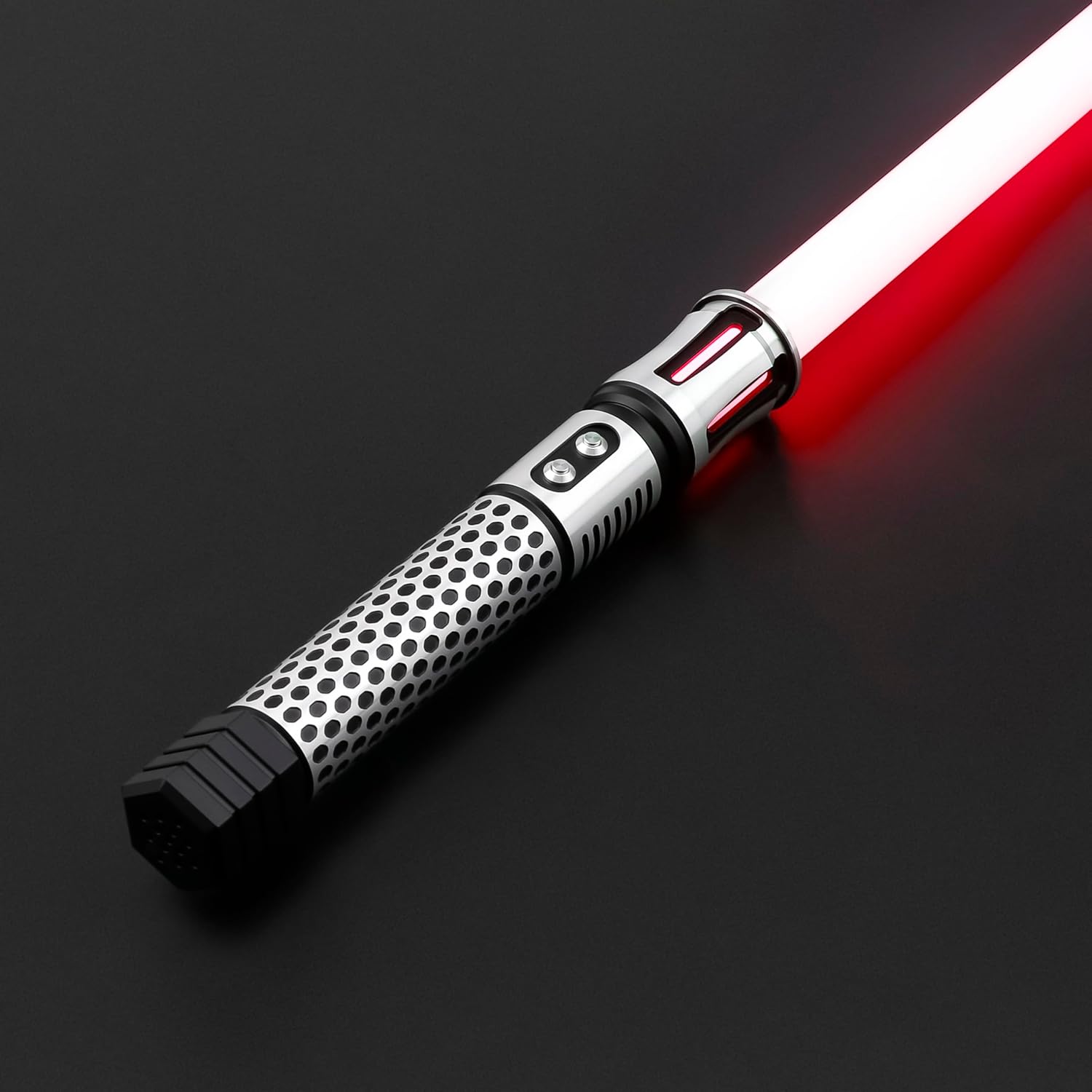
Image: The SN Pixel V4.0 Light Saber, showcasing its hilt design and an illuminated red blade.
പാക്കേജ് ഉള്ളടക്കം
താഴെ ലിസ്റ്റ് ചെയ്തിരിക്കുന്ന എല്ലാ ഇനങ്ങളും നിങ്ങളുടെ പാക്കേജിൽ ഉൾപ്പെടുത്തിയിട്ടുണ്ടെന്ന് ഉറപ്പാക്കുക:
- Handle (Hilt) x 1
- ബ്ലേഡ് x 1
- Tool kit x 1
- Charging Cord x 1
- മാനുവൽ x 1
സജ്ജമാക്കുക
1. ബ്ലേഡ് ഇൻസ്റ്റാളേഷൻ
Before proceeding, ensure the light saber is powered off. Carefully insert the blade into the hilt's emitter. Secure the blade firmly by tightening the retention screws using the provided tool kit. It is crucial that the blade is properly inserted and secured before any operation to prevent damage or injury.

ചിത്രം: വിശദമായ ഒരു ചിത്രം view of the light saber hilt, highlighting the connection point where the blade is inserted.
2. പ്രാരംഭ ചാർജിംഗ്
Connect the provided charging cord to the light saber's charging port and then to a 5V 1A charging head (not included). A charging indicator or prompt will activate when the battery is properly charging. The initial charging time is approximately 2 hours. A power-up prompt will sound once the battery is properly installed and charged.
പ്രവർത്തന നിർദ്ദേശങ്ങൾ
പവർ ഓൺ/ഓഫ്
To power on the light saber, press and hold the main button. To power off, press and hold the main button again. The button light indicates സ്റ്റാൻഡ്ബൈ മോഡ് when illuminated but the blade is off, and boot status when both the button and blade lights are on.
Changing Sound Fonts
Your light saber features 27 distinct sound font effects. While the saber is powered on, short press the main button to cycle through the available sound fonts. Each press will switch to the next sound font in the sequence.
Changing Blade Colors
The light saber offers 12 changeable blade colors: Red, Blue, Yellow, Cyan, Ice blue, Green, Pink, Orange, Purple, Peak-green, Roseo, and White. To change the blade color, activate the color change mode (refer to the specific button combinations in the included detailed manual, typically a long press or double-click followed by a short press to cycle). Release the button to select the desired color.
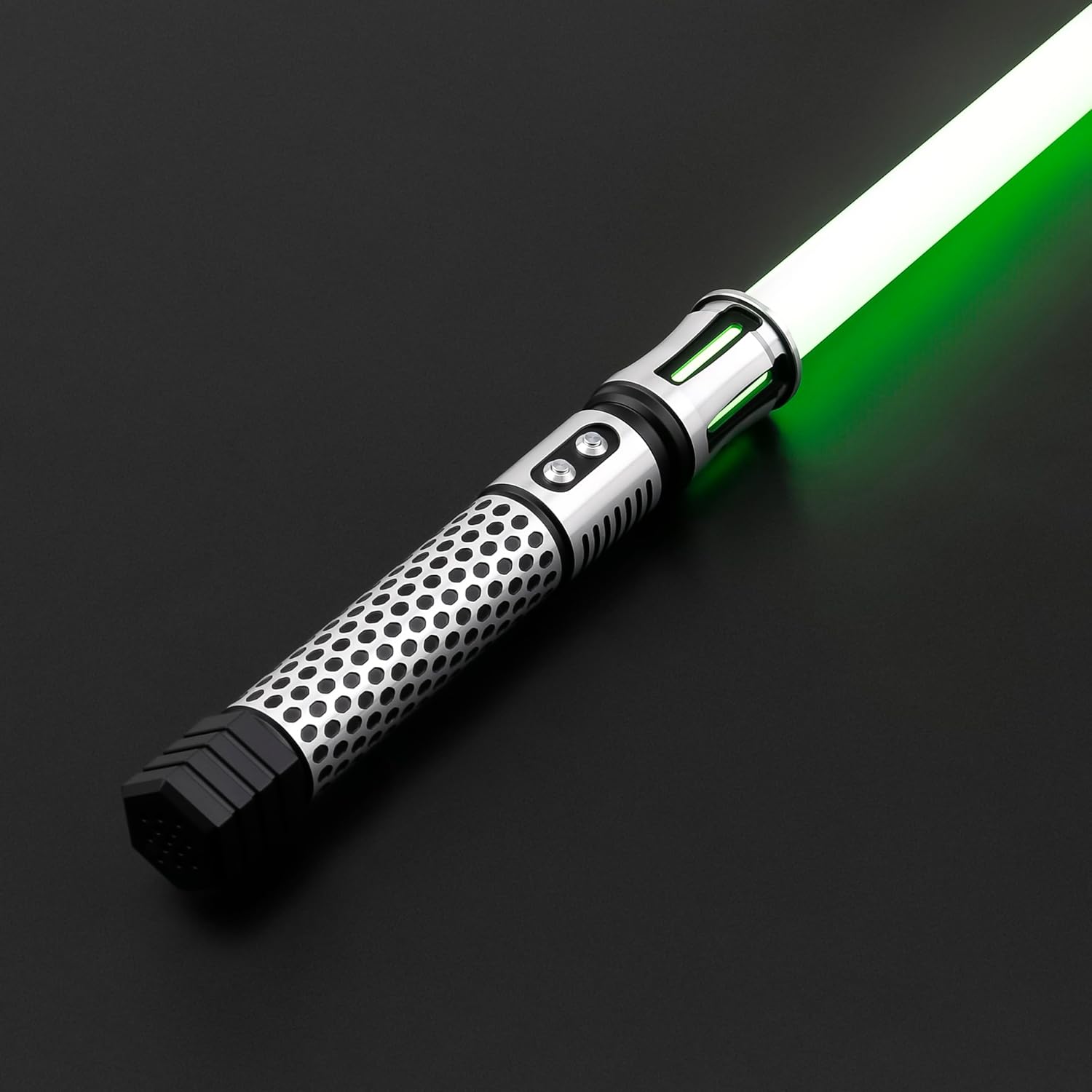
Image: The light saber illuminated with a vibrant green blade, demonstrating one of the available color options.

Image: The light saber illuminated with a bright orange blade, showcasing another color option.
ബ്ലേഡ് ഇഫക്റ്റുകൾ
The light saber provides 3 distinct blade effects: Stable, Blaster, and Pulse. Consult the included detailed manual for the specific button presses required to cycle through these effects.
വോളിയം ക്രമീകരണം
You can adjust the volume between three settings: High, Low, and Mute. Refer to the included detailed manual for the specific button sequence to change volume levels.
ആംഗ്യ നിയന്ത്രണം
The SN Pixel V4.0 supports intuitive gesture control. You can activate or deactivate the blade by performing specific movements such as pushing and pulling, twisting, or swinging the hilt. Experiment with these movements to discover their functions.
Adjusting Pixel Number (Blade Length)
To optimize performance for different blade lengths (82cm and 92cm), you can adjust the internal pixel number setting. When the light saber is powered off, click the main button 3 times. This action will toggle the internal settings to match your installed blade size.
മെയിൻ്റനൻസ്
ചാർജിംഗ്
Always use a 5V 1A charging head with the provided charging cord. Using chargers with higher voltagഇ അല്ലെങ്കിൽ amperage may damage the internal battery and circuitry. A full charge typically takes approximately 2 hours. Avoid overcharging the battery.
വൃത്തിയാക്കൽ
To clean the hilt, use a soft, dry cloth. For the blade, a slightly damp cloth can be used if necessary, but ensure it is dried immediately afterward. Do not use abrasive cleaners, solvents, or harsh chemicals, as these can damage the materials.
സംഭരണം
Store the light saber in a cool, dry place, away from direct sunlight, high humidity, and extreme temperatures. If storing for extended periods, it is recommended to charge the battery to approximately 50% capacity to help prolong its overall lifespan.
ട്രബിൾഷൂട്ടിംഗ്
If you encounter any issues with your light saber, please refer to the table below for common problems and their solutions:
| പ്രശ്നം | സാധ്യമായ കാരണം | പരിഹാരം |
|---|---|---|
| Saber does not turn on. | Low battery; Blade not properly installed; Loose internal connection. | Charge the battery fully; Ensure blade is fully inserted and retention screws are tightened; Gently check for any loose connections if comfortable doing so. |
| Sound is distorted or absent. | Volume set to mute; Speaker obstruction or malfunction. | Adjust volume settings to High or Low; Ensure speaker is not blocked. If issue persists, contact support. |
| Blade color or effect not changing. | Incorrect button sequence used; Software glitch. | Refer to the "Operating Instructions" section or the included detailed manual for correct button presses. Try restarting the saber. |
സ്പെസിഫിക്കേഷനുകൾ
- Hilt Material: അലുമിനിയം അലോയ് 6063
- ബ്ലേഡ് മെറ്റീരിയൽ: Spotlight PC
- സ്പീക്കർ: 8Ω 2W
- ബാറ്ററി: 3200mAh
- ബ്ലേഡ് വലിപ്പം: 82cm (92cm also supported)
- പ്രവർത്തന സമയം: ഏകദേശം 4 മണിക്കൂർ
- ചാർജിംഗ് സമയം: ഏകദേശം 2 മണിക്കൂർ
- ശബ്ദ ഫോണ്ടുകൾ: 27 സെറ്റ്
- ബ്ലേഡ് നിറങ്ങൾ: 12 kinds (Red, Blue, Yellow, Cyan, Ice blue, Green, Pink, Orange, Purple, Peak-green, Roseo, White)
- ബ്ലേഡ് ഇഫക്റ്റുകൾ: 3 kinds (Stable, Blaster, Pulse)
- ഇനത്തിൻ്റെ ഭാരം: 3.3 പൗണ്ട്
- മാതൃരാജ്യം: ചൈന
- നിർമ്മാതാവ്: TXQ സേബർ
വാറൻ്റിയും പിന്തുണയും
TXQ SABER provides a 1-month money-back guarantee കൂടാതെ എ 3 മാസത്തെ എക്സ്ചേഞ്ച് വാറന്റി from the date of purchase. This warranty covers manufacturing defects and ensures professional help or guidance for the product's lifetime.
For technical support, warranty claims, or any inquiries regarding your SN Pixel V4.0 Light Saber, please contact TXQ SABER customer service through the retailer where the product was purchased. You may also visit the official TXQ SABER store page on Amazon for additional resources and contact information: TXQ SABER Store.
Ask a question about this manual
Ask about setup, troubleshooting, compatibility, parts, safety, or missing instructions. Manuals+ will review the question and use this page’s manual context to help answer it.