Kupu Whakataki
This manual provides detailed instructions for the Logitech M221 Wireless Mouse. Designed for quiet operation and reliable performance, the M221 offers a comfortable, ambidextrous design with an 18-month battery life. Please read this manual thoroughly to ensure proper setup and optimal use of your device.
Aratohu Tatūnga
A pee i enei mahi ki te whakarite i to Kiore Ahokore Logitech M221:
- Tāutahia te Pūhiko:
Locate the battery compartment on the underside of the mouse. Slide the battery cover off. Insert the included AA battery, ensuring correct polarity. Replace the battery cover.

Whakaahua: Raro view of the Logitech M221 mouse, showing the battery compartment and the location of the USB receiver.
- Kimihia te Kaiwhiwhi USB:
The tiny USB receiver is stored inside the battery compartment for convenience during transport. Carefully remove it from its slot.
- Connect the Receiver to Your Computer:
Plug the USB receiver into an available USB port on your computer (PC or Mac). The mouse will automatically connect to your computer.
- Mana i runga i te Kiore:
Ensure the power switch on the underside of the mouse is in the "ON" position. The mouse is now ready for use.
Nga Tohutohu Whakahaere
The Logitech M221 is designed for intuitive and comfortable use:
- Pāwhiri Mārire: The M221 features 90% reduced click sound, providing a quiet working environment without sacrificing the familiar click feel.
- Hoahoa Ambidextrous: Its comfortable, contoured shape is suitable for both left and right-handed users.
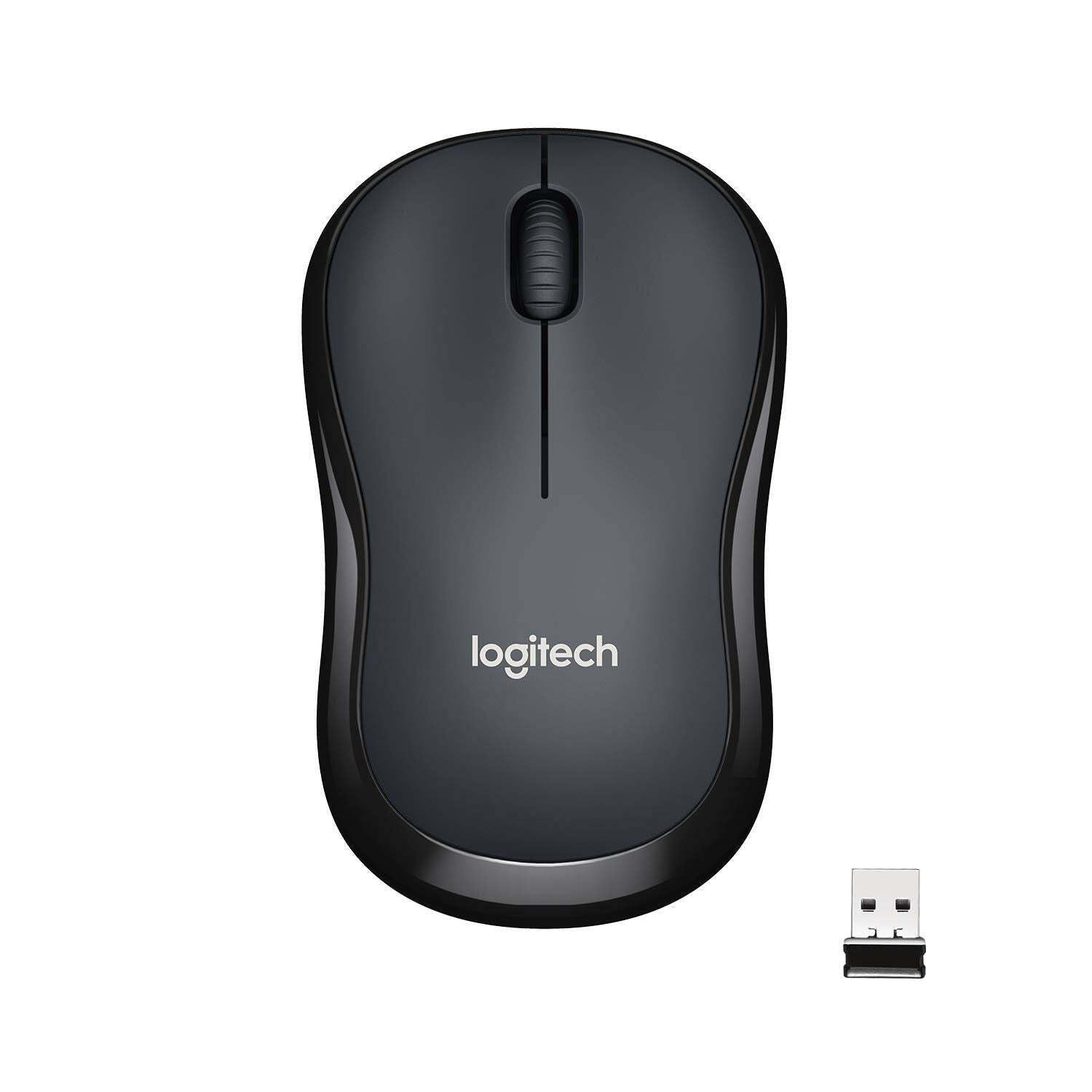
Whakaahua: Runga view of the Logitech M221 Wireless Mouse in charcoal, alongside its compact USB receiver.
- Aroturuki Optical: The mouse uses 1000 DPI optical tracking for smooth and precise cursor control.
- Awhe Ahokore: Enjoy reliable wireless connectivity up to 10 meters (33 feet) from your computer. Actual range may vary based on environmental conditions.
- Āhuatanga Moe-Aunoa: To conserve battery life, the mouse automatically enters a sleep mode when not in use. Move the mouse or click a button to wake it up.
Te tiaki
Proper maintenance ensures the longevity and optimal performance of your M221 mouse.
- Whakakapinga Pūhiko: The M221 mouse boasts an 18-month battery life. When the mouse performance degrades or the indicator light (if present) signals low battery, replace the AA battery. Refer to the "Install the Battery" step in the Setup Guide.
- Te horoi: Use a soft, dry cloth to clean the mouse. Avoid abrasive cleaners or solvents.
- Rokiroki: When not in use for extended periods, turn off the mouse using the power switch on the underside to further conserve battery life. Store the USB receiver inside the battery compartment to prevent loss.
Raparongoā
Mena ka raru koe ki to kiore Logitech M221, ngana nga otinga e whai ake nei:
- Kaore te Kiore i te whakautu:
- Me mohio kei te kaha te kiore.
- Tirohia te pākahiko. Whakakapia mēnā e tika ana.
- Manatokona kua honoa te kaikawe USB ki tetahi tauranga USB mahi i runga i to rorohiko. Whakamātauria he tauranga USB rerekē.
- Nekehia te kiore kia tata atu ki te kaikawe USB hei whakakore i nga take awhe.
- Nekehanga Pehu Pohehe:
- Horoia te pūoko whatu kei raro o te kiore me te kakahu ngohengohe, maroke.
- Me whakarite kei te whakamahi koe i te kiore i runga i te mata e tika ana. A ape i nga mata tino whakaata, maamaa ranei.
- Tirohia mo te pokanoa mai i etahi atu taputapu ahokore.
- Nga Patene, Panuku Wira ranei Kaore i te Mahi:
- Tīmataria anō tō rorohiko.
- Re-insert the USB receiver.
- If the issue persists, the mouse may require replacement.
Whakatakotoranga
| Āhuahira | Taipitopito |
|---|---|
| Waitohu | Logitech |
| Tauira | M221 (Item model number: 910-004882) |
| Hangarau Hononga | 2.4 GHz Ahokore (Kaiwhiwhi USB) |
| Huringa Huringa | Whatu (1000 DPI) |
| Patene Wahangu | Yes (90% reduced click sound) |
| Momo Pūhiko | 1 x AA Pūhiko (whakauruhia) |
| Toharite Pūhiko Ora | 18 Marama |
| Hoahoa Ambidextrous | Ae |
| Pūnaha Whakahaere Hototahi | Windows 10 or later, Windows 8, Windows RT, Windows 7, Mac OS X 10.5 or later, Chrome OS, Linux Kernel 2.6+2 |
| Hunga Hua | 6 x 4 x 10 cm (L x W x H) |
| Taumaha Tūemi | 77 g |
| Nga Waahanga kei roto | Mouse, Nano Receiver, 1 AA Battery, User Documentation |

Image: Diagram showing the dimensions of the Logitech M221 Wireless Mouse: 99mm length, 60mm width, 39mm height, and 75g weight.
Pūtāhui me te Tautoko
Mo nga korero whakamana me te tautoko hangarau, tirohia te Logitech mana website or the documentation included with your product. Logitech provides customer support for product inquiries and assistance.
You can typically find support resources, FAQs, and contact information by visiting www.logitech.com/support.


