1. Fampidirana
This manual provides detailed instructions for the setup, operation, and maintenance of your INNOCN 24.5" 240Hz 1ms Gaming Monitor (Model 25G2H Plus). Designed for high-performance gaming and productivity, this monitor features a 1080p Fast IPS panel, 240Hz refresh rate, 1ms response time, and Adaptive Sync technology for a smooth visual experience.
2. Ny votoatin'ny fonosana
Hamarino azafady fa ny entana rehetra voatanisa etsy ambany dia tafiditra ao anatin'ny fonosanao:
- INNOCN 24.5" Monitor (25G2H Plus)
- Monitor Stand (fototra sy vozony)
- Cable herinaratra
- Power Adapter
- Cable DisplayPort (DP).
- User Manual (ity antontan-taratasy ity)

Image: Monitor dimensions and included accessories, including power cable, adapter, DisplayPort cable, and user manual.
3. Torolàlana fananganana
3.1. Manangona ny Stand
- Esory amim-pitandremana ny fitaovana fanaraha-maso sy ajoro eo amin'ny fonosana.
- Apetaho amin'ny tontonana fanaraha-maso ny tenda mijoro. Ataovy azo antoka fa manindry tsara amin'ny toerany.
- Connect the stand base to the stand neck. Tighten any screws as indicated in the quick start guide.
3.2. Mampifandray amin'ny fitaovana iray
The monitor supports HDMI and DisplayPort connections. Choose the appropriate cable for your device.
- Fifandraisana HDMI: Connect one end of the HDMI cable to the HDMI port on your computer or console, and the other end to an HDMI port on the monitor.
- Fifandraisana DisplayPort: Connect one end of the DisplayPort cable to the DisplayPort on your computer or console, and the other end to the DisplayPort on the monitor.
- Fampifandraisana herinaratra: Connect the power adapter to the monitor's DC 12V input, then plug the power cable into a power outlet.

Sary: aoriana view of the monitor, highlighting the HDMI, DisplayPort, DC 12V power input, and Audio out ports.
4. Torolàlana miasa
4.1. Power On/off
Tsindrio ny bokotra herinaratra, izay mazàna hita eo amin'ny lamosina na eo ambanin'ny efijery, mba hampandeha na hamonoana ny efijery. Hirehitra ny jiro famantarana ny herinaratra rehefa mirehitra ny efijery.
4.2. OSD Menu Navigation
The On-Screen Display (OSD) menu allows you to adjust various monitor settings. Use the joystick or buttons (refer to your quick start guide for exact location) to navigate the menu:
- Press the joystick/button to open the OSD menu.
- Move the joystick/buttons up/down/left/right to navigate through options.
- Press the joystick/button again to select an option or confirm a setting.
4.3. Basic Display Settings
Within the OSD menu, you can adjust:
- Famirapiratana: Ahitsio ny famirapiratana ankapobeny amin'ny efijery.
- Mifanohitra: Modify the difference between the brightest and darkest areas of the image.
- Temperature loko: Select from preset modes (e.g., Warm, Cool, User) or adjust RGB values manually.
- Loharano fidirana: Manually select between HDMI and DisplayPort inputs.
5. Features Overview
5.1. High Refresh Rate & Response Time
Experience fluid visuals with a 240Hz ny tahan'ny fanavaozana and a rapid 1ms fotoana valiny, crucial for fast-paced gaming.
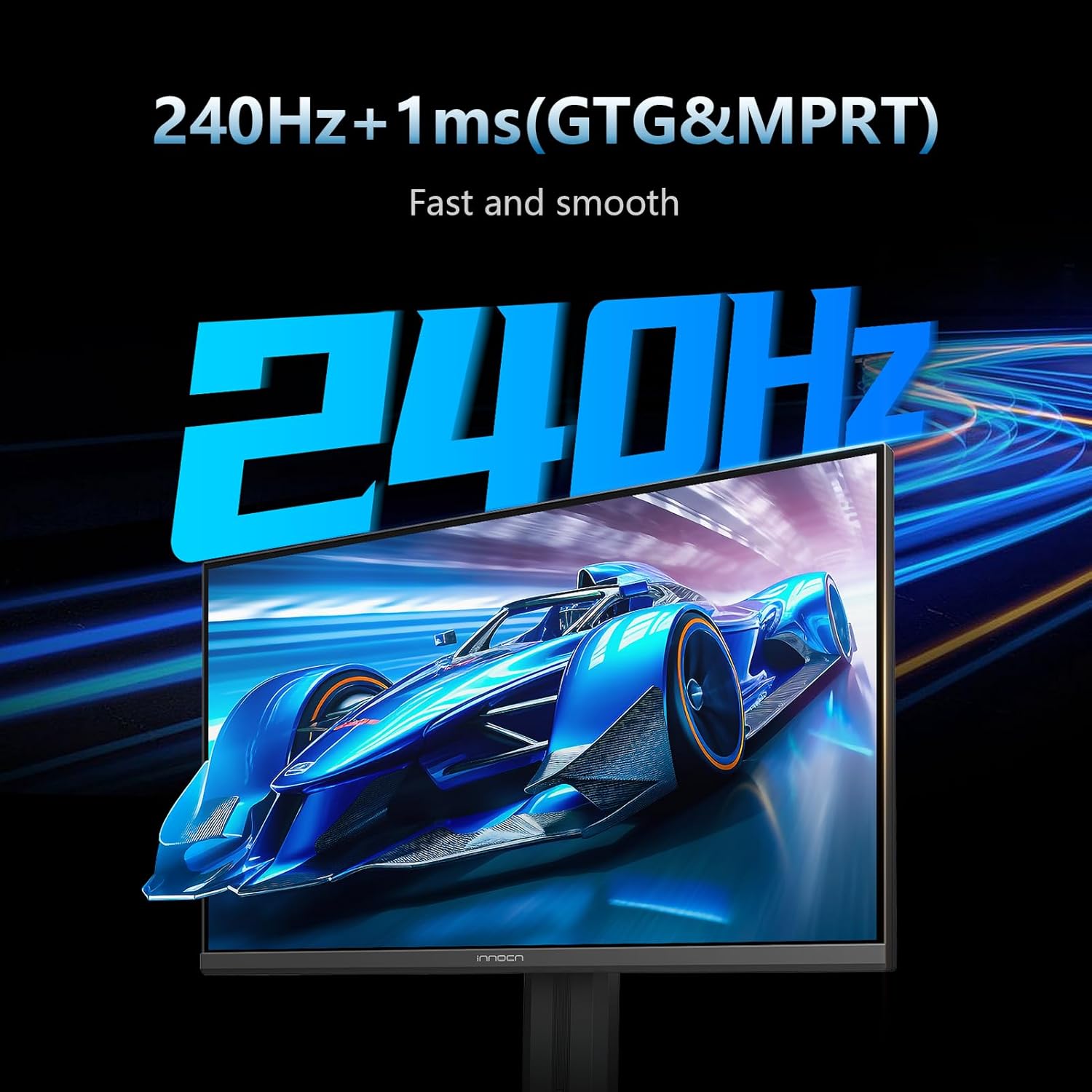
Image: The monitor screen showing a fast-moving car, illustrating the 240Hz refresh rate and 1ms response time for smooth visuals.
5.2. Adaptive Sync (G-Sync Compatible)
Eliminate screen tearing and stuttering with Adaptive Sync technology, ensuring a seamless gaming experience by synchronizing the monitor's refresh rate with your GPU's frame rate.
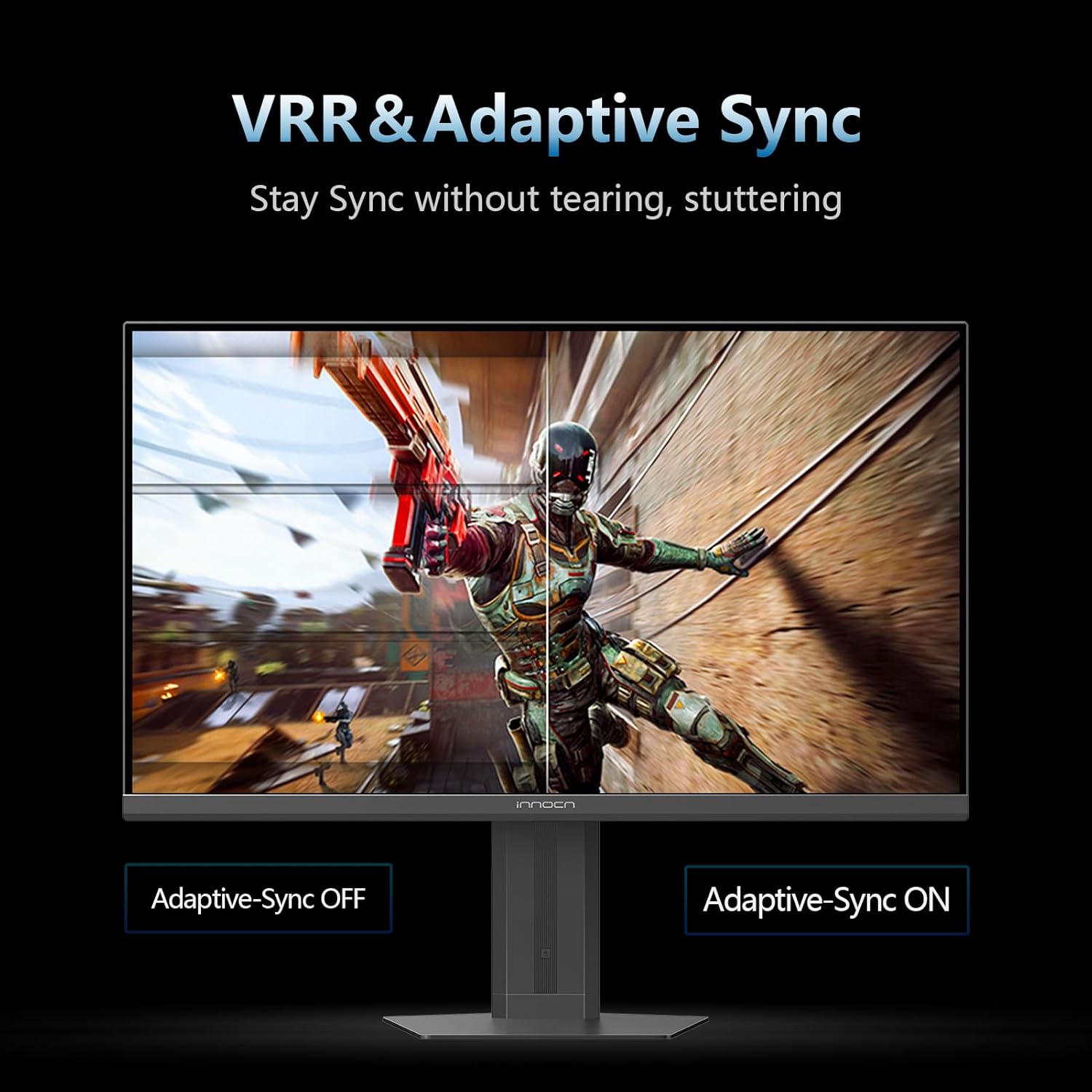
Image: A split screen comparison demonstrating Adaptive Sync technology, with one side showing screen tearing (Adaptive Sync OFF) and the other showing a smooth image (Adaptive Sync ON).
5.3. IPS Panel & Color Performance
ny Fast IPS panel delivers wide viewing angles and accurate color reproduction, covering 99% sRGB for vibrant and lifelike images at 1920x1080p resolution.

Image: The monitor displaying a colorful nebula, highlighting its excellent color performance with 16.7 million colors and 99% sRGB coverage.
5.4. Fanohanana HDR400
Enjoy enhanced contrast and brightness with Fanohanana HDR400, revealing more detail in both dark and bright scenes.
6. fifandraisana
The monitor offers versatile connectivity options:
- 2 x HDMI 2.1 Ports: For connecting gaming consoles, PCs, and other HDMI-enabled devices.
- 1 x DisplayPort 1.4: For high-bandwidth connections to PCs, supporting the full 240Hz refresh rate.
- Audio mivoaka: A 3.5mm jack for connecting external speakers or headphones.

Image: A close-up of the monitor's rear panel, showing the various input ports including HDMI, DisplayPort, and Audio out.
7. Adjustable Stand
The ergonomic stand allows for flexible positioning to optimize your viewfampiononana:
- Fanitsiana ny haavony: Adjust the monitor's height by up to 3.93 inches.
- Pivot: Ahodiho 90 degre ny efijery ho an'ny maodely portrait viewing.
- Jery mitongilana: Adjust the screen angle from 5° to 20° (forward/backward).
- Mihodina: Rotate the monitor horizontally.
- VESA Mountable: Compatible with 75x75mm VESA mounts for alternative mounting solutions.

Image: A diagram illustrating the various adjustments of the monitor stand, including height, pivot, tilt, and VESA mounting options.
8. Toetra mampiavaka ny fikarakarana maso
Ity efijery ity dia misy endri-javatra natao hampihenana ny fihenjanan'ny maso mandritra ny fampiasana maharitra:
- Fampihenana ny jiro manga: Minimizes harmful blue light emissions.
- Teknolojia tsy misy flicker: Reduces screen flickering for a more comfortable viewamin'ny traikefa.
9. Gaming Features
Enhance your gaming performance with dedicated features:
- AI Aiming: Changes the color of the reticle in real-time to match the screen's center.
- High Refresh Rate Display: Shows the display refresh rate in real-time during gameplay.
- Fameram-potoana: Easily manage game time with a count-up/down timer.
- Vision Mode: Highlights map areas in MOBA and FPS games to enhance visibility.
- Fomba fanamafisam-peo: Enlarges the center of the screen to see details.
- All Game Mode: Supports 1:1 display and freely switches screen specifications.
10. Famaritana
| endri-javatra | famaritana |
|---|---|
| Haben'ny efijery | 24.5 santimetatra |
| vahaolana | 1920 x 1080 Piksela (FHD 1080p) |
| Aspect ratio | 16:9 |
| Ny tahan'ny fanavaozana | 240Hz |
| Fotoam-pamaliana | 1ms |
| Karazana tontonana | IPS |
| Fanohanana HDR | HDR400 |
| fifandraisana | HDMI 2.1, DisplayPort 1.4 |
| Karazana fametrahana | VESA Wall Mountable (75x75 mm) |
| fanitsiana | Height, Pivot, Swivel, Tilt |
| Ny refin'ny vokatra | 7.08 x 21.89 x 19.29 santimetatra |
| Lanja entana | 13.01 kg |
| Laharana modely | 25S2H |
11. Fikojakojana
- Manadio ny efijery: Mampiasà lamba malefaka sady tsy misy sosotra moramora dampSasao amin'ny rano na mpanadio efijery. Fadio ny akora simika mahery vaika.
- Fanadiovana ny Casing: Fafao ny monitor casing misy lamba malefaka sy maina.
- rivotra: Ataovy azo antoka fa tsy voasakana ny fidiran'ny rivotra ao amin'ny monitor mba hisorohana ny hafanana be loatra.
12. Famahana olana
If you encounter issues with your monitor, refer to the following common solutions:
- Tsy misy hery: Ensure the power cable and adapter are securely connected to the monitor and a working power outlet.
- Tsy misy famantarana: Verify that the video cable (HDMI/DisplayPort) is correctly connected to both the monitor and your device. Check the input source in the OSD menu.
- Ecran mitsilopilopy: Ensure the video cable is securely connected. Try a different cable or input port. Check your device's display settings for refresh rate compatibility.
- Image Distortion/Poor Quality: Adjust resolution and refresh rate settings on your connected device. Reset monitor settings to factory defaults via the OSD menu.
13. Warranty sy fanohanana
INNOCN is committed to providing excellent customer service and product reliability.
- Fiantohana Warranty: This product includes 12 months of coverage from the date of purchase.
- Miverina: Enjoy 30 days of free returns from the date of purchase.
- Tohana ara-teknika: Misy fanohanana ara-teknika mandritra ny androm-piainana ho an'ity vokatra ity.
For further assistance, please contact INNOCN customer support through their official webtranokala na ny fampahafantarana momba ny fifandraisana omena ao amin'ny fonosanao vokatra.


