1. Vokatra mihoatraview
The Mibro 2 True Wireless Bluetooth Earbuds with SinglePoint technology and an IPX5 rating offer a seamless and durable audio experience. The elegant white design ensures a sleek look, while the SinglePoint feature enhances connectivity. With an IPX5 rating, these earbuds are splash-resistant, making them suitable for various activities.
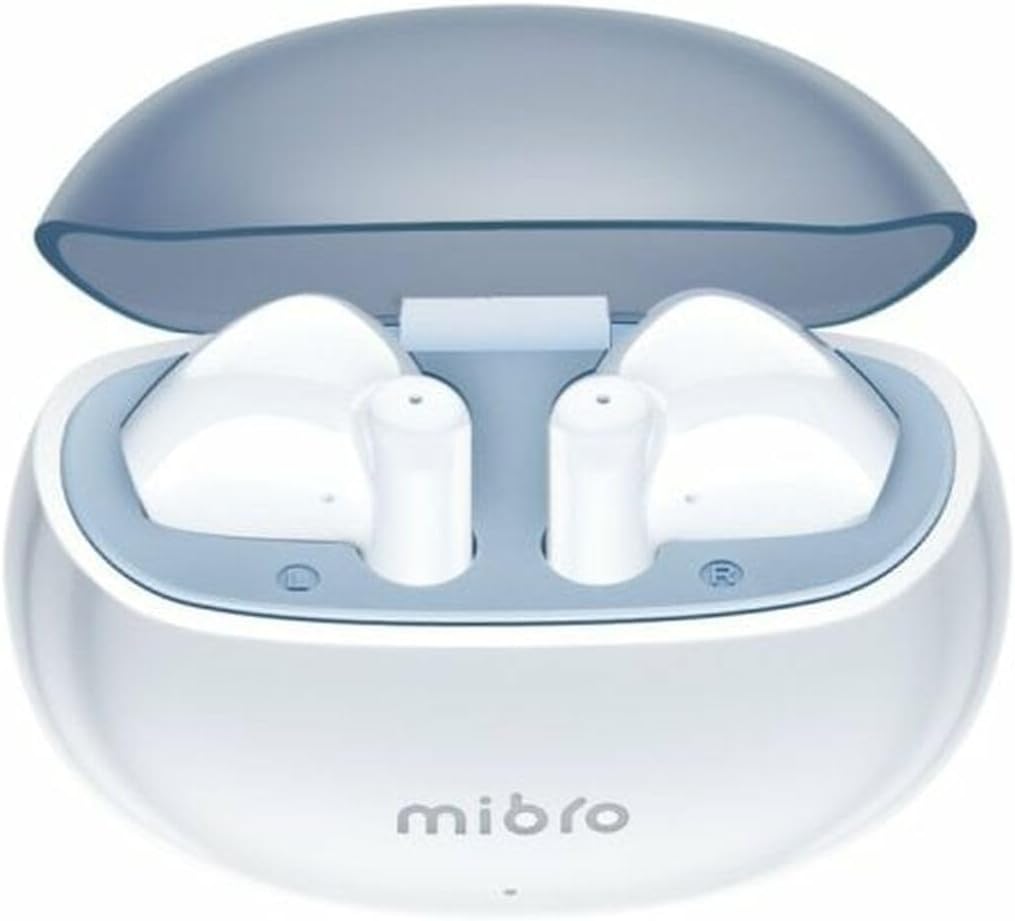
Figure 1.1: Mibro 2 Earbuds in their charging case, showcasing the sleek white design.
2. Endri-javatra fototra
- Seamless and durable audio experience
- SinglePoint technology enhances connectivity
- Elegant white design for a modern look
- Ideal for various activities with a stylish appearance
- Ensures a sleek and reliable audio solution

Figure 2.1: The Mibro 2 Earbuds and charging case, highlighting their compact and modern design.
3. Fametrahana voalohany
3.1. Fametrahana ny Earbuds sy Case
Before first use, fully charge the earbuds and the charging case. Place the earbuds into the charging case. Connect the charging case to a power source using a compatible USB cable (not included). The indicator light on the case will show charging status.
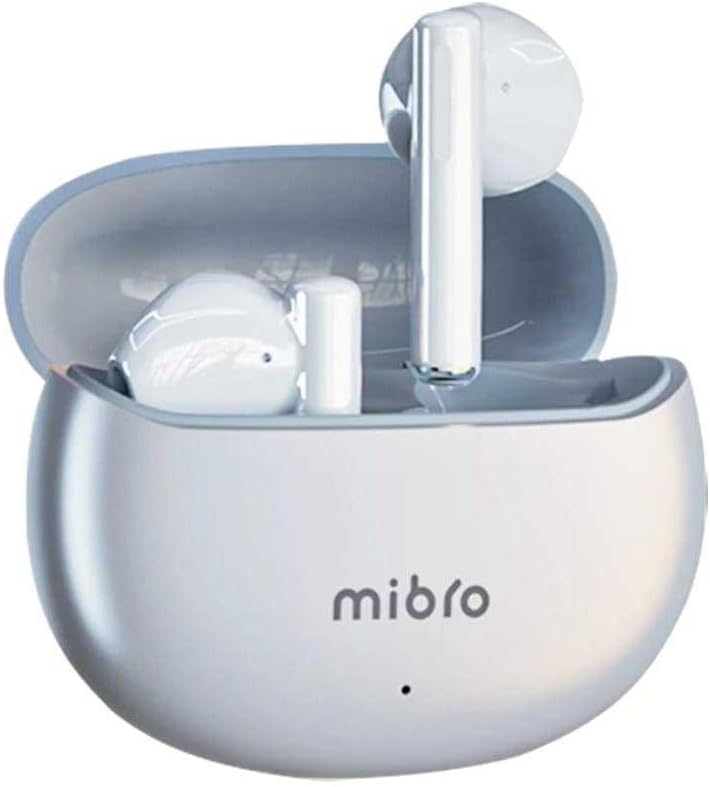
Figure 3.1: Mibro 2 Earbuds in their closed charging case, ready for charging.
3.2. Mampifandray amin'ny fitaovana iray
- Ataovy azo antoka fa voaloa ny sofina.
- Sokafy ny vata fampangatsiahana. Ny sofina dia hiditra ho azy amin'ny fomba fampiarahana.
- Ao amin'ny findainao na ny fitaovanao misy Bluetooth, mandehana any amin'ny fikirana Bluetooth.
- Hitady ny available devices and select "Mibro 2 Earbuds" from the list.
- Rehefa mifandray, dia hisy feo fanamafisana, ary ho vonona hampiasaina ny sofina.

Figure 3.2: Pairing the Mibro 2 Earbuds with a mobile device.
4. Torolàlana momba ny asa
4.1. Power On/off
- Herim-batana: Sokafy ny vata fampangatsiahana, ary mandeha ho azy ny sofina.
- Mamono hery: Avereno ao anaty boaty famandrihana ireo écouteur ary akombony ny sarony. Hisintona ho azy ny herinaratra ary ho faty.
4.2. Touch Controls
The Mibro 2 Earbuds feature intuitive touch controls for various functions:
- Play/Pause: Tsindrio tokana amin'ny sofina roa.
- Track manaraka: Tsindrio indroa ny sofina havanana.
- Làlana teo aloha: Tsindrio indroa ny sofina ankavia.
- Valio/Atsaharo ny antso: Tsindrio tokana amin'ny sofina roa mandritra ny antso miditra.
- Mandà ny antso: Tsindrio ary hajanony mandritra ny 2 segondra ny sofina roa mandritra ny antso miditra.
- Ampandehano ny feo Assistant: Tsindrio intelo amin'ny sofina roa.

Figure 4.1: Demonstrating the touch control on the Mibro 2 Earbuds.
5. Fikarakarana sy fikojakojana
- Fanadiovana: Diovy tsy tapaka amin'ny lamba malefaka sy maina ary tsy misy loko ny fonon-tsofina sy ny vata fampangatsiahana. Aza mampiasa akora simika mahery vaika na akora abrasive.
- fanoherana ny rano: The earbuds are IPX5 splash-resistant. Avoid submerging them in water or exposing them to heavy rain. Dry them thoroughly if they get wet.
- fitahirizana: Tehirizo ao anaty boaty famandrihana ny écouteur rehefa tsy ampiasaina mba hiarovana azy ireo sy hitazonana azy ireo ho feno. Fadio ny hafanana tafahoatra.
- Fikarakarana bateria: To prolong battery life, avoid fully discharging the earbuds frequently. Charge them regularly, even if not used for extended periods.
6. Famahana olana
- Earbuds tsy mampiaraka: Ensure earbuds are charged and within range of your device. Turn off and on your device's Bluetooth. Try resetting the earbuds (refer to manufacturer's specific reset instructions if available).
- Tsy misy feo avy amin'ny sofina iray: Avereno ao anaty boaty famandrihana ireo écouteur roa, akombony ny sarony, andraso segondra vitsy, dia sokafy indray. Matetika izany no mamerina mampifanaraka azy ireo.
- Vola kely: Adjust the volume on both your connected device and the earbuds. Ensure eartips are properly sealed in your ear canal.
- Olana momba ny fiampangana: Check the charging cable and power adapter. Ensure the charging contacts on the earbuds and inside the case are clean and free of debris.
7. Famaritana ara-teknika
| endri-javatra | famaritana |
|---|---|
| Marika | Mibro |
| Anarana modely | Earbuds 2 |
| Laharana modely | sol-me2 |
| Teknolojia fifandraisana | Wireless Bluetooth |
| Fomba fanaraha-maso | mikasika |
| Form Factor | An-tsofina |
| loko | White |
| KEVITRA | plastika |
| Lanja entana | 100g ny |
| Ny haavon'ny fanoherana ny rano | IPX5 Tsy mora vaky |
| Batterie azo averina | ENY |
| Endri-javatra manokana | Maivana |
| Fitaovana mifanentana | Finday |
| Anisan'ny singa | Eartip |
8. Warranty sy fanohanana
8.1. Fampahalalana momba ny fiantohana
Specific warranty information for the Mibro 2 True Wireless Bluetooth Earbuds is not available in the provided product data. Please refer to the product packaging or the official Mibro webtranokala momba ny fepetra sy fepetra momba ny fiantohana amin'ny antsipiriany.
8.2. Fanohanana ny mpanjifa
Customer support contact details are not available in the provided product data. For assistance, please visit the official Mibro webtranokala na mifandray amin'ny mpivarotra nividianana ny vokatra.


