Įvadas
Thank you for choosing the boAt Aavante 2.1 1600D Soundbar. This manual provides essential information for setting up, operating, and maintaining your soundbar to ensure a high-quality audio experience. Please read these instructions carefully before use and retain them for future reference.
Kas yra dėžutėje
Išpakuodami įsitikinkite, kad yra visi šie daiktai:
- Garso juosta
- Žemųjų dažnių garsiakalbis
- Cable (Power Cable, Audio Cables depending on model)
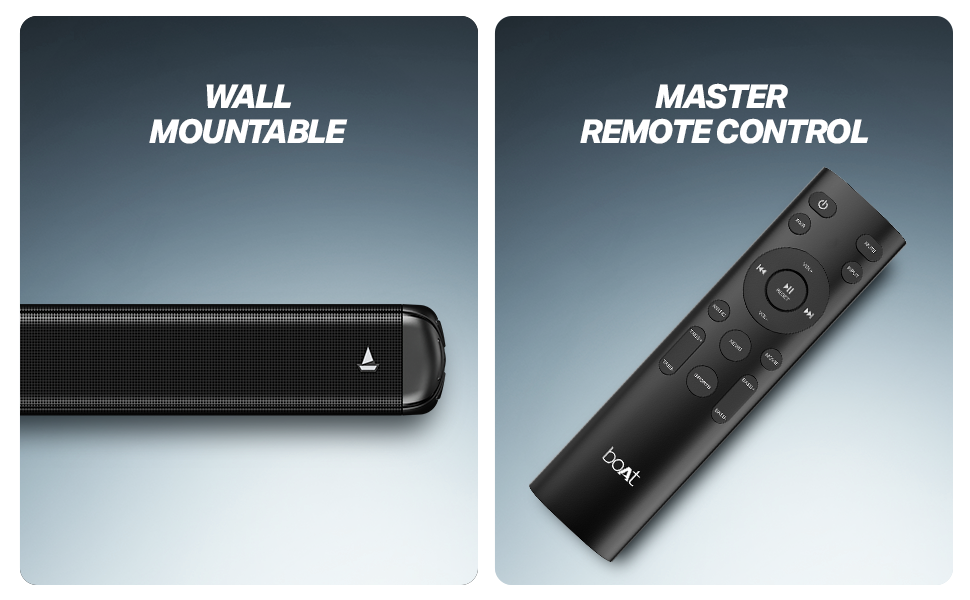
- Remote Control (with 2 AA batteries included)

1 paveikslas: Soundbar, remote control, and wall-mountable feature overview.
Sąranka
Įdėjimas
Place the soundbar centrally below your television. The wired subwoofer should be placed on the floor near the soundbar for optimal bass response. Ensure there is adequate ventilation around both units.
The soundbar is also wall-mountable. Refer to the included mounting template (if applicable) for proper installation.
2 paveikslas: Recommended placement of the soundbar and subwoofer for an immersive audio experience.
Jungtys
- Maitinimo jungtis: Connect the power cable to the soundbar and subwoofer, then plug them into a wall outlet.
- Žemųjų dažnių garsiakalbio jungtis: Prijunkite laidinį žemųjų dažnių garsiakalbį prie garso juostos naudodami pridėtą laidą.
- Garso įvestis: Pasirinkite vieną iš šių būdų, kaip prijungti garso šaltinį:
- HDMI (ARC): Norėdami gauti geriausią garso kokybę ir valdymą, prijunkite HDMI kabelį prie televizoriaus HDMI ARC prievado ir garso juostos HDMI ARC prievado.
- Optinis: Prijunkite optinį kabelį nuo televizoriaus optinės išvesties prie garso juostos optinės įvesties.
- AUX: Use a 3.5mm audio cable to connect your device to the soundbar's AUX input.
- USB: Įdėkite USB atmintinę su garsu fileį garso juostos USB prievadą.
Naudojimo instrukcijos
Maitinimo įjungimas/išjungimas
Norėdami įjungti arba išjungti įrenginį, paspauskite garso juostos arba nuotolinio valdymo pulto maitinimo mygtuką.
Šaltinio pasirinkimas
Use the 'Input' or 'Source' button on the remote control to cycle through available input modes: Bluetooth, AUX, USB, Optical, and HDMI (ARC).
Garsumo valdymas
Adjust the volume using the 'Volume +' and 'Volume -' buttons on the remote control or the soundbar.
"Bluetooth" poravimas
- Select Bluetooth mode on the soundbar. The LED indicator will flash.
- Įjunkite „Bluetooth“ savo įrenginyje (išmaniajame telefone, planšetiniame kompiuteryje ir kt.).
- Ieškokite 'boAt Aavante 1600D' in your device's Bluetooth list and select it to pair.
- Kai įrenginys bus susietas, LED indikatorius nustos mirksėti ir liks šviesti.
EQ režimai
The soundbar features multiple EQ modes to optimize audio for different content types. Use the dedicated buttons on the remote control to select:
- Muzika: Enhanced for musical playback.
- Filmai: Optimized for cinematic soundscapes.
- Naujienos: Clearer dialogue for news and spoken content.
- 3D: Creates a more immersive, spatial audio effect.
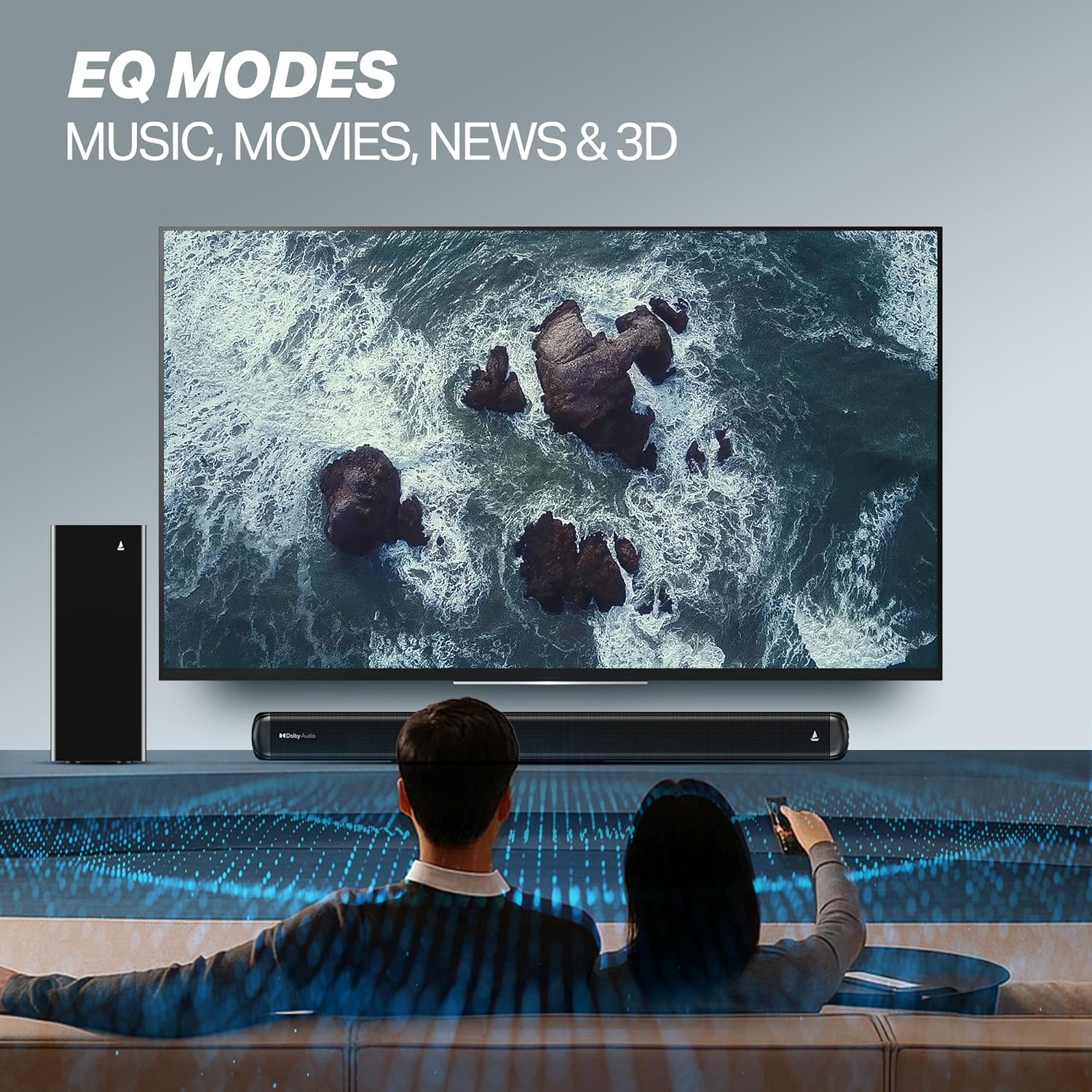
3 paveikslas: EQ Modes for various content types.
Priežiūra
Valymas
- Prieš valydami, visada atjunkite garso juostą ir žemųjų dažnių garsiakalbį nuo maitinimo lizdo.
- Paviršiams valyti naudokite minkštą, sausą šluostę.
- Nenaudokite skystų valiklių, aerozolių ar abrazyvinių medžiagų, nes jos gali pažeisti apdailą.
Sandėliavimas
Jei įrenginį sandėliuosite ilgesnį laiką, įsitikinkite, kad jis yra švarus, sausas ir laikomas vėsioje, gerai vėdinamoje vietoje, apsaugotoje nuo tiesioginių saulės spindulių ir ekstremalių temperatūrų.
Trikčių šalinimas
| Problema | Galima priežastis | Sprendimas |
|---|---|---|
| Nėra galios | Maitinimo laidas neprijungtas; Maitinimo lizdas neveikia | Ensure power cables are securely connected; Try a different power outlet. |
| Nėra garso | Incorrect input source; Volume too low; Mute activated; Audio cable not connected properly | Select the correct input source; Increase volume; Deactivate mute; Check audio cable connections. |
| Bluetooth poravimo problemos | Device too far; Soundbar not in pairing mode; Interference | Move device closer; Ensure soundbar is in Bluetooth pairing mode; Turn off other Bluetooth devices. |
| Nuotolinio valdymo pultas neveikia | Išsikrovusios baterijos; kliūtis tarp nuotolinio valdymo pulto ir garso juostos | Pakeiskite baterijas; Pašalinkite visas kliūtis. |
Specifikacijos
| Modelio pavadinimas | Aavante |
| Modelio numeris | HA0127 |
| Garsiakalbio tipas | Garso juosta |
| Garso išvesties režimas | 2.1 kanalas |
| Didžiausia garsiakalbio išėjimo galia | 160 vatų |
| Ryšio technologija | „Bluetooth“ v5.4, AUX, USB, optinis, HDMI (ARC) |
| Bluetooth diapazonas | 10 metrų |
| Erdvinio garso kanalo konfigūracija | 2.1 |
| Kontrolės metodas | Nuotolinis |
| Gaminio matmenys | 80 gylio x 6.6 pločio x 7.5 aukščio centimetrų |
| Prekės svoris | 6 kg |
| Maitinimo šaltinis | Laidinis |
| Reikalingos baterijos (nuotolinio valdymo pultui) | 2 AA baterijos (pridedamos) |
| Gamintojas | Imagine Marketing Ltd. |
| Kilmės šalis | Kinija |
Garantija ir palaikymas
Informacija apie garantiją
This product comes with a Limited Warranty. Please refer to the warranty card included in your package or visit the official boAt websvetainėje rasite išsamias garantijos ir pretenzijų sąlygas.
Pagalba klientams
For any technical assistance, product inquiries, or support, please visit the official boAt support page or contact their customer service. You can find contact details on the boAt websvetainė: boAt Official Store


