Įvadas
The bea-fon Smartwatch 102 is designed to seamlessly integrate into your daily life, offering a blend of style and advanced functionality. Featuring a sleek rectangular design with a 1.83-inch digital display, this smartwatch provides essential health monitoring capabilities, including heart rate, blood oxygen, and sleep tracking. It is compatible with smartphones via the FitCloudPro app, ensuring seamless connectivity. Built for durability, it boasts an IP68 waterproof rating and a long-lasting battery.

1 pav.: priekis view of the bea-fon Smartwatch 102, displaying time and health metrics.
Pakuotės turinys
Įsitikinkite, kad jūsų pakuotėje yra visi šie daiktai:
- bea-fon Smartwatch 102 (with silicone strap)
- Magnetic Charging Cable/Base
- Vartotojo vadovas (šis dokumentas)
Produktas baigtasview
The bea-fon Smartwatch 102 features a durable black silicone strap with a magnetic clasp, a rectangular display, and integrated sensors on the back for health monitoring.
2 pav.: šonas view of the Smartwatch 102, highlighting its sleek profile.

3 pav.: Nugara view of the Smartwatch 102, showing the integrated health sensors.
Pagrindinės funkcijos:
- Ekranas: 1.83-inch (4.64 cm) digital screen for clear visibility.
- Baterijos veikimo laikas: Up to 4-5 days of normal use with a 250mAh Li-ion battery.
- Atsparumas vandeniui: IP68 rated, suitable for immersion up to 1 meter.
- Sveikatos stebėjimas: Integrated heart rate monitor, blood oxygen sensor, and sleep tracker.
- Ryšys: Bluetooth for seamless smartphone pairing via FitCloudPro app.
- Dizainas: Rectangular watch face with a comfortable silicone strap and magnetic clasp.
Sąranka
1. Įrenginio įkrovimas
Before first use, fully charge your bea-fon Smartwatch 102. The device comes with a magnetic charging cable/base.
- Prijunkite magnetinį įkrovimo laidą prie USB maitinimo adapterio (nepridedamas) arba kompiuterio USB prievado.
- Align the magnetic end of the cable with the charging contacts on the back of the smartwatch. The magnets will snap into place.
- The watch display will indicate charging status. A full charge takes approximately 3 hours.
2. Pairing with Your Smartphone (FitCloudPro App)
To unlock the full potential of your smartwatch, pair it with your smartphone using the FitCloudPro application.
- Atsisiųskite FitCloudPro programėlę iš „App Store“ („iOS“) arba „Google Play Store“ („Android“).
- Įsitikinkite, kad jūsų išmaniajame telefone įjungtas „Bluetooth“.
- Atidarykite „FitCloudPro“ programėlę ir vykdykite ekrane pateikiamus nurodymus, kad sukurtumėte paskyrą arba prisijungtumėte.
- Programėlėje eikite į skyrių „Įrenginys“ arba „Pridėti įrenginį“.
- The app will search for nearby devices. Select "Smartwatch 102" or the corresponding device ID when it appears.
- Jei būsite paraginti, patvirtinkite susiejimo užklausą tiek išmaniajame telefone, tiek išmaniajame laikrodyje.
- Once paired, the app will synchronize data with your smartwatch.

Figure 4: The Smartwatch 102 demonstrating Bluetooth connectivity for smartphone pairing.
Naudojimo instrukcijos
Naršymas sąsajoje
- Braukite aukštyn/žemyn: Slinkite per meniu ir pranešimus.
- Braukite kairėn/dešinėn: Access quick functions or different widgets (e.g., heart rate, steps, weather).
- Bakstelėkite: Pasirinkite elementą arba patvirtinkite veiksmą.
- Šoninis mygtukas: Press to wake the screen, return to the watch face, or access the main menu.
Sveikatos stebėjimo funkcijos
The Smartwatch 102 is equipped with sensors to help you monitor your health.
- Širdies ritmo stebėjimas: Laikrodis nuolat seka jūsų širdies ritmą. View real-time data on the watch or detailed graphs in the FitCloudPro app.
- Blood Oxygen (SpO2) Sensor: Measure your blood oxygen levels. Ensure the watch is snug on your wrist for accurate readings.
- Miego stebėjimas: Wear the watch to bed to monitor your sleep patterns, including deep sleep, light sleep, and awake times. Data is synchronized with the app for analysis.
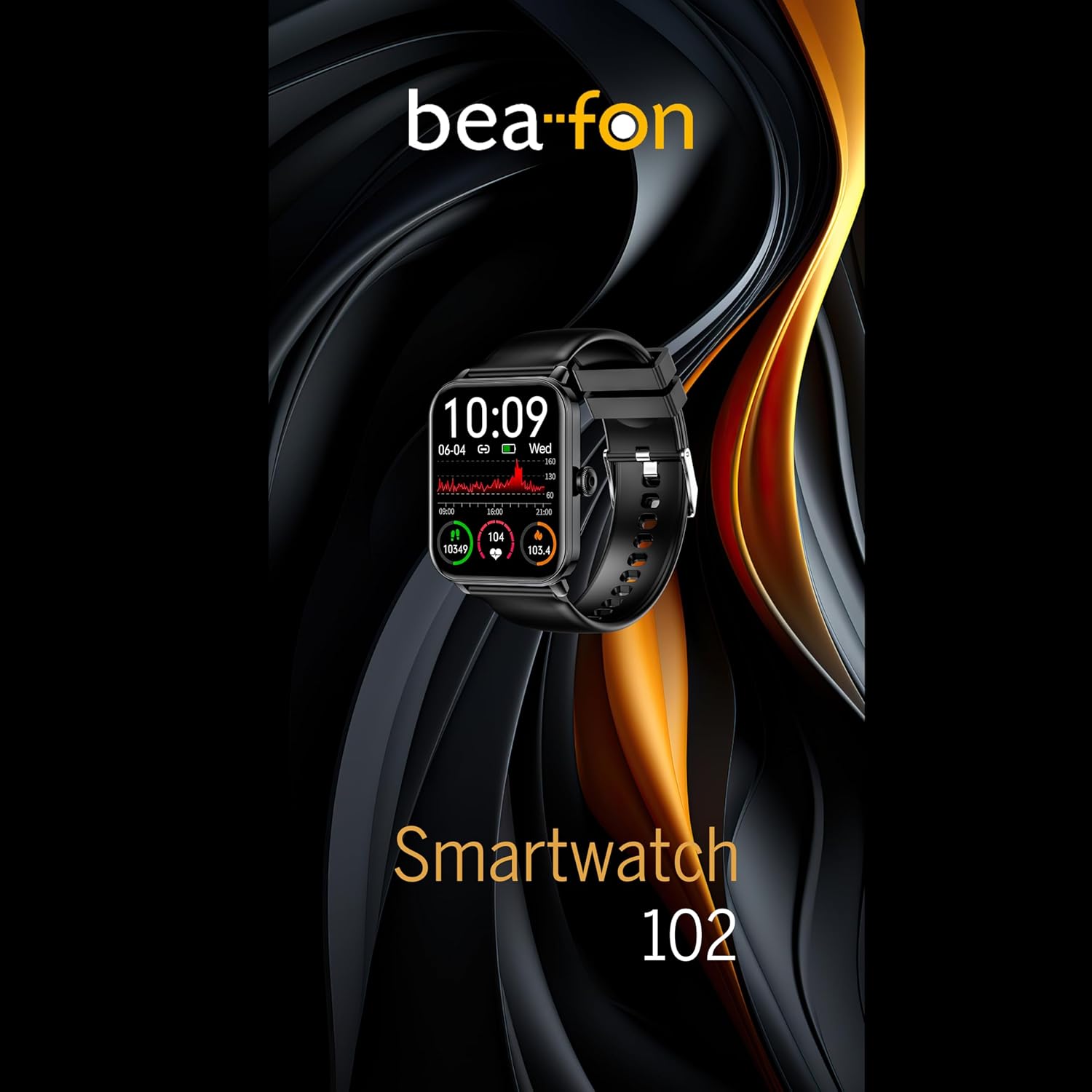
Figure 5: Visual representation of the Smartwatch 102's health monitoring capabilities, including heart rate, sleep, and blood oxygen.
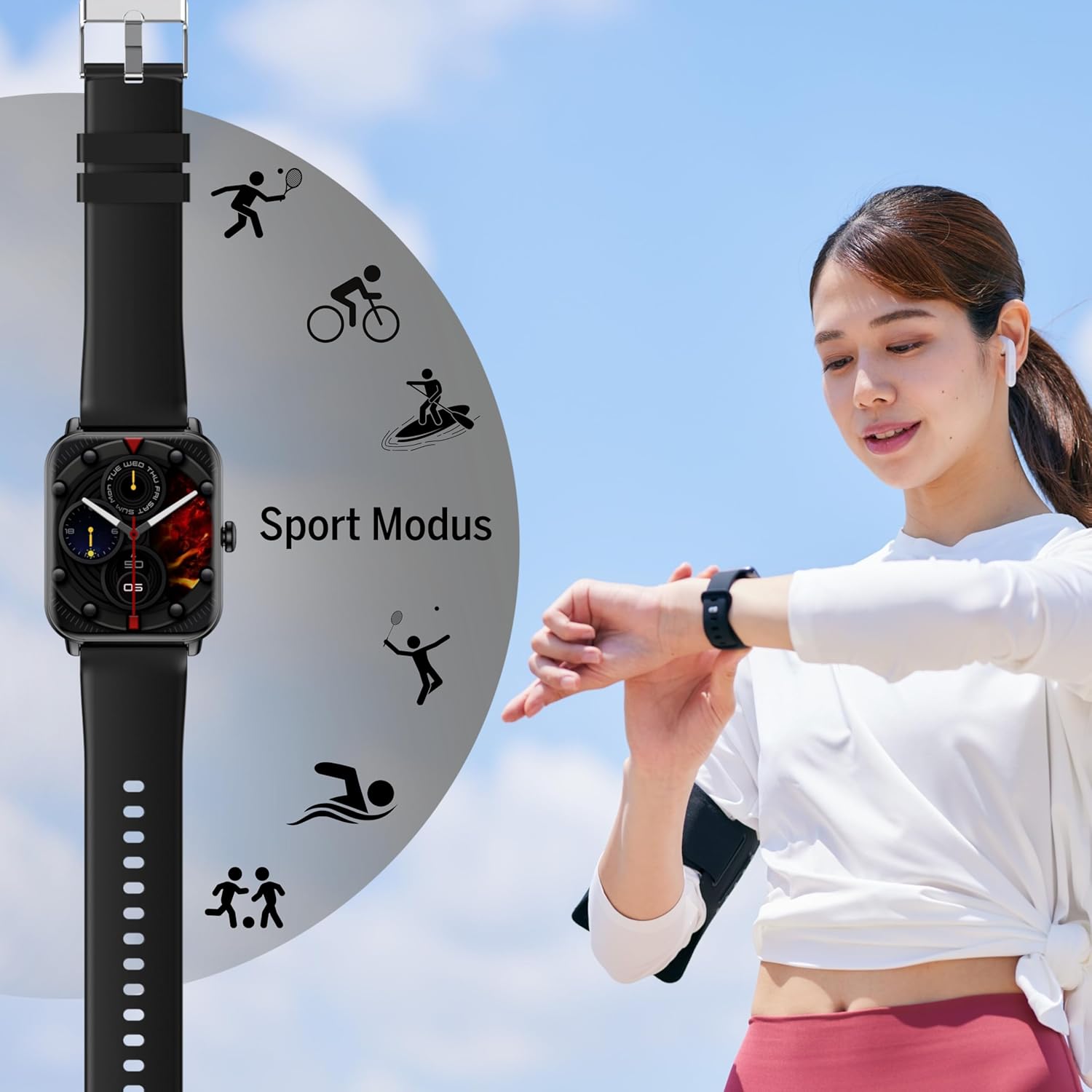
Sporto režimai
Track your workouts with various built-in sport modes.
- Access the "Sport" menu on your watch.
- Pasirinkite norimą veiklą (pvz., bėgimą, važiavimą dviračiu, plaukimą).
- The watch will begin tracking relevant metrics such as duration, calories burned, and heart rate.
- End your workout by following the on-screen prompts. Data will sync to the FitCloudPro app.
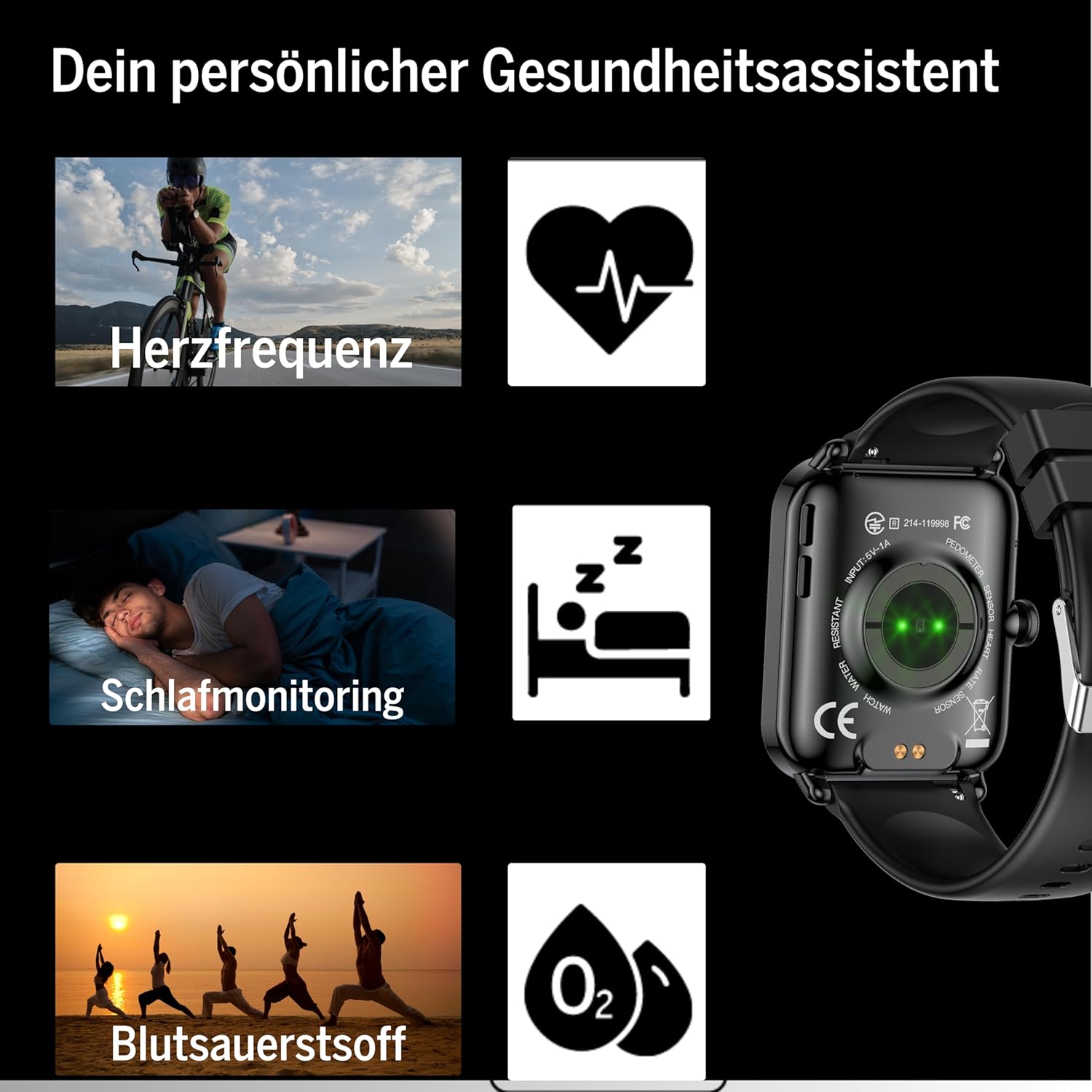
Figure 6: The Smartwatch 102 displaying various sport modes for activity tracking.
Pranešimai ir skambučiai
Once paired, your smartwatch can receive notifications from your smartphone.
- Enable app notifications in the FitCloudPro app settings.
- Incoming calls and messages will be displayed on your watch. You can typically reject calls from the watch, but not answer them directly.
Priežiūra
Išmaniojo laikrodžio valymas
Norėdami išlaikyti išmaniojo laikrodžio išvaizdą ir funkcionalumą:
- Reguliariai valykite ekraną ir dirželį minkšta,amp, nepūkuojantis audinys.
- Venkite naudoti stiprias chemines medžiagas, abrazyvinius valiklius ar tirpiklius.
- Prieš įkrovimą įsitikinkite, kad įkrovimo kontaktai yra švarūs ir sausi.
Atsparumas vandeniui (IP68)
The bea-fon Smartwatch 102 has an IP68 water resistance rating, meaning it is protected against dust ingress and can withstand immersion in water up to 1 meter for 30 minutes.
- Tinka kasdieniam naudojimui, pavyzdžiui, rankų plovimui, lietui ir maudynėms negiliame vandenyje.
- Do not use the watch in hot water, saunas, or steam rooms, as steam can penetrate the seals.
- Avoid exposing the watch to high-velocity water or sudden temperature changes.
- Po sąlyčio su vandeniu, ypač sūriu vandeniu, laikrodį nuplaukite gėlu vandeniu ir kruopščiai nusausinkite.
Trikčių šalinimas
- Laikrodis neįsijungia: Ensure the watch is fully charged. Connect it to the magnetic charger and leave it for at least 30 minutes.
- Nepavyksta susieti su išmaniuoju telefonu:
- Įsitikinkite, kad jūsų telefone įjungtas „Bluetooth“ ryšys ir laikrodis yra ryšio zonoje.
- Perkraukite ir telefoną, ir išmanųjį laikrodį.
- Išvalykite „Bluetooth“ talpyklą telefone (jei taikoma) ir bandykite dar kartą susieti.
- Ensure the FitCloudPro app has necessary permissions.
- Netikslūs sveikatos rodmenys:
- Įsitikinkite, kad laikrodis tvirtai laikosi ant riešo – ne per laisvas ir ne per veržlus.
- Nuvalykite jutiklius laikrodžio gale.
- Skaitymo metu venkite per didelio judėjimo.
- Pranešimai nerodomi:
- Check notification settings within the FitCloudPro app.
- Įsitikinkite, kad jūsų telefono pranešimų nustatymai leidžia „FitCloudPro“ programėlei rodyti įspėjimus.
- Įsitikinkite, kad laikrodis prijungtas per „Bluetooth“.
Specifikacijos
| Funkcija | Specifikacija |
|---|---|
| Prekės ženklas | Beafon |
| Modelis | 102 |
| Ekrano dydis | 1.83 colio (4.64 cm) |
| Baterijos tipas | 3.7V 250mAh Li-ion rechargeable |
| Baterijos veikimo laikas | 4–5 dienų (įprastas naudojimas) |
| Įkrovimo laikas | apytiksliai 3 valandas |
| Atsparumas vandeniui | IP68 (iki 1 metro) |
| Ryšys | Bluetooth |
| Sveikatos jutikliai | Heart Rate, Blood Oxygen, Sleep Tracker |
| Matmenys | 16.5 x 7.3 x 3.7 cm (pakuotė); 160 g (gaminio svoris) |
| Dirželio medžiaga | Silikonas |
| Spalva | Juoda |
Informacija apie garantiją
Specific warranty details for the bea-fon Smartwatch 102 may vary by region and retailer. Please refer to the warranty card included with your product or contact your point of purchase for precise warranty terms and conditions. Generally, electronic devices come with a standard manufacturer's warranty covering defects in materials and workmanship under normal use.
Palaikymas
For technical support, troubleshooting assistance, or further inquiries regarding your bea-fon Smartwatch 102, please refer to the following resources:
- Internetiniai ištekliai: Visit the official Beafon website for FAQs, updated manuals, and support articles.
- „FitCloudPro“ programėlė: The app may offer an in-app support section or contact information.
- Klientų aptarnavimas: Contact the retailer from whom you purchased the product for initial support.
Kreipdamiesi į palaikymo tarnybą, turėkite paruoštą savo produkto modelio numerį (102) ir pirkimo informaciją.


