1. Svarbi saugos informacija
Please read all safety instructions carefully before using your Xiaomi TV S Mini LED 75" 2025. Keep this manual for future reference.
- Maitinimo šaltinis: Televizorių junkite tik prie kintamosios srovės šaltinio, nurodyto ant etiketės.
- Vėdinimas: Užtikrinkite tinkamą vėdinimą aplink televizorių. Neužblokuokite ventiliacijos angų.
- Vanduo ir drėgmė: Saugokite televizorių nuo lietaus ar drėgmės. Nestatykite ant televizoriaus daiktų, pripildytų skysčių.
- Valymas: Prieš valydami atjunkite televizorių nuo elektros tinklo. Naudokite minkštą, sausą šluostę. Venkite skystų valiklių.
- Aptarnavimas: Nemėginkite patys aptarnauti šio gaminio. Visą techninę priežiūrą patikėkite kvalifikuotam aptarnavimo personalui.
- Vieta: Place the TV on a stable, level surface or mount it securely to a wall using a compatible VESA mount.
2. Pakuotės turinys
Patikrinkite, ar pakuotėje yra visi reikalingi daiktai:
- „Xiaomi TV S Mini LED“ 75 colių 2025 m.
- Nuotolinio valdymo pultas
- Maitinimo kabelis
- TV Stand Components (if included)
- Vartotojo vadovas (šis dokumentas)
3. Sąrankos vadovas
3.1 Televizoriaus išpakavimas
Carefully remove the TV from its packaging. It is recommended to have two people for this process due to the size and weight of the 75-inch model.
3.2 Installing the TV Stand (Optional)
If you are not wall-mounting the TV, attach the included stand components according to the separate stand installation guide. Ensure all screws are tightened securely.
3.3 Tvirtinimas prie sienos (pasirinktinai)
The Xiaomi TV S Mini LED 75" 2025 supports VESA wall mounts with a pattern of 400 x 300 mm. Use appropriate wall-mounting hardware and consult a professional for installation to prevent injury or damage.
3.4 Išorinių įrenginių prijungimas
Connect your devices to the TV's input ports. Refer to the back panel image for port locations.
Vaizdas: Galinis view of the TV displaying available connection ports.
- Galia: Prijunkite maitinimo laidą prie televizoriaus, o tada – prie elektros lizdo.
- HDMI: Connect Blu-ray players, game consoles, or other HDMI devices.
- USB: Prijunkite USB atmintines, kad galėtumėte atkurti medijos failus.
- Ethernet: Laidiniam interneto ryšiui.
- Antena / kabelis: Prijunkite antenos arba kabelinės televizijos įvestį.
3.5 Pradinis įjungimas ir pirmoji sąranka
After connecting all cables, plug in the TV and press the power button on the remote control. Follow the on-screen instructions to complete the initial setup, including network connection, Google account login, and channel scanning.

Vaizdas: priekis view of the Xiaomi TV S Mini LED 75" 2025.
4. Naudojimo instrukcijos
4.1 Nuotolinio valdymo pultasview
Pridedamas nuotolinio valdymo pultas suteikia prieigą prie visų televizoriaus funkcijų. Susipažinkite su mygtukų išdėstymu, kad būtų lengva naršyti.
4.2 Pagrindinės funkcijos
- Galia: Paspauskite, jei norite įjungti arba išjungti televizorių.
- Apimtis: Use the +/- buttons to adjust the sound level.
- Kanalas: Norėdami perjungti kanalus, naudokite mygtukus CH +/-.
- Įvestis: Select the desired input source (HDMI, AV, etc.).
- Pagrindinis puslapis: Access the Google TV home screen.
4.3 Išmaniojo televizoriaus funkcijos („Google TV“)
Your Xiaomi TV runs on Google TV, offering a personalized entertainment experience.

Image: Google TV interface with app icons and content suggestions.
- Programos: Atsisiųskite ir įdiekite programas iš „Google Play“ parduotuvės.
- Padėjėjas balsu: Use the built-in Google Assistant for voice commands.
- Turinio rekomendacijos: Google TV provides personalized recommendations based on your viewįpročius.

Image: Using the Hey Google voice assistant to search for content.
4.4 Ekrano nustatymai
Optimizuokite vaizdo nustatymus viewpatirtį.
Vaizdas: Viršview of the TV's advanced display technologies.
- Vaizdo režimai: Select from various preset modes (e.g., Standard, Vivid, Movie, Game) or customize your own.
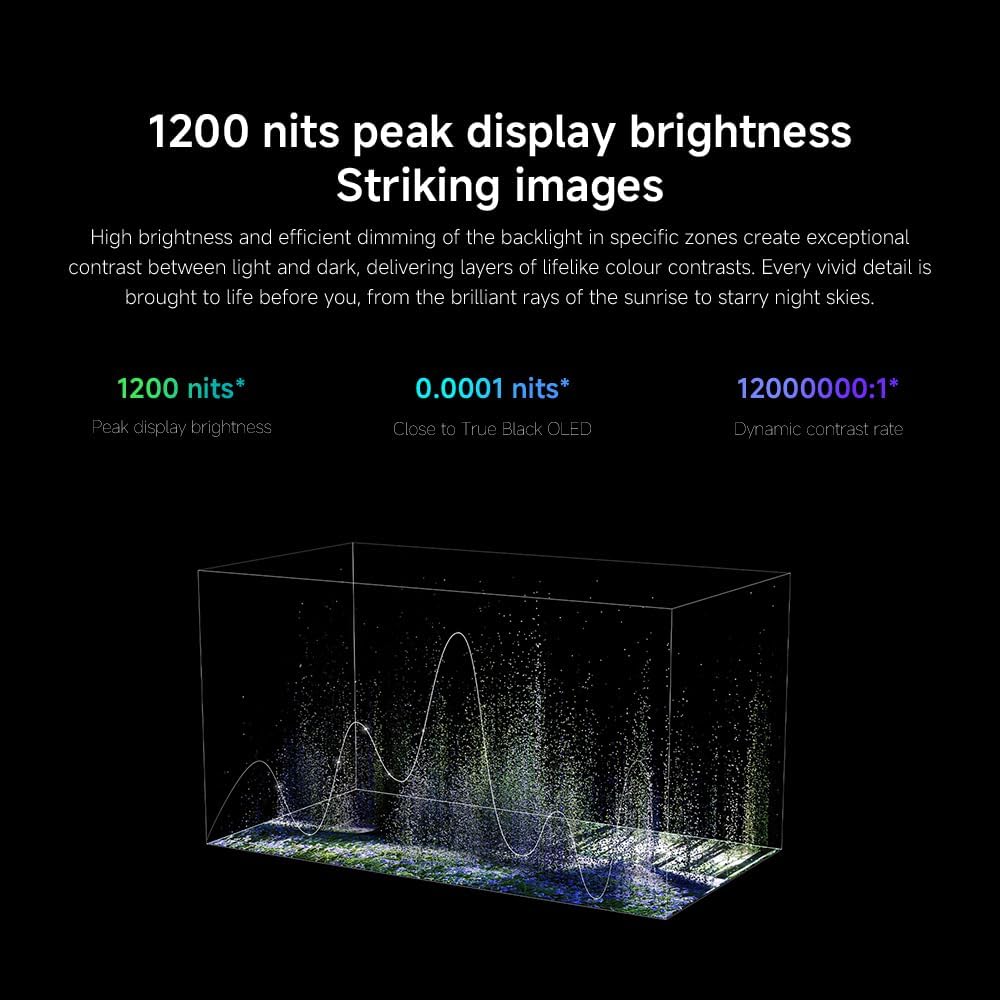
- Ryškumas / kontrastas: Fine-tune these settings for optimal visual clarity. The TV features 1200 nits peak brightness for stunning visuals.
- Spalva: Adjust color saturation and tint. The QD-MiniLED display offers accurate color reproduction.
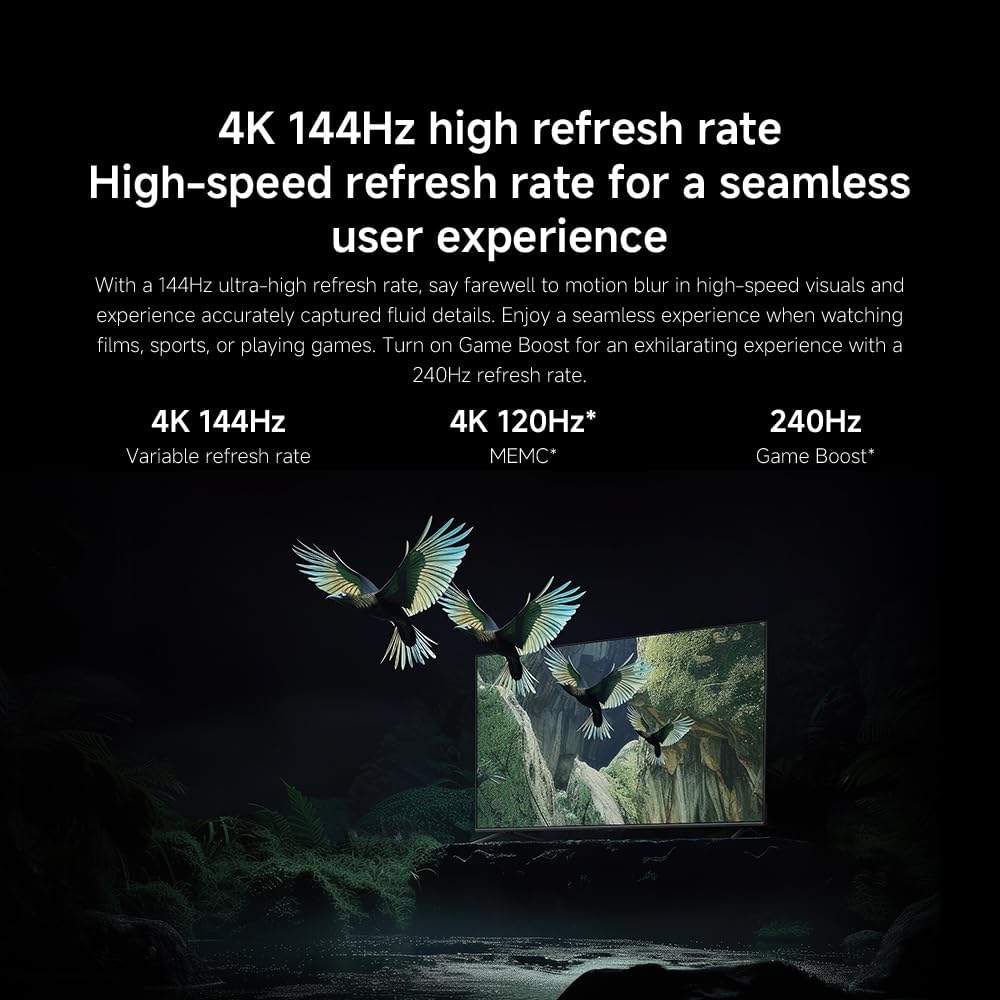
- Atnaujinimo dažnis: The TV supports a 144Hz refresh rate for ultra-smooth motion.
- Dirbtinio intelekto variklis: The powerful AI engine enhances image quality automatically.

Image: Visual representation of the 144Hz refresh rate for seamless motion.
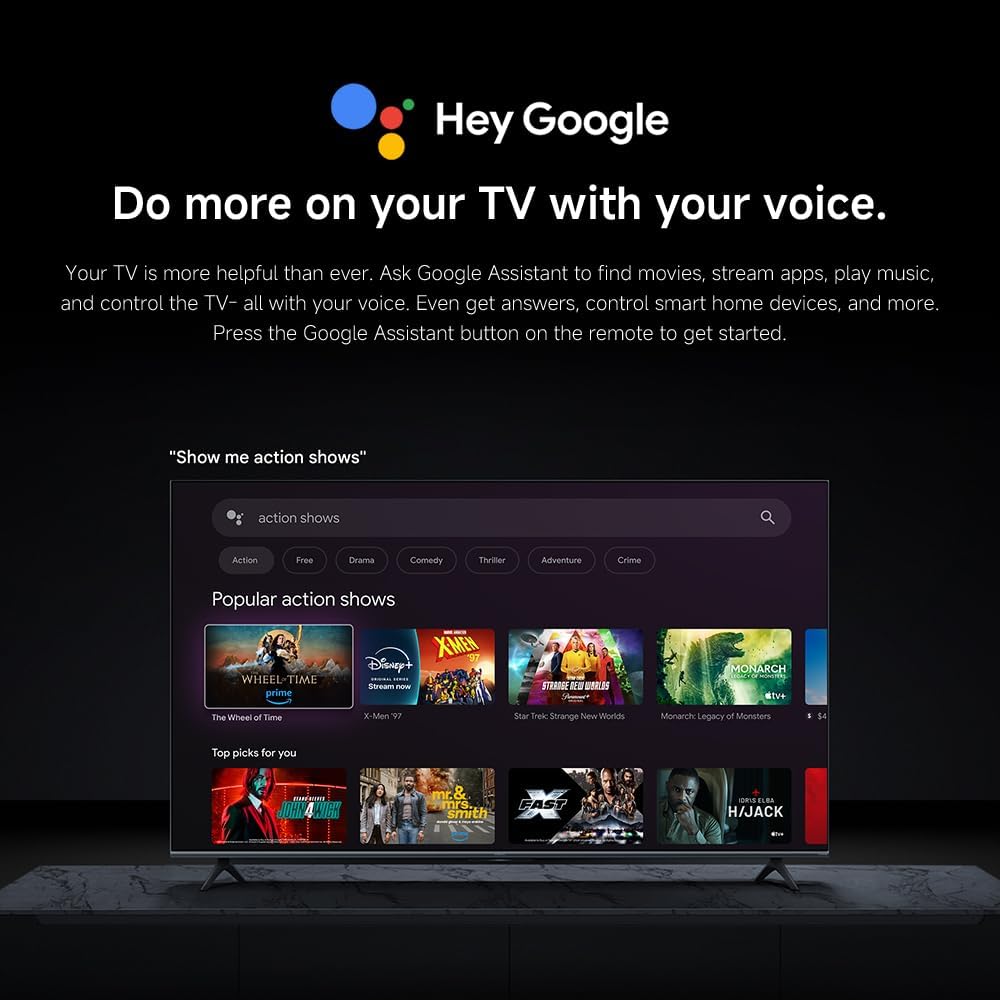
Image: The Quad cortex A73 processor, responsible for AI image enhancement and performance.
4.5 Garso nustatymai
Configure audio output and sound enhancements.

Image: Depiction of the TV's quality audio-visual experience.
- Garso režimas: Choose from preset sound modes (e.g., Standard, Movie, Music) or customize.
- Dolby Atmos: Enable Dolby Atmos for an immersive audio experience.
4.6 Ryšys
The TV offers various connectivity options.
- Bluetooth: Prijunkite „Bluetooth“ įrenginius, pvz., ausines ar garsiakalbius.
- „Wi-Fi“: Prisijunkite prie savo namų belaidžio tinklo, kad galėtumėte naudotis internetu.
- Apple AirPlay: Transliuokite turinį tiesiai iš savo „Apple“ įrenginių.
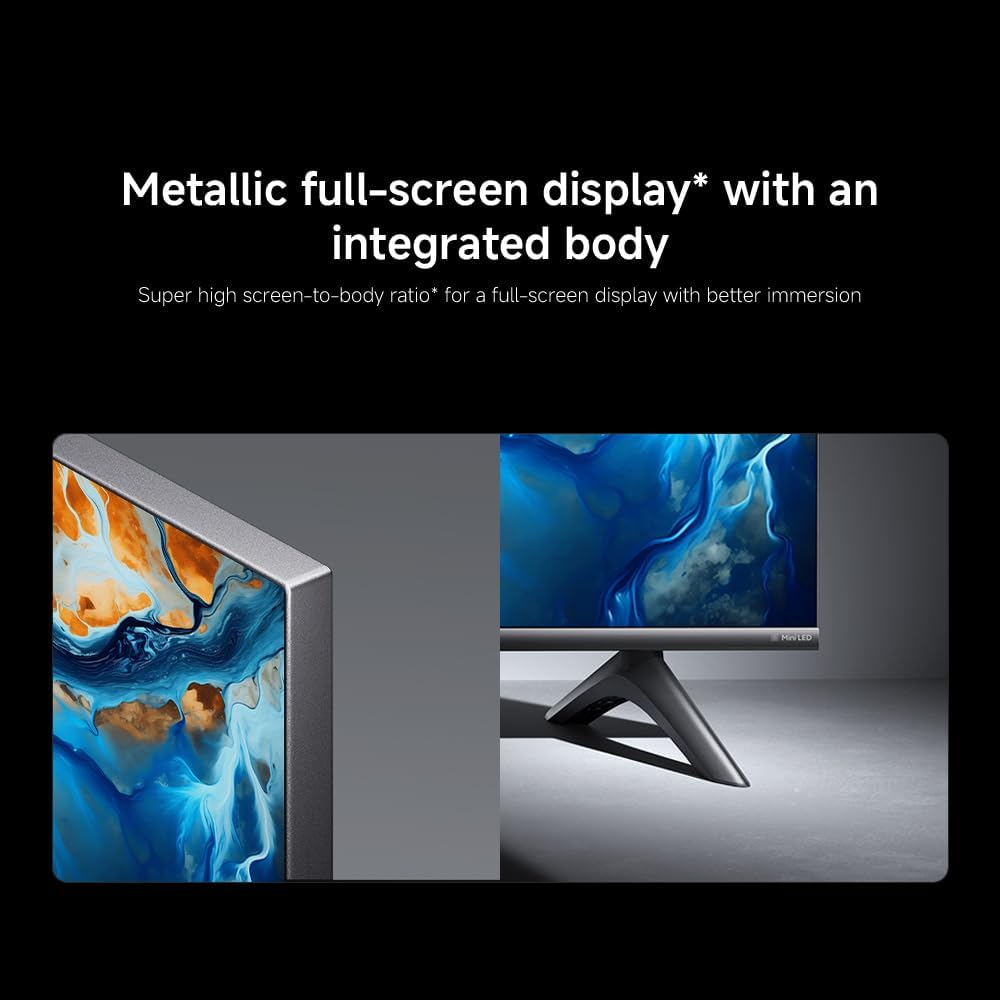
Image: Apple AirPlay functionality for streaming from Apple devices.
5. Priežiūra
5.1 Ekrano valymas
Norėdami išvalyti ekraną, pirmiausia atjunkite televizorių nuo elektros tinklo. Švelniai nuvalykite ekraną minkštu, nepūkuotu skudurėliu. Jei dėmės sunkiai įveikiamos, šiek tiek nuvalykite.ampen the cloth with water or a specialized screen cleaner, then wipe dry immediately. Do not spray liquid directly onto the screen.
5.2 Programinės įrangos naujiniai
The TV may receive software updates periodically to improve performance and add new features. Ensure your TV is connected to the internet to receive these updates. You can check for updates manually in the TV's settings menu.
6. Problemų sprendimas
Jei kyla problemų dėl televizoriaus, žr. šiuos dažniausiai pasitaikančius sprendimus:
| Problema | Galimas sprendimas |
|---|---|
| Nėra galios | Patikrinkite, ar maitinimo laidas tvirtai prijungtas prie televizoriaus ir maitinimo lizdo. Įsitikinkite, kad lizdas veikia. |
| Nėra vaizdo, bet yra garsas | Patikrinkite, ar pasirinktas teisingas įvesties šaltinis. Patikrinkite kabelių jungtis su išoriniais įrenginiais. |
| Nėra garso, bet vaizdas yra | Patikrinkite garsumo lygį ir nutildymo būseną. Įsitikinkite, kad garso kabeliai tinkamai prijungti. |
| Nuotolinio valdymo pultas neveikia | Pakeiskite baterijas. Įsitikinkite, kad tarp nuotolinio valdymo pulto ir televizoriaus nėra jokių kliūčių. |
| Prasta vaizdo kokybė | Adjust picture settings (brightness, contrast, sharpness). Check antenna or cable connection. Ensure content source is high quality. |
| Smart TV features unresponsive | Check internet connection. Restart the TV by unplugging it for a few minutes and plugging it back in. |
If the issue persists after trying these steps, contact customer support.
7. Specifikacijos
Key technical specifications for the Xiaomi TV S Mini LED 75" 2025:
| Funkcija | Specifikacija |
|---|---|
| Prekės ženklas | XIAOMI |
| Modelio numeris | 59292 |
| Ekrano dydis | 75 colių |
| Ekrano technologija | 4K UHD, LED, QD-MiniLED |
| Rezoliucija | 4K (3840 x 2160) |
| Atnaujinimo dažnis | 144 Hz |
| Didžiausias ryškumas | 1200 nitų |
| Operacinė sistema | Google TV |
| Procesorius | Keturių smegenų žievė A73 |
| RAM | 3 GB |
| Sandėliavimas | 32 GB |
| Garso technologija | Dolby Atmos |
| Ryšys | Bluetooth, Wi-Fi, Apple AirPlay |
| Gaminio matmenys (su stovu) | 42.5 cm gylio x 166.8 cm pločio x 102.8 cm aukščio |
| Produkto svoris (su stovu) | 31 kg |
| VESA sieninis laikiklis | 400 x 300 mm |
| Įtraukti komponentai | TV, remote control, power cable |
8. Garantija ir palaikymas
Your Xiaomi TV S Mini LED 75" 2025 is covered by a manufacturer's warranty. Please refer to the warranty card included in your package for specific terms and conditions. For technical support, service inquiries, or to purchase accessories, please visit the official Xiaomi websvetainėje arba kreipkitės į jų įgaliotuosius techninės priežiūros centrus.
Internetiniai ištekliai: For additional information, FAQs, and software downloads, visit the official Xiaomi support page.