1. Baigėsiview
This manual provides essential information for setting up, operating, maintaining, and troubleshooting your HP 14-dq5009nr laptop. Designed for productivity and entertainment, this thin and light laptop offers reliable performance for everyday tasks.

Figure 1: HP 14-dq5009nr Laptop in Natural Silver.
Pagrindinės funkcijos:
- Micro-Edge HD Display: Enjoy an ultra-wide viewing experience with minimal bezel.
- Intel Core i3-1215U Processor: 12th Generation Intel Core processor with 6 cores for multitasking.
- Intel UHD Graphics: Smooth streaming of 4K content and casual gaming.
- Saugykla ir atmintis: 256 GB PCIe NVMe M.2 SSD for fast performance and 8 GB DDR4 RAM for enhanced multitasking.
- Windows 11 Home in S Mode: Secure operating system with fast boot times and protection against malware.

2 pav. Baigtaview of the HP 14-dq5009nr Laptop's main features including display, processor, graphics, storage, and memory.
2. Sąranka
2.1 Pradinis įjungimas
- Išpakuokite nešiojamąjį kompiuterį ir visus priedus iš dėžutės.
- Prijunkite maitinimo adapterį prie nešiojamojo kompiuterio įkrovimo prievado, o tada – prie maitinimo lizdo.
- Atidarykite nešiojamojo kompiuterio dangtį. Nešiojamasis kompiuteris gali įsijungti automatiškai arba gali tekti paspausti maitinimo mygtuką, esantį klaviatūros viršuje dešinėje.
- Follow the on-screen instructions to complete the Windows 11 Home in S Mode setup, including selecting your region, language, and connecting to a Wi-Fi network.

Figure 3: The HP laptop screen showing the Windows 11 Start Menu, indicating successful initial setup.
2.2 Prisijungimas prie „Wi-Fi“.
During the initial setup, you will be prompted to connect to a wireless network. If you need to connect later or change networks:
- Spustelėkite Tinklo piktograma (usually a Wi-Fi symbol) in the bottom-right corner of the taskbar.
- Iš sąrašo pasirinkite norimą „Wi-Fi“ tinklą.
- Spustelėkite Prisijunkite ir, jei būsite paraginti, įveskite tinklo saugos raktą (slaptažodį).
3. Operating Your HP Laptop
3.1 Klaviatūra ir jutiklinė planšetė
The laptop features a full-sized keyboard and an integrated precision touchpad with multi-touch support. The touchpad supports gestures for smooth scrolling, zooming, and navigation.
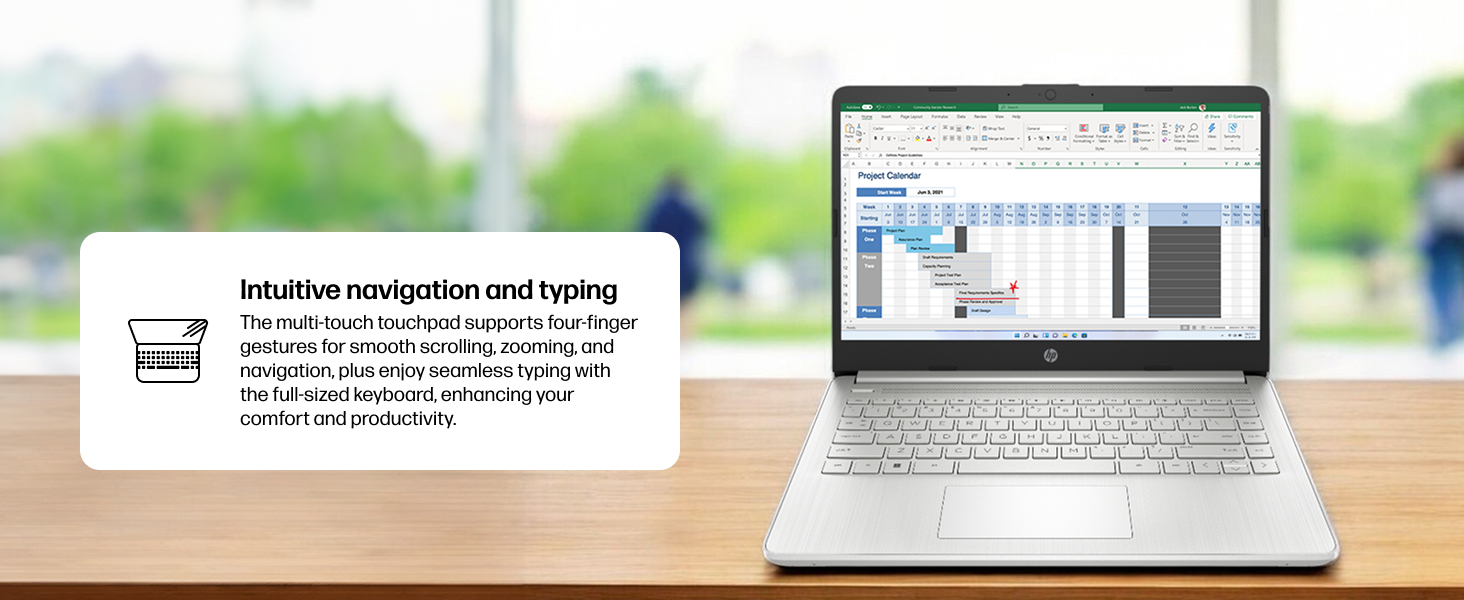
Figure 4: Demonstrating intuitive navigation and typing with the multi-touch touchpad and full-sized keyboard.
3.2 Ekranas ir grafika
Your HP laptop is equipped with a 14-inch HD micro-edge display and Intel UHD Graphics, providing vibrant visuals for various tasks, from web browsing to multimedia consumption.
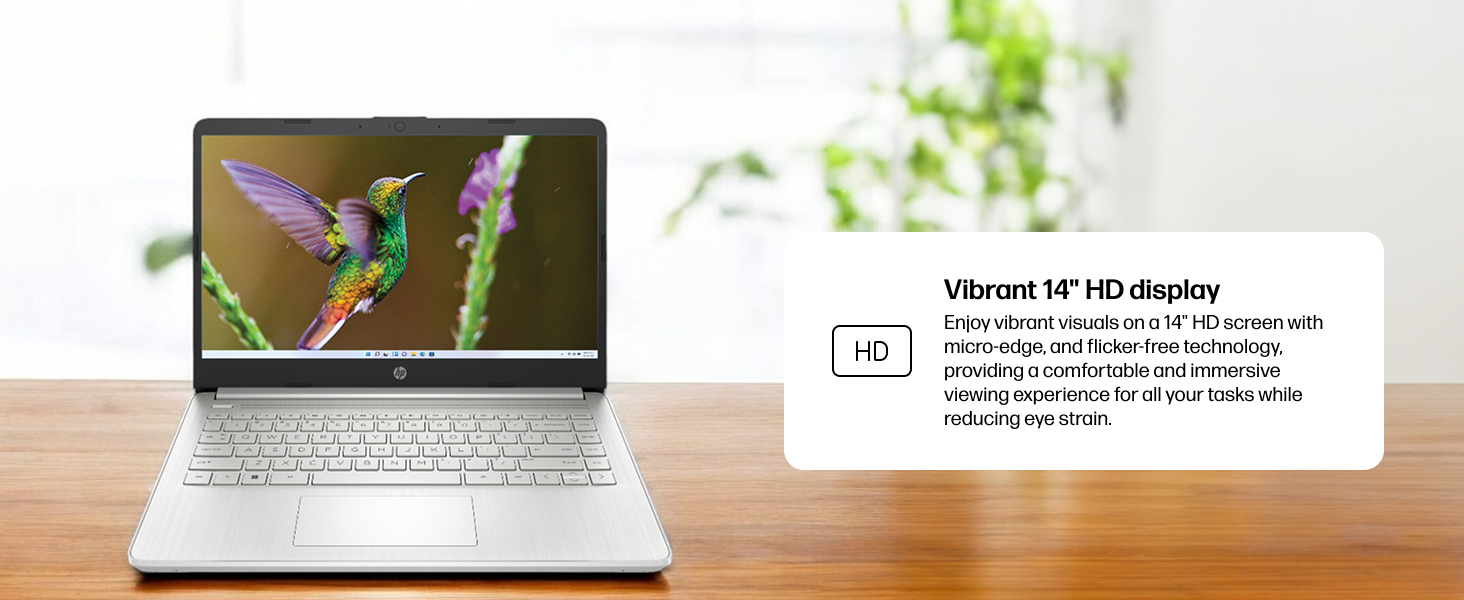
Figure 5: The laptop screen showcasing vivid visuals powered by Intel UHD graphics.
3.3 Prievadai ir jungiamumas
The laptop offers a range of ports for connecting peripherals and external devices:
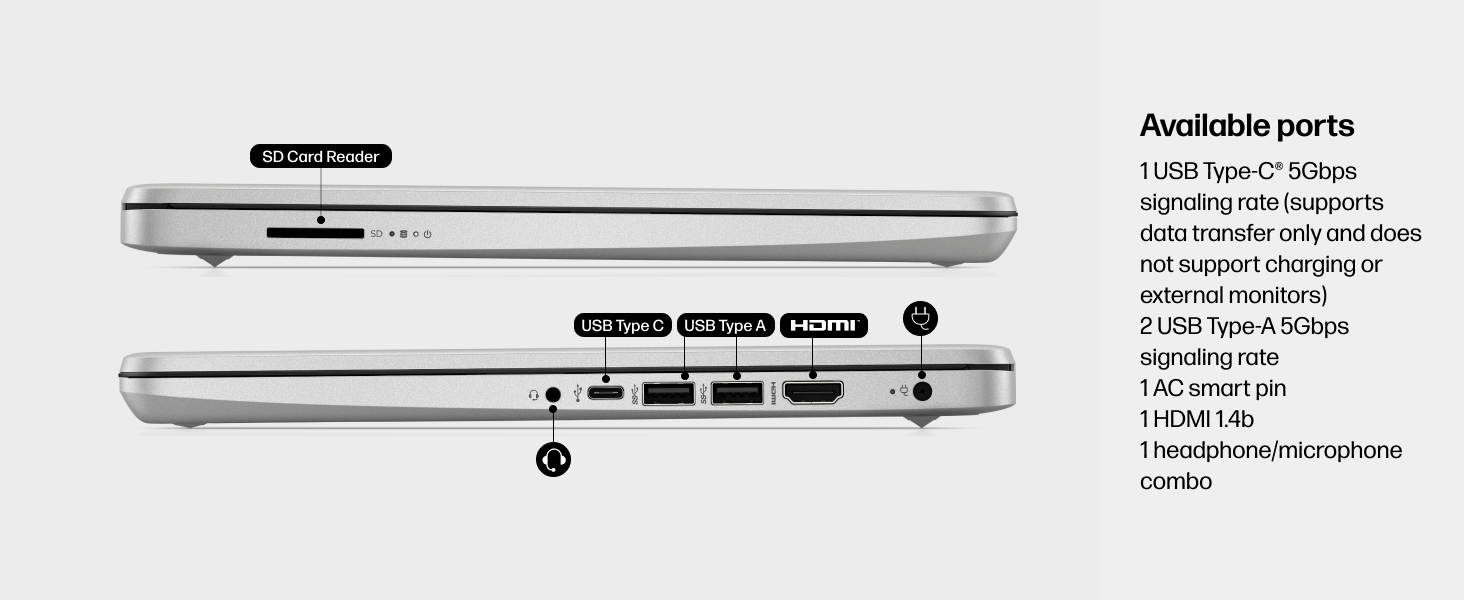
6 pav. Išsamus view of the available ports on the HP 14-dq5009nr laptop.
- 1 USB Type-C® 5Gbps signaling rate (supports data transfer only, no charging or external monitors)
- 2 A tipo USB 5Gbps signalo perdavimo sparta
- 1 AC smart pin (for power adapter)
- 1 HDMI 1.4b
- 1 kombinuotas ausinių/mikrofono lizdas
- 1 SD Card Reader
4. Priežiūra
4.1 Akumuliatoriaus priežiūra
The HP 14-dq5009nr features a long-lasting battery and HP Fast Charge technology, allowing you to charge from 0 to 50% in approximately 45 minutes. To maximize battery lifespan:
- Venkite ekstremalių temperatūrų.
- Nereguliariai visiškai iškraukite akumuliatoriaus.
- Jei ilgesnį laiką nenaudojate nešiojamojo kompiuterio, laikykite jį iš dalies įkrautą.
4.2 Valymo instrukcijos
- Šiek tiek naudokite minkštą, be pūkelių šluostę dampvandeniu arba ekrano valikliu ekranui valyti.
- Klaviatūrai ir korpusui valyti naudokite minkštą šluostę. Venkite stiprių cheminių medžiagų.
4.3 Programinės įrangos naujiniai
Ensure your Windows 11 operating system and drivers are regularly updated for optimal performance and security. Windows Update typically handles this automatically.
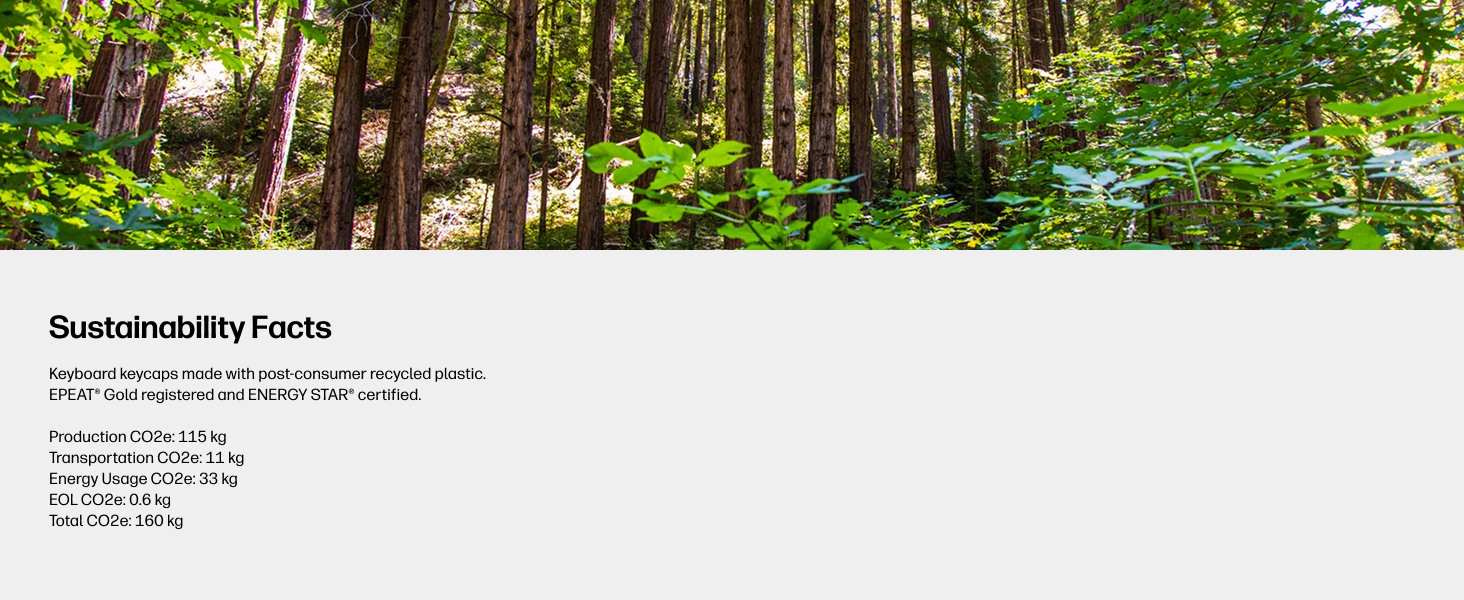
Figure 7: The laptop's keyboard keycaps are made from post-consumer recycled plastic, reflecting HP's commitment to sustainability.
5. Problemų sprendimas
5.1 Maitinimo problemos
- Nešiojamasis kompiuteris neįsijungia: Ensure the power adapter is securely connected and the battery has sufficient charge. Try pressing and holding the power button for 15 seconds.
- Baterija nekraunama: Patikrinkite, ar maitinimo adapteris ir laidas nepažeisti. Išbandykite kitą maitinimo lizdą.
5.2 Ekrano problemos
- Tuščias ekranas: Connect an external monitor to check if the display is the issue. Try adjusting screen brightness using the function keys (F2/F3 or similar, look for sun icons).
- Mirksintis ekranas: Atnaujinkite savo grafikos tvarkykles.
5.3 Ryšio problemos
- „Wi-Fi“ neprisijungia: Ensure Wi-Fi is enabled in Windows settings. Restart your router and modem.
- „Bluetooth“ įrenginys nesusijungia: Ensure Bluetooth is enabled on both devices and they are in pairing mode.
6. Specifikacijos
| Funkcija | Specifikacija |
|---|---|
| Stovinčio ekrano dydis | 14 colių |
| Ekrano raiška | 1366 x 768 pikselių (HD) |
| Procesorius | Intel Core i3-1215U (4.4 GHz) |
| RAM | 8 GB DDR4 (2400 MHz) |
| Kietasis diskas | 256 GB SSD (PCIe NVMe M.2) |
| Grafikos koprocesorius | Intel UHD grafika |
| Operacinė sistema | „Windows 11 Home“ veikia S režimu |
| Belaidis tipas | 802.11a/b/g/n/ac, „Bluetooth“ |
| Prekės svoris | 3.24 svaro |
| Gaminio matmenys | 12.76 x 0.71 x 8.86 colio |
| Spalva | Sidabras |
7. Garantija ir palaikymas
7.1 Informacija apie garantiją
Your HP 14-dq5009nr laptop comes with a 1 metų ribota techninės įrangos garantijaBe to, 90-days limited technical support for software and initial setup is provided when the product is shipped from and sold by Amazon.
7.2 Techninė pagalba
For technical assistance, please refer to the official HP support channels. Web support is available 24 hours a day, 7 days a week. You can also visit the HP parduotuvė „Amazon“ svetainėje Norėdami gauti daugiau informacijos ir išteklių.