Įvadas
This manual provides comprehensive instructions for the iFLYTEK Translator 2.0 easytrans 800. It covers device setup, operation, maintenance, and troubleshooting to ensure optimal performance and user experience. The iFLYTEK Translator 2.0 is designed for seamless communication across language barriers, offering advanced voice and camera translation capabilities.
Pakuotės turinys
Patikrinkite, ar pakuotėje yra visi reikalingi daiktai:
- iFLYTEK Translator 2.0 easytrans 800 Device
- USB įkrovimo laidas
- Trumpas vadovas
- Instrukcijų vadovas (šis dokumentas)
- Lanyard/Strap

Image: The iFLYTEK Translator 2.0 easytrans 800 device, its charging cable, and documentation laid out next to the product box.
Produktas baigtasview
The iFLYTEK Translator 2.0 easytrans 800 features a compact design with a user-friendly interface.

Vaizdas: priekis view of the iFLYTEK Translator 2.0 easytrans 800 showing the screen, navigation buttons, and speaker. Rear view shows the camera lens and SOS button.
Įrenginio komponentai:
- Priekinis skydelis: Touchscreen display, navigation buttons (ABC, O, 中文), speaker.
- Galinis skydas: Camera lens, SOS button.
- Šoniniai mygtukai: Power button, volume controls.
- Prievadai: USB charging port, 3.5mm headphone jack.
Sąranka
1. Įrenginio įkrovimas
Before first use, fully charge the translator. Connect the provided USB cable to the device's charging port and a compatible USB power adapter (not included).
- Pilnas įkrovimas paprastai trunka maždaug 2–3 valandas.
- Ekrane esantis akumuliatoriaus indikatorius rodys įkrovimo būseną.
2. Įjungimas/išjungimas
- Norėdami įjungti: Press and hold the Power button (usually on the side) until the screen illuminates.
- Norėdami išjungti: Press and hold the Power button, then select "Power Off" on the screen.
3. Initial Language Selection
Upon first power-on, you will be prompted to select the device's interface language. Follow the on-screen instructions.
4. Tinklo ryšys
The iFLYTEK Translator requires an internet connection for optimal translation accuracy. Connect to a Wi-Fi network or utilize the built-in global communication feature.
- „Wi-Fi“: Navigate to Settings > Wi-Fi, select your network, and enter the password.
- Global Communication: The device includes 2 years of global communication coverage in 98 countries. This feature activates automatically when a Wi-Fi connection is not available.
Naudojimo instrukcijos
The iFLYTEK Translator 2.0 easytrans 800 offers two primary translation modes: Voice Translation and Camera Translation.
1. Voice Translation (59 Languages)
This mode allows for real-time spoken language translation.
- Select the source and target languages on the device screen.
- Press and hold the designated voice input button (e.g., "ABC" for language A, "中文" for language B).
- Speak clearly into the device's microphone.
- Release the button. The device will process your speech and provide the translation audibly and on-screen.
The device features advanced noise reduction technology and four microphones for high accuracy even in noisy environments, with a response time of approximately 0.5 seconds.

Image: The iFLYTEK Translator 2.0 device screen showing a Japanese phrase and its translation, demonstrating voice translation functionality.
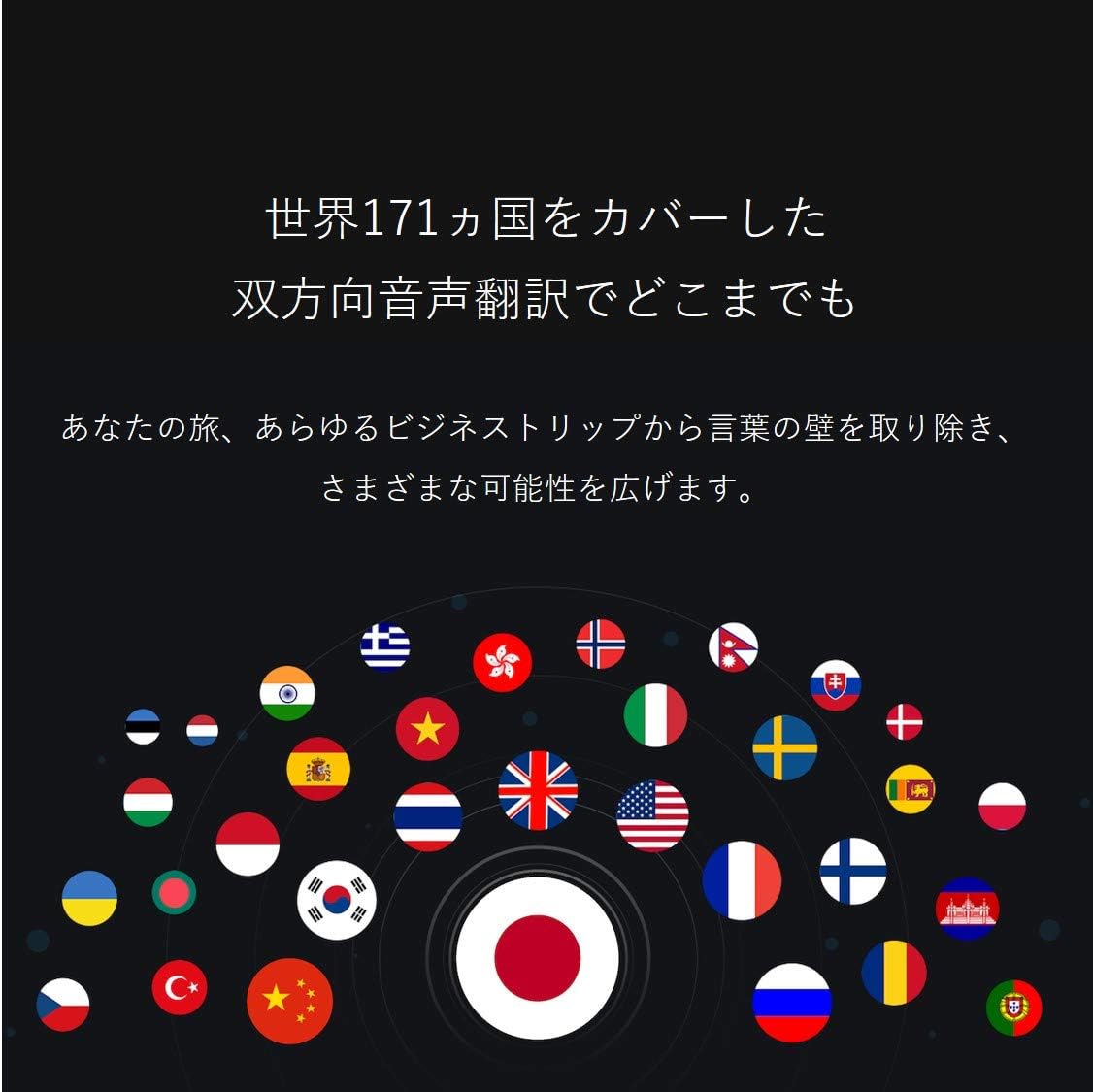
Image: A collection of national flags, symbolizing the extensive language support of the iFLYTEK Translator 2.0 across 171 countries.
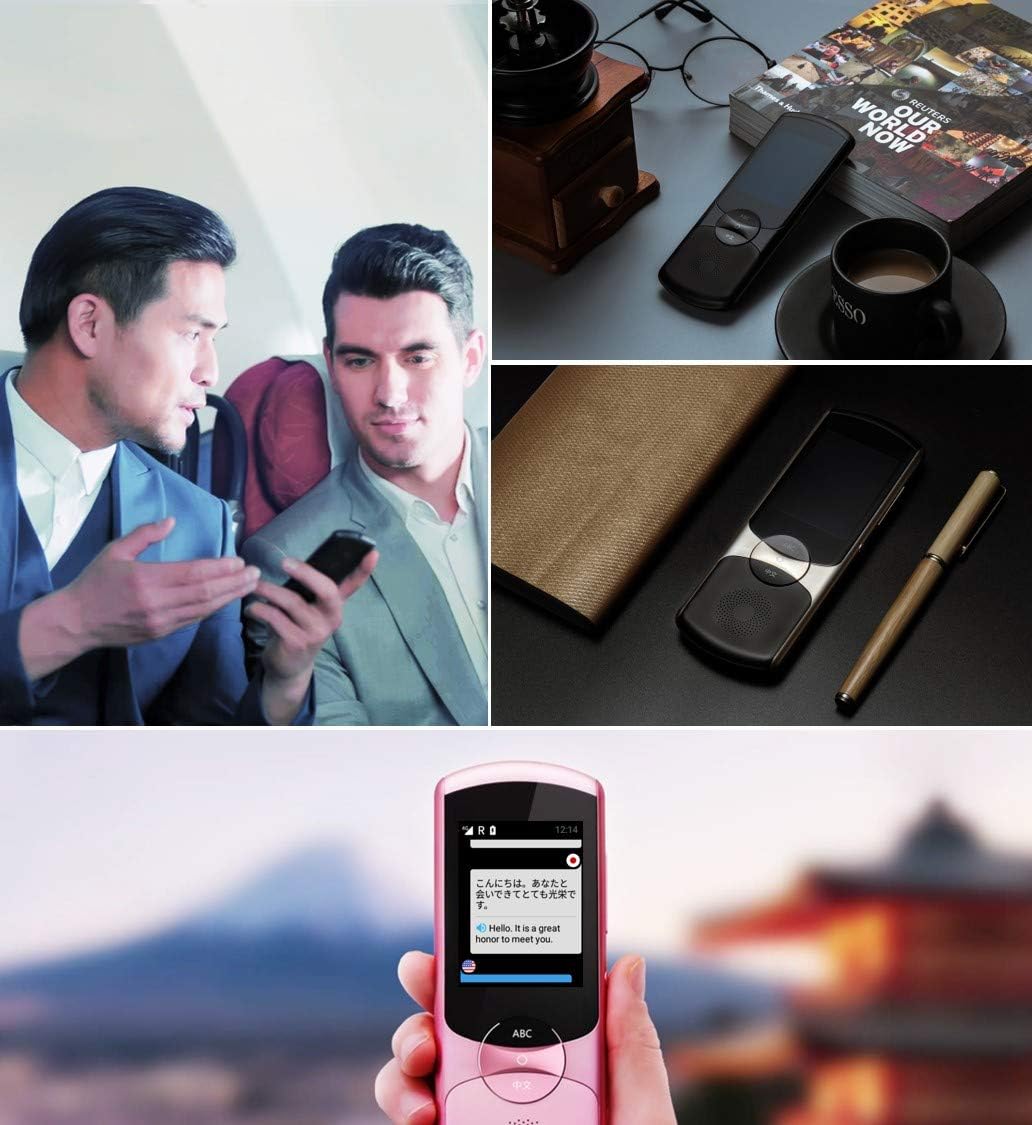
Image: A collage showing the iFLYTEK Translator 2.0 being used in different scenarios, including a business meeting and a travel setting, highlighting its versatility.
2. Camera Translation (11 Languages)
This mode translates text captured by the device's camera.
- Select Camera Translation mode from the main menu.
- Point the device's camera at the text you wish to translate (e.g., signs, menus, documents).
- Ensure the text is well-lit and within the camera's frame.
- Ekrane palieskite fotografavimo mygtuką. Įrenginys apdoros vaizdą ir parodys išverstą tekstą.

Image: A user holding the iFLYTEK Translator 2.0 to translate text on a map, demonstrating the camera translation feature.
3. Pronunciation Scoring and Accent Check
The device includes an AI-powered feature to help users improve their pronunciation and check accents.
- Access the Pronunciation Scoring feature from the menu.
- Select the language for practice.
- Speak the displayed phrases or words into the microphone.
- The device will provide feedback on your pronunciation and accent.

Image: An adult and a child interacting with the iFLYTEK Translator 2.0, illustrating its use for pronunciation scoring and language learning.
Priežiūra
- Valymas: Įrenginiui valyti naudokite minkštą, sausą šluostę. Nenaudokite skystų valiklių ar aerozolių.
- Saugykla: Laikykite prietaisą vėsioje, sausoje vietoje, apsaugotoje nuo tiesioginių saulės spindulių ir ekstremalių temperatūrų.
- Akumuliatoriaus priežiūra: Norėdami pailginti akumuliatoriaus veikimo laiką, venkite dažnai visiškai jį iškrauti. Reguliariai įkraukite įrenginį, net jei jis ilgą laiką nenaudojamas.
- Programinės įrangos atnaujinimai: Reguliariai tikrinkite, ar yra programinės įrangos atnaujinimų, ir juos įdiekite, kad užtikrintumėte optimalų našumą ir prieigą prie naujų funkcijų.
Trikčių šalinimas
| Problema | Galima priežastis | Sprendimas |
|---|---|---|
| Įrenginys neįsijungia. | Išsikrovęs akumuliatorius; įrenginys užstrigo. | Charge the device for at least 30 minutes. Perform a force restart by holding the power button for 10-15 seconds. |
| Vertimas netikslus arba lėtas. | Prastas interneto ryšys; neaiški kalba; neteisingas kalbos pasirinkimas. | Ensure a stable Wi-Fi or cellular connection. Speak clearly and directly into the microphone. Verify that the correct source and target languages are selected. |
| Camera translation not working. | Insufficient lighting; blurry image; text too small. | Ensure adequate lighting. Hold the device steady to avoid blur. Position the device closer to the text if it's too small. |
| Iš garsiakalbio nėra garso. | Per mažas garsumas; garsiakalbis uždengtas. | Increase the volume using the side buttons. Check if the speaker is blocked by debris. |
Specifikacijos
| Funkcija | Detalė |
|---|---|
| Prekės ženklas | iFLYTEK |
| Modelio numeris | EASYTRANS 800 |
| Voice Translation Support | 59 kalbų |
| Camera Translation Support | 11 kalbų |
| Triukšmo mažinimo technologija | Yes, with 4 microphones |
| Pasaulinė komunikacija | 2 years coverage in 98 countries |
| Reagavimo laikas | Maždaug 0.5 sekundžių |
| Suderinami įrenginiai | Laptop, Personal Computer (for data transfer/updates) |
| Techninės įrangos sąsaja | 802.11 b/g/n (Wi-Fi) |
| Garso formatas | WAV |
| Ausinių lizdas | 3.5 milimetrai |
| Baterijos tipas | 1 ličio jonų baterija (pridedama) |
| Prekės svoris | 120 gramų |
| Ekrano dydis | 5.8 colių |
| Baterijos veikimo laikas | Iki 6 valandų |
| Skaitmeninio įrašymo laikas | 120 minučių |
Garantija ir palaikymas
For warranty information and technical support, please refer to the official iFLYTEK websvetainėje arba susisiekite su jų klientų aptarnavimo tarnyba. Išsaugokite pirkimo kvitą kaip pirkimo įrodymą garantijos pretenzijoms.
The device includes 2 years of global communication, which is a service feature rather than a warranty.


