1. Produktas baigtasview
The MOBILLA MBUDS 101 are true wireless stereo earbuds designed to deliver a superior audio experience with convenience and style. Featuring multi-function buttons, these earbuds allow you to take control of your music and calls for a hands-free experience. Their aesthetic and ergonomic design ensures comfort and elegance.
Pagrindinės funkcijos:
- Išplėstinis atkūrimas: Up to 21 hours of total playback time with the charging case, and 5 hours of non-stop playtime per charge.
- Puikus garsas: Powered by a 10mm Dynamic Driver for balanced and powerful audio.
- Atsparus vandeniui: IPX4 rating makes them resistant to splashes and sweat.
- Valdymas vienu paspaudimu: Easily manage music playback and calls with simple touch gestures.
- Pagalba balsu: Compatible with voice assistants for convenient command execution.
- Išvalyti skambučius: Passive Voice Cancellation helps mute surrounding disturbances for clearer conversations.
- Patogus prigludimas: Craftily designed to fit securely in your ear for a non-jerky music experience.
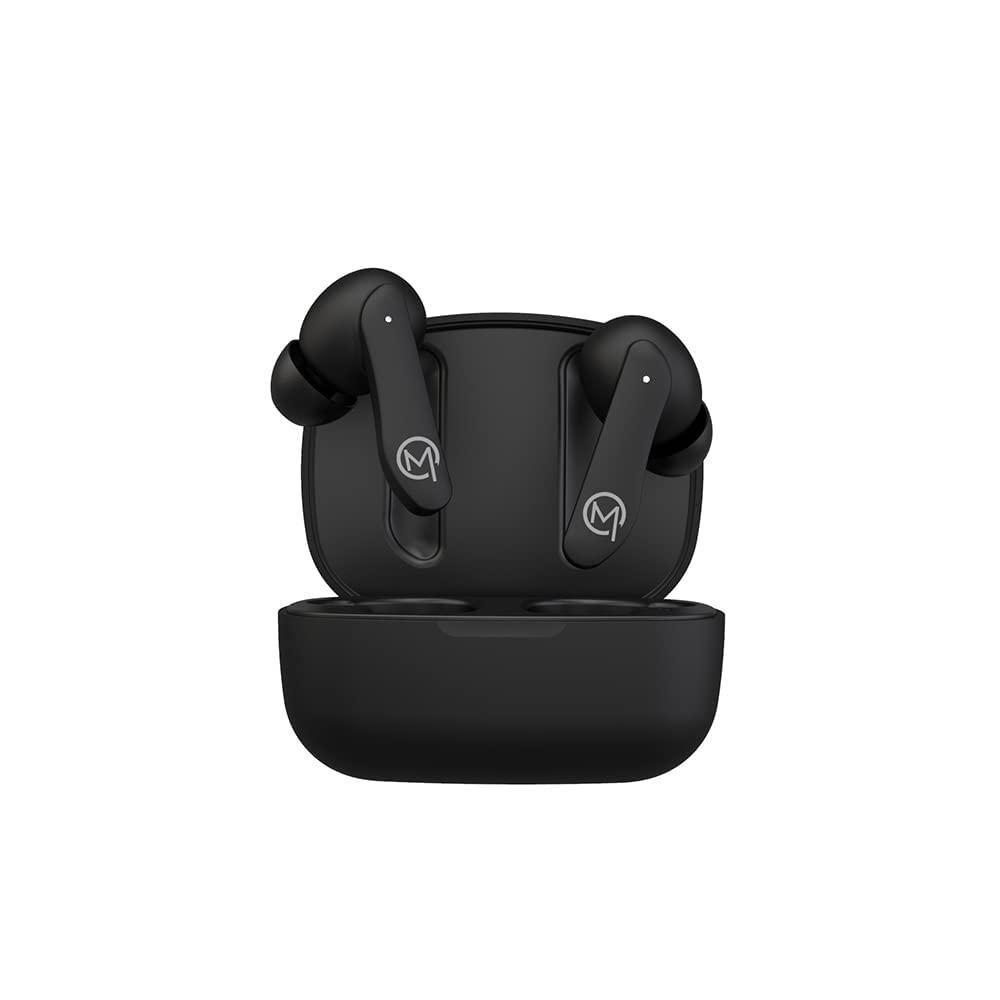
Figure 1: MOBILLA MBUDS 101 Matte Black Earbuds in their charging case.
2. Darbo pradžia
2.1 Išpakavimas
Upon opening your MOBILLA MBUDS 101 package, ensure all components are present:
- MOBILLA MBUDS 101 Earbuds
- Įkrovimo dėklas
- Įkrovimo kabelis
- Ausų pagalvėlės (įvairių dydžių)
- Vartotojo vadovas
2.2 Ausinių įkrovimas
Before first use, fully charge your MBUDS 101. Place the earbuds into the charging case and connect the charging cable to the case and a power source. The indicator lights on the case will show the charging status. A full charge provides up to 5 hours of playtime, with the charging case extending total playback to 21 hours.
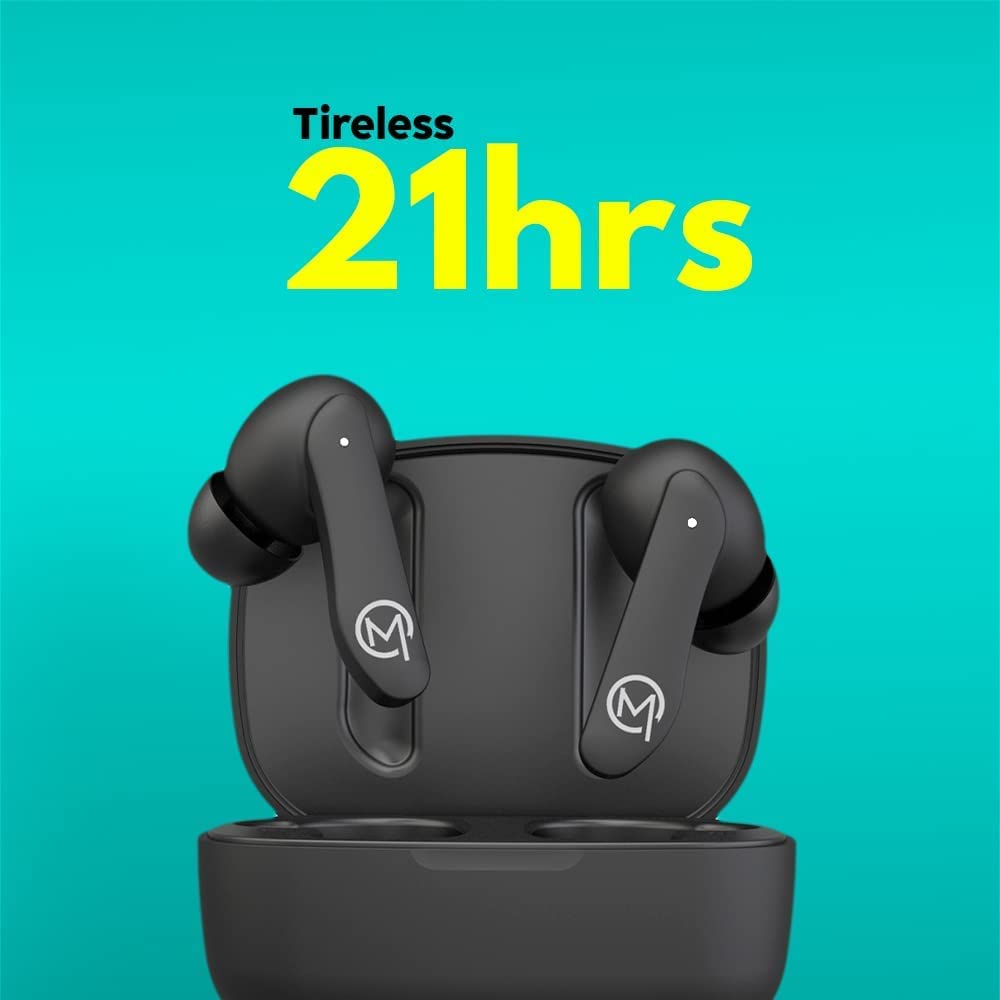
Figure 2: The MOBILLA MBUDS 101 offer up to 21 hours of total playback time with the charging case.
2.3 Susiejimas su jūsų įrenginiu
- Įsitikinkite, kad ausinės yra įkrautos.
- Atidarykite įkrovimo dėklą. Ausinės automatiškai įsijungs susiejimo režimu (indikatoriaus lemputės mirksės).
- On your smartphone or audio device, go to Bluetooth settings.
- Ieškokite available devices and select "MOBILLA MBUDS 101".
- Prijungus, ausinių indikatoriaus lemputės nustos mirksėti.
- Ausinės automatiškai prisijungs prie paskutinio suporuoto įrenginio, kai bus išimtos iš dėklo.
3. Operating Your MBUDS 101
3.1 Jutikliniai valdikliai
The MBUDS 101 feature intuitive touch controls on each earbud for seamless management of your audio and calls:
- Leisti / pristabdyti: Vieną kartą bakstelėkite bet kurią ausinę.
- Kitas takelis: Dukart palieskite dešinįjį ausinės antgalį.
- Ankstesnis takelis: Dukart palieskite kairįjį ausinės antgalį.
- Atsiliepti / Baigti skambutį: Vieną kartą bakstelėkite bet kurią ausinę.
- Atmesti skambutį: Paspauskite ir 2 sekundes palaikykite bet kurią ausinę.
- Suaktyvinti „Voice Assistant“: Tris kartus palieskite bet kurią ausinę.
3.2 Pagalba balsu
The MBUDS 101 support voice assistance, allowing you to control your device with voice commands. Simply triple tap either earbud to activate your smartphone's voice assistant (e.g., Ok Google, Hey Siri) and speak your command.

Figure 3: Enjoy enhanced bass and seamless voice assistant integration with your MBUDS 101.
3.3 Skambučių valdymas
With Passive Voice Cancellation, your MBUDS 101 are designed to provide clear call quality by minimizing background noise. Use the touch controls to manage incoming and ongoing calls effectively.
3.4 Atsparumas vandeniui (IPX4)
The MBUDS 101 are rated IPX4 water-resistant, meaning they are protected against splashing water from any direction. This makes them suitable for workouts and light rain, but they are not designed for submersion in water.

Figure 4: The IPX4 rating ensures your MBUDS 101 are splash-proof and suitable for active use.
4. Priežiūra ir priežiūra
4.1 Valymas
- Reguliariai valykite ausines ir įkrovimo dėklą minkštu, sausu, nepūkuotu skudurėliu.
- Nenaudokite abrazyvinių valiklių, alkoholio ar cheminių tirpiklių.
- Švelniai pašalinkite ausų sierą ar nešvarumus nuo ausų antgalių ir garsiakalbio tinklelio, naudodami mažą, minkštą šepetėlį arba vatos tamponėlį.
4.2 Saugykla
- Kai nenaudojate, visada laikykite ausines įkrovimo dėkle, kad jos būtų apsaugotos ir įkrautos.
- Laikyti vėsioje, sausoje vietoje, toliau nuo ekstremalių temperatūrų ir tiesioginių saulės spindulių.
5. Problemų sprendimas
5.1 Nėra maitinimo / Nekraunama
- Įsitikinkite, kad įkrovimo laidas yra tvirtai prijungtas tiek prie dėklo, tiek prie maitinimo šaltinio.
- Patikrinkite, ar maitinimo šaltinis aktyvus.
- Nuvalykite įkrovimo kontaktus ant abiejų ausinių ir dėklo.
5.2 Pairing Problems
- Įsitikinkite, kad jūsų įrenginyje įjungtas „Bluetooth“.
- Įsitikinkite, kad ausinės yra susiejimo režime (mirksi indikatoriaus lemputės).
- Perkelkite ausines arčiau savo įrenginio.
- Forget/delete "MOBILLA MBUDS 101" from your device's Bluetooth list and try pairing again.
- Iš naujo paleiskite įrenginį ir ausines.
5.3 Garso kokybės problemos
- Ensure the earbuds are properly seated in your ears. Try different ear tip sizes for a better seal.
- Check the audio source volume and the device volume.
- Pasitraukite nuo galimų trukdžių šaltinių (pvz., „Wi-Fi“ maršrutizatorių, kitų „Bluetooth“ įrenginių).
- Nuvalykite ausinių garsiakalbių tinklelį.
6. Specifikacijos
| Funkcija | Detalė |
|---|---|
| Modelio pavadinimas | MBUDS 101 |
| Ryšio technologija | Bevielis |
| Ausinės Jack | 3.5 mm Jack (for charging cable) |
| Atkūrimo laikas | 21 Hours (with charging case) | 5 Hours (per charge) |
| Garso tvarkyklės tipas | 10 mm dinaminė tvarkyklė |
| Atsparumo vandeniui lygis | IPX4 Atsparus vandeniui |
| Kontrolės metodas | Touch, Voice |
| Mikrofono formatas | Su mikrofonu |
| Ypatingos savybės | Greitas įkrovimas, mikrofonas, atsparus prakaitui |
| Formos faktorius | Earbuds, In ear |
| Medžiaga | Plastikiniai |
| Spalva | Juoda |
| Prekės svoris | 200 g |
| Gaminio matmenys | 10 x 10 x 10 cm |
7. Garantija ir palaikymas
7.1 Informacija apie garantiją
Your MOBILLA MBUDS 101 comes with a 365 dienų garantija from the date of purchase. This warranty covers manufacturing defects and ensures your product is free from material and workmanship flaws under normal use. Please retain your proof of purchase for warranty claims.
7.2 Pagalba klientams
For further assistance, technical support, or warranty claims, please visit the official MOBILLA Store on Amazon or contact MOBILLA customer service through their official channels.


