ແນະນຳ
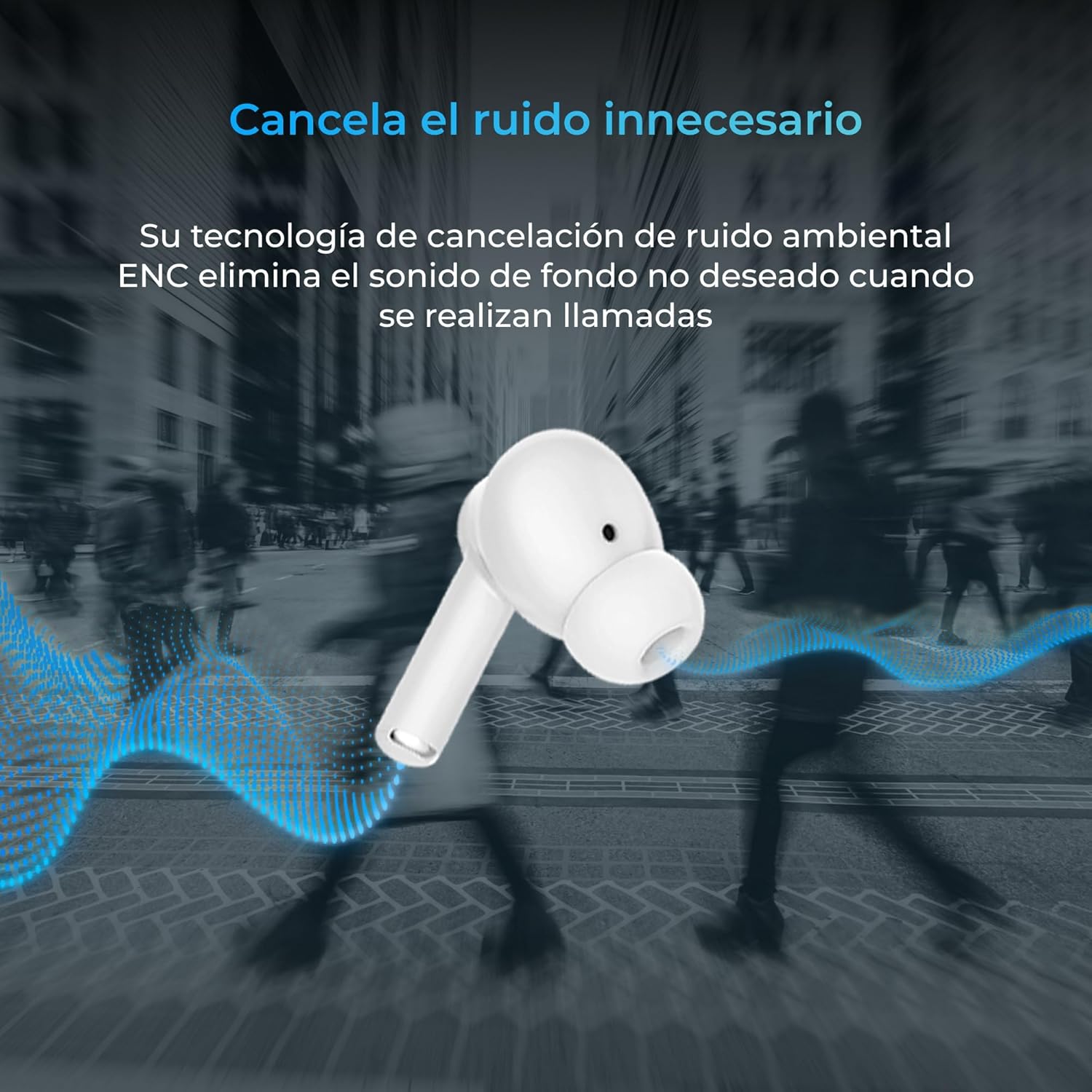
Thank you for choosing the KSIX Orion Wireless Earbuds. These earbuds are designed to provide a superior audio experience with features such as HD calls, Environmental Noise Cancellation (ENC), True Wireless Stereo (TWS), and intuitive touch controls. With up to 15 hours of total battery life and IPX4 water resistance, they are perfect for music, sports, and travel. This manual will guide you through the setup, operation, and maintenance of your new earbuds to ensure optimal performance and longevity.
ສິນຄ້າເກີນview




ຕັ້ງຄ່າ
1. ການສາກຫູຟັງ ແລະ ເຄສ
Before first use, fully charge your KSIX Orion earbuds and charging case. The case and earbuds can be fully charged in approximately 1 hour. The earbuds provide up to 5 hours of playback, and the charging case provides an additional 10 hours, for a total of 15 hours of autonomy.
- ວາງຫູຟັງໃສ່ຊ່ອງສາກໄຟ.
- ເຊື່ອມຕໍ່ກ່ອງສາກກັບແຫຼ່ງພະລັງງານໂດຍໃຊ້ສາຍ USB-C ທີ່ເຂົ້າກັນໄດ້.
- ແສງຊີ້ບອກກ່ຽວກັບກໍລະນີຈະສະແດງສະຖານະການສາກໄຟ.
2. ການຈັບຄູ່ກັບອຸປະກອນຂອງທ່ານ
The KSIX Orion earbuds utilize Bluetooth 5.3 for a stable and uninterrupted connection.
- Ensure the earbuds are in the charging case and the case lid is open, or take them out of the case. They will automatically enter pairing mode.
- ໃນສະມາດໂຟນ, ແທັບເລັດ ຫຼືອຸປະກອນທີ່ເປີດໃຊ້ Bluetooth ຂອງທ່ານ, ໃຫ້ໄປທີ່ການຕັ້ງຄ່າ Bluetooth.
- ຊອກຫາ "KSIX Orion" in the list of available devices.
- Select "KSIX Orion" to connect. Once connected, you will hear a confirmation tone, and the earbuds will be ready for use.
- ຖ້າການຈັບຄູ່ລົ້ມເຫຼວ, ໃຫ້ໃສ່ຫູຟັງເອຍບັດກັບຄືນໃນເຄສ, ປິດຝາ, ລໍຖ້າສອງສາມວິນາທີ, ຈາກນັ້ນເປີດຝາອອກແລ້ວລອງໃໝ່.
ຄໍາແນະນໍາການດໍາເນີນງານ
The KSIX Orion earbuds feature intuitive touch controls for easy management of music and calls.
ແຕະການຄວບຄຸມ
| ການປະຕິບັດ | Earbud ຊ້າຍ | Earbud ສິດ |
|---|---|---|
| ຫຼິ້ນ/ຢຸດດົນຕີ | ແຕະຄັ້ງດຽວ | ແຕະຄັ້ງດຽວ |
| ເພງຕໍ່ໄປ | ທໍ່ສາມ | ທໍ່ສາມ |
| ເພງກ່ອນໜ້າ | ແຕະສອງເທື່ອ | ແຕະສອງເທື່ອ |
| ປະລິມານຂຶ້ນ | ກົດຄ້າງໄວ້ (ຂວາ) | ກົດຄ້າງໄວ້ (ຂວາ) |
| ປະລິມານລົງ | ກົດຄ້າງໄວ້ (ຊ້າຍ) | ກົດຄ້າງໄວ້ (ຊ້າຍ) |
| ຕອບ/ວາງສາຍ | ແຕະຄັ້ງດຽວ | ແຕະຄັ້ງດຽວ |
| ປະຕິເສດການໂທ | ກົດຍາວ | ກົດຍາວ |
| ເປີດໃຊ້ຜູ້ຊ່ວຍສຽງ | ແຕະຄ້າງໄວ້ 2 ວິນາທີ | ແຕະຄ້າງໄວ້ 2 ວິນາທີ |
ຜູ້ຊ່ວຍສຽງ
The KSIX Orion earbuds are compatible with popular voice assistants such as Siri, Amazon Alexa, and Google Assistant. To activate your preferred voice assistant, use the designated touch control (tap and hold for 2 seconds). You can then issue commands for calls, music control, and more.
ບໍາລຸງຮັກສາ
Proper maintenance ensures the longevity and optimal performance of your KSIX Orion earbuds.
- ທໍາຄວາມສະອາດ: ອະນາໄມຫູຟັງເປັນປະຈຳ, ໂດຍສະເພາະປາຍຫູ ແລະບ່ອນຕິດຕໍ່ການສາກໄຟ, ດ້ວຍຜ້າອ່ອນ, ແຫ້ງ, ບໍ່ມີຂີ້ໝ້ຽງ. ຢ່າໃຊ້ເຄື່ອງເຮັດຄວາມສະອາດຂັດຫຼືສານລະລາຍ.
- ຄວາມຕ້ານທານນ້ໍາ: The earbuds are IPX4 water resistant, meaning they are protected against splashing water from any direction. They are resistant to sweat and light rain. Do not submerge the earbuds in water or expose them to strong jets of water. Ensure the earbuds are dry before placing them back in the charging case to prevent damage.
- ການເກັບຮັກສາ: ເມື່ອບໍ່ໄດ້ໃຊ້, ໃຫ້ເກັບຮັກສາຫູຟັງໃສ່ໃນກະເປົ໋າສາກໄຟເພື່ອປົກປ້ອງພວກມັນຈາກຂີ້ຝຸ່ນ ແລະຄວາມເສຍຫາຍທາງຮ່າງກາຍ. ເກັບຮັກສາໄວ້ໃນບ່ອນທີ່ເຢັນ, ແຫ້ງ, ຫ່າງຈາກອຸນຫະພູມທີ່ສຸດ.
- ການດູແລຫມໍ້ໄຟ: ເພື່ອຮັກສາອາຍຸແບັດເຕີຣີ, ຫຼີກເວັ້ນການຖອດຫູຟັງຫູຟັງ ແລະເຄສໃສ່ເລື້ອຍໆ. ໄລ່ໃຫ້ເຂົາເຈົ້າເປັນປົກກະຕິ, ເຖິງແມ່ນວ່າບໍ່ໄດ້ຢູ່ໃນການນໍາໃຊ້ຢ່າງຕໍ່ເນື່ອງ.
ການແກ້ໄຂບັນຫາ
If you encounter issues with your KSIX Orion earbuds, try the following solutions:
| ບັນຫາ | ການແກ້ໄຂທີ່ເປັນໄປໄດ້ |
|---|---|
| ຫູຟັງບໍ່ຈັບຄູ່ |
|
| ບໍ່ມີສຽງຈາກຫູຟັງອັນໜຶ່ງ ຫຼືທັງສອງ |
|
| ຫູຟັງບໍ່ສາກ |
|
| Poor call quality / ENC not working |
|
ຂໍ້ມູນຈໍາເພາະ
| ຄຸນສົມບັດ | ລາຍລະອຽດ |
|---|---|
| ໝາຍເລກຕົວແບບ | BXTW09B |
| ຍີ່ຫໍ້ | KSIX ເຮັດໃຫ້ເທັກໂນໂລຢີຂອງທ່ານສະຫຼາດຂຶ້ນ |
| ສີ | ສີຂາວ |
| ເຕັກໂນໂລຊີການເຊື່ອມຕໍ່ | ໄຮ້ສາຍ (Bluetooth 5.3) |
| ການຈັດວາງຫູ | ໃນຫູ |
| ປັດໄຈແບບຟອມ | ໃນຫູ |
| ການສນວນກັນສຽງ | ການຍົກເລີກສິ່ງລົບກວນສິ່ງແວດລ້ອມ (ENC) |
| ລະດັບຄວາມຕ້ານທານນ້ໍາ | IPX4 (ກັນນໍ້າກະແຈກກະຈາຍ) |
| ອາຍຸແບັດເຕີຣີ (ຫູຟັງ) | ສູງສຸດ 5 ຊົ່ວໂມງ |
| ອາຍຸແບັດເຕີຣີທັງໝົດ (ພ້ອມກ່ອງ) | ສູງສຸດ 15 ຊົ່ວໂມງ |
| ເວລາສາກໄຟ | ປະມານ. 1 ຊົ່ວໂມງ |
| ຊ່ວງຄວາມຖີ່ | 20 Hz - 20,000 Hz |
| ປະເພດການຄວບຄຸມ | ແຕະການຄວບຄຸມ, ການຄວບຄຸມສຽງ |
| ອຸປະກອນທີ່ເຂົ້າກັນໄດ້ | Smartphones, tablets, laptops, desktops, smart speakers |
| ການນໍາໃຊ້ທີ່ແນະນໍາ | Calls, Music, Sport, Travel |
| ອົງປະກອບລວມ | ກ່ອງສາກໄຮ້ສາຍ |
ການຮັບປະກັນແລະການສະຫນັບສະຫນູນ
For detailed warranty information and customer support, please refer to the official KSIX website or contact their customer service directly. Information regarding spare parts availability and software update guarantees is not available in this manual.
ສໍາລັບການຊ່ວຍເຫຼືອເພີ່ມເຕີມ, ກະລຸນາເຂົ້າໄປທີ່: www.ksix.com


