1. Destpêk
This manual provides essential information for the HP 17.3-inch Touchscreen Laptop, model 17-cp3602nr. It covers initial setup, basic operation, maintenance guidelines, and troubleshooting tips to ensure optimal performance and longevity of your device. Please read this manual thoroughly before using your laptop.
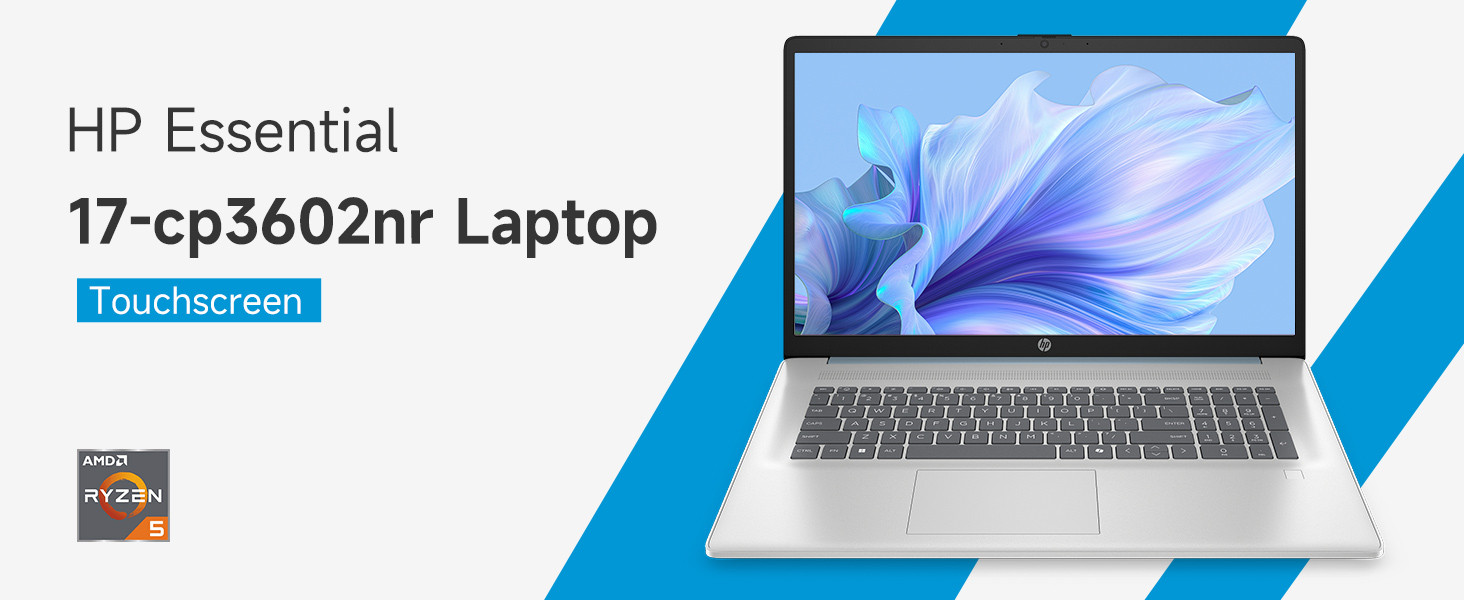
Wêne: Serview of the HP 17.3-inch Touchscreen Laptop highlighting its main features.
2. Sazkirin
2.1 Vekirina Qutîkê û Kontrola Destpêkê
Bi baldarî laptopa xwe û hemû aksesûarên xwe ji pakêtê derxînin. Piştrast bikin ku hemû pêkhate li wir in:
- HP 17.3-inch Touchscreen Laptop
- Power Adapter û Cord Power
- Belgekirin (Rêbernameya Destpêkirina Bilez, Agahiyên Garantiyê)
Inspect the laptop for any physical damage. If any damage is found or components are missing, contact your retailer or HP support immediately.
2.2 Girêdana Adaptora Hêzê
Connect the power adapter to the laptop's AC smart pin port and then plug the power cord into a wall outlet. The laptop can be used while charging, but it is recommended to fully charge the battery before first use.
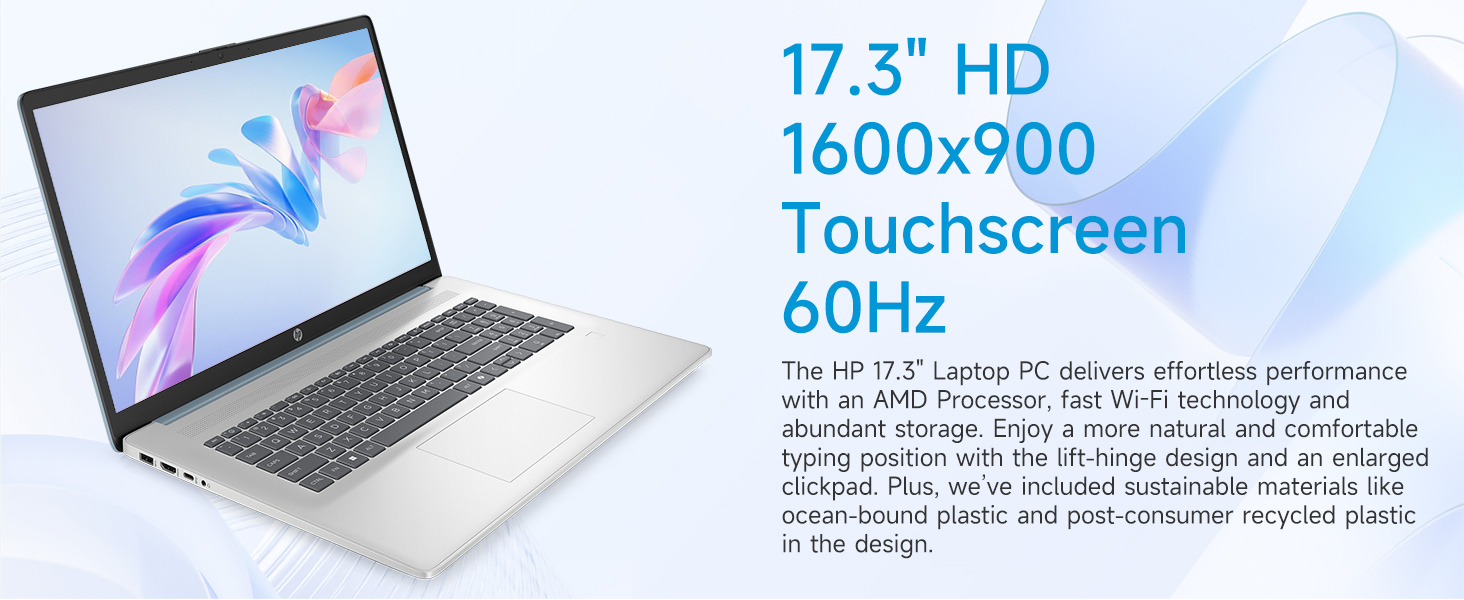
Image: Laptop ports and their locations, including the AC smart pin.
2.3 Vekirina Destpêkê û Sazkirina Windows 11
Ji bo vekirina laptopê bişkoja hêzê bikirtînin. Ji bo temamkirina pêvajoya sazkirina Windows 11 Home rêwerzên li ser ekranê bişopînin. Ev di nav xwe de digire:
- Hilbijartina herêm û sêwirana klavyeyê.
- Connecting to a Wi-Fi network (Wi-Fi 6 supported).
- Têketin an çêkirina hesabê Microsoft-ê.
- Danîna PIN an şîfreyek.
- Configuring privacy settings.
2.4 Sazkirina Xwendevana Şopa Tilîyan
During the Windows 11 setup or later via Windows Settings, you can configure the integrated fingerprint reader for secure login. Follow the prompts to register your fingerprints.
3. Bixebitandina Laptopê We
3.1 Navîgasyon Bingehîn
Your HP laptop features a 17.3-inch HD+ (1600 x 900) touchscreen display, a touchpad, and a full-size keyboard for navigation.
- Ekrana destikê: Use gestures similar to a smartphone or tablet for direct interaction with the display.
- Touchpad: Supports multi-touch gestures for scrolling, zooming, and more.
- Kilawye: Includes a numeric keypad for efficient data entry.
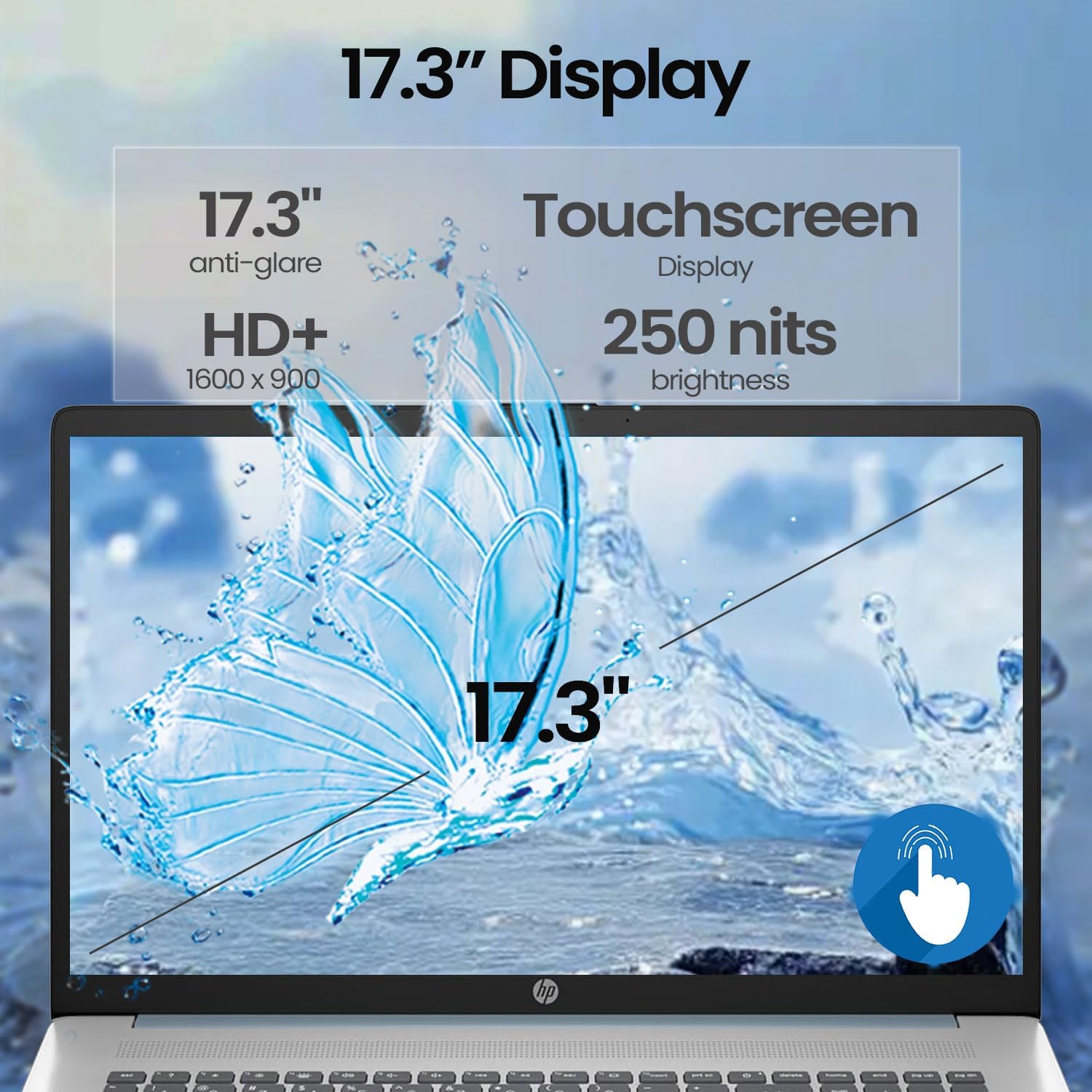
Image: A finger interacting with the laptop's touchscreen display.
3.2 Backlit Keyboard
The keyboard features backlighting for improved visibility in low-light conditions. The backlight can typically be toggled or adjusted using a dedicated function key (often Fn + F5 or similar, refer to your specific model's keyboard layout).
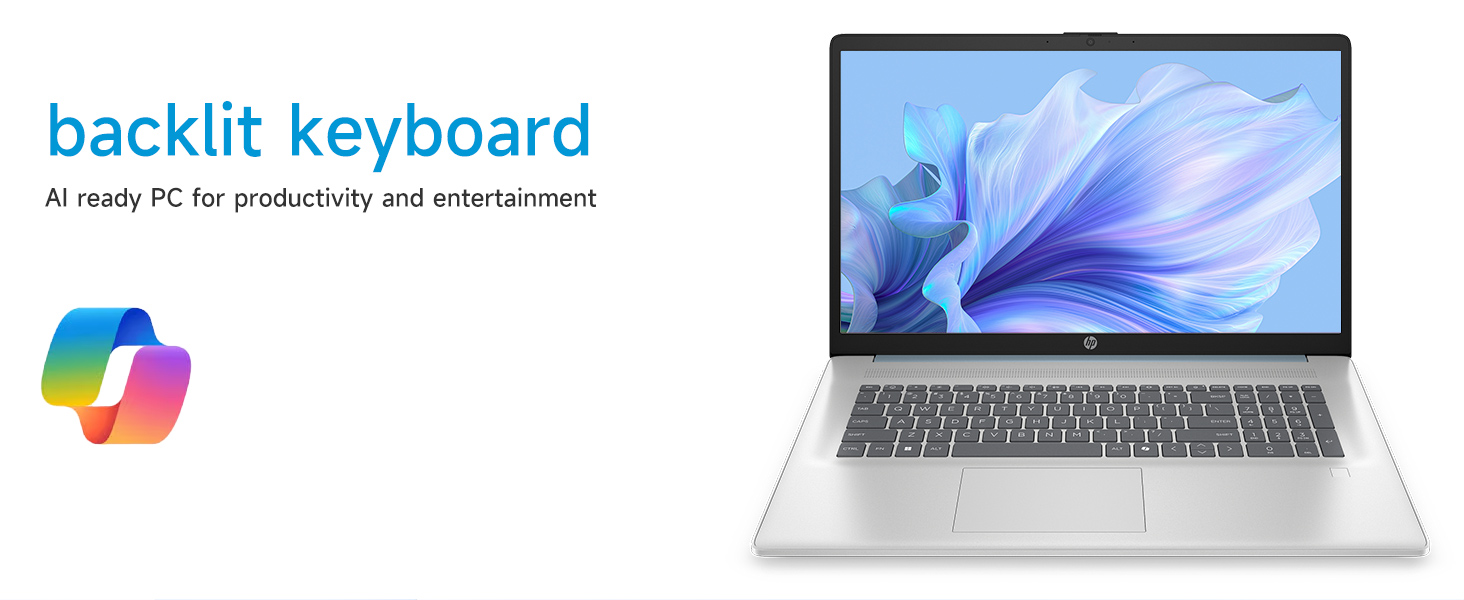
Image: The laptop's backlit keyboard in operation.
3.3 Using the Fingerprint Reader
Once configured, simply place your registered finger on the fingerprint reader (usually located near the keyboard or power button) to log in to Windows or authenticate applications.

Image: Illustration of the fingerprint reader for secure access.
3.4 Girêdana Amûrên Derveyî
Your laptop is equipped with various ports:
- USB Type-C 5Gbps signaling rate: Ji bo girêdana cîhazên USB-C yên nûjen.
- USB Type-A 5Gbps signaling rate (x2): Ji bo cîhazên USB yên standard ên wekî mişk, klavyeyê, an ajokarên derveyî.
- HDMI 1.4b: Connects to external monitors or TVs for extended display.
- Jacka Kombînasyona Guhdar/Mîkrofonê: Ji bo girêdana guhdarokan an cîhazên dengî yên derveyî.
Simply plug the compatible device into the appropriate port. Most devices are plug-and-play and will be recognized automatically by Windows.
3.5 Webcam Bikaranîna
The entegre webcam can be used for video calls, online meetings, and capturing photos/videos. Access it through applications like Camera, Microsoft Teams, Zoom, or other communication software.
4. Maintenance
4.1 Paqijkirina Laptopê We
- Parêzî: Kîçek nerm, bêpişk bi kar bînin dampbi av an jî bi çareseriyeke paqijkirina ekranê were paqijkirin. Ji kîmyewiyên dijwar dûr bisekinin.
- Chassis and Keyboard: Qumaşek nerm û hişk bikar bînin. Ji bo qirêjiya serhişk, hinekî hişk bikin.amp cloth can be used. Avoid getting moisture into ports or vents.
- Venters: Periodically use compressed air to clear dust from the cooling vents to prevent overheating.
4.2 Lênêrîna Pîl
- Ji valakirina bi temamî ya bateriyê pir caran dûr bisekinin.
- Ger laptopê ji bo demek dirêj neyê bikaranîn, li cîhekî sar û hişk hilînin.
- Tenê adaptora hêzê ya HP-ya orîjînal bikar bînin.
4.3 Nûvekirinên Nermalavê
Regularly check for and install Windows updates and driver updates from HP's official support website to ensure system stability, security, and optimal performance.
4.4 Management Storage
Periyodîk paqijkirina nehewce files, uninstall unused applications, and manage your 512GB PCIe NVMe M.2 SSD to maintain fast boot-up and data transfer speeds.
5. Destpêkirin
Ev beş pirsgirêkên hevpar ên ku hûn dikarin bi laptopa xwe ya HP-ê re rû bi rû bimînin çareser dike.
5.1 Pirsgirêkên Hêzê
- Laptop vêna nabe: Ensure the power adapter is securely connected to both the laptop and a working power outlet. Try a different outlet. If the battery is completely drained, it may take a few minutes of charging before the laptop can power on.
- Pîl nayê barkirin: Verify the power adapter and cable are not damaged. Check the charging indicator light on the laptop.
5.2 Pirsgirêkên Nîşandanê
- Wêne li ser ekranê tune ye: Connect an external monitor via HDMI to check if the issue is with the laptop's internal display. Restart the laptop.
- Ekrana destî bersivê nade: Restart the laptop. Ensure display drivers are up to date.
5.3 Pirsgirêkên Girêdana Torê
- Nikare bi Wi-Fi ve were girêdan: Ensure Wi-Fi is enabled in Windows settings. Restart your router and modem. Check for updated Wi-Fi drivers.
5.4 Input Device Problems
- Keyboard or touchpad unresponsive: Restart the laptop. Check for updated drivers in Device Manager.
- Fingerprint reader not working: Ensure your fingerprints are properly enrolled in Windows Hello settings. Clean the sensor.
For persistent issues, consult the HP support webmalperê an jî bi karûbarê xerîdar a HP-ê re têkilî daynin.
6. Specifications
Detailed technical specifications for the HP 17.3-inch Touchscreen Laptop (Model 17-cp3602nr).
| Taybetî | Specification |
|---|---|
| Nîşan | HP |
| Navê Model | 17-cp3602nr |
| Processor | AMD Ryzen 5 7430U (6 navik, 12 thread, heta 4.3 GHz) |
| Graphics | Grafîkên AMD Radeon (Yekgirtî) |
| BERAN | 16 GB DDR4 SDRAM (3200 MHz) |
| Embarkirinî | 512 GB PCIe NVMe M.2 SSD |
| Pêşkêşî | 17.3-inch HD+ (1600 x 900) Touchscreen, Anti-glare, 250 nits, 60% NTSC, 60 Hz |
| Operating System | Windows 11 Mal |
| Têkilî | Wi-Fi 6 (802.11ax) |
| Ports | 1x USB Tîpa-C 5Gbps, 2x USB Tîpa-A 5Gbps, 1x HDMI 1.4b, 1x Kombînasyona Guhdar/Mîkrofonê, 1x Pina Smart a AC |
| Taybetmendiyên Taybet | Backlit Keyboard, Fingerprint Reader, Numeric Keypad, Webcam |
| Pîvan (D x F x Stûrî) | 15.78" x 10.15" x 0.81" |
| Reng | Şîn |
| UPC | 199485902807 |
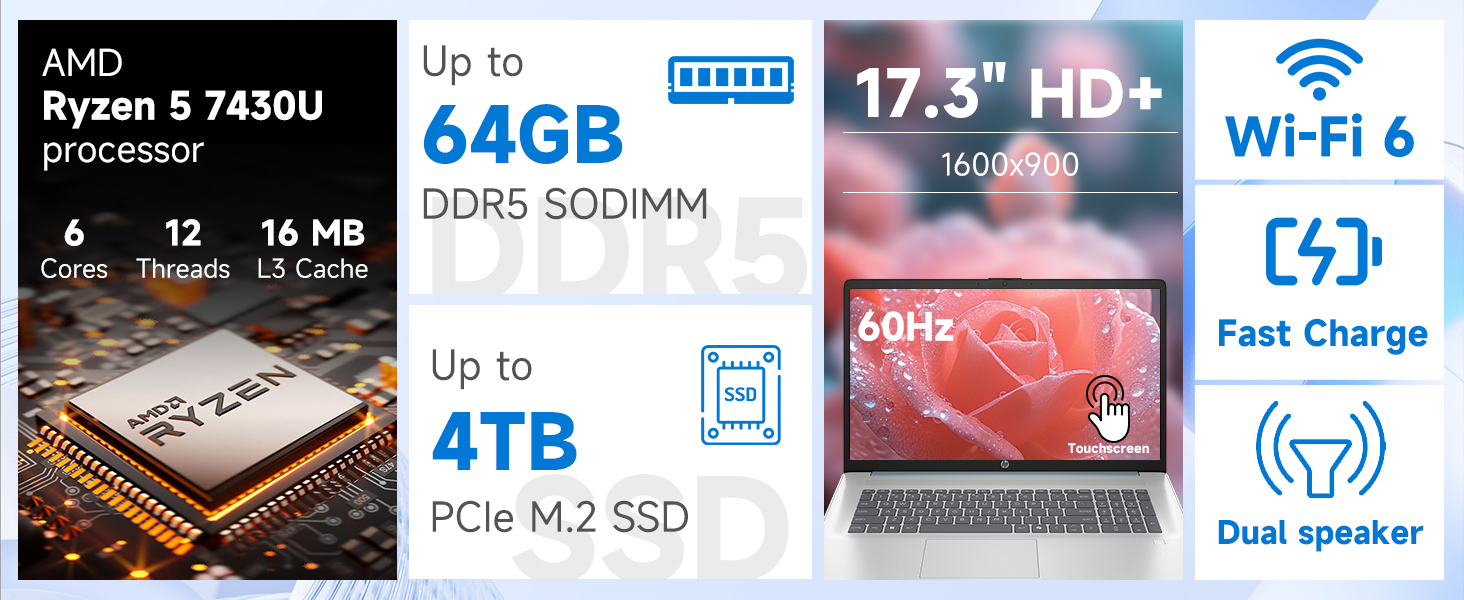
Wêne: Bi hûrgilî view of the AMD Ryzen 5 7430U processor specifications.
7. Garantî û Piştgirî
Laptopê we yê HP bi garantiya hilberîner a standard tê. Ji bo şert û mercên garantiyê yên taybetî, ji kerema xwe li belgeyên ku bi hilbera we re hene binêrin an jî serdana piştgiriya fermî ya HP bikin. website. For technical assistance, driver downloads, and further support, please visit support.hp.com.