소개
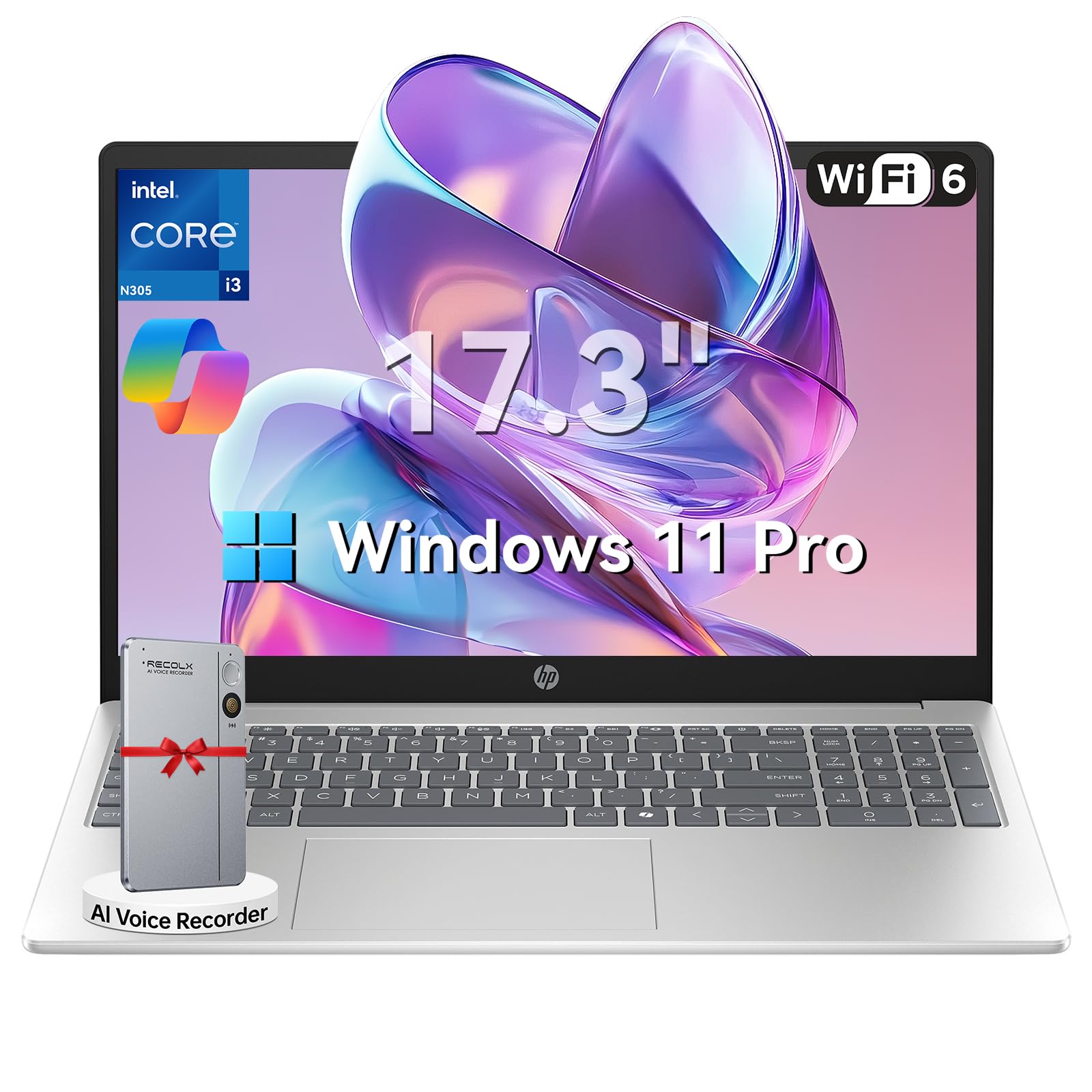
This manual provides essential information for setting up, operating, maintaining, and troubleshooting your HP 17.3" Laptop. Designed for productivity and entertainment, this laptop features an 8-core Intel Core i3-N305 processor, 16GB DDR4 RAM, and a 512GB PCIe NVMe SSD, running on Windows 11 Pro. Its 17.3-inch Full HD IPS anti-glare display offers clear visuals, and the integrated Microsoft Copilot AI assistant enhances user experience. Please read this manual thoroughly to ensure optimal performance and longevity of your device.

Image: The HP 17.3" Laptop, showcasin세련된 디자인과 대형 디스플레이가 특징입니다.
설정
1. 언박싱 및 초기 검사
Carefully remove the laptop and all accessories from the packaging. Ensure all components listed in the 'What's in the Box' section of your product documentation are present and undamaged. The packaging includes the laptop, power adapter, instruction manual, and a G255 Accessory Kit.
영상: 언박싱 및 종료view of the laptop's physical features and ports. Note: This video features an 18.5-inch model, but the unboxing process and port types are generally similar.
2. 전원 켜기 및 초기 구성
- 전원 어댑터를 노트북의 전원 포트에 연결한 다음 벽면 콘센트에 연결합니다.
- 노트북 덮개를 열고 전원 버튼을 누르세요.
- 화면의 지시에 따라 언어 선택, 네트워크 연결 및 사용자 계정 생성 등 Windows 11 Pro 설정을 완료하십시오.
3. 주변기기 연결하기
HP 노트북에는 외부 장치를 연결하기 위한 다양한 포트가 장착되어 있습니다.
- USB-A 포트: 마우스, 키보드, 외장 저장 드라이브 등 USB 장치를 연결합니다.
- USB-C 포트: 데이터 전송 및 호환 USB-C 장치 연결용입니다.
- HDMI 1.4b 포트: 확장된 화면을 위해 외부 모니터 또는 TV에 연결하십시오.
- 헤드폰/마이크 콤보 잭: 오디오 출력 및 입력용.

Image: Detailed diagram illustrating the various ports available on the HP laptop.
작동 지침
1. 키보드 및 터치패드
The laptop features a full-size keyboard with a numeric keypad and a responsive touchpad. Use the touchpad for navigation, clicking, and multi-touch gestures. The keyboard provides a comfortable typing experience for extended use.
2. 디스플레이 및 비주얼
The 17.3-inch Full HD (1920 x 1080) IPS anti-glare display offers wide viewing angles and reduces reflections, providing a comfortable viewing experience for work, study, and entertainment.

Image: The HP laptop's 17.3" Full HD anti-glare display, ideal for comfortable view주고받음.
3. 성능 및 멀티태스킹
Powered by an 8-core Intel Core i3-N305 processor and 16GB DDR4 RAM, the laptop delivers smooth performance for multitasking, video conferencing, and various applications. The 512GB PCIe NVMe SSD ensures fast boot-up and quick access to files.
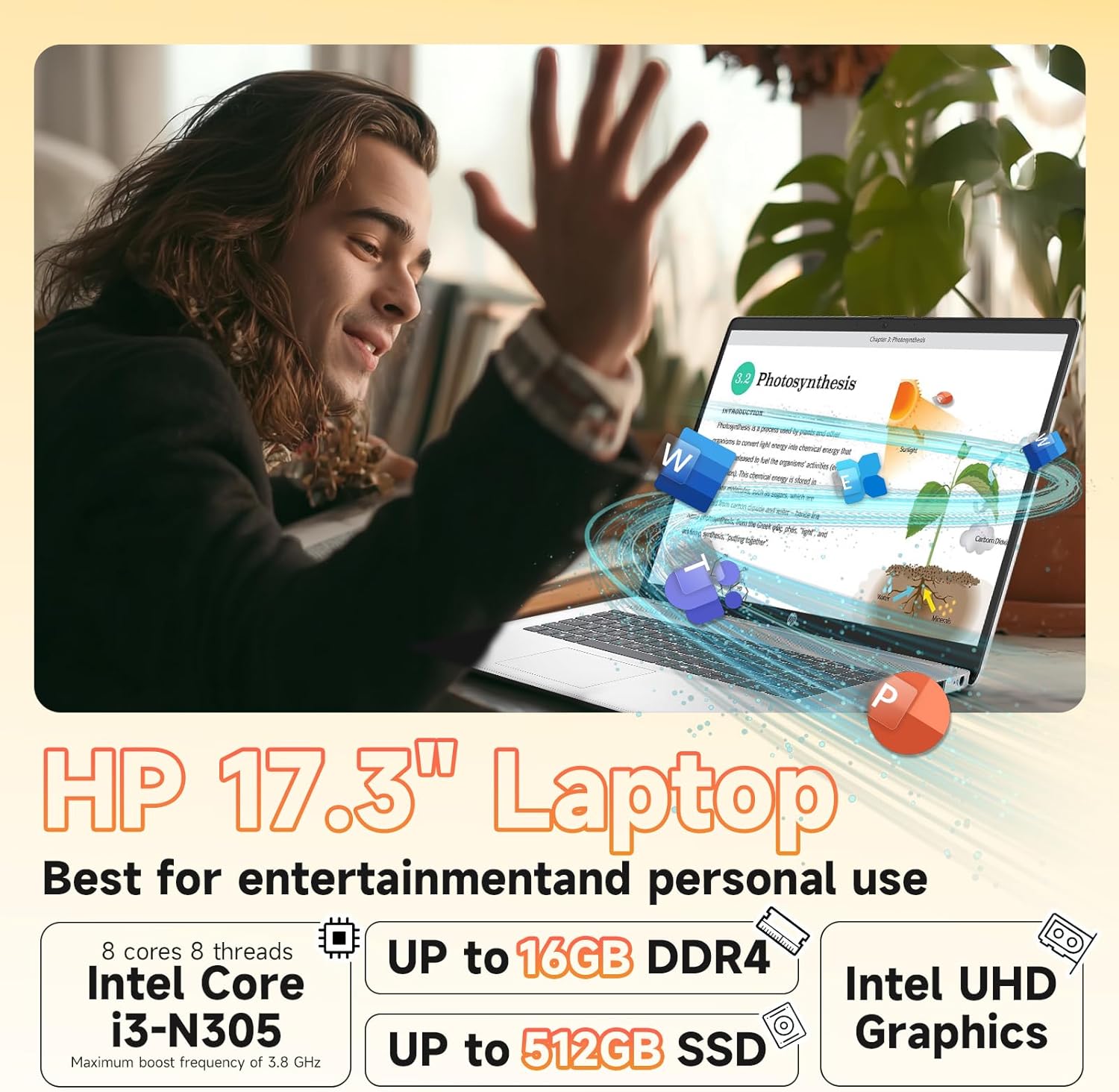
Image: Visual representation of the laptop's core components: Intel Core i3-N305 processor, 16GB DDR4 RAM, and 512GB SSD.
4. 연결성
Stay connected with Wi-Fi 6 (2x2) for faster and more stable wireless internet access, and Bluetooth 5.4 for connecting wireless peripherals like headphones and mice.

Image: The HP laptop emphasizing its advanced Wi-Fi 6 and Bluetooth 5.4 connectivity features.
5. Web카메라 및 개인 정보 보호
통합 HD webcam includes a physical privacy shutter. Slide the shutter to cover the camera lens when not in use to ensure your privacy. The laptop also features a microphone mute button for enhanced security during calls.
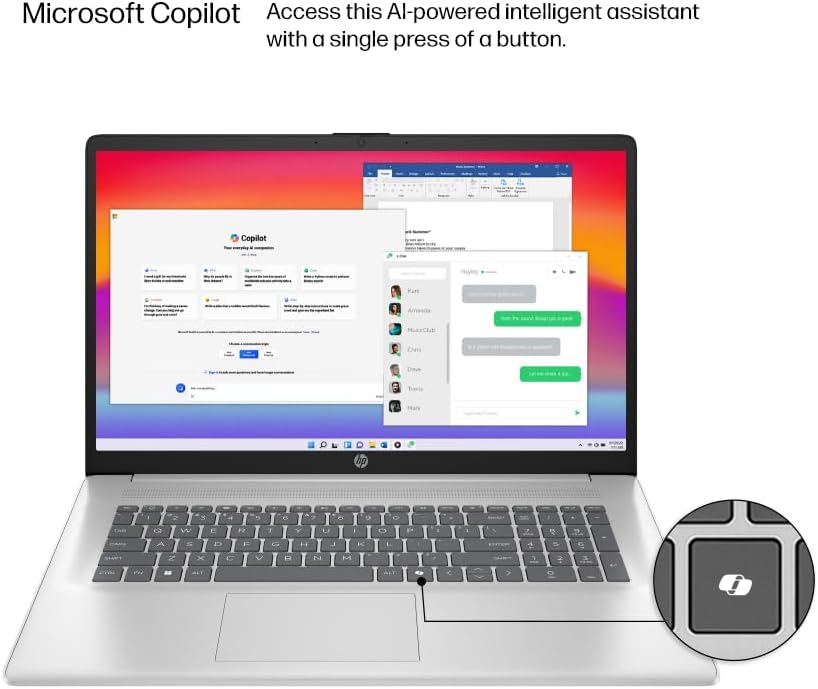
Image: The HP laptop keyboard, highlighting the dedicated Microsoft Copilot key for quick AI assistant access.
6. Microsoft Copilot AI Assistant
Utilize the integrated Microsoft Copilot AI assistant in Windows 11 Pro to streamline tasks, find answers, and get intelligent help for your projects. Access it with a single key press.
7. 배터리 수명 및 충전
The laptop offers up to 9.5 hours of battery life. HP Fast Charge technology allows you to charge the battery to approximately 50% in just 45 minutes.
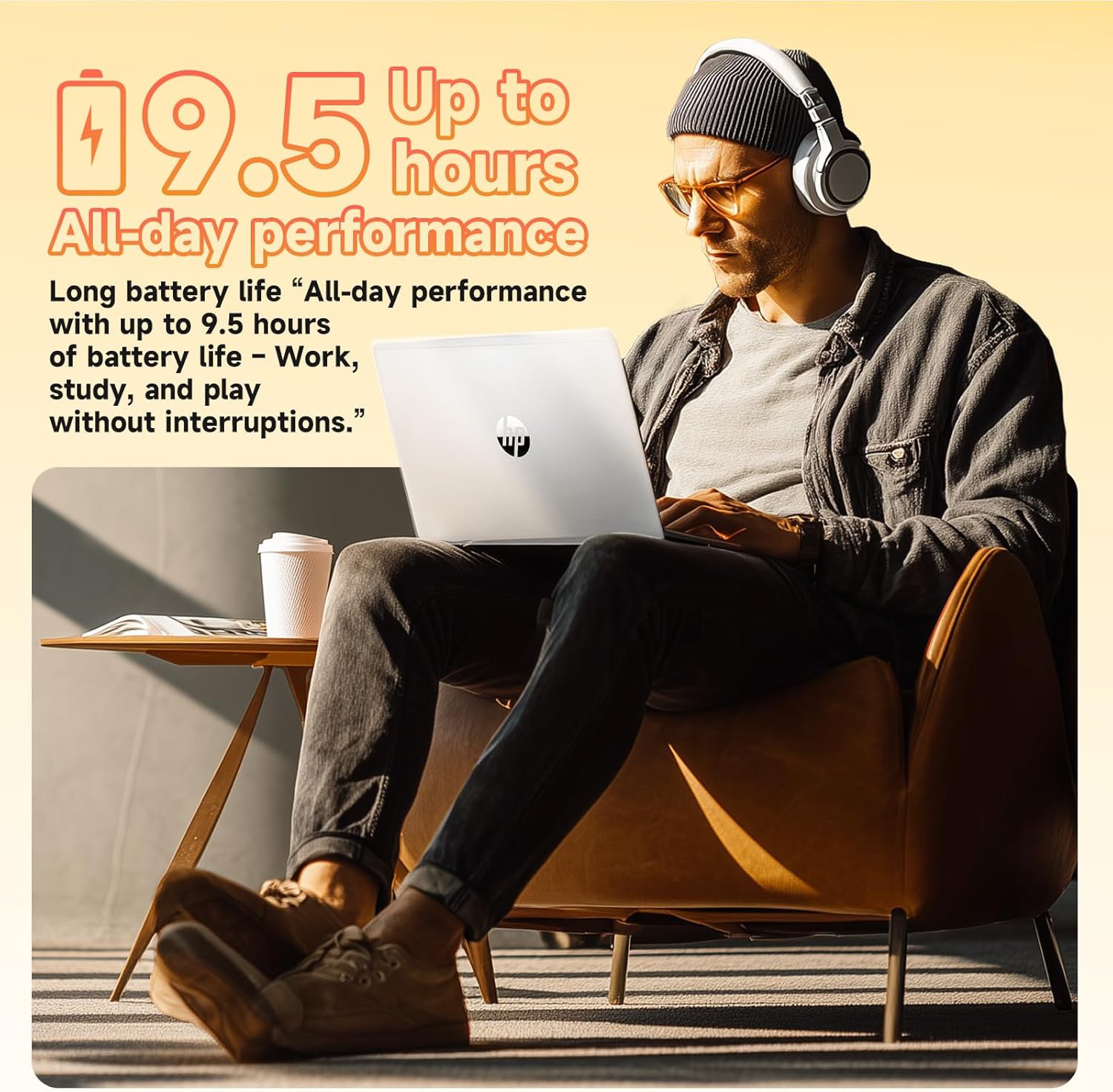
Image: A user enjoying the HP laptop, illustrating its long battery life for all-day performance.
영상: 공식 발표view of the HP 2026 17.3" FHD Laptop, highlighting its key features and design.
유지
1. 노트북 청소
- Use a soft, lint-free cloth to clean the screen and exterior surfaces. Avoid abrasive materials or harsh chemicals.
- For the anti-glare screen, use a screen cleaner specifically designed for electronics.
- Gently clean the keyboard with compressed air to remove dust and debris.
2. 소프트웨어 업데이트
시스템에 최신 보안 패치와 성능 향상 기능이 적용되어 있는지 확인하려면 Windows 업데이트를 정기적으로 확인하고 설치하세요. 설정 > Windows 업데이트 업데이트를 관리합니다.
3. 배터리 관리
To prolong battery life, avoid extreme temperatures and fully discharging the battery frequently. It is recommended to keep the battery charge between 20% and 80% for optimal longevity.
문제 해결
If you encounter issues with your HP laptop, consider the following basic troubleshooting steps:
- 전원 없음: 전원 어댑터가 제대로 연결되어 있고 콘센트가 제대로 작동하는지 확인하세요. 다른 콘센트를 사용해 보세요.
- 디스플레이 문제: 화면이 나오지 않으면 외부 모니터를 연결하여 노트북 디스플레이 문제인지 확인해 보세요. 밝기 설정을 조정해 보는 것도 좋습니다.
- 연결 문제: Wi-Fi 연결 문제가 발생하면 공유기와 노트북을 재시작하세요. 블루투스 연결 문제가 발생하면 기기가 검색 가능 상태이고 범위 내에 있는지 확인하세요.
- 느린 성능: Close unnecessary applications, check for malware, and ensure your system is up-to-date. Consider freeing up disk space.
- Web카메라가 작동하지 않습니다: Ensure the physical privacy shutter is open. Check camera settings in Windows and application permissions.
더 복잡한 문제는 HP 지원을 참조하세요. web사이트를 방문하거나 고객 서비스에 문의하세요.
명세서
| 특징 | 세부 사항 |
|---|---|
| 프로세서 | Intel® Core™ i3-N305 (8-core, up to 3.8 GHz, 6MB cache) |
| 메모리(RAM) | 16GB DDR4-3200MHz RAM |
| 저장 | 512GB PCIe NVMe M.2 SSD |
| 운영 체제 | 윈도우 11 프로 |
| 표시하다 | 17.3" FHD (1920 x 1080), IPS, Anti-Glare, 178° view잉 각도 |
| 제도법 | 인텔® UHD 그래픽 통합 |
| 무선 연결 | Wi-Fi 6 (2x2), Bluetooth® 5.4 |
| Web캠 | HD Web프라이버시 셔터가 있는 캠 |
| 오디오 | 스테레오 스피커를 통한 HD 오디오 |
| 포트 | 1 x HDMI 1.4b, 1 x USB-C, 2 x USB-A, 1 x Headphone/Microphone combo jack |
| 배터리 | 3-cell, 41 Wh Lithium-ion (Up to 9.5 hours battery life) |
| 치수(인치) | 14.12 x 9.24 x 0.75 인치 |
| 무게 | 4.6파운드 |
| 색상 | 천연은 |
| 에코 기능 | ENERGY STAR® certified, EPEAT® Gold registered, made with recycled plastics |
보증 및 지원
보증 정보
Your HP 17.3" Laptop comes with a 1년 제한 하드웨어 보증. This warranty covers manufacturing defects and hardware malfunctions under normal use conditions. Please retain your proof of purchase for warranty claims.
고객 지원
For technical assistance, troubleshooting, or warranty service, please visit the official HP Support website or contact HP customer service. You can find detailed support resources, drivers, and contact information on their web대지.
Additionally, the laptop includes a 30-day McAfee trial with Smart AI for security. For any issues related to the G255 Accessory Kit, please refer to its specific documentation or contact the accessory provider.