1. 서론
This manual provides essential information for the safe and efficient use of your realme 14 Pro Lite Smartphone. Please read it carefully before using your device.
패키지 내용:
포장을 풀 때 모든 물품이 있는지 확인하십시오.
- realme 14 Pro Lite Smartphone
- USB 케이블
- 45W 어댑터
- 보호 케이스
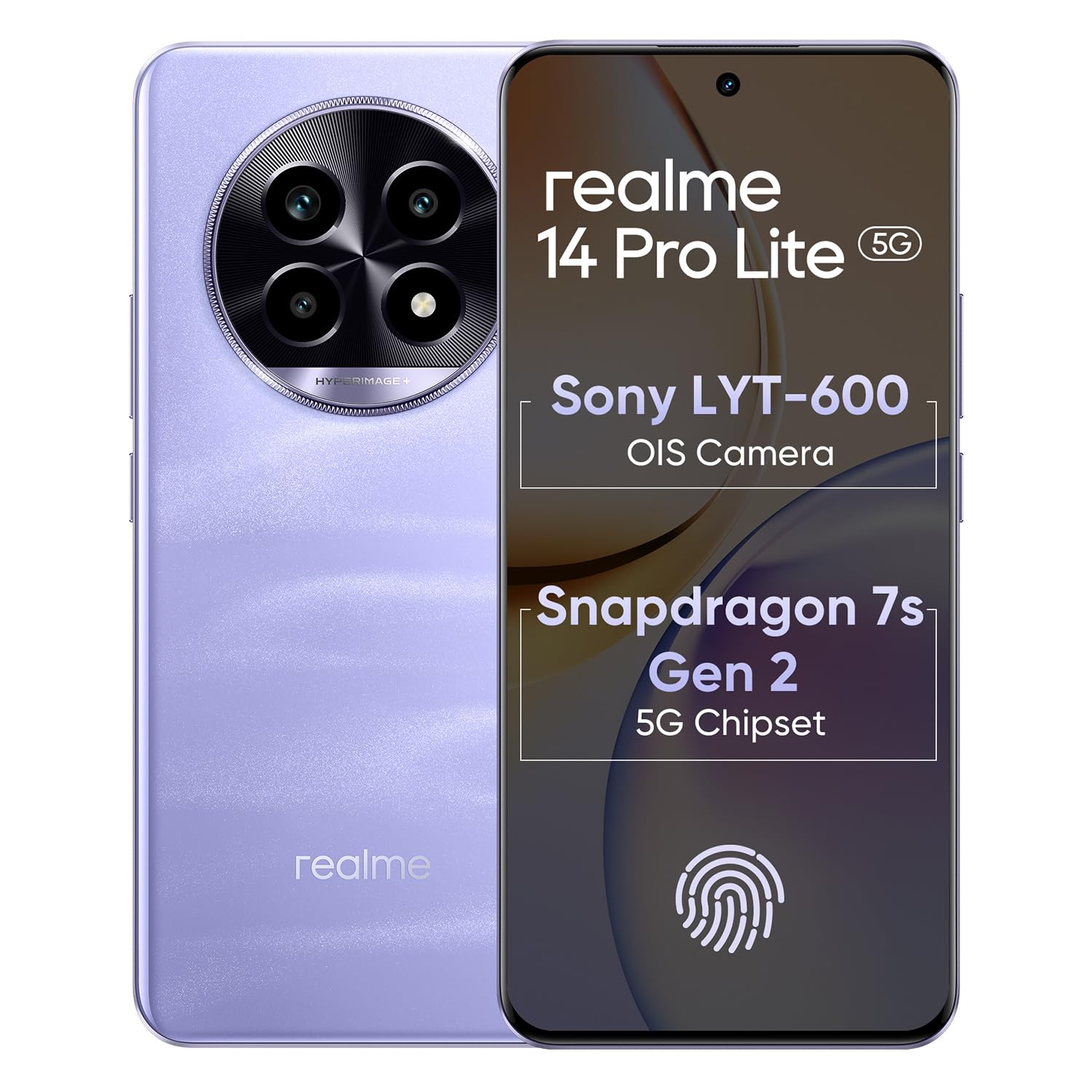
Image 1.1: The realme 14 Pro Lite Smartphone, showcasin디자인이 그렇습니다.
2. 설정
2.1. SIM 카드 및 MicroSD 카드 설치
- 기기 측면에서 SIM 카드 트레이를 찾으세요.
- SIM 꺼내기 도구를 트레이 옆에 있는 작은 구멍에 넣고 트레이가 튀어나올 때까지 가볍게 누르세요.
- 나노 SIM 카드(최대 2개) 및/또는 microSD 카드를 트레이의 지정된 슬롯에 넣으세요. 금색 접촉부가 아래쪽을 향하도록 하세요.
- 트레이를 조심스럽게 전화기에 다시 삽입하여 제자리에 고정되도록 합니다.
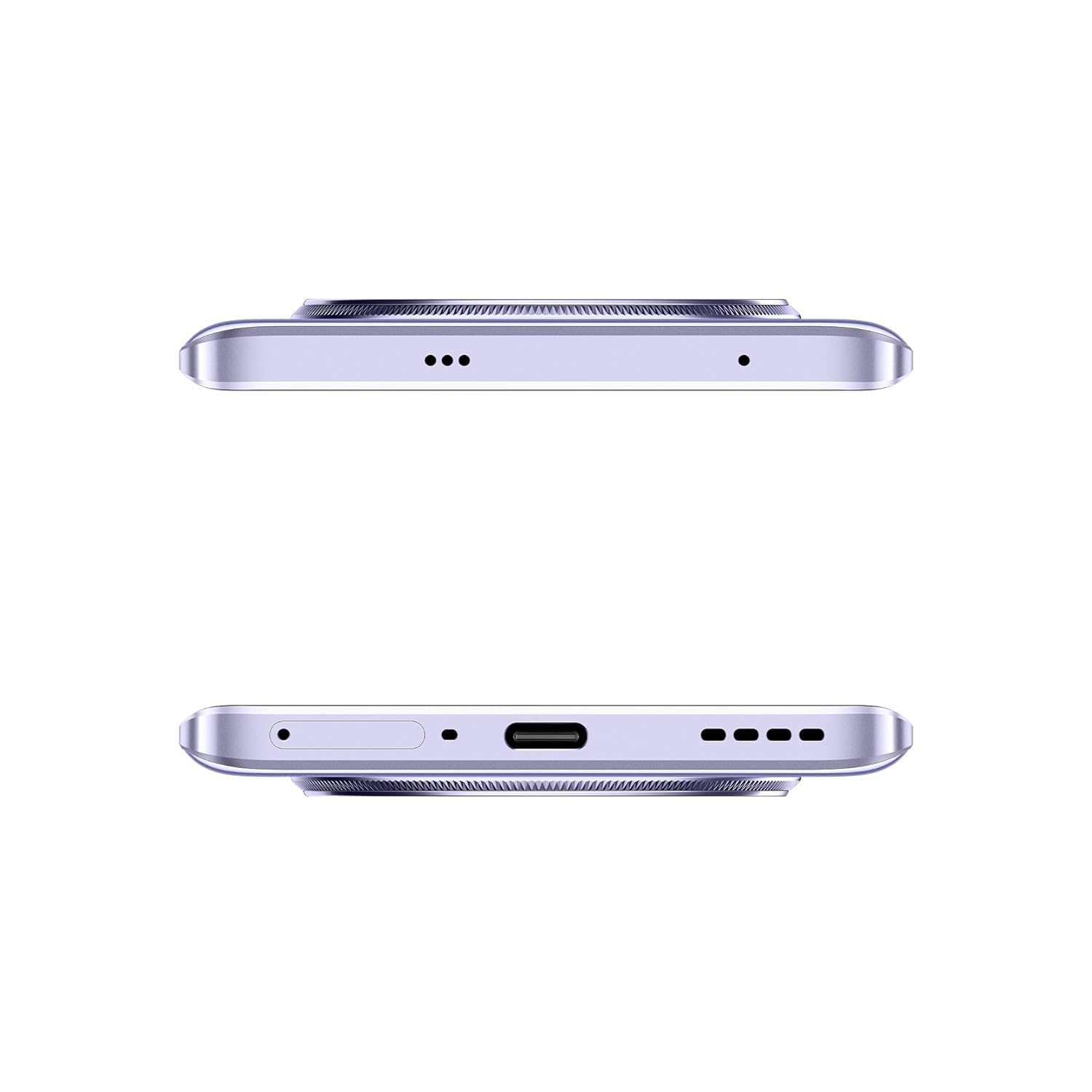
이미지 2.1: 측면 view of the realme 14 Pro Lite, indicating the SIM card tray position.
2.2. 장치 충전
Connect the 45W adapter to a power outlet and the USB cable to the phone's charging port. The device supports 45W SuperVOOC fast charging. It is recommended to fully charge the device before first use.
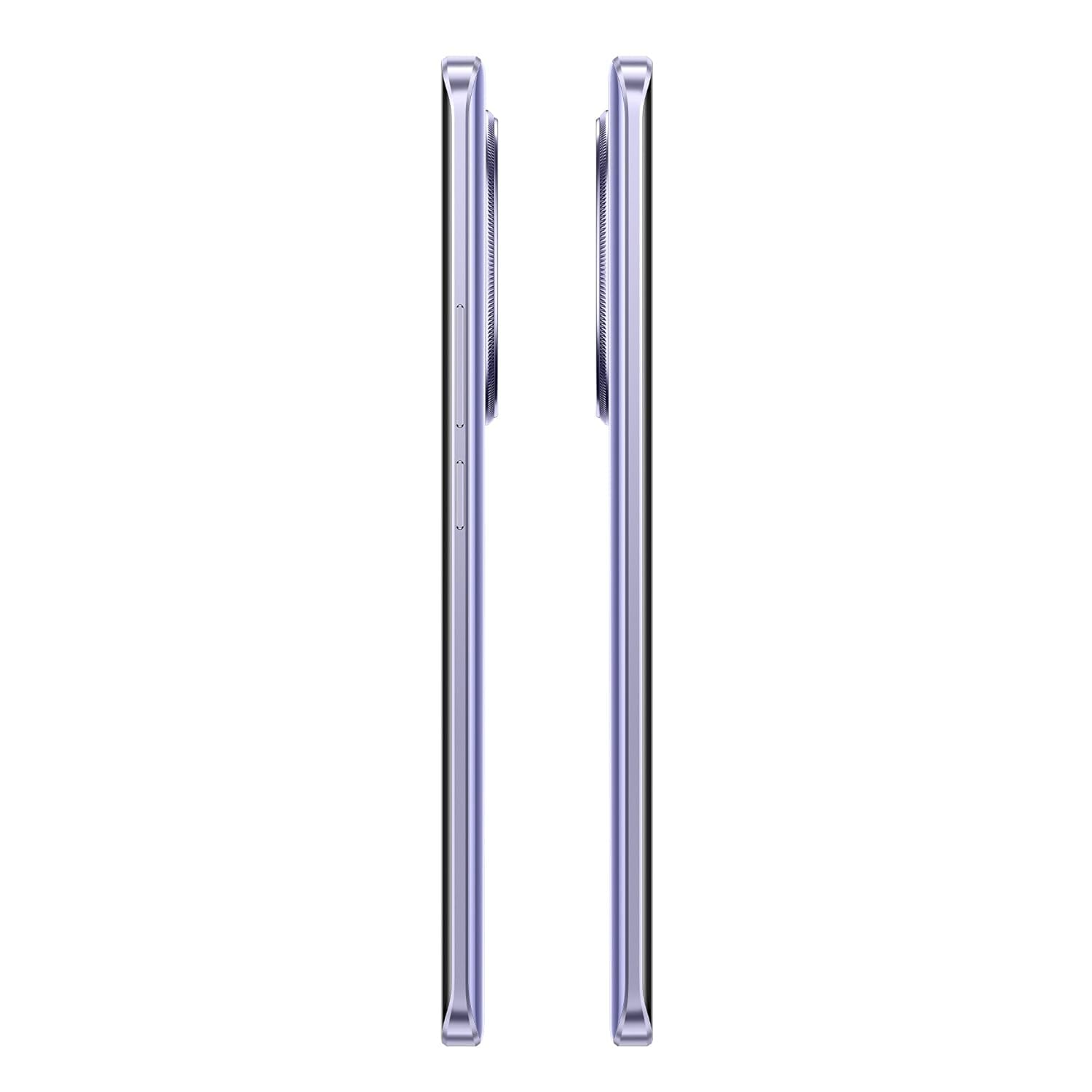
이미지 2.2: 하단 view of the realme 14 Pro Lite, highlighting the USB-C charging port.
2.3. 전원 켜기 및 초기 설정
Press and hold the Power button located on the side of the device until the realme logo appears. Follow the on-screen instructions to select your language, connect to Wi-Fi, and set up your Google account.
3. 사용 설명서
3.1. 디스플레이 및 탐색
Your realme 14 Pro Lite features a 6.7-inch OLED Flow Display with a 120Hz refresh rate for smooth visuals and a 2000Hz instant touch sampling rate for responsive interaction. Navigate the Android 14 operating system with realme UI 5.0 using gestures or on-screen buttons.
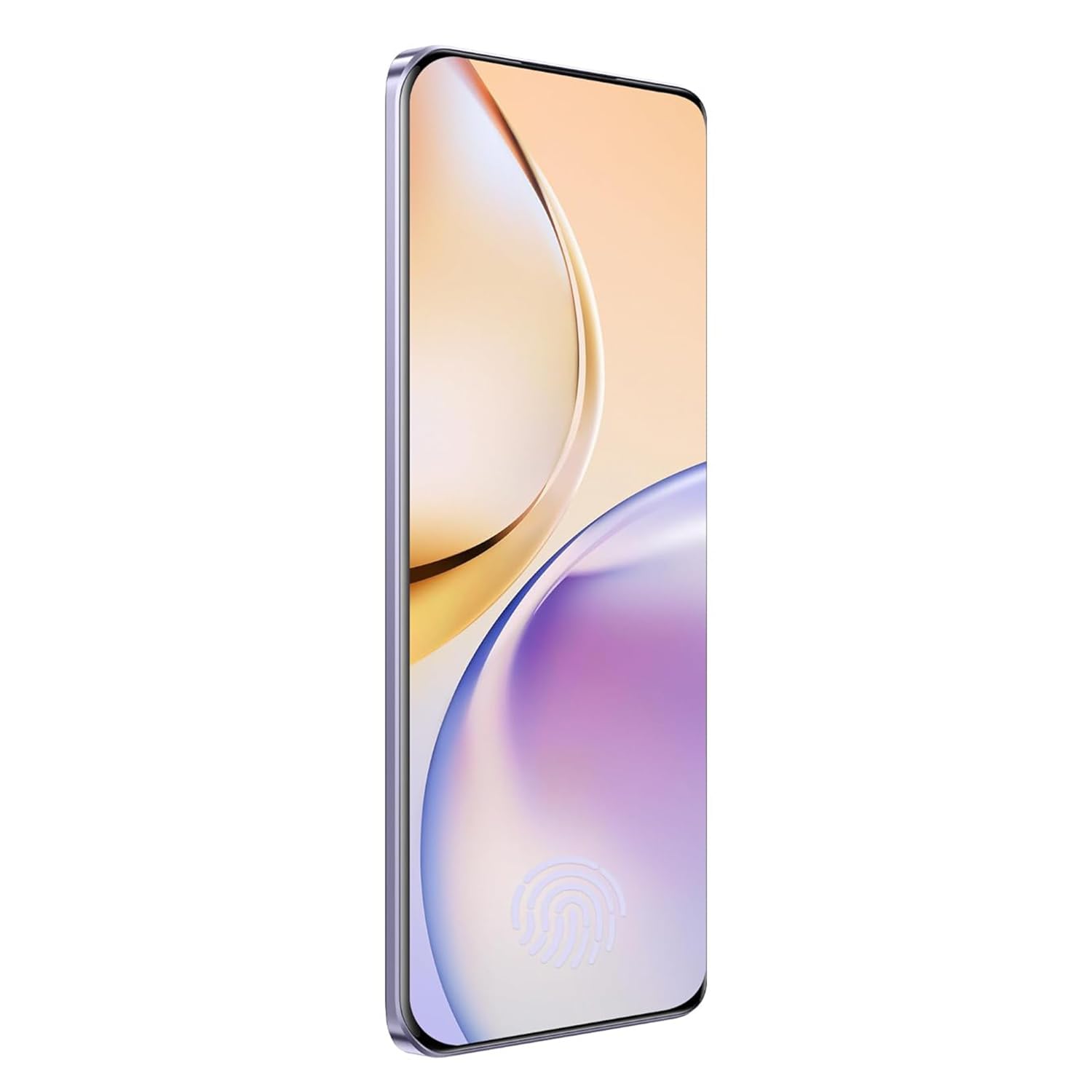
이미지 3.1: 앞면 view of the realme 14 Pro Lite, showcasing가 표시됩니다.
3.2. 성능 및 연결성
The device is powered by a Snapdragon 7s Gen 2 4nm 5G Chipset, ensuring efficient performance for various tasks. Connectivity options include Bluetooth, USB, and Wi-Fi. For 5G network access, ensure you have a compatible SIM card and service plan.
3.3. 카메라 사용
Utilize the integrated camera system for photography and videography. Open the Camera application from your home screen or app drawer. Select modes such as Photo, Video, Portrait, or Night mode as desired. Tap the shutter button to capture images or start/stop video recording.

이미지 3.2: 뒤 view of the realme 14 Pro Lite, highlighting the camera module.
4. 유지관리
4.1. 배터리 관리
- 장치를 극한의 온도에 노출시키지 마십시오.
- Use only the provided 45W adapter and USB cable for charging.
- 기기가 100% 충전된 후에는 장시간 충전하지 마세요.
4.2. 소프트웨어 업데이트
최적의 성능, 보안 및 새로운 기능에 대한 액세스를 보장하려면 소프트웨어 업데이트를 정기적으로 확인하고 설치하세요. 설정 > 기기 정보 > realme UI 버전 업데이트를 확인하세요.
4.3. 기기 청소
Use a soft, lint-free cloth to clean the screen and body of the phone. Avoid using harsh chemicals or abrasive materials. Do not immerse the device in water.
5. 문제 해결
5.1. 장치 전원이 켜지지 않음
- 배터리가 충전되었는지 확인하세요. 충전기를 연결하고 몇 분 정도 기다린 후 다시 전원을 켜보세요.
- 최소 10~15초 동안 전원 버튼을 길게 눌러 강제로 다시 시작하세요.
5.2. 연결 문제(Wi-Fi/Bluetooth)
- Wi-Fi나 Bluetooth를 껐다가 다시 켜보세요.
- 기기를 다시 시작하세요.
- Forget the network/device and attempt to reconnect.
5.3. 앱 충돌 또는 정지
- Clear the cache and data for the problematic app via 설정 > 앱 > [앱 이름] > 저장공간.
- 앱을 제거했다가 다시 설치하세요.
- 장치의 소프트웨어가 최신 상태인지 확인하세요.
6. 사양
| 특징 | 세부 사항 |
|---|---|
| 모델명 | realme 14 Pro Lite |
| 운영 체제 | Android 14 (with realme UI 5.0) |
| 프로세서 | Snapdragon 7s Gen 2 4nm 5G Chipset |
| 표시하다 | 6.7-inch OLED Flow Display, 120Hz Refresh Rate, 2412x1080 Resolution |
| 숫양 | 8GB |
| 내부 저장소 | 128GB (expandable up to 1TB with microSD) |
| 배터리 용량 | 5200mAh |
| 충전 중 | 45W SuperVOOC Charge |
| 연결성 | 5G, 블루투스, USB, Wi-Fi, GPS |
| 치수(길이x너비x높이) | 16.13 x 7.39 x 0.82cm |
| 무게 | 183g |
7. 보증 및 지원
7.1. 보증 정보
Your realme 14 Pro Lite Smartphone comes with a standard manufacturer's warranty. Please refer to the warranty card included in your package or visit the official realme web보증 범위 및 기간에 대한 자세한 약관은 해당 사이트를 참조하세요.
7.2. 고객 지원
For technical assistance, service, or further inquiries, please contact realme customer support. You can find contact details, FAQs, and support resources on the official realme web대지:
8. 공식 제품 영상
No official product videos from the seller were found in the provided data. Please visit the official realme website or authorized channels for any available video guides or demonstrations.


