소개
The JBL Live Flex 3 wireless in-ear Bluetooth earbuds offer a premium audio experience with advanced features designed for convenience and sound quality. This manual provides detailed instructions for setup, operation, and maintenance to ensure optimal performance of your earbuds.

Image: The JBL Live Flex 3 earbuds, featuring an open-back stick design, are shown alongside their smart charging case. The earbuds are black with metallic accents, and the case has a small display screen.
상자 안에 무엇이 들어있나요?
패키지에 모든 구성 요소가 들어 있는지 확인하세요.
- 1 Pair of JBL Live Flex 3 Earbuds
- 4 Pairs of Ear Tips in Different Sizes
- 1 USB-C 충전 케이블
- 1 Smart Charging Case
- 1 Warranty Bill/Warning
- 1 Quick Guide/Safety Sheet

Image: The JBL Live Flex 3 earbuds are placed inside their open charging case. Icons around the image highlight features such as wireless charging, Google Finder for locating lost earbuds, water and dust resistance, and control via the JBL Headphones app.
설정
1. 초기 페어링
- 전원 켜기: 충전 케이스를 여세요. 이어버드가 자동으로 페어링 모드로 진입합니다.
- 블루투스 연결 : On your device (smartphone, tablet, computer), navigate to the Bluetooth settings and select "JBL Live Flex 3" from the list of available devices.
- FastPair (Android 6.0+): For Android devices running 6.0 or higher, a pop-up notification will appear on your screen when the earbuds are nearby. Tap to connect.
- Microsoft Swift Pair (Windows 10 v1803+): For Windows 10 devices (version 1803 or later), a notification will appear to facilitate quick pairing.
2. JBL 헤드폰 앱
Enhance your listening experience by downloading the JBL Headphones app. The app allows you to customize audio settings, manage noise cancellation, and access additional features. 검색 "JBL Headphones" in your device's app store.
작동 지침
터치 컨트롤
The JBL Live Flex 3 earbuds feature intuitive touch controls. Specific functions can be customized via the JBL Headphones app.
- 재생/일시 중지: 양쪽 이어버드를 한 번 탭합니다.
- 다음 트랙: 오른쪽 이어폰을 두 번 탭하세요.
- 이전 트랙 : 왼쪽 이어버드를 세 번 탭하세요.
- 전화 받기/종료: 양쪽 이어버드를 한 번 탭합니다.
- 전화 거부: 양쪽 이어버드를 길게 누르세요.
- Voice Assistant 활성화 : 오른쪽 이어버드를 길게 누르세요(사용자 지정 가능).
Smart Charging Case Features
The innovative smart charging case provides direct control over your earbuds without needing your phone.

Image: The JBL Live Flex 3 smart charging case is shown with its display screen active, illustrating equalizer settings. The screen shows 'EQUALIZER' at the top, with 'JAZZ' selected, and a toggle switch for the equalizer function. The JBL logo is visible below the screen.
- 오디오 사용자 정의: Adjust equalizer settings directly from the case's touch screen.
- 소음 제어: Toggle True Adaptive Noise Cancellation or Ambient Aware modes.
- 공간 사운드: Enable or disable spatial audio features.
- 알림: 메시지 사전 관리view 설정.
- 통화 관리: Answer or reject calls directly from the case.
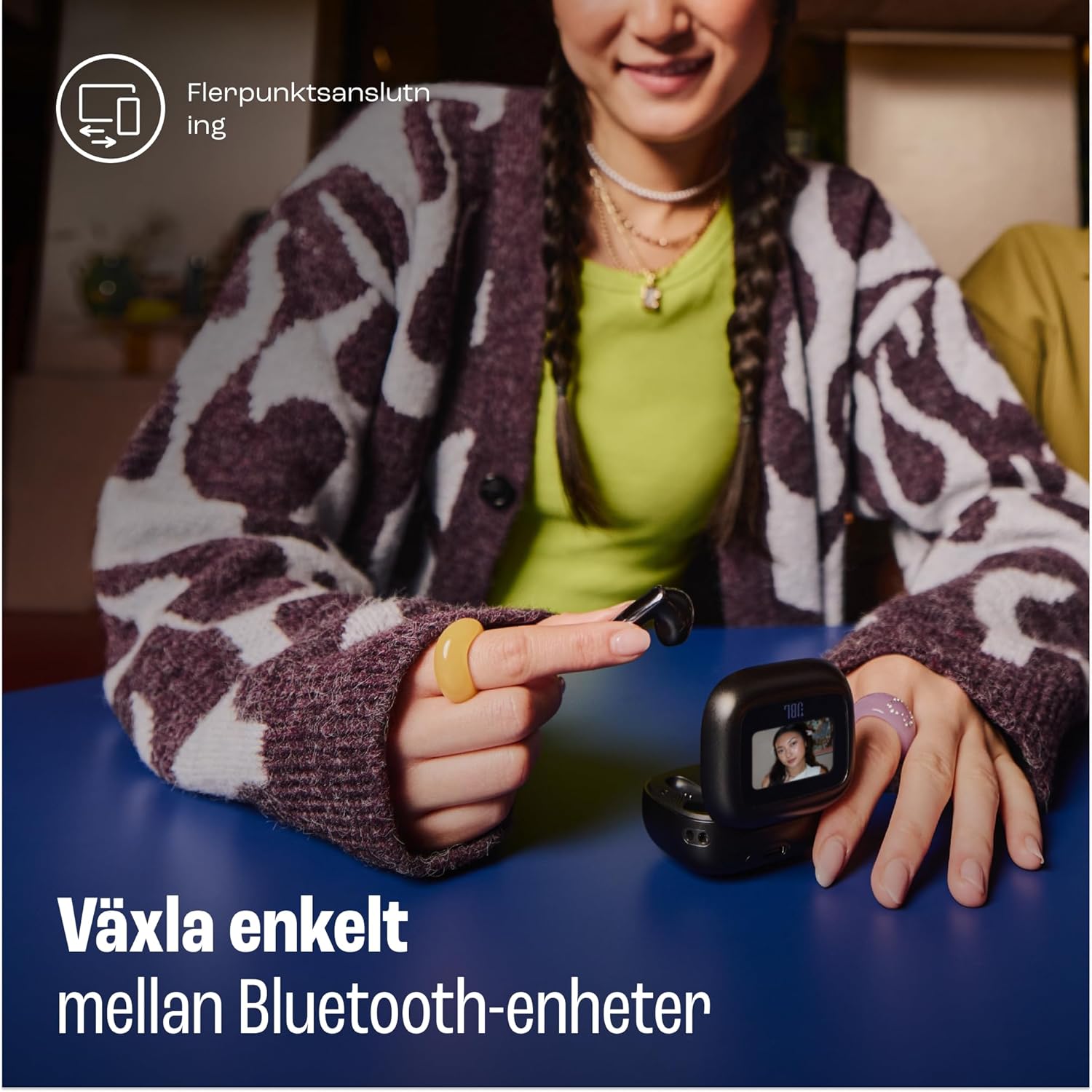
Image: A woman is shown using the touch screen of the JBL Live Flex 3 smart charging case to interact with her devices. The text on the image indicates the ability to easily switch between Bluetooth devices, highlighting the multi-point connection feature.
진정한 적응형 노이즈 캔슬링
The earbuds feature True Adaptive Noise Cancellation, which uses four noise-sensing microphones to adapt to your surroundings in real-time. This allows you to filter out external noise for an immersive listening experience.

Image: The JBL Live Flex 3 earbuds are depicted with a graphic of sound waves, illustrating the True Adaptive Noise Cancellation feature. The text emphasizes the ability to fine-tune your audio experience by adjusting noise reduction.
Multi-point Audio Switch Connection
Seamlessly switch between two Bluetooth devices. For example, you can transition from watching a video on your tablet to answering a call on your phone without re-pairing.
구글 파인더
If you misplace your earbuds, utilize the Google Finder service to help locate them within a network of Android devices.
방수 및 방진
The JBL Live Flex 3 earbuds are IP54 rated, making them water and dust-resistant. This protection allows for use during outdoor activities in various weather conditions.
충전 및 배터리
The earbuds and charging case provide a combined playtime of up to 50 hours.

Image: The JBL Live Flex 3 charging case is open, displaying the earbuds inside. Text overlays indicate a total of 50 hours of uninterrupted playtime with wireless charging, broken down into 10 hours from the earbuds, an additional 40 hours from the charging case, and 4 hours of playtime from a 10-minute charge.
- 이어버드 재생 시간: 한 번 충전으로 최대 10시간.
- 케이스를 사용한 총 재생 시간: 최대 50 시간.
- 빠른 충전: 10분 충전으로 약 4시간 동안 사용할 수 있습니다.
- 케이스 충전: Connect the provided USB-C cable to the charging port on the case and a power source. The case also supports wireless charging.
- 배터리 유지 관리: To prolong battery life, fully charge the battery at least once every 3 months. Battery life may vary based on usage and environmental conditions.
유지
- 청소: Regularly clean the earbuds and charging contacts with a dry, soft cotton swab. Avoid using harsh chemicals or abrasive materials.
- 저장: 사용하지 않을 때는 이어버드를 충전 케이스에 보관하여 보호하고 충전 상태를 유지하세요.
- 물 노출: While water-resistant, avoid prolonged submersion in water. Ensure earbuds are dry before placing them back in the charging case.
문제 해결
- 소리 없음: 이어버드가 충전되어 있고 제대로 페어링되었는지 확인하세요. 기기 볼륨과 이어버드 착용 상태를 확인하세요.
- 연결 문제: 이어폰의 연결을 해제했다가 다시 연결해 보세요. 다른 블루투스 기기가 간섭을 일으키지 않는지 확인하십시오.
- 이어버드가 충전되지 않음: 이어버드와 케이스의 충전 접점을 깨끗이 닦으세요. 충전 케이블이 단단히 연결되어 있는지 확인하세요.
- 소음 제거가 작동하지 않음: Verify that True Adaptive Noise Cancellation is enabled via the smart case or JBL Headphones app.
명세서
| 특징 | 사양 |
|---|---|
| 모델명 | JBL Live Flex 3 |
| 연결 기술 | 무선(블루투스 5) |
| 소음 제어 | 적응형 소음 제거 |
| 배터리 평균 수명 | 50시간(충전 케이스 포함) |
| 충전 시간 | 15 minutes (for fast charge) |
| 방수 레벨 | IP54(방수) |
| 품목 무게 | 72그램 |
| 제어 유형 | 터치 컨트롤 |
| 포함된 구성 요소 | Earbuds, Ear Tips, USB-C Cable, Charging Case, Warranty, Quick Guide |
보증 및 지원
For warranty information and customer support, please refer to the warranty bill included in your package or visit the official JBL web대지. 다음을 방문할 수도 있습니다. Amazon의 JBL 스토어 추가 제품 정보 및 지원 자료는 다음을 참조하십시오.


