소개
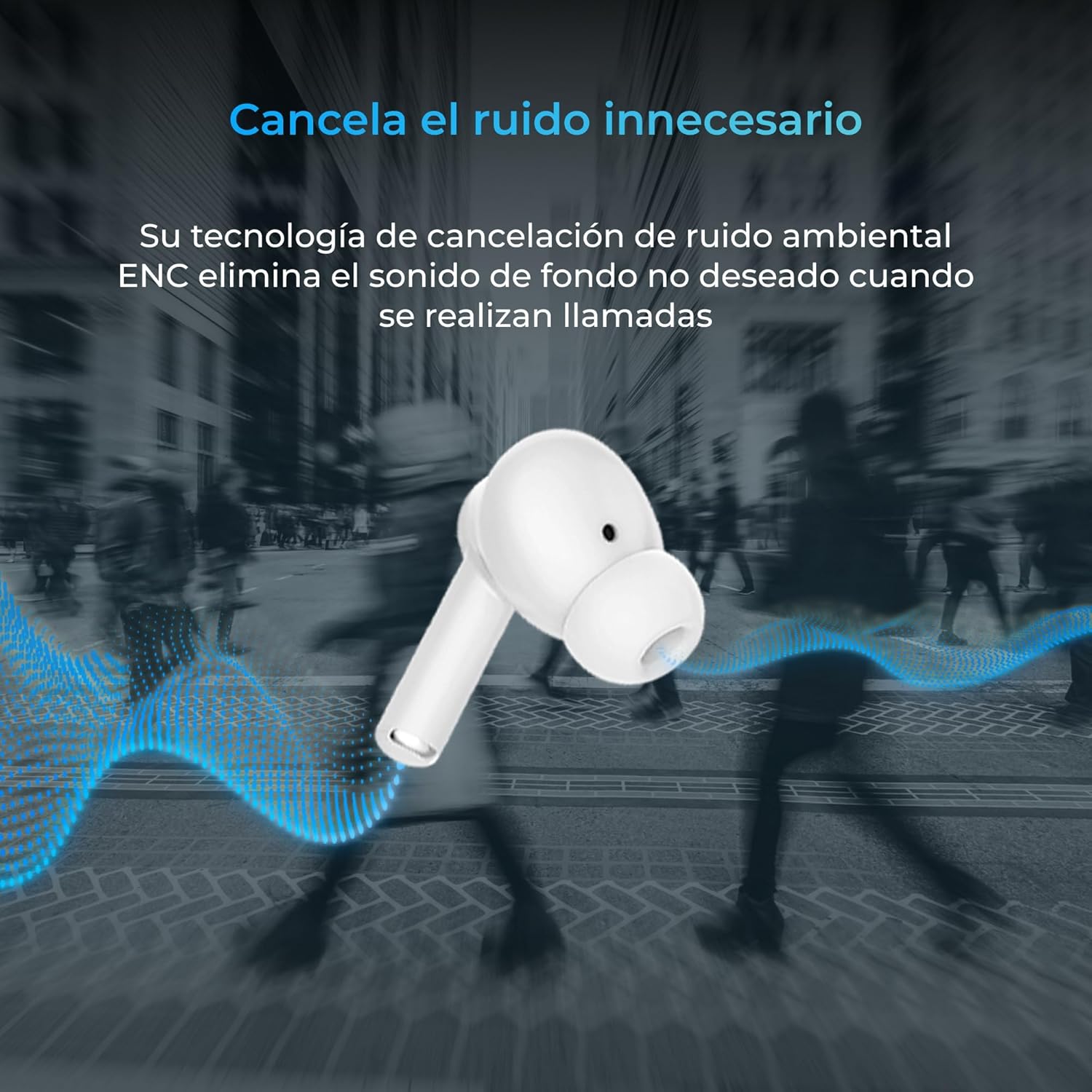
Thank you for choosing the KSIX Orion Wireless Earbuds. These earbuds are designed to provide a superior audio experience with features such as HD calls, Environmental Noise Cancellation (ENC), True Wireless Stereo (TWS), and intuitive touch controls. With up to 15 hours of total battery life and IPX4 water resistance, they are perfect for music, sports, and travel. This manual will guide you through the setup, operation, and maintenance of your new earbuds to ensure optimal performance and longevity.
제품 끝view




설정
1. 이어버드와 케이스 충전
Before first use, fully charge your KSIX Orion earbuds and charging case. The case and earbuds can be fully charged in approximately 1 hour. The earbuds provide up to 5 hours of playback, and the charging case provides an additional 10 hours, for a total of 15 hours of autonomy.
- 이어버드를 충전 케이스에 넣으세요.
- 호환되는 USB-C 케이블을 사용하여 충전 케이스를 전원에 연결하십시오.
- 케이스의 표시등은 충전 상태를 보여줍니다.
2. 기기와 페어링
The KSIX Orion earbuds utilize Bluetooth 5.3 for a stable and uninterrupted connection.
- Ensure the earbuds are in the charging case and the case lid is open, or take them out of the case. They will automatically enter pairing mode.
- 스마트폰, 태블릿 또는 기타 Bluetooth 지원 기기에서 Bluetooth 설정으로 이동합니다.
- 검색 "KSIX Orion" in the list of available devices.
- Select "KSIX Orion" to connect. Once connected, you will hear a confirmation tone, and the earbuds will be ready for use.
- 페어링에 실패하면 이어버드를 케이스에 다시 넣고 뚜껑을 닫은 후 몇 초간 기다렸다가 뚜껑을 열고 다시 시도하세요.
작동 지침
The KSIX Orion earbuds feature intuitive touch controls for easy management of music and calls.
터치 컨트롤
| 행동 | 왼쪽 이어버드 | 오른쪽 이어 버드 |
|---|---|---|
| 음악 재생/일시 정지 | 싱글 탭 | 싱글 탭 |
| 다음 노래 | 트리플 탭 | 트리플 탭 |
| 이전 노래 | 더블 탭 | 더블 탭 |
| 볼륨을 높이다 | 길게 누르기(오른쪽) | 길게 누르기(오른쪽) |
| 볼륨 낮추기 | 길게 누르기(왼쪽) | 길게 누르기(왼쪽) |
| 전화 받기/종료하기 | 싱글 탭 | 싱글 탭 |
| 전화 거부 | 길게 누르기 | 길게 누르기 |
| 음성 지원 활성화 | 2초간 탭하여 유지 | 2초간 탭하여 유지 |
음성 지원
The KSIX Orion earbuds are compatible with popular voice assistants such as Siri, Amazon Alexa, and Google Assistant. To activate your preferred voice assistant, use the designated touch control (tap and hold for 2 seconds). You can then issue commands for calls, music control, and more.
유지
Proper maintenance ensures the longevity and optimal performance of your KSIX Orion earbuds.
- 청소: 부드럽고 마른 천으로 이어버드, 특히 이어팁과 충전 단자를 정기적으로 닦으세요. 연마성 세제나 용제는 사용하지 마세요.
- 방수 기능: The earbuds are IPX4 water resistant, meaning they are protected against splashing water from any direction. They are resistant to sweat and light rain. Do not submerge the earbuds in water or expose them to strong jets of water. Ensure the earbuds are dry before placing them back in the charging case to prevent damage.
- 저장: 사용하지 않을 때는 먼지와 물리적 손상으로부터 보호하기 위해 이어버드를 충전 케이스에 보관하세요. 서늘하고 건조한 곳에 극한의 온도를 피해 보관하세요.
- 배터리 관리 : 배터리 수명을 유지하려면 이어버드와 케이스를 자주 완전히 방전시키지 마세요. 계속 사용하지 않더라도 정기적으로 충전하세요.
문제 해결
If you encounter issues with your KSIX Orion earbuds, try the following solutions:
| 문제 | 가능한 해결책 |
|---|---|
| 이어폰이 페어링되지 않음 |
|
| 한쪽 또는 양쪽 이어버드에서 소리가 나지 않습니다. |
|
| 이어폰이 충전되지 않음 |
|
| Poor call quality / ENC not working |
|
명세서
| 특징 | 세부 사항 |
|---|---|
| 모델 번호 | BXTW09B |
| 상표 | KSIX는 당신의 기술을 스마트하게 만들어줍니다 |
| 색상 | 하얀색 |
| 연결 기술 | 무선(블루투스 5.3) |
| 귀 위치 | 인이어 |
| 폼 팩터 | 인이어 |
| 방음 | 환경 소음 제거(ENC) |
| 방수 레벨 | IPX4(방수) |
| 배터리 수명(이어버드) | 최대 5시간 |
| 총 배터리 수명(케이스 포함) | 최대 15시간 |
| 충전 시간 | 약 1시간 |
| 주파수 범위 | 20Hz - 20,000Hz |
| 제어 유형 | 터치 컨트롤, 음성 컨트롤 |
| 호환 장치 | Smartphones, tablets, laptops, desktops, smart speakers |
| 추천 용도 | Calls, Music, Sport, Travel |
| 포함된 구성 요소 | 무선 충전 케이스 |
보증 및 지원
For detailed warranty information and customer support, please refer to the official KSIX website or contact their customer service directly. Information regarding spare parts availability and software update guarantees is not available in this manual.
추가 지원을 받으려면 다음을 방문하세요. www.ksix.com


