ಪರಿಚಯ
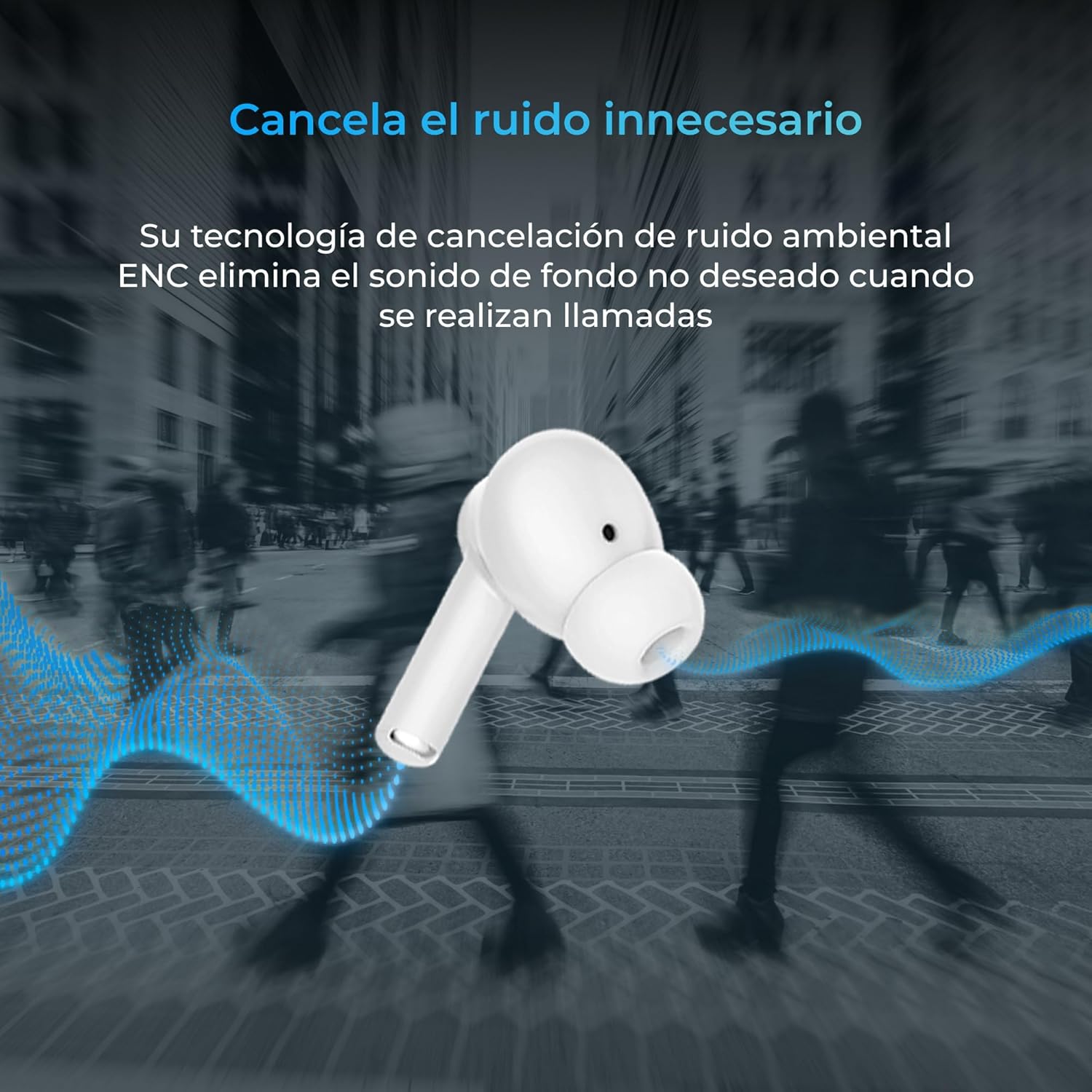
Thank you for choosing the KSIX Orion Wireless Earbuds. These earbuds are designed to provide a superior audio experience with features such as HD calls, Environmental Noise Cancellation (ENC), True Wireless Stereo (TWS), and intuitive touch controls. With up to 15 hours of total battery life and IPX4 water resistance, they are perfect for music, sports, and travel. This manual will guide you through the setup, operation, and maintenance of your new earbuds to ensure optimal performance and longevity.
ಉತ್ಪನ್ನ ಮುಗಿದಿದೆview




ಸೆಟಪ್
1. ಇಯರ್ಬಡ್ಗಳು ಮತ್ತು ಕೇಸ್ ಅನ್ನು ಚಾರ್ಜ್ ಮಾಡುವುದು
Before first use, fully charge your KSIX Orion earbuds and charging case. The case and earbuds can be fully charged in approximately 1 hour. The earbuds provide up to 5 hours of playback, and the charging case provides an additional 10 hours, for a total of 15 hours of autonomy.
- ಚಾರ್ಜಿಂಗ್ ಕೇಸ್ನಲ್ಲಿ ಇಯರ್ಬಡ್ಗಳನ್ನು ಇರಿಸಿ.
- Connect the charging case to a power source using a compatible USB-C cable.
- ಕೇಸ್ನಲ್ಲಿರುವ ಸೂಚಕ ಬೆಳಕು ಚಾರ್ಜಿಂಗ್ ಸ್ಥಿತಿಯನ್ನು ತೋರಿಸುತ್ತದೆ.
2. ನಿಮ್ಮ ಸಾಧನದೊಂದಿಗೆ ಜೋಡಿಸುವುದು
The KSIX Orion earbuds utilize Bluetooth 5.3 for a stable and uninterrupted connection.
- Ensure the earbuds are in the charging case and the case lid is open, or take them out of the case. They will automatically enter pairing mode.
- ನಿಮ್ಮ ಸ್ಮಾರ್ಟ್ಫೋನ್, ಟ್ಯಾಬ್ಲೆಟ್ ಅಥವಾ ಇತರ ಬ್ಲೂಟೂತ್-ಸಕ್ರಿಯಗೊಳಿಸಿದ ಸಾಧನದಲ್ಲಿ, ಬ್ಲೂಟೂತ್ ಸೆಟ್ಟಿಂಗ್ಗಳಿಗೆ ಹೋಗಿ.
- ಹುಡುಕು "KSIX Orion" in the list of available devices.
- Select "KSIX Orion" to connect. Once connected, you will hear a confirmation tone, and the earbuds will be ready for use.
- If pairing fails, place the earbuds back in the case, close the lid, wait a few seconds, then open the lid and try again.
ಆಪರೇಟಿಂಗ್ ಸೂಚನೆಗಳು
The KSIX Orion earbuds feature intuitive touch controls for easy management of music and calls.
ಸ್ಪರ್ಶ ನಿಯಂತ್ರಣಗಳು
| ಕ್ರಿಯೆ | ಎಡ ಇಯರ್ಬಡ್ | ಬಲ ಇಯರ್ಬಡ್ |
|---|---|---|
| ಸಂಗೀತವನ್ನು ಪ್ಲೇ ಮಾಡಿ/ವಿರಾಮಗೊಳಿಸಿ | ಒಂದೇ ಟ್ಯಾಪ್ | ಒಂದೇ ಟ್ಯಾಪ್ |
| ಮುಂದಿನ ಹಾಡು | ಟ್ರಿಪಲ್ ಟ್ಯಾಪ್ | ಟ್ರಿಪಲ್ ಟ್ಯಾಪ್ |
| ಹಿಂದಿನ ಹಾಡು | ಡಬಲ್ ಟ್ಯಾಪ್ ಮಾಡಿ | ಡಬಲ್ ಟ್ಯಾಪ್ ಮಾಡಿ |
| ವಾಲ್ಯೂಮ್ ಅಪ್ | Long press (Right) | Long press (Right) |
| ವಾಲ್ಯೂಮ್ ಡೌನ್ | Long press (Left) | Long press (Left) |
| ಉತ್ತರಿಸಿ/ಅಂತ್ಯ ಕರೆ | ಒಂದೇ ಟ್ಯಾಪ್ | ಒಂದೇ ಟ್ಯಾಪ್ |
| ಕರೆಯನ್ನು ತಿರಸ್ಕರಿಸಿ | ಲಾಂಗ್ ಪ್ರೆಸ್ | ಲಾಂಗ್ ಪ್ರೆಸ್ |
| ಧ್ವನಿ ಸಹಾಯಕವನ್ನು ಸಕ್ರಿಯಗೊಳಿಸಿ | 2 ಸೆಕೆಂಡುಗಳ ಕಾಲ ಟ್ಯಾಪ್ ಮಾಡಿ ಮತ್ತು ಹಿಡಿದುಕೊಳ್ಳಿ | 2 ಸೆಕೆಂಡುಗಳ ಕಾಲ ಟ್ಯಾಪ್ ಮಾಡಿ ಮತ್ತು ಹಿಡಿದುಕೊಳ್ಳಿ |
ಧ್ವನಿ ಸಹಾಯಕ
The KSIX Orion earbuds are compatible with popular voice assistants such as Siri, Amazon Alexa, and Google Assistant. To activate your preferred voice assistant, use the designated touch control (tap and hold for 2 seconds). You can then issue commands for calls, music control, and more.
ನಿರ್ವಹಣೆ
Proper maintenance ensures the longevity and optimal performance of your KSIX Orion earbuds.
- ಸ್ವಚ್ಛಗೊಳಿಸುವಿಕೆ: ಇಯರ್ಬಡ್ಗಳನ್ನು, ವಿಶೇಷವಾಗಿ ಕಿವಿಯ ತುದಿಗಳು ಮತ್ತು ಚಾರ್ಜಿಂಗ್ ಕಾಂಟ್ಯಾಕ್ಟ್ಗಳನ್ನು ಮೃದುವಾದ, ಒಣಗಿದ, ಲಿಂಟ್-ಮುಕ್ತ ಬಟ್ಟೆಯಿಂದ ನಿಯಮಿತವಾಗಿ ಸ್ವಚ್ಛಗೊಳಿಸಿ. ಅಪಘರ್ಷಕ ಕ್ಲೀನರ್ಗಳು ಅಥವಾ ದ್ರಾವಕಗಳನ್ನು ಬಳಸಬೇಡಿ.
- ನೀರಿನ ಪ್ರತಿರೋಧ: The earbuds are IPX4 water resistant, meaning they are protected against splashing water from any direction. They are resistant to sweat and light rain. Do not submerge the earbuds in water or expose them to strong jets of water. Ensure the earbuds are dry before placing them back in the charging case to prevent damage.
- ಸಂಗ್ರಹಣೆ: ಬಳಕೆಯಲ್ಲಿಲ್ಲದಿದ್ದಾಗ, ಧೂಳು ಮತ್ತು ಭೌತಿಕ ಹಾನಿಯಿಂದ ರಕ್ಷಿಸಲು ಇಯರ್ಬಡ್ಗಳನ್ನು ಅವುಗಳ ಚಾರ್ಜಿಂಗ್ ಕೇಸ್ನಲ್ಲಿ ಸಂಗ್ರಹಿಸಿ. ತೀವ್ರ ತಾಪಮಾನದಿಂದ ದೂರವಿರುವ ತಂಪಾದ, ಶುಷ್ಕ ಸ್ಥಳದಲ್ಲಿ ಸಂಗ್ರಹಿಸಿ.
- ಬ್ಯಾಟರಿ ಕೇರ್: ಬ್ಯಾಟರಿ ಬಾಳಿಕೆಯನ್ನು ಕಾಪಾಡಿಕೊಳ್ಳಲು, ಇಯರ್ಬಡ್ಗಳು ಮತ್ತು ಕೇಸ್ ಅನ್ನು ಆಗಾಗ್ಗೆ ಸಂಪೂರ್ಣವಾಗಿ ಡಿಸ್ಚಾರ್ಜ್ ಮಾಡುವುದನ್ನು ತಪ್ಪಿಸಿ. ನಿರಂತರ ಬಳಕೆಯಲ್ಲಿಲ್ಲದಿದ್ದರೂ ಸಹ, ಅವುಗಳನ್ನು ನಿಯಮಿತವಾಗಿ ಚಾರ್ಜ್ ಮಾಡಿ.
ದೋಷನಿವಾರಣೆ
If you encounter issues with your KSIX Orion earbuds, try the following solutions:
| ಸಮಸ್ಯೆ | ಸಂಭಾವ್ಯ ಪರಿಹಾರ |
|---|---|
| ಇಯರ್ಬಡ್ಗಳು ಜೋಡಿಸುತ್ತಿಲ್ಲ |
|
| ಒಂದು ಅಥವಾ ಎರಡೂ ಇಯರ್ಬಡ್ಗಳಿಂದ ಯಾವುದೇ ಶಬ್ದವಿಲ್ಲ. |
|
| ಇಯರ್ಬಡ್ಗಳು ಚಾರ್ಜ್ ಆಗುತ್ತಿಲ್ಲ |
|
| Poor call quality / ENC not working |
|
ವಿಶೇಷಣಗಳು
| ವೈಶಿಷ್ಟ್ಯ | ವಿವರ |
|---|---|
| ಮಾದರಿ ಸಂಖ್ಯೆ | BXTW09B |
| ಬ್ರ್ಯಾಂಡ್ | KSIX smart your tech |
| ಬಣ್ಣ | ಬಿಳಿ |
| ಸಂಪರ್ಕ ತಂತ್ರಜ್ಞಾನ | ವೈರ್ಲೆಸ್ (ಬ್ಲೂಟೂತ್ 5.3) |
| ಕಿವಿ ನಿಯೋಜನೆ | ಕಿವಿಯಲ್ಲಿ |
| ಫಾರ್ಮ್ ಫ್ಯಾಕ್ಟರ್ | ಕಿವಿಯಲ್ಲಿ |
| ಧ್ವನಿ ನಿರೋಧನ | ಪರಿಸರ ಶಬ್ದ ರದ್ದತಿ (ENC) |
| ನೀರಿನ ಪ್ರತಿರೋಧ ಮಟ್ಟ | IPX4 (ಸ್ಪ್ಲಾಶ್-ಪ್ರೂಫ್) |
| ಬ್ಯಾಟರಿ ಬಾಳಿಕೆ (ಇಯರ್ಬಡ್ಸ್) | 5 ಗಂಟೆಗಳವರೆಗೆ |
| ಒಟ್ಟು ಬ್ಯಾಟರಿ ಬಾಳಿಕೆ (ಕೇಸ್ನೊಂದಿಗೆ) | 15 ಗಂಟೆಗಳವರೆಗೆ |
| ಚಾರ್ಜಿಂಗ್ ಸಮಯ | ಅಂದಾಜು 1 ಗಂಟೆ |
| ಆವರ್ತನ ಶ್ರೇಣಿ | 20 ಹರ್ಟ್ಝ್ - 20,000 ಹರ್ಟ್ಝ್ |
| ನಿಯಂತ್ರಣ ಪ್ರಕಾರ | Touch Control, Voice Control |
| ಹೊಂದಾಣಿಕೆಯ ಸಾಧನಗಳು | Smartphones, tablets, laptops, desktops, smart speakers |
| ಶಿಫಾರಸು ಮಾಡಲಾದ ಉಪಯೋಗಗಳು | Calls, Music, Sport, Travel |
| ಒಳಗೊಂಡಿರುವ ಘಟಕಗಳು | ವೈರ್ಲೆಸ್ ಚಾರ್ಜಿಂಗ್ ಕೇಸ್ |
ಖಾತರಿ ಮತ್ತು ಬೆಂಬಲ
For detailed warranty information and customer support, please refer to the official KSIX website or contact their customer service directly. Information regarding spare parts availability and software update guarantees is not available in this manual.
ಹೆಚ್ಚಿನ ಸಹಾಯಕ್ಕಾಗಿ, ದಯವಿಟ್ಟು ಭೇಟಿ ನೀಡಿ: www.ksix.com


