1. សេចក្តីផ្តើម និងជាងview
The SMC Networks SMCFS8 is an unmanaged 8-port Fast Ethernet switch designed for simple and efficient network expansion. This compact device allows you to instantly connect up to eight computers or network peripherals, providing reliable 10/100 Mbps connectivity. Its plug-and-play design ensures quick setup without complex configuration.
លក្ខណៈសំខាន់ៗ៖
- 8 x 10/100 Mbps Fast Ethernet Ports
- Auto-detect computer speed for optimal performance
- Auto MDI/MDI-X for flexible cable connections (straight or crossover)
- Buffered store-and-forward architecture for reliable data transfer
- Flow control to prevent data loss
- Compact, fanless design for quiet operation
- ការដំឡើង Plug and Play

Figure 1.1: SMCFS8 10/100Mbps Unmanaged 8-Port Compact Switch (Product Packaging)
This image shows the SMCFS8 switch within its retail packaging, highlighting its compact size and key features like 10/100 Mbps and 8 ports.
2. ការណែនាំអំពីការដំឡើង
The SMCFS8 switch is designed for easy plug-and-play installation. No software configuration is required.
2.1 មាតិកាកញ្ចប់
មុនពេលអ្នកចាប់ផ្តើម សូមប្រាកដថាធាតុទាំងអស់មានវត្តមាននៅក្នុងកញ្ចប់៖
- SMCFS8 10/100Mbps Unmanaged 8-Port Compact Switch
- អាដាប់ទ័រថាមពល
- សៀវភៅណែនាំអ្នកប្រើ (ឯកសារនេះ)
2.2 ការភ្ជាប់កុងតាក់
- ការតភ្ជាប់ថាមពល៖ Connect the provided power adapter to the power input port on the switch and then plug the adapter into a standard electrical outlet. The power LED indicator on the switch should illuminate.
- Network Device Connection: Connect your network devices (e.g., computers, printers, network-attached storage, other switches/hubs) to any of the eight 10/100 Mbps Ethernet ports on the switch using standard Ethernet cables. The switch's Auto MDI/MDI-X feature automatically detects the cable type, allowing you to use either straight-through or crossover cables.
- ផ្ទៀងផ្ទាត់ការតភ្ជាប់៖ Once a device is connected, the corresponding port's LED indicator on the switch will light up, indicating an active link. If the LED flashes, it indicates data activity.
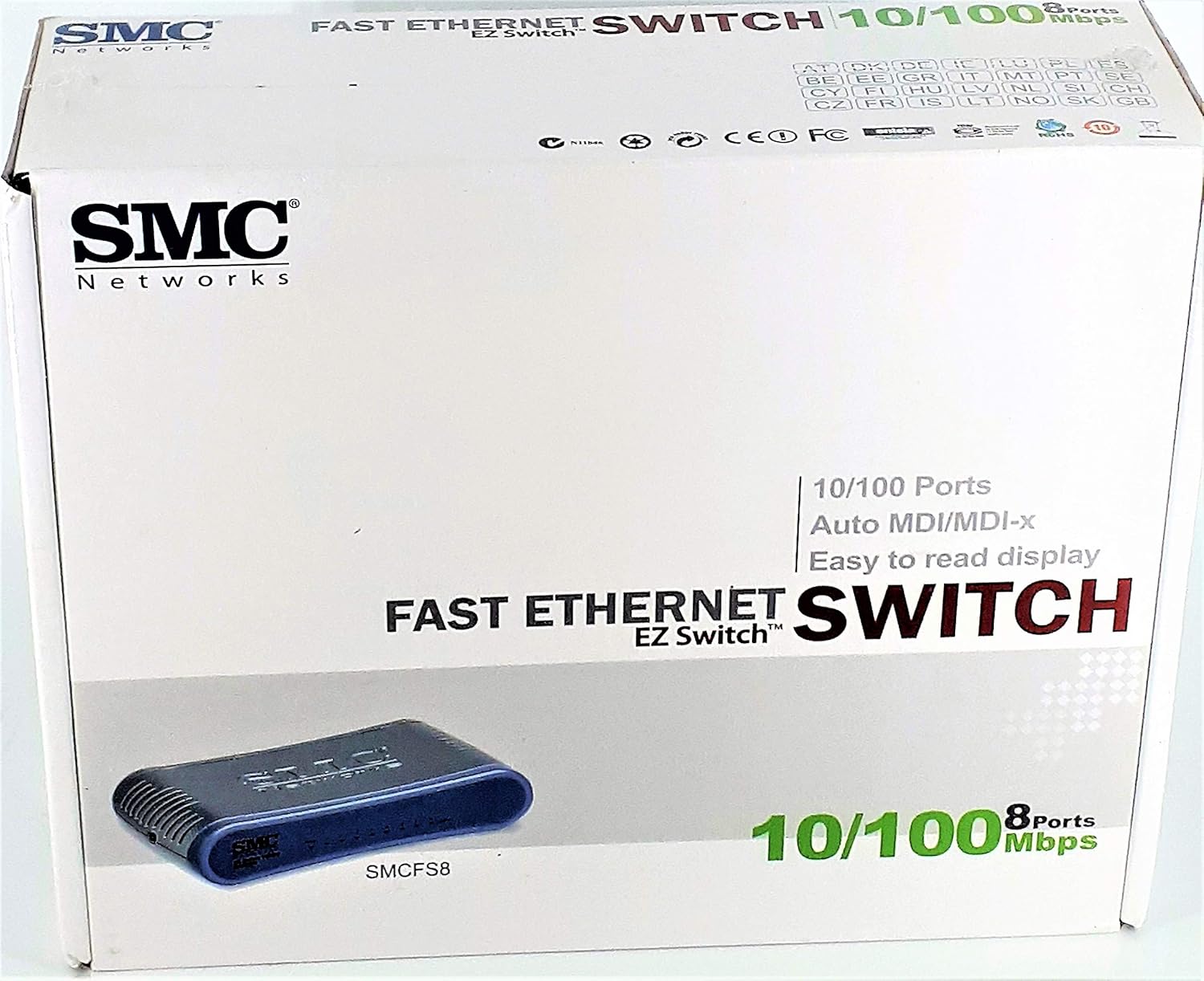
Figure 2.1: SMCFS8 Physical Connection Diagram
This image illustrates how to connect the SMCFS8 switch to various network devices in both home and office environments, showing the power connector and the 8 Ethernet ports.
3. សេចក្តីណែនាំប្រតិបត្តិការ
The SMCFS8 is an unmanaged switch, meaning it operates automatically without requiring user configuration. Once connected, it functions as a central connection point for your wired network devices.
3.1 ការបញ្ជូនទិន្នន័យ
The switch uses a buffered store-and-forward architecture to ensure data integrity. This means the switch receives the entire data packet, checks it for errors, and then forwards it to the correct destination port. Flow control mechanisms are also in place to prevent packet loss during periods of high network traffic.
3.2 សូចនាករ LED
The front panel of the SMCFS8 features LED indicators for each port and for power status. These LEDs provide visual feedback on the switch's operational status:
- ថាមពល LED៖ បំភ្លឺនៅពេលដែលកុងតាក់ត្រូវបានបើក។
- ភ្ជាប់/ធ្វើសកម្មភាព LEDs (ក្នុងមួយច្រក):
- Solid Green: Indicates a successful network link connection.
- Flashing Green: Indicates active data transmission or reception on that port.
- Off: No device is connected or the connected device is not powered on.
4. ការថែទាំ
The SMCFS8 switch requires minimal maintenance due to its unmanaged design and robust construction.
- ការសម្អាត៖ សម្អាតផ្នែកខាងក្រៅនៃកុងតាក់ជាប្រចាំដោយក្រណាត់ទន់ និងស្ងួត។ កុំប្រើឧបករណ៍សម្អាតរាវ ឬអេរ៉ូសូល។
- ខ្យល់ចេញចូល៖ Ensure the switch is placed in a location with adequate ventilation to prevent overheating. Do not block the ventilation openings.
- ការគ្រប់គ្រងខ្សែកាបៈ Keep network cables organized and free from kinks or excessive bends to ensure optimal performance and prevent damage.
5. ការដោះស្រាយបញ្ហា
If you encounter issues with your SMCFS8 switch, refer to the following common troubleshooting steps:
5.1 គ្មានថាមពល
- ត្រូវប្រាកដថាអាដាប់ទ័រថាមពលត្រូវបានភ្ជាប់យ៉ាងរឹងមាំទៅនឹងកុងតាក់ និងព្រីភ្លើងដែលដំណើរការ។
- Verify that the power outlet is active by plugging in another device.
- ពិនិត្យអាដាប់ទ័រថាមពលសម្រាប់ការខូចខាតដែលអាចមើលឃើញ។
5.2 No Link Light / No Connectivity
- Ensure the Ethernet cable is securely plugged into both the switch port and the network device.
- Verify that the connected network device (e.g., computer, router) is powered on and functioning correctly.
- Try using a different Ethernet cable to rule out a faulty cable.
- សាកល្បងភ្ជាប់ឧបករណ៍ទៅច្រកផ្សេងនៅលើកុងតាក់។
- Restart the connected network device and the switch by unplugging and re-plugging their power cords.
5.3 ដំណើរការបណ្តាញយឺត
- Ensure all connected devices are operating at their expected speeds (10/100 Mbps).
- Check for excessive network traffic or bandwidth-intensive applications running on connected devices.
- Verify that cables are not damaged or excessively long.
6. លក្ខណៈបច្ចេកទេស
Below are the technical specifications for the SMCFS8 10/100Mbps Unmanaged 8-Port Compact Switch:
| លក្ខណៈ | ការពិពណ៌នា |
|---|---|
| លេខម៉ូដែល | SMCFS8 |
| ចំនួនច្រក | 8 |
| អត្រាផ្ទេរទិន្នន័យ | 10/100 Megabits Per Second (Mbps) |
| Switching Architecture | រក្សាទុកនិងបញ្ជូនបន្ត |
| MDI / MDI-X ដោយស្វ័យប្រវត្តិ | គាំទ្រនៅលើច្រកទាំងអស់។ |
| វិមាត្រ (L x W x H) | 8.1 x 6.6 x 2.6 អ៊ីង (ប្រហែល) |
| ទំងន់ធាតុ | 1.25 ផោន (ប្រហែល) |
| ការបញ្ចូលថាមពល | អាដាប់ទ័រថាមពលខាងក្រៅ |
| ឧបករណ៍ដែលត្រូវគ្នា។ | Desktop computers, laptops, network printers, NAS, gaming consoles, etc. |
| ភាពឆបគ្នានៃប្រព័ន្ធប្រតិបត្តិការ | Windows, Macintosh, Linux (OS independent) |
7. ការធានា និងការគាំទ្រ
7.1 ការធានាពេញមួយជីវិតមានកំណត់
The SMCFS8 switch comes with a Limited Lifetime Warranty. Please refer to the official SMC Networks warranty policy for full terms and conditions, including coverage details and limitations.
7.2 ជំនួយបច្ចេកទេស
For technical assistance, product inquiries, or troubleshooting beyond this manual, SMC Networks offers 24/7 technical support.
ព័ត៌មានទំនាក់ទំនង៖
- ទូរស័ព្ទ៖ 1-800-SMC-4YOU (1-800-762-4968)
- Webគេហទំព័រ៖ Visit the official SMC Networks website for support resources, FAQs, and driver downloads (if applicable).


