Кіріспе
The Lutron Caseta Wireless Smart Switch (model PD-5ANS-WH-R) provides convenient on/off control for lights or fans. This wireless switch can be controlled directly at the device or remotely when paired with Lutron Pico remote controls. For advanced control, including scheduling and voice commands, the switch integrates with the Lutron App via a Smart Bridge (sold separately). It utilizes Lutron's patented Clear Connect RF Technology for reliable communication through walls and floors.
Қауіпсіздік туралы ақпарат
- ЕСКЕРТУ: Risk of Electric Shock. Turn off power at the circuit breaker or fuse box before installation.
- Барлық ұлттық және жергілікті электр кодтарына сәйкес орнатыңыз.
- Use only with copper or copper clad wire.
- A neutral wire is required for installation. Verify your electrical box has a neutral wire before proceeding.
- Өнім зақымдалған болып көрінсе, қолданбаңыз.
Пакет мазмұны
Сіздің пакетіңізде келесі элемент болуы керек:
- One (1) Lutron Caseta Wireless Smart Switch (PD-5ANS-WH-R)
Note: Coordinating wallplates and Pico remote controls are sold separately.

Сурет: алдыңғы view of the Lutron Caseta Wireless Smart Switch in its retail packaging.
Орнату және орнату
Follow these steps to install your Lutron Caseta Wireless Smart Switch:
- Қуатты өшіру: Before beginning, turn off the power at the circuit breaker for the switch location.
- Бар қосқышты жою: Carefully remove the wallplate and unscrew the existing switch from the wall box. Disconnect the wires.
- Сымдарды анықтау: You will typically find a Line (hot) wire, a Load wire (to the light/fan), a Neutral wire, and a Ground wire. A neutral wire is essential for this switch.
- Wire the Caseta Switch: Connect the wires from the wall box to the corresponding wires on the Caseta switch. Refer to the wiring diagram provided with your product for specific connections. Typically:
- Black wire (Switch) to Line (hot) wire (Wall Box)
- Red wire (Switch) to Load wire (Wall Box)
- White wire (Switch) to Neutral wire (Wall Box)
- Green wire (Switch) to Ground wire (Wall Box)
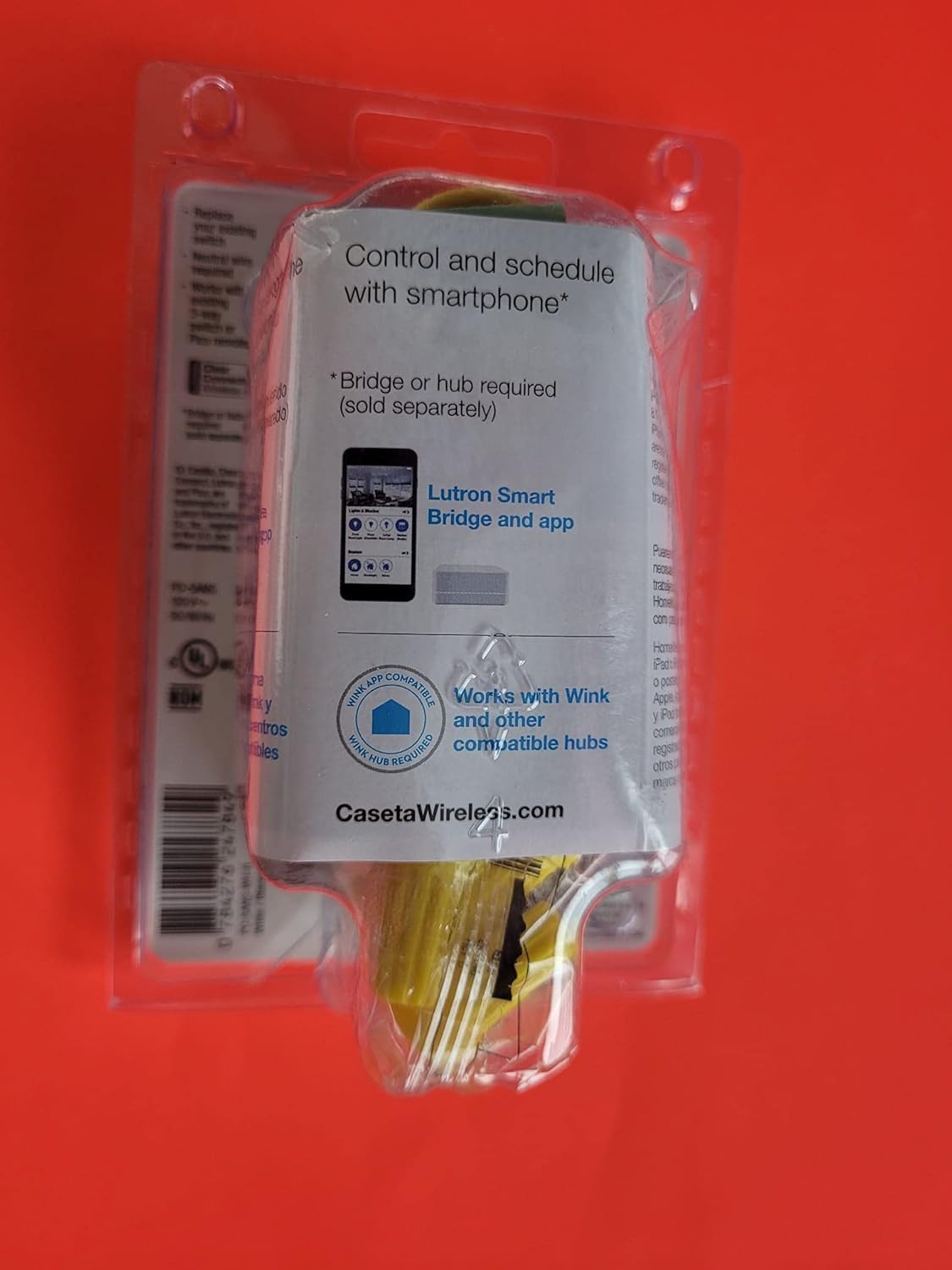
Сурет: артқы view of the Lutron Caseta Wireless Smart Switch, showing wiring terminals.
- Коммутаторды орнату: Gently push the wired switch into the wall box and secure it with screws. Attach the new wallplate (sold separately).
- Қуатты қалпына келтіру: Ажыратқышта қуатты қайта қосыңыз.
- System Integration (Optional): For smartphone and voice control, a Lutron Smart Bridge is required (sold separately). Download the Lutron App and follow the in-app instructions to add your new switch to your Caseta system.
- 3-Way Applications: For multi-location control, the Caseta switch can be used with an existing toggle switch or paired with 2-button Pico remote controls (PJ2-2B-GWH-L01, sold separately). Consult the specific wiring instructions for 3-way setups.
Пайдалану нұсқаулары
The Lutron Caseta Wireless Smart Switch offers multiple ways to control your lights or fans:
- Қолмен басқару: Press the top button on the switch to turn the connected load ON. Press the bottom button to turn the connected load OFF.
- Pico Remote Control: If paired with a Pico remote (sold separately), use the ON/OFF buttons on the remote to control the switch wirelessly.
- Lutron App Control: Once connected to a Lutron Smart Bridge (sold separately) and configured in the Lutron App, you can control the switch from your smartphone or tablet. This includes turning lights/fans on/off, creating schedules, and setting scenes.
- Дауыспен басқару: When integrated with a compatible voice assistant (e.g., Amazon Alexa, Google Assistant, Apple HomeKit) via the Lutron Smart Bridge, you can use voice commands to operate the switch.
Техникалық қызмет көрсету
The Lutron Caseta Wireless Smart Switch is designed for maintenance-free operation. To clean the switch, wipe it with a soft, damp cloth. Do not use chemical cleaners. There are no user-serviceable parts inside the switch.
Ақаулықтарды жою
If you encounter issues with your Lutron Caseta Wireless Smart Switch, consider the following:
- Ауыстыру жауап бермейді: Ensure power is on at the circuit breaker. Check all wire connections are secure.
- Lights/Fan Not Turning On/Off: Verify the load (light bulb or fan) is functioning correctly. Ensure the switch is wired correctly, especially the Line and Load connections.
- Lights Blinking or Flickering: This can sometimes indicate incorrect wiring, particularly in 3-way setups, or an incompatible load. Ensure a neutral wire is properly connected. For low-wattage LED loads, a load capacitor might be required (consult Lutron support).
- Қолданба/Дауыспен басқару мәселелері: Confirm your Lutron Smart Bridge is powered on and connected to your home network. Ensure the switch is properly paired with the Smart Bridge in the Lutron App. Check your Wi-Fi connectivity and router settings.
- Pico Remote Not Controlling Switch: Ensure the Pico remote is properly paired with the switch. Refer to the Pico remote's instructions for pairing procedures.
- Бейтарап сымға қойылатын талаптар: Many smart switches, including this model, require a neutral wire. If your electrical box lacks a neutral wire, the switch will not function correctly.
For further assistance, contact Lutron customer support.
Техникалық сипаттамалар
| Үлгі нөмірі | PD-5ANS-WH-R |
| Жұмыс режимі | Қосу/өшіру, ауыстырып қосу |
| Ағымдағы рейтинг | 5 Amps |
| Байланыс түрі | Әдетте ашық |
| Қосқыш түрі | Сымсыз |
| Терминал | SPST (бір полюсті бір лақтыру) |
| Тізбек түрі | Бір полюсті немесе үш жақты |
| Монтаждау түрі | Қабырғаға аспа |
| Бақылау әдісі | Manual, App (via Smart Bridge), Voice (via Smart Bridge) |
| Қосылу протоколы | Lutron Clear Connect RF Technology, Wi-Fi (via Smart Bridge) |
| Үйлесімді құрылғылар | iOS, Android, Wi-Fi enabled devices (with Smart Bridge) |
| Өлшемдері (L x W x H) | 6 x 3 x 4 дюйм (өнім) |
| Элемент салмағы | 4.8 унция |
| Түс | Ақ, сұр |
| Халықаралық қорғау рейтингі | IP54 |
Кепілдік туралы ақпарат
Lutron products typically come with a manufacturer's warranty. For detailed information regarding the warranty period, coverage, and terms for your PD-5ANS-WH-R switch, please refer to the documentation included with your purchase or visit the official Lutron webсайт.
Қолдау
For technical support, troubleshooting assistance, or further product information, please contact Lutron customer service directly. You can typically find contact details, FAQs, and additional resources on the official Lutron webсайт:
Lutron Official Webсайт: www.lutron.com


