შესავალი
This manual provides detailed instructions for the installation, operation, and maintenance of your LongPlus 2K Vicohome Wireless Outdoor Security Camera. Please read this manual thoroughly before using the product to ensure proper functionality and safety.

Image: Two LongPlus 2K Vicohome Wireless Outdoor Security Cameras, black, with water droplets, mounted on a wall bracket.
პაკეტის შიგთავსი
დარწმუნდით, რომ ქვემოთ ჩამოთვლილი ყველა ნივთი შედის თქვენს პაკეტში:
- Security Camera with Bracket
- ხრახნების შეკვრა
- ნემსის გადატვირთვა
- USB კაბელი
- სწრაფი დაწყების სახელმძღვანელო
პროდუქტის მახასიათებლები
- AI Event Analysis: Identifies and differentiates between people, pets, vehicles, and packages to reduce false alarms.
- 3MP Color Night Vision: Captures clear color images in low light conditions up to 33 feet.
- PIR Motion Detection & Siren Alarm: Triggers an audio and strobe light alarm upon detecting humanoid motion.
- მოქნილი საცავი: Supports up to 128GB Micro SD card (not included) and optional cloud storage.
- ორმხრივი საუბარი: Allows communication through the Vicohome app.
- 100% Wire-free: Battery-operated design for easy installation without wiring.
- ჭკვიანი სახლის ინტეგრაცია: Compatible with Amazon Alexa.
- ფართო ველი View: 125 გრადუსი viewing კუთხე
- ამინდის მდგრადი დიზაინი: IP65 კლასის, გარე გამოყენებისთვის.
დაყენება
1. კამერის დატენვა
Before initial use, fully charge the camera using the provided USB cable. The charging indicator light will show the charging status.
2. აპლიკაციის ინსტალაცია და ანგარიშის შექმნა
- Download the "Vicohome" app from your smartphone's app store (iOS or Android).
- გახსენით აპლიკაცია და მიჰყევით ეკრანზე არსებულ ინსტრუქციას ანგარიშის შესაქმნელად და შესვლისთვის.
3. Wi-Fi-თან დაკავშირება
- Ensure your camera is powered on and near your Wi-Fi router.
- In the Vicohome app, tap the "+" icon to add a new device.
- Follow the app's instructions to connect the camera to your 2.4GHz Wi-Fi network. 5GHz networks are not supported.
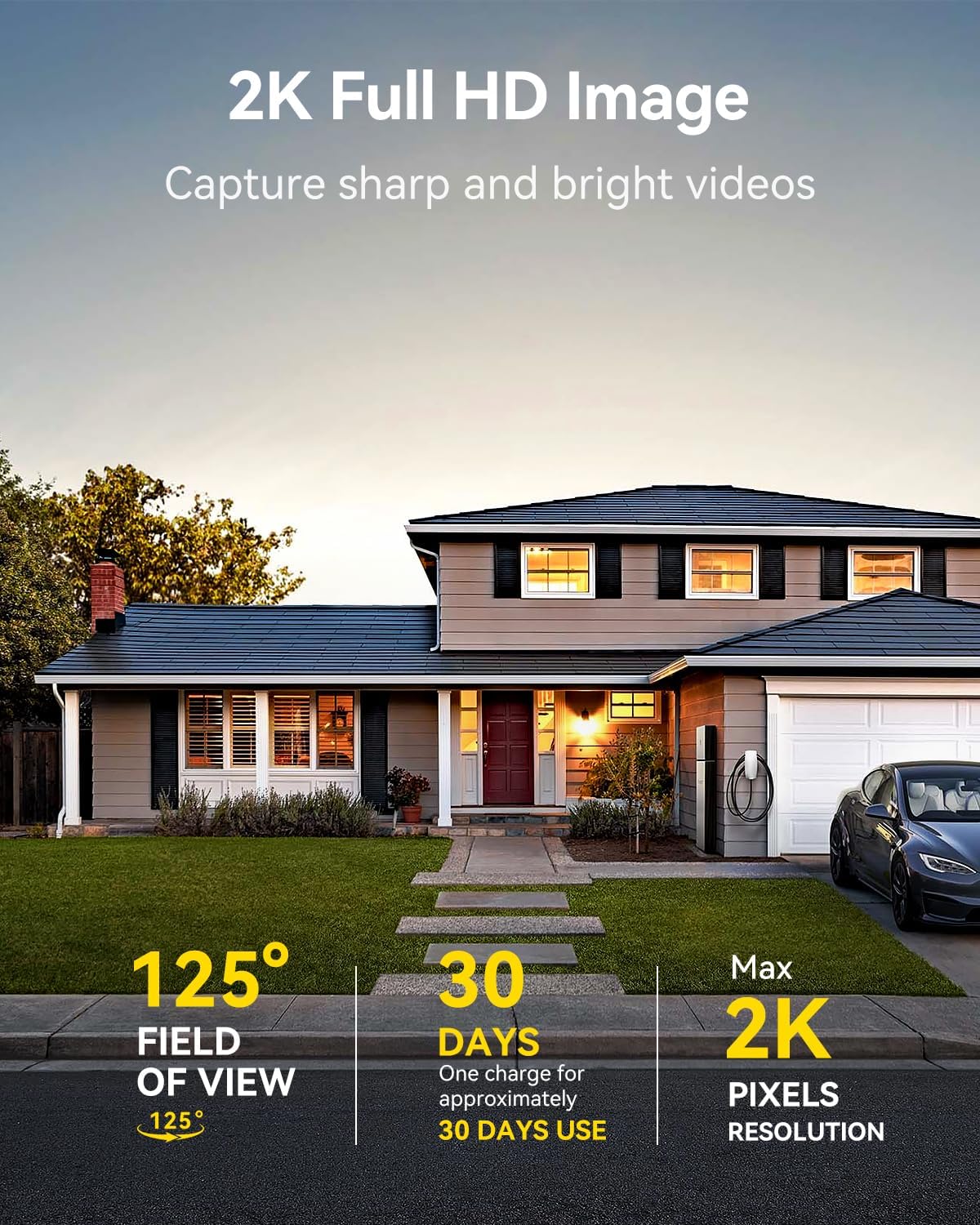
Image: A LongPlus security camera on a wooden table, illustrating its 2.4GHz WiFi connectivity.
4. კამერის დამონტაჟება
The camera can be mounted on a ceiling or wall. Choose a location that provides the desired viewდახრის კუთხე და Wi-Fi-ს დიაპაზონშია.
- Mark the positions for drilling using the camera bracket as a template.
- საჭიროების შემთხვევაში, გაბურღეთ საორიენტაციო ხვრელები და ჩასვით კედლის ანკერები.
- Secure the bracket to the surface using the provided screws.
- Attach the camera to the bracket and adjust the angle.

Image: A LongPlus security camera mounted on an outdoor wall, demonstrating its wire-free installation.
ოპერაცია
1. იცხოვრე View
Open the Vicohome app and select your camera to view the live feed. You can monitor your surroundings in real-time.

Image: A smartphone displaying the live feed from a LongPlus security camera, showing children playing in a yard.
2. ორმხრივი საუბარი
ცოცხალიდან view screen in the app, tap the microphone icon to initiate two-way communication. Speak into your phone to communicate with individuals near the camera.

Image: A person receiving a package at their front door, demonstrating the two-way talk feature of the LongPlus camera.
3. მოძრაობის ამოცნობის პარამეტრები
Configure motion detection sensitivity and define detection zones within the Vicohome app settings for your camera. This helps in reducing unwanted alerts.

Image: A man walking past a LongPlus security camera, illustrating motion detection and app alerts.

სურათი: საჰაერო ფოტო view of a house with a pool, illustrating customizable motion detection zones for different objects.

Image: A house with a lawn, demonstrating the ability to set specific motion detection zones.
4. ღამის ხედვა
The camera automatically switches to color night vision in low light conditions, providing clear visibility.

Image: A LongPlus security camera mounted outdoors at night, showing its color night vision capability on a smartphone screen.
5. ჩაწერა და დაკვრა
Recordings are stored on a Micro SD card (if installed) or in the cloud (subscription may be required). Access and playback recorded events through the Vicohome app's library section.

Image: A LongPlus camera with an SD card being inserted, illustrating local and cloud storage options.
6. მოწყობილობის გაზიარება
You can share access to your camera with other users through the Vicohome app, allowing multiple individuals to monitor the feed simultaneously.
7. ჭკვიანი სახლის ინტეგრაცია
The camera is compatible with Amazon Alexa. Follow the instructions in the Vicohome app or Alexa app to link your devices and use voice commands for monitoring.

Image: A person using an Amazon Echo Show to view the camera feed via Alexa voice commands.
მოვლა
1. აკუმულატორის დატენვა
Monitor the battery level through the Vicohome app. Recharge the camera when the battery is low to ensure continuous operation. If the camera is installed in a hard-to-reach location, consider using a compatible solar panel charger (sold separately) to reduce the frequency of manual charging.
2. SD ბარათის მართვა
If using a Micro SD card, ensure it is a genuine card and inserted correctly. Periodically review და მართეთ შენახული საკვებიtage. The card can be ejected with a gentle press.
3. დასუფთავება
Gently wipe the camera lens and body with a soft, dry cloth to remove dust and debris. Avoid using harsh chemicals or abrasive materials.
პრობლემების მოგვარება
| პრობლემა | შესაძლო მიზეზი | გამოსავალი |
|---|---|---|
| კამერა არ უკავშირდება Wi-Fi-ს | Incorrect Wi-Fi password; camera too far from router; 5GHz Wi-Fi network used. | Verify Wi-Fi password. Move camera closer to router. Ensure you are connecting to a 2.4GHz Wi-Fi network. Reset the camera using the reset needle and try pairing again. |
| ხშირი ცრუ სიგნალიზაცია | High motion detection sensitivity; environmental factors (e.g., moving branches, insects). | Reduce motion detection sensitivity in the Vicohome app. Define specific detection zones to exclude irrelevant areas. |
| ბატარეის მოკლე ხანგრძლივობა | Frequent motion detection events; cold weather; continuous live view გამოყენება. | Reduce motion detection sensitivity. Limit live view sessions. Consider purchasing a solar panel charger for continuous power. Ensure the camera is fully charged before deployment. |
| Poor image quality at night | Obstructions near the lens; insufficient ambient light for color night vision. | Ensure the camera lens is clean and free from obstructions. Verify that the night vision mode is active in the app settings. |
| SD ბარათი არ იწერს | SD card not inserted correctly; incompatible SD card; SD card full or corrupted. | Reinsert the SD card carefully. Use a genuine Micro SD card up to 128GB. Format the SD card through the app. Replace the SD card if corrupted. |
სპეციფიკაციები
| ფუნქცია | დეტალი |
|---|---|
| მოდელის ნომერი | X84 |
| შიდა/გარე გამოყენება | შიდა, გარე |
| დენის წყარო | იკვებება ბატარეით |
| დაკავშირების პროტოკოლი | Wi-Fi (2.4 გჰც) |
| კონტროლერის ტიპი | Amazon Alexa, Vicohome App |
| ვიდეო გადაღების გარჩევადობა | 1440p (2K) |
| ეფექტური მაინც რეზოლუცია | 3 დეპუტატი |
| Viewing კუთხე | 130 გრადუსი |
| ღამის ხედვის დიაპაზონი | 33 ფუტი |
| კადრების სიხშირე | 15 კადრი წამში |
| მასალა | მაღალი ხარისხის ABS |
| წყლის წინააღმდეგობის დონე | IP65 (წყალგამძლე) |
| ფლეშ მეხსიერების მხარდაჭერილი მაქსიმალური ზომა | 128 GB (Micro SD) |
| ელემენტის ზომები (L x W x H) | 2.36 x 2.16 x 4 ინჩი |
| ნივთის წონა | 1.59 ფუნტი (0.72 კგ) |
| ბატარეები | საჭიროა 1 ლითიუმ-იონის ბატარეა (შედის) |
მხარდაჭერა
For technical assistance, troubleshooting beyond this manual, or warranty inquiries, please contact LongPlus customer support. Refer to the product packaging or the official LongPlus webსაიტი საკონტაქტო ინფორმაციისთვის.
ასევე შეგიძლიათ ეწვიოთ LongPlus Store on Amazon პროდუქტის შესახებ დამატებითი ინფორმაციისა და რესურსებისთვის.


