導入
The TCL 43P69K is a 43-inch 4K Ultra HD Smart LED TV designed to deliver a high-quality viewing experience. Featuring a 3840 x 2160 pixel resolution and LED display technology, it offers vivid colors and sharp details. This television integrates Google TV, providing access to a wide range of streaming applications and smart features. Advanced HDR support, including HDR10 and HLG, enhances contrast and color accuracy. Connectivity options include Wi-Fi, Bluetooth 5.2, Ethernet LAN, and multiple HDMI 2.1 and USB ports. The TV also supports Apple AirPlay 2 and Chromecast for seamless content sharing.
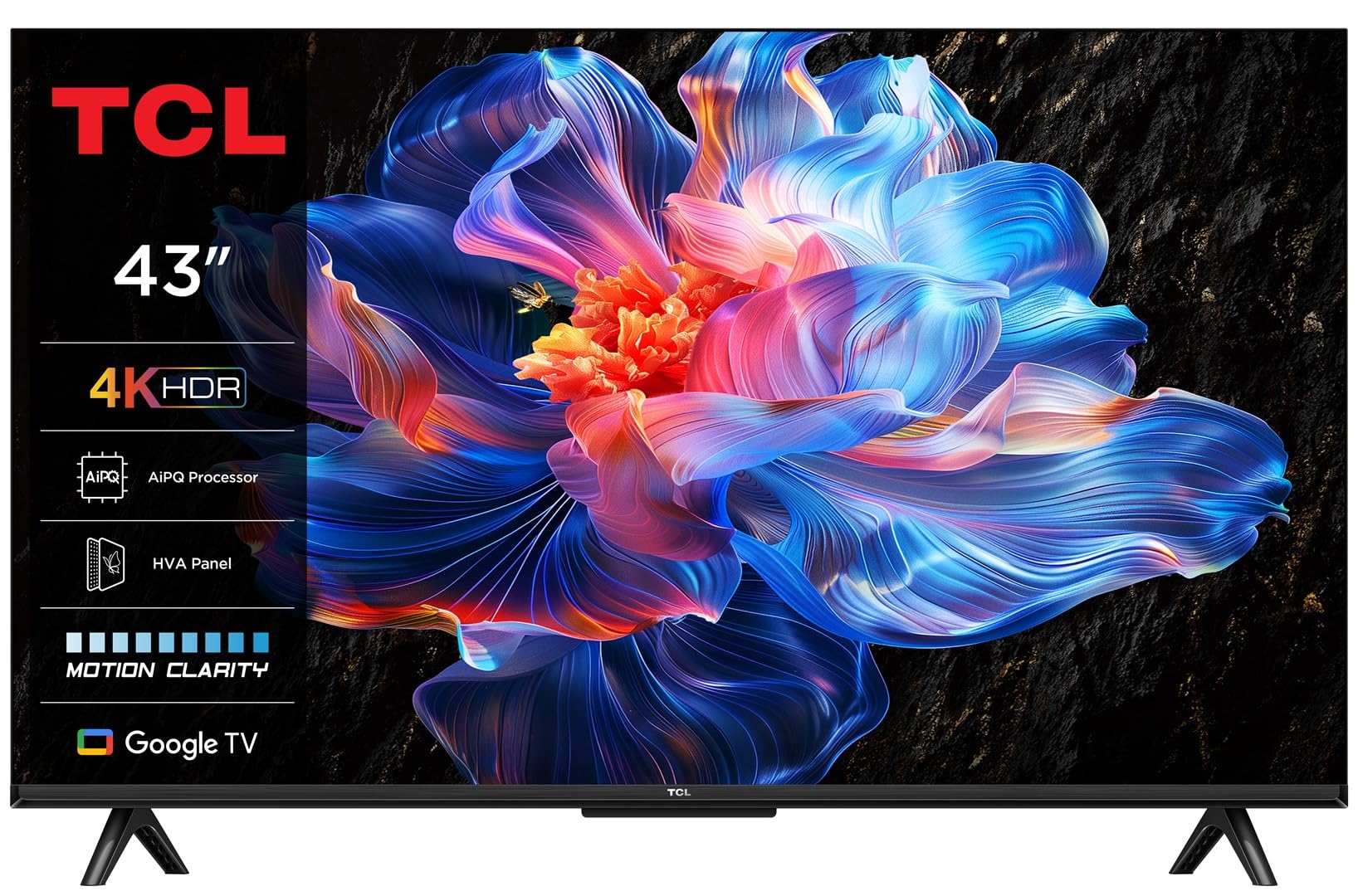
Image: The TCL 43P69K TV showcasing its smart interface in a contemporary living room environment.
設定
開梱とスタンドの取り付け
Carefully remove the TV from its packaging. Place the TV screen-down on a soft, flat surface to prevent damage. Attach the included feet to the designated slots on the bottom of the TV using the provided screws. Ensure the stand is securely fastened before proceeding.
周辺機器の接続
The TCL 43P69K offers various ports for connecting external devices:
- HDMIポート(x3): Connect Blu-ray players, gaming consoles, soundbars, or other HDMI-compatible devices. HDMI 2.1 ensures high-bandwidth connections for 4K content and gaming.
- USB 2.0 ポート (x1): メディアの再生やソフトウェアの更新のために USB ストレージ デバイスを接続します。
- Ethernet LAN Port (x1): 安定した有線インターネット接続を実現します。
- Optical Digital Audio Output (x1): Connect to a sound system for high-quality audio.
- RF Ports (x2): For connecting antenna (DVB-T2) and satellite (DVB-S2) signals.
- CI+スロット(x1): For inserting a Common Interface Plus module, often used for encrypted digital TV services.

画像: 詳細 view テレビの接続ポート。
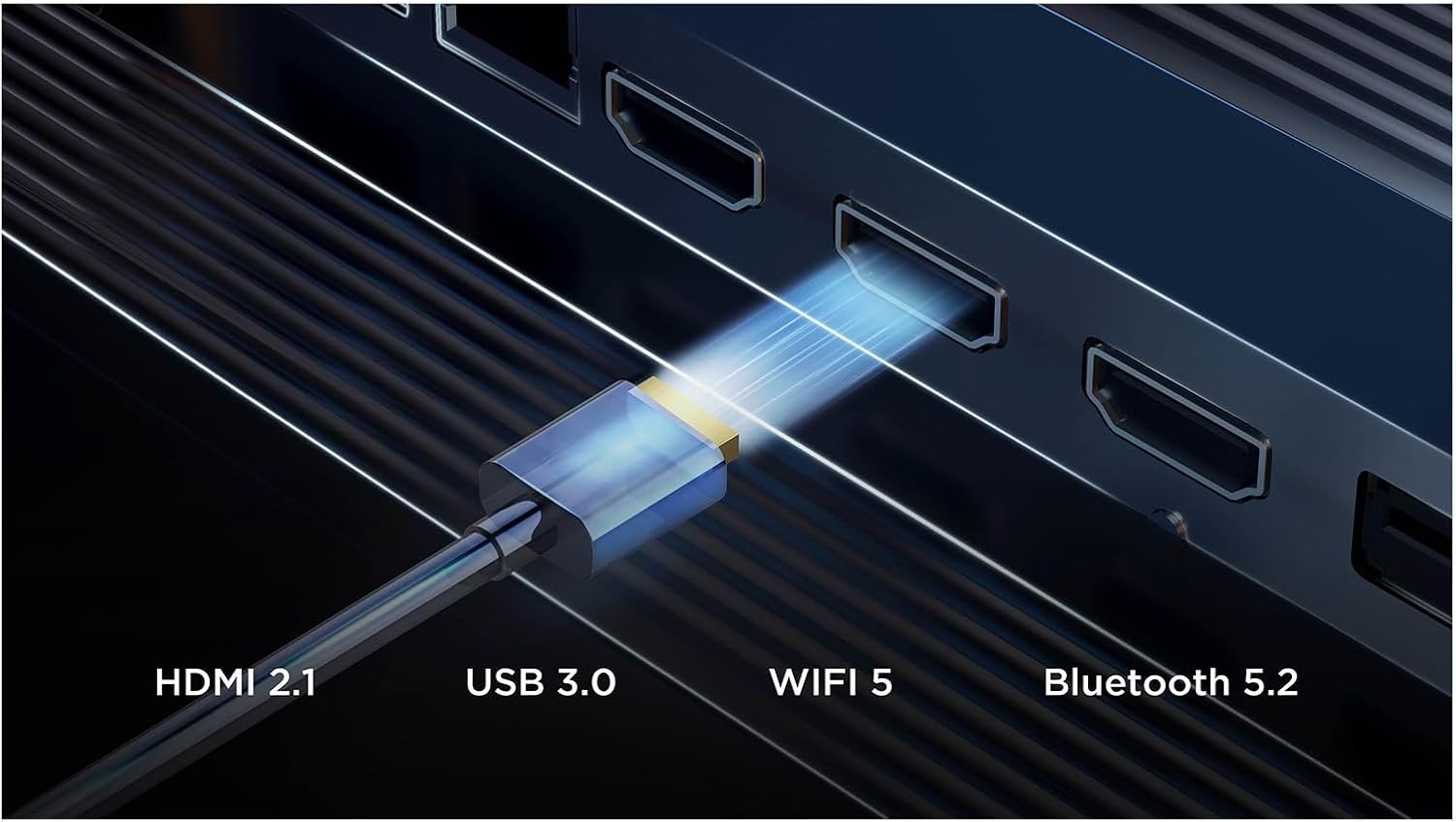
Image: Visual representation of the TV's advanced connectivity features.
電源オンと初期セットアップ
After connecting all necessary cables, plug the power cord into an electrical outlet. Press the power button on the remote control or the TV. Follow the on-screen instructions to complete the initial setup, including language selection, network connection, and channel scanning.
テレビの操作
リモートコントロール機能
The included remote control (RC833) provides full control over your TV's features. Key buttons include power, volume, channel, navigation, smart app shortcuts (Netflix, Prime Video, YouTube, Disney+), and a dedicated voice assistant button.

Image: The remote control for the TCL 43P69K TV.
Google TV インターフェース
Your TV runs on Google TV (version 12), offering a personalized content experience. Access your favorite streaming services, discover new shows, and manage your apps directly from the home screen. Create multiple user profileカスタマイズされた推奨事項を表示します。
音声コントロール
The TV supports voice commands via Google Assistant and Amazon Alexa. Press the voice assistant button on your remote and speak your commands to search for content, control smart home devices, or get information.
画像と音声の設定
The 43P69K features a 4K Ultra HD LED display with HDR10 and HLG support for enhanced contrast and color. The AiPQ Processor optimizes image quality. Audio is delivered through a 2.0 channel system with 20W output, supporting Dolby AC4, Dolby TrueHD, DTS Virtual:X, and DTS-HD for an immersive sound experience. Adjust picture modes (Game, Movie, PC, Smart HDR, Sport, Standard, Vivid) and sound equalizer settings to your preference.

画像: 上view of key features including picture, sound, and smart capabilities.
ゲーム機能
For gamers, the TV includes features like AMD FreeSync, Auto Low Latency Mode (ALLM), and Game Master 2.0, ensuring a smooth and responsive gaming experience with reduced input lag.
メディア統合
Screen Mirroring and Casting
Utilize built-in Chromecast and Apple AirPlay 2 to wirelessly stream content from your smartphone, tablet, or computer directly to your TV screen.
公式製品ビデオ
全体像についてはこのビデオをご覧くださいview of some features available on TCL TVs with Google TV. Please note that specific features and design elements may vary slightly depending on the model.
Video: TCL TV V6C features overview. Features shown may vary by model.
メンテナンス
画面のクリーニング
柔らかく糸くずの出ない布で画面を優しく拭いてください。頑固な汚れには、軽くamp布を水または専用のスクリーンクリーナーで拭いてください。刺激の強い化学薬品や研磨剤の使用は避けてください。
一般的なケア
Keep the TV in a well-ventilated area. Avoid exposing it to direct sunlight, extreme temperatures, or high humidity. Do not block the ventilation openings on the back of the TV. Regularly check cable connections to ensure they are secure.
トラブルシューティング
電源なし
- 電源コードがテレビと電源コンセントの両方にしっかりと差し込まれていることを確認してください。
- 別のデバイスを接続して、コンセントが機能しているかどうかを確認します。
- リモコンだけでなく、テレビ本体の電源ボタンを押してみてください。
絵も音も出ない
- 正しい入力ソース(例:HDMI 1、TV)が選択されていることを確認します。
- すべてのケーブル接続(HDMI、アンテナなど)に緩みや損傷がないか確認してください。
- テレビと接続されているデバイスを再起動します。
リモコンが反応しない
- リモコンの電池を交換してください。
- リモコンとテレビの赤外線センサーの間に障害物がないことを確認してください。
ネットワーク接続の問題
- Wi-Fiルーターとモデムを再起動します。
- テレビのネットワーク設定をチェックして、正しいネットワークに接続されていることを確認します。
- If using Wi-Fi, try a wired Ethernet connection to rule out wireless interference.
仕様
| 特徴 | 詳細 |
|---|---|
| 画面サイズ | 109.2 cm (43 インチ) |
| ディスプレイ解像度 | 3840 x 2160ピクセル(4KウルトラHD) |
| ディスプレイ技術 | LED (Direct-LED backlight) |
| ネイティブアスペクト比 | 16:9 |
| モーション補間技術 | PPI(画質指数)2500 |
| ネイティブ リフレッシュ レート | 60 Hz (supports 50 Hz, 60 Hz) |
| HDR テクノロジー | HDR10、ハイブリッドログガンマ(HLG) |
| オペレーティング·システム | Google TV (Version 12) |
| オーディオ出力電力(RMS) | 20 W (2.0 チャンネル) |
| オーディオデコーダ | Dolby AC4, Dolby TrueHD, DTS Virtual:X, DTS-HD |
| Wi-Fi規格 | 802.11g、Wi-Fi 4(802.11n)、Wi-Fi 5(802.11ac) |
| Bluetoothバージョン | 5.2 |
| HDMIポート | 3 (バージョン2.1) |
| USBポート | 1(USB 2.0) |
| エネルギー効率クラス (SDR) | F |
| 1000時間あたりのエネルギー消費量(SDR) | 45kWh |
| エネルギー効率クラス (HDR) | G |
| 1000時間あたりのエネルギー消費量(HDR) | 72kWh |
保証とサポート
保証の詳細については、製品に付属の保証書を参照するか、TCL公式サポートをご覧ください。 website. If you encounter any issues not covered in this manual, please contact TCL customer support for assistance.


