1. はじめに
Welcome to the user manual for your new LG 86-Inch Class QNED evo AI QNED85A Series Mini LED 4K Smart TV. This television combines cutting-edge display technology with advanced artificial intelligence to deliver an immersive viewing experience. Featuring Dynamic QNED Color, Mini LED with Precision Dimming, and the Alpha 8 AI Processor Gen2, your TV is designed to optimize picture and sound for any content.
直感的な webOS 25 smart TV platform provides easy access to your favorite streaming services and smart home features. With a native 120Hz refresh rate, HDR10 Pro, and Filmmaker Mode, this TV is ready for movies, sports, and gaming.
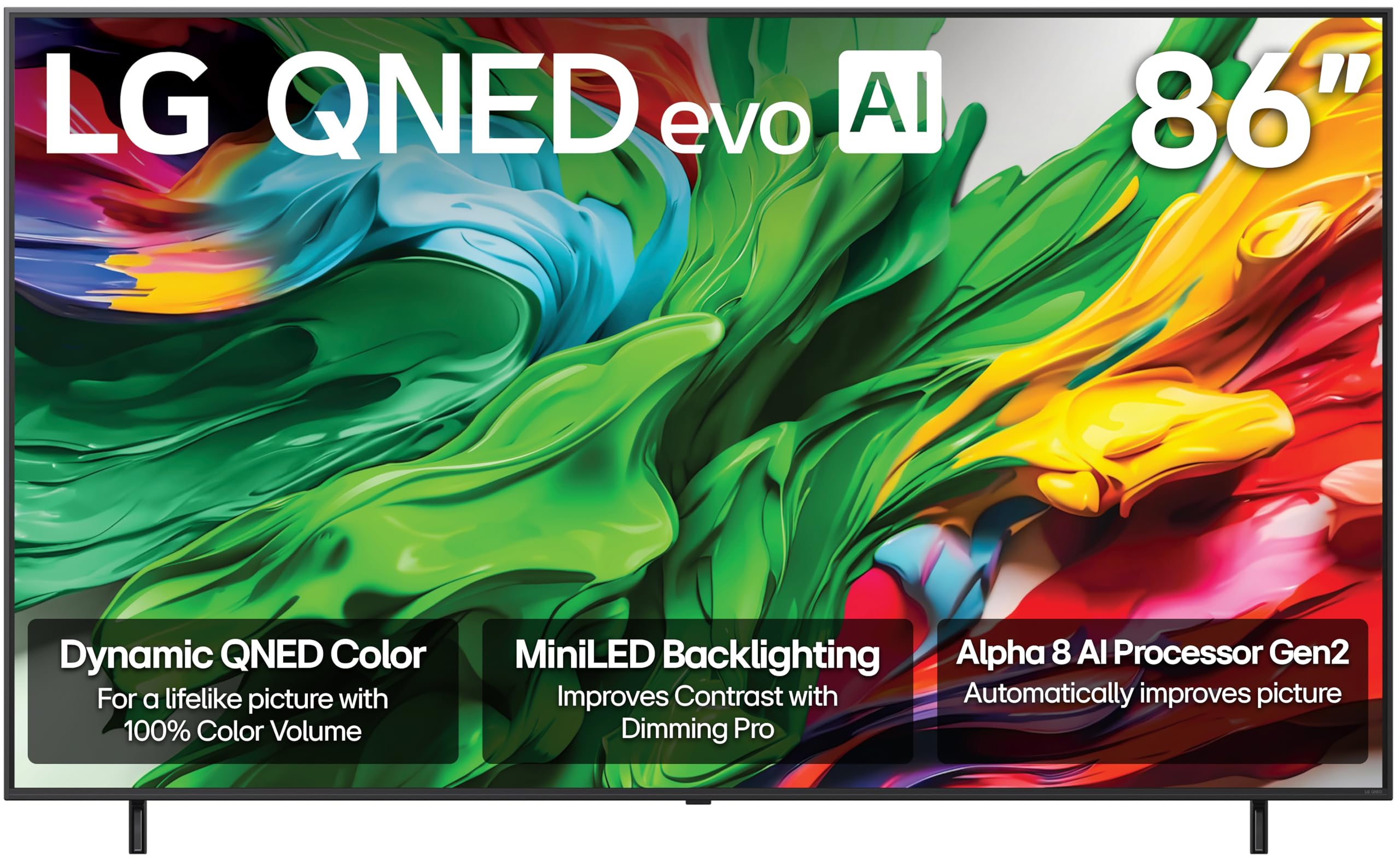
フロント view of the LG 86-Inch QNED evo AI QNED85A Series 4K Smart TV.
2. 箱の中身
Upon unpacking your LG QNED evo AI QNED85A Series TV, please ensure all the following components are present:
- 電源ケーブル
- スタンド(壁掛け式でない場合)
- Remote Control (Magic Remote)
- ユーザーマニュアル(このドキュメント)
- 単4電池2本(リモコン用)
3. セットアップとインストール
3.1 物理的なセットアップ
Before beginning, ensure you have adequate space and assistance for handling the 86-inch television. It is recommended that two or more people handle the TV during setup.
- スタンドアセンブリ: If using the included stand, carefully attach it to the bottom of the TV following the instructions provided in the separate quick setup guide. Ensure all screws are securely fastened.
- 壁掛け: If wall-mounting, use a compatible VESA mount (sold separately) and follow the mount manufacturer's instructions. Ensure the wall can support the TV's weight (approximately 112.4 pounds).
- 配置: Place the TV on a stable, level surface or securely mount it to a wall. Ensure proper ventilation around the TV.

サイドプロfile of the LG QNED evo AI TV, highlighting its slim design.
3.2 デバイスの接続
Your LG QNED evo AI TV offers multiple connectivity options for various devices.
- HDMI: Connect external devices such as Blu-ray players, gaming consoles, or set-top boxes to the HDMI ports. This TV supports HDMI 2.1 for high-bandwidth features like 4K@120Hz.
- USB: Use the USB ports to connect USB storage devices for media playback or software updates.
- イーサネット: 安定したインターネット接続を確保するには、ルーターからテレビの LAN ポートにイーサネット ケーブルを接続します。
- Wi-Fi: The TV also supports wireless internet connectivity.
- ブルートゥース: Connect compatible Bluetooth devices like headphones or soundbars wirelessly.

後方 view of the LG QNED evo AI TV, showing the various input ports.
3.3 初回電源投入
- 電源ケーブルをテレビに接続し、次に壁のコンセントに接続します。
- Insert the provided AAA batteries into the Magic Remote.
- リモコンまたはテレビの電源ボタンを押して電源を入れます。
- Follow the on-screen instructions to complete the initial setup, including network connection, channel scanning, and smart features configuration.
4. 主な機能と操作
4.1 Dynamic QNED Color & Mini LED with Precision Dimming
Experience stunning visuals with LG's Dynamic QNED Color, offering 100% Color Volume for vibrant and accurate hues. The Mini LED backlight technology, combined with Precision Dimming, allows for precise control over numerous dimming zones, resulting in deeper blacks and brighter highlights for superior contrast.

Visual representation of Dynamic QNED Color technology.

Illustration of MiniLED brilliance and Precision Dimming Technology.
4.2 Alpha 8 AI プロセッサ Gen2
The Alpha 8 AI Processor Gen2 is the brain of your TV, utilizing advanced AI to analyze and optimize picture and sound in real-time. It enhances clarity, upscales content to 4K, and adapts audio to your viewing environment, ensuring an outstanding experience tailored to your preferences.

Diagram of the Alpha 8 AI Processor Gen2.
4.3 webOS 25 スマートテレビプラットフォーム
Navigate your entertainment effortlessly with webOS 25. Quick Cards allow you to group apps by category, and the Magic Remote provides intuitive point-and-click navigation and voice control (Alexa Built-in). Access 300+ free LG Channels and enjoy continuous software updates through the webOS Re:新プログラム。
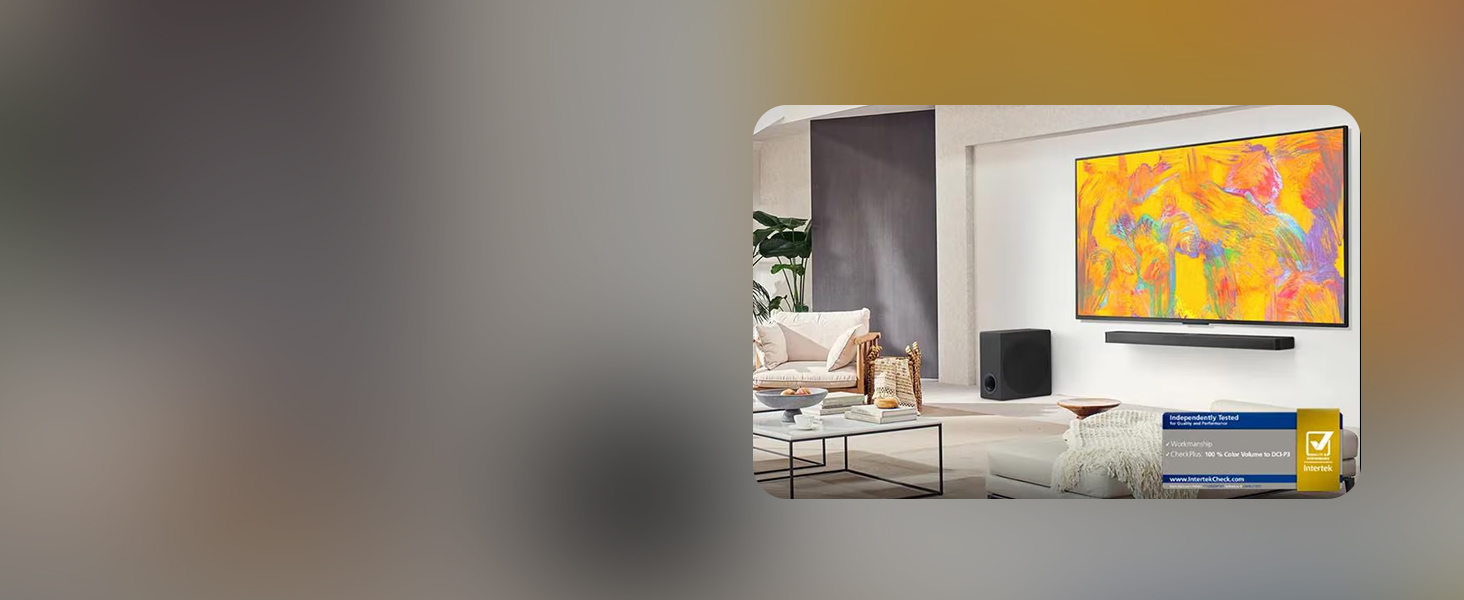
の webOS 25 smart TV interface, showing various streaming applications.

The LG Magic Remote, featuring AI button and intuitive controls.
4.4 HDR10 Pro & Filmmaker Mode
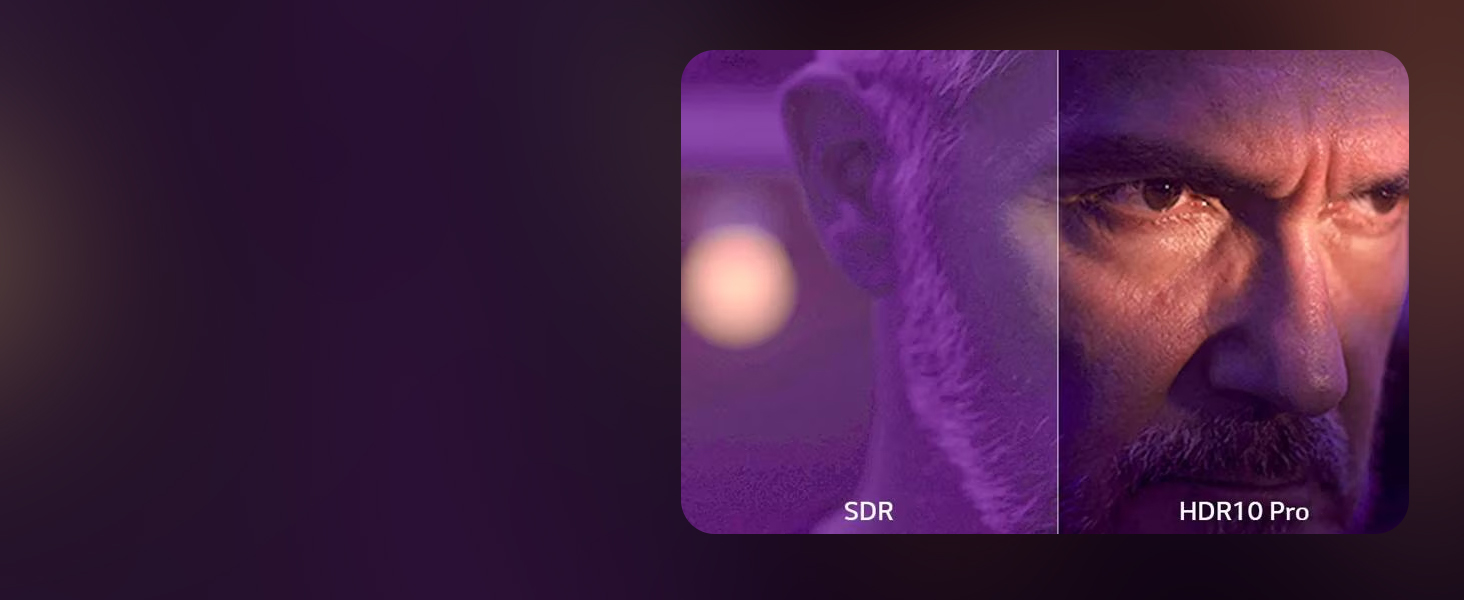
Enjoy movies and shows as intended by their creators with HDR10 Pro, which optimizes brightness and color for a more dynamic picture. Filmmaker Mode preserves the director's original colors, settings, and frame rates, delivering a true cinematic experience at home.

Comparison of SDR and HDR10 Pro picture quality.

映画制作者モードでは、コンテンツが監督の意図どおりに表示されるようになります。
4.5 ゲーム機能
For gamers, the LG QNED evo AI TV offers a native 120Hz refresh rate for smooth, sharp motion. Features like FreeSync, VRR (Variable Refresh Rate), and GeForce NOW compatibility minimize screen tearing and input lag. Game Optimizer and Game Dashboard provide quick access to settings for an optimized gaming experience.
Key gaming features including FreeSync, VRR, and 120Hz refresh rate.
4.6 公式製品ビデオ
LG QNED evo AI QNED85A Testimonial
An official LG Electronics testimonial video showcasing the 2025 LG QNED evo AI QNED85A TV, highlighting its features and user experience.
The all new LG QNED evo AI Mini LED TV
An official LG Electronics video introducing the new LG QNED evo AI Mini LED TV, focusing on its innovative display technology.
LG QNED evo AI QNED85A 4K Smart TV Series
An official LG Electronics video providing an overview of the LG QNED evo AI QNED85A 4K Smart TV Series.
5. メンテナンス
5.1 テレビの掃除
- 掃除する前に必ずテレビの電源プラグを抜いてください。
- Use a soft, dry cloth to gently wipe the screen and frame.
- 頑固な汚れには、軽くamp布に水または専用のスクリーンクリーナー(テレビ画面に安全なものを使用してください)を含ませてください。画面に直接液体を吹きかけないでください。
- テレビの表面仕上げを傷める可能性があるため、研磨剤入りの洗剤、ワックス、溶剤の使用は避けてください。
5.2ソフトウェアアップデート
Your LG QNED evo AI TV receives regular software updates to improve performance, add new features, and enhance security. Ensure your TV is connected to the internet to receive these updates. You can configure automatic updates or check for them manually through the TV's settings menu.
6。 トラブルシューティング
テレビで問題が発生した場合は、次の基本的なトラブルシューティング手順を試してください。
- 電源なし: 電源ケーブルがテレビと壁のコンセントの両方にしっかりと接続されていることを確認してください。別のデバイスを同じコンセントに差し込んで、動作するか確認してください。
- 画像/音声なし: Check all cable connections (HDMI, audio) between the TV and external devices. Ensure the correct input source is selected on the TV.
- リモコンが機能しない: マジックリモコンの電池を交換してください。リモコンとテレビの間に障害物がないことを確認してください。
- 画質が悪い: Check the source content's resolution. Adjust picture settings (brightness, contrast, sharpness) in the TV's menu.
- インターネット接続なし: Verify your Wi-Fi network is active or the Ethernet cable is properly connected. Restart your router and modem.
- ソフトウェアの不具合: Perform a power cycle by unplugging the TV from the power outlet for a few minutes, then plugging it back in.
For more detailed troubleshooting, refer to the comprehensive help section within your TV's webOSインターフェースまたはLGサポートにアクセスしてください webサイト。
7. 仕様
| 特徴 | 仕様 |
|---|---|
| ブランド | LG |
| モデル番号 | 86QNED85AUA.AUSZ |
| 画面サイズ | 86インチ |
| ディスプレイ技術 | Mini LED, QNED |
| 解決 | 4K (3840 x 2160) |
| リフレッシュレート | 120Hz |
| プロセッサ | Alpha 8 AI プロセッサ Gen2 |
| HDR サポート | HDR10プロ |
| スマートTVプラットフォーム | webOS25 について |
| 音声アシスタント | Alexa Built-in, Google Assistant (not available in some regions/languages) |
| ゲーム機能 | AMD FreeSync, VRR, Game Mode, GeForce NOW |
| 接続性 | Bluetooth、イーサネット、HDMI、USB、Wi-Fi |
| 製品寸法(奥行き×幅×高さ) | 14.1 x 75.9 x 46.3インチ |
| アイテム重量 | 112.4ポンド |
| 含まれるコンポーネント | 電源ケーブル、リモコン、スタンド、ユーザーマニュアル |
8.保証とサポート
Your LG 86-Inch Class QNED evo AI QNED85A Series TV comes with a standard manufacturer's warranty. For specific details regarding coverage and duration, please refer to the warranty card included with your product or visit the official LG support webサイト。
8.1 保護プラン
標準保証の範囲を超えて保証範囲を拡張できる追加保護プランをご購入いただけます。これには以下が含まれます。
- 4年間の保護プラン: 保証期間を48か月延長します。
- 完全保護: 対象となる過去および将来の購入を対象とする月額プラン。
For more information on these plans, please consult your retailer or the LG webサイト。
8.2 返品ポリシー
This product is eligible for 30-day easy returns when purchased from Amazon. Please refer to Amazon's return policy for full details.
8.3 カスタマーサポート
For technical assistance, product inquiries, or service requests, please contact LG Customer Support. Contact information can be found on the LG official webサイトまたは製品ドキュメントに記載されています。