1. はじめにview
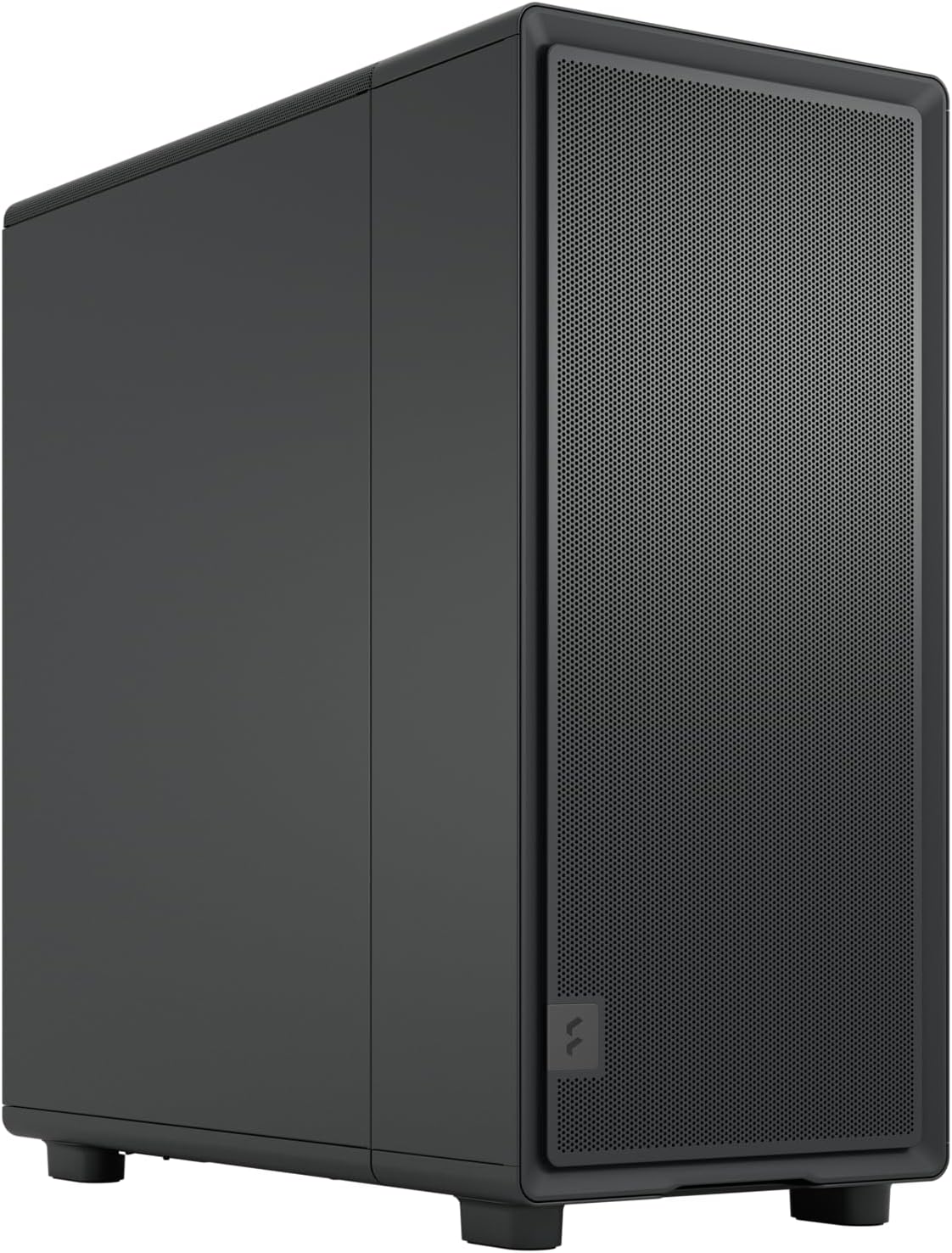
The Fractal Design Epoch combines clean and contemporary design with modern airflow engineering. This high-airflow PC gaming case features a mesh front, an optimized interior layout, and three powerful Momentum 12 fans to help keep top-tier components running smoothly. It offers space for a graphics card up to 372 mm in length and compatibility with up to 360 mm radiators for further thermal performance optimization. Its minimalist design, mesh patterning, and subtle visual accents, including a fabric pull tab and laser-etched aluminum badge, make it easy to stylishly integrate into any gaming station.
主な特徴:
- Contemporary design with clean lines, a tidy interior, and design details such as a laser-etched aluminum badge.
- Includes three performance Momentum 12 fans, featuring LCP blades and true FDB bearings for powerful cooling.
- Ventilated top and front mesh panels and a clean interior layout for natural airflow.
- Supports GPUs up to 372 mm in length with front-mounted fans or 345 mm with a front-mounted radiator.
- Accommodates up to a 240 mm top-mounted radiator or up to a 360 mm front-mounted radiator.
2.セットアップガイド
2.1 開梱
Carefully remove the PC case from its packaging. Inspect the case for any signs of damage during transit. Retain all packaging materials for future transport or warranty claims.
2.2 コンポーネントのインストール
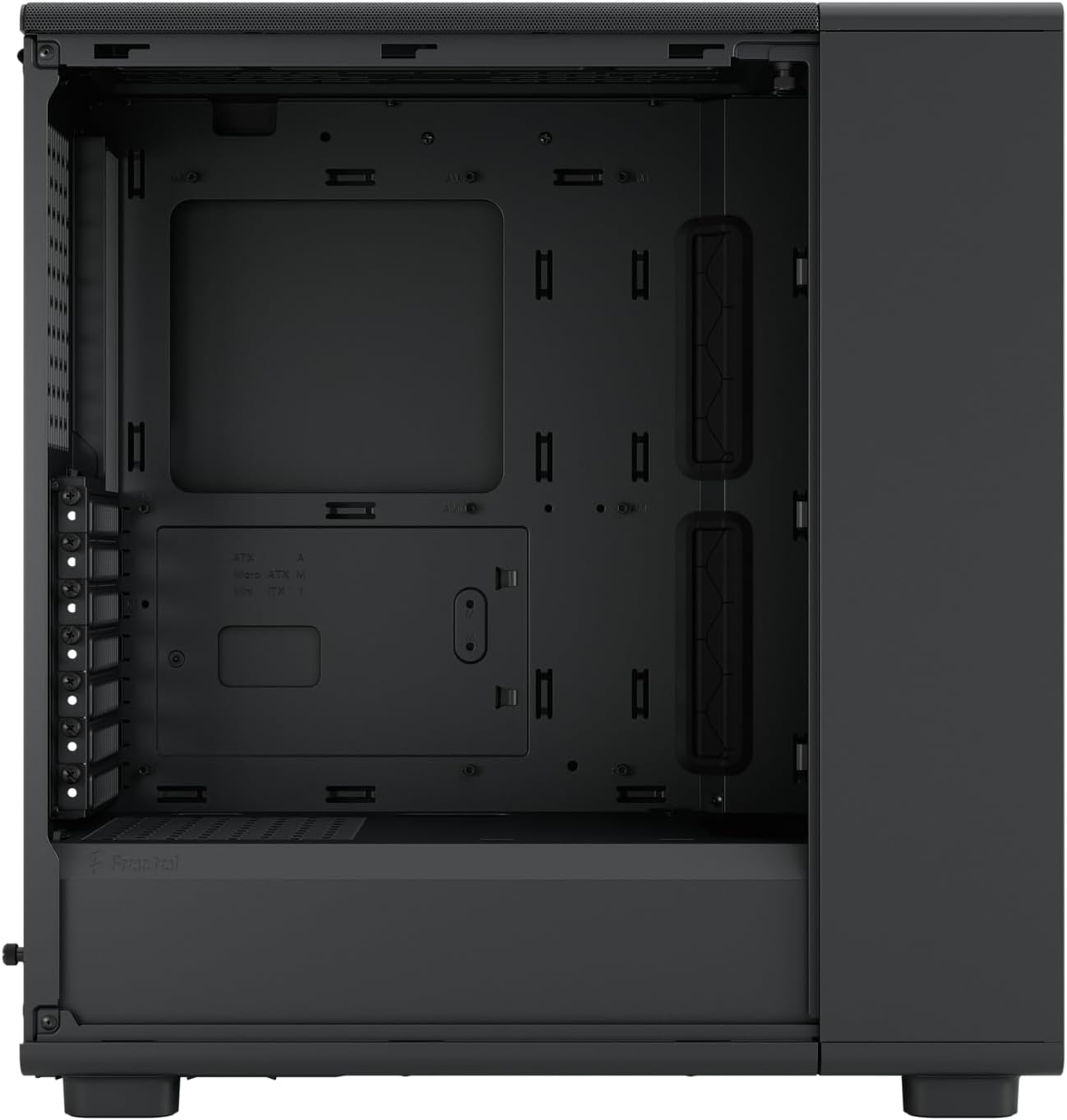
The Epoch case supports ATX, Micro ATX, and Mini ITX motherboards. Follow the general steps below for component installation:
- マザーボードの取り付け: Secure your motherboard to the standoffs inside the case. Ensure proper alignment with the I/O shield.
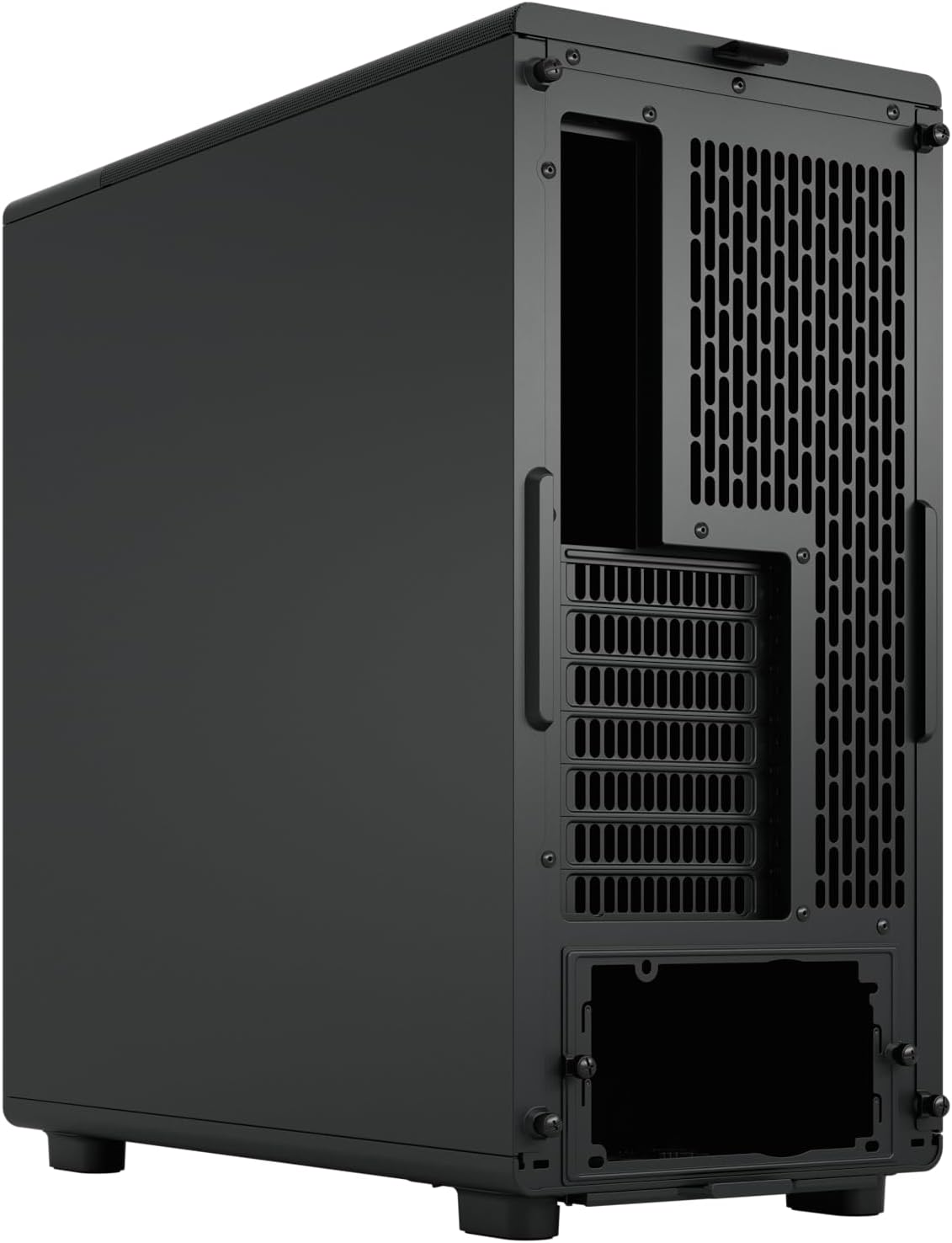
- 電源の取り付け: Install your power supply unit (PSU) in the designated bottom mount area. Route cables through the provided cutouts for clean cable management.
- ストレージドライブのインストール: Install 2.5-inch or 3.5-inch storage drives into the available drive bays.
- グラフィックカード(GPU)のインストール: Install your graphics card into the appropriate PCIe slot. The case supports GPUs up to 372 mm in length (345 mm with a front-mounted radiator).
- 冷却ソリューション: The case comes with three Momentum 12 fans pre-installed. Additional fans or radiators can be installed. The case supports up to a 240 mm top-mounted radiator or up to a 360 mm front-mounted radiator.
- ケーブル管理 Utilize the cable routing channels and tie-down points behind the motherboard tray to ensure optimal airflow and a clean build.
3. 操作
3.1 空気の流れと冷却
The Fractal Design Epoch is engineered for high airflow to ensure optimal cooling performance for your components. The mesh front panel and ventilated top panel facilitate unrestricted air intake and exhaust. The three pre-installed Momentum 12 fans are strategically placed to create an efficient airflow path, drawing cool air in and expelling hot air. Ensure that no internal cables or components obstruct the airflow pathways for best thermal performance.
4. メンテナンス
4.1 クリーニング
Regular cleaning helps maintain optimal performance and extends the lifespan of your PC components. Use a soft, dry cloth to wipe down the exterior of the case. For stubborn marks, a slightly damp 布で拭いた後、乾いた布で拭いてください。研磨剤入りの洗剤や溶剤は使用しないでください。
4.2 ダストフィルター
The Epoch case is equipped with dust filters to prevent dust buildup inside the system. Periodically remove and clean these filters. They can typically be rinsed with water and allowed to air dry completely before reinstallation. Refer to the specific filter locations in your case for removal instructions.
5。 トラブルシューティング
5.1 よくある問題
- 過熱コンポーネント: Ensure all fans are spinning correctly and are not obstructed. Verify proper cable management to allow for unrestricted airflow. Clean dust filters regularly.
- ファンの騒音が大きすぎる: Check if fan blades are clean and free from obstructions. Ensure fans are securely mounted. If a fan is excessively noisy, it may require replacement.
- フロントパネルのI/Oが動作しない: Verify that all front panel connectors (USB, audio, power/reset buttons) are correctly connected to the motherboard headers. Refer to your motherboard manual for correct pin assignments.
- コンポーネントのインストールが困難: Double-check component compatibility with the case specifications (e.g., GPU length, radiator size). Ensure all screws and standoffs are correctly aligned.
6. 技術仕様
| 仕様 | 詳細 |
|---|---|
| ブランド | フラクタルデザイン |
| モデル名 | Epoch |
| 商品型番 | FD-C-EPO1A-01 |
| ケースタイプ | ミッドタワー |
| マザーボードの互換性 | ATX、マイクロATX、ミニITX |
| 色 | Black - Solid |
| 材料 | 金属 |
| 製品寸法(長さx幅x高さ) | 17.6 x 18.5 x 8.5 インチ (44.7 x 47.0 x 21.6 cm) |
| アイテム重量 | 20.3ポンド(9.24kg) |
| 冷却方法 | 空気 |
| 付属ファン | Three Momentum 12 fans |
| GPUの最大長 | 372 mm (345 mm with front radiator) |
| ラジエーターサポート(フロント) | 最大360mm |
| ラジエーターサポート(上) | 最大240mm |
| 電源取付タイプ | ボトムマウント |
7. 保証とサポート
Fractal Design products are manufactured to the highest quality standards. For specific warranty terms and conditions, please refer to the warranty information provided with your product or visit the official Fractal Design website. In case of technical issues or support inquiries, please contact Fractal Design customer service.
You can find more information and support resources by visiting the official Fractal Design store: Fractal Design Store on Amazon


