1. はじめに
This manual provides comprehensive instructions for the operation and maintenance of your Symcode MJ-2023 Upgraded 2D Industrial Barcode Scanner. Please read this manual thoroughly before use to ensure proper functionality and to maximize the lifespan of your device.
主な特徴:
- Unique Designed Screen: 1.9-inch TFT Color LCD Screen displays barcode content, type, number, length, battery power, and transmission status in real-time.
- Switchable Storage Modes: Easily toggle between Storage mode (stores up to 10,000 codes for later upload) and Normal mode (direct transmission to PC).
- High-Resolution Industrial Scan Engine: Equipped with a 1-megapixel optical lens for swift and accurate reading of various printed and screen-displayed barcodes, even if damaged or poorly printed.
- Exceptional Signal Range: 433MHz RF wireless transmission up to 1968 feet (600 meters) in unobstructed environments and 656 feet (200 meters) with obstacles.
- ワイヤレス充電: Convenient wireless charging by placing the scanner on its stand.
- 幅広い互換性: Compatible with Windows, Mac OS, iOS, Android, and software like QuickBooks, Word, Excel.
- 耐久性に優れたデザイン: Shock and dust proof, designed to withstand multiple drops from 8 feet (2.5 meters).
2. セットアップ
パッケージ内容:
- Symcode MJ-2023 Barcode Scanner
- 充電クレードル
- 充電コード(USBケーブル)
- ユーザーマニュアル(このドキュメント)
スキャナーの充電:
Place the scanner onto the charging cradle. The scanner supports wireless charging. Ensure the charging cradle is connected to a power source via the provided USB cable. A full charge takes approximately 2.5 hours and provides up to 30 hours of battery life.

Figure 2.1: Symcode MJ-2023 Barcode Scanner in its charging cradle, ready for use or charging.
接続モード:
The Symcode MJ-2023 offers multiple connection options for versatility:
- 433MHz Wireless: Connects via the charging base, which has a built-in 433MHz wireless receiver. This mode offers an extended transmission range, ideal for large warehouses.
- ブルートゥース: Connects directly to Bluetooth-enabled devices like laptops, tablets, or smartphones.
- USB有線: Connects directly to a computer via the USB cable for a stable, direct connection.

Figure 2.2: Illustration of the two primary connection modes: 433MHz wireless via the charging base and direct Bluetooth connection.

Figure 2.3: Transmission range comparison: Bluetooth (15m/49ft interior) and 433MHz Wireless (600m/1968ft outdoor).
3. 操作手順
基本的なスキャン操作:
To scan a barcode, aim the scanner's light at the barcode and press the trigger button. The scanner will emit a beep and the display screen will show the scanned data.
Display Screen Functionality:
The 1.9-inch TFT color LCD screen provides real-time feedback on your scanning activities and scanner status.

図 3.1: 拡大図 view of the scanner's display screen.
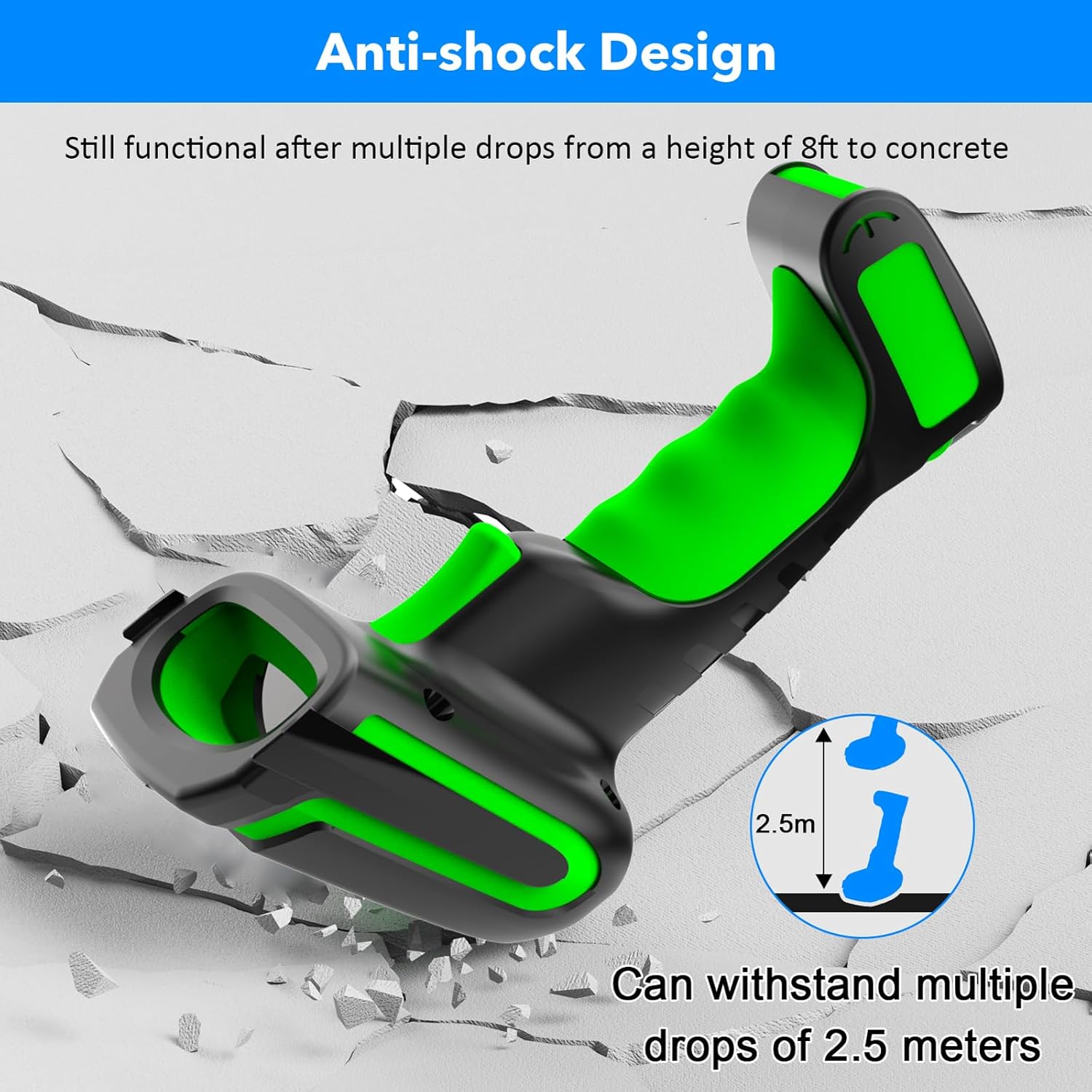
Figure 3.2: Explanation of display screen elements: 1. Time, 2. Connection status, 3. Connection mode, 4. Electricity level, 5. Store (scanned items in storage), 6. Total (total scanned items).
Storage vs. Normal Mode:
A toggle switch allows you to select between two operational modes:
- ストレージモード: When set to 'Storage', the scanner saves scanned barcodes internally. This is useful when working away from a computer. Data can be uploaded later. The scanner can store up to 10,000 codes.
- 通常モード: When set to 'Normal', scanned barcodes are transmitted directly to the connected computer or device in real-time.

Figure 3.3: Illustration of Storage mode (offline saving) and Normal mode (direct transfer).
サポートされているバーコードの種類:
スキャナーは、以下を含む幅広い 1D および 2D バーコードシンボルをサポートしています。
- 1D: UPC/EAN, UPC/EAN with Supplemental, UCC/EAN 128, Code 39, Code 39 Full ASCII, Trioptic Code 39, Code 128 Full ASCII, Codabar, Interleaved 2 of 5, Discrete 2 of 5, Code 93, MSI, Code 11, RSS variants, Chinese 2 of 5.
- 2D: PDF417、QR コード、データ マトリックス。
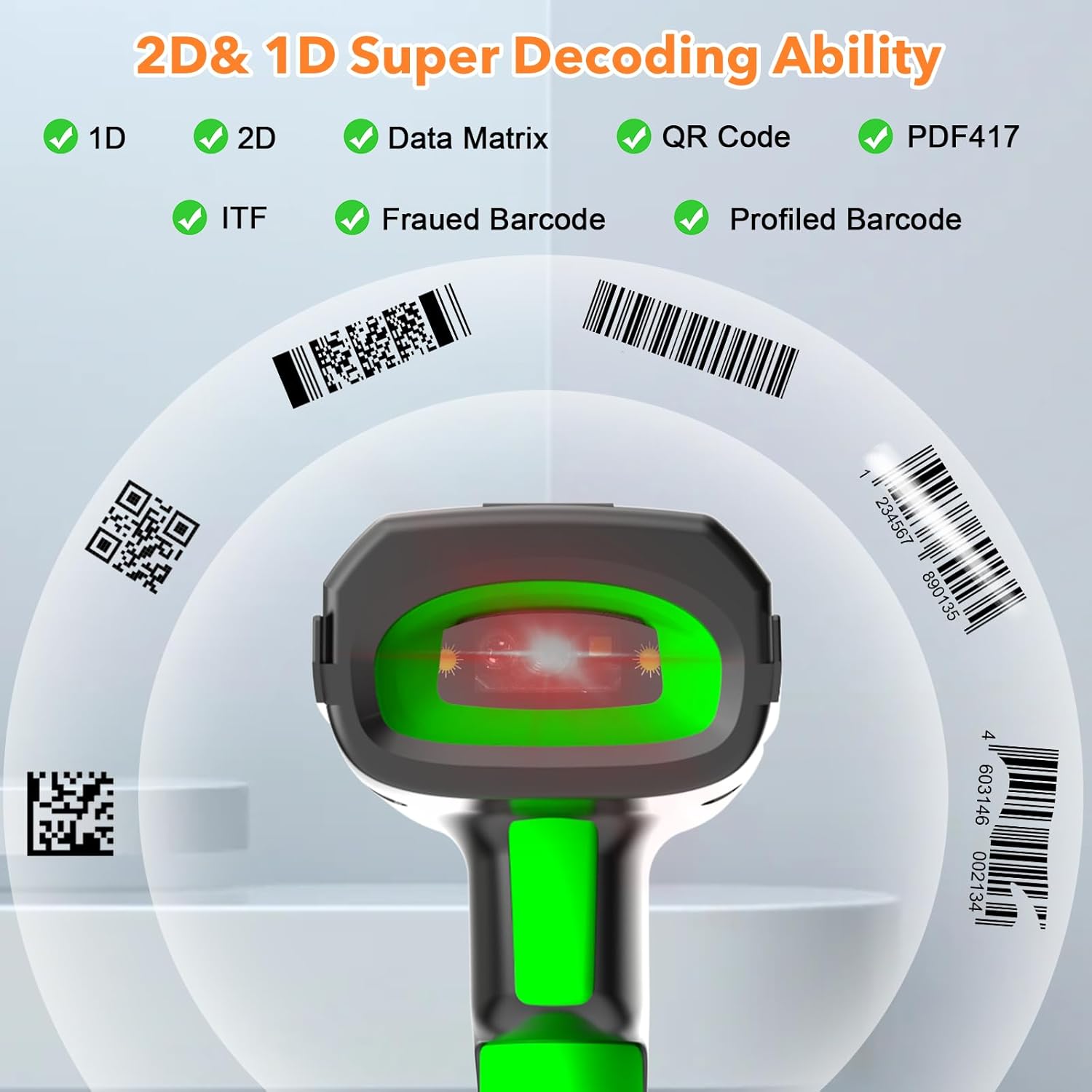
Figure 3.4: The scanner's super decoding ability for 1D and 2D barcodes.
構成オプション:
The barcode reader offers over 180 configuration options. These allow you to customize the scanning output, such as adding prefixes or suffixes to scanned data, deleting starting or ending characters, or even adding keyboard keys/combinations to the scanning operation. Refer to the detailed configuration guide (if provided separately) for advanced settings.
4. メンテナンス
クリーニング:
スキャナを清掃するには、柔らかくてamp cloth. Do not use abrasive cleaners or solvents, as these can damage the device. Ensure the scanner is powered off before cleaning.
バッテリーのケア:
The scanner is equipped with a 2600 mAh high-capacity rechargeable Lithium Polymer battery. To prolong battery life:
- バッテリーを頻繁に完全に放電することは避けてください。
- スキャナーを長期間使用しない場合は、涼しく乾燥した場所に保管してください。
- 継続的に使用しない場合でも、定期的にバッテリーを充電してください。

Figure 4.1: Battery specifications: 2600mAh capacity, 4 hours charging time, 30 hours scanning time.
耐久性:
The Symcode MJ-2023 is designed with an anti-shock construction, allowing it to withstand multiple drops from a height of 8 feet (2.5 meters) onto concrete surfaces, ensuring reliability in demanding environments.

Figure 4.2: Anti-shock design demonstration.
5。 トラブルシューティング
一般的な問題と解決策:
- スキャナーの電源が入らない: Ensure the battery is charged. Place the scanner on the charging cradle or connect via USB cable.
- スキャナーがデバイスに接続されません:
- For 433MHz wireless: Ensure the charging cradle is properly connected to your computer and the scanner is within range.
- For Bluetooth: Ensure Bluetooth is enabled on your device and the scanner is in pairing mode. Re-pair if necessary.
- For USB wired: Ensure the USB cable is securely connected to both the scanner and your computer.
- スキャナーがバーコードを読み取れません:
- バーコードがきれいであり、過度に損傷していないことを確認してください。
- バーコード タイプがスキャナーでサポートされているかどうかを確認します。
- スキャナーとバーコードの距離と角度を調整します。
- Verify the scanner is in the correct operating mode (Normal or Storage).
- スキャンされたデータが正しくないか不完全です: Check the scanner's configuration settings (e.g., prefix/suffix, data formatting). Reset to factory defaults if necessary (refer to the detailed configuration guide).
6. 仕様
| 特徴 | 仕様 |
|---|---|
| モデル番号 | MJ-2023 |
| 入力ボリュームtage | DC5V±0.25V |
| 現在(仕事) | 25mA |
| 電流(瞬間) | 95mA |
| デコード速度 | 100回/秒 |
| 無線範囲(433MHz) | Up to 600m (1968ft) unobstructed, 200m (656ft) with obstacles |
| 無線範囲(Bluetooth) | 最大15m(49フィート) |
| 電池のタイプ | リチウムポリマー |
| バッテリー容量 | 2600mAh |
| 充電時間 | 2.5時間 |
| バッテリー寿命 | 30時間 |
| ディスプレイ画面 | 1.9インチTFTカラー液晶ディスプレイ |
| 対応OS | Windows、Mac OS、iOS、Android、Linux |
| 寸法(パッケージ) | 9.65 x 4.96 x 4.06インチ |
| アイテム重量 | 1.43ポンド |
7. 保証情報
The Symcode MJ-2023 Barcode Scanner is covered by the manufacturer's standard warranty. Please refer to the warranty card included in your product packaging or contact Symcode customer support for specific details regarding warranty terms and conditions.
8. サポート
For technical assistance, troubleshooting beyond this manual, or general inquiries, please contact Symcode customer support. Contact information can typically be found on the Symcode official webサイトまたは製品パッケージに記載されています。


